It was aimed towards asset protection. So for security purposes. Now the one that would check for temperature and stuff is a different story because that needs more maintenance. I am just not sure which panel is generally a decent one to look at and battery
Solar panel at 6V should be able to charge the battery. This is a common one. Size depends on the energy rating.
Any Lithium Ion battery with nominal 3.7 volts should work. It is very common to see 18650 types also those in pouch.
I thought I heard it said something about how anything over 5v could damage the rak chip though. Is 6 ok regardless?
When you connect the 6V panel, it will still have to pass thru a diode internally so there will still be a voltage drop so it is still safe. Just make sure that 6V is the maximum you’ll have to be safe.
Also, the 6V will only go to the charging IC not on the wisblock core, etc.
You can also use 5V solar panels. There are some with USB output already so you can just hook it via USB.
Solar Panel
How is that for the solar panel and this for the battery? Battery These sizes should not be an issue
The solar panel is ok. I think I have those as well.
Battery is ok too. Just be cautious on the polarity. Not all JST connectors have the same orientation. If it is the opposite of the WisBlock Base connector, you will fry it.
How do I check to know, is there a kind or brand that is a safe bet with the polarity that will match of that size you can recommend?
If you will buy off-the-shelf or online retail, there is no way to find out until you have the battery.
There are also different sized JST connectors (as I found out!). If you have the correct size it is easy to pull the connectors out of the plug and swap them over.
1 Like
Btw, in case you are not aware.
We offer connectors that are 100% compatible on the Battery and Solar Connectors of WisBlock Base.
We do not sell batteries at the moment because of more detailed shipping requirements/regulations.
well, this is not strictly true … depending upon the GPS chip used and whether or not it’s an RTK system it’s possible to get cm accuracy.
I would posit that you can connect the RAK board up however you like: plug in a USB cable, connect it to a 12v car battery so long as you have some way of reducing the voltage, fix a solar panel to the rig and just use a rechargeable battery (with or without an external power control board)
All you really need to be aware of is the power requirement for the board
Just bought the lipo batteries and solar panels we discussed in the other thread as well as several packs of both the solar and battery threads
What do you mean? Are you saying I can get some more connectors elsewhere?
Surely I agree 
RTK will hit cm accuracy. But it is something we don’t support at the moment. Even GPS modules can have 5 feet accuracy depending on how good it is with the line of sight with the satellites and if it is going from cold start or warm start. Can be worth a try if the GPS is always on. But if it is turned off for power saving, personally, I wont be hopeful at 5 feet radius.
He is saying that there are different JST connector types. If you search JST connector in google, you’ll see that there is no one type JST but various types and forms.
your best bet is to grab the connector cables from the RAK store, because they are the correct size for the boards, as @carlrowan mentioned
I got the lipo battery working. I am trying to read if it is charging by having the battery connected and running the read battery log as shows in the pic. Can I charge this battery through usb like this and monitor to see if it gets to 100?
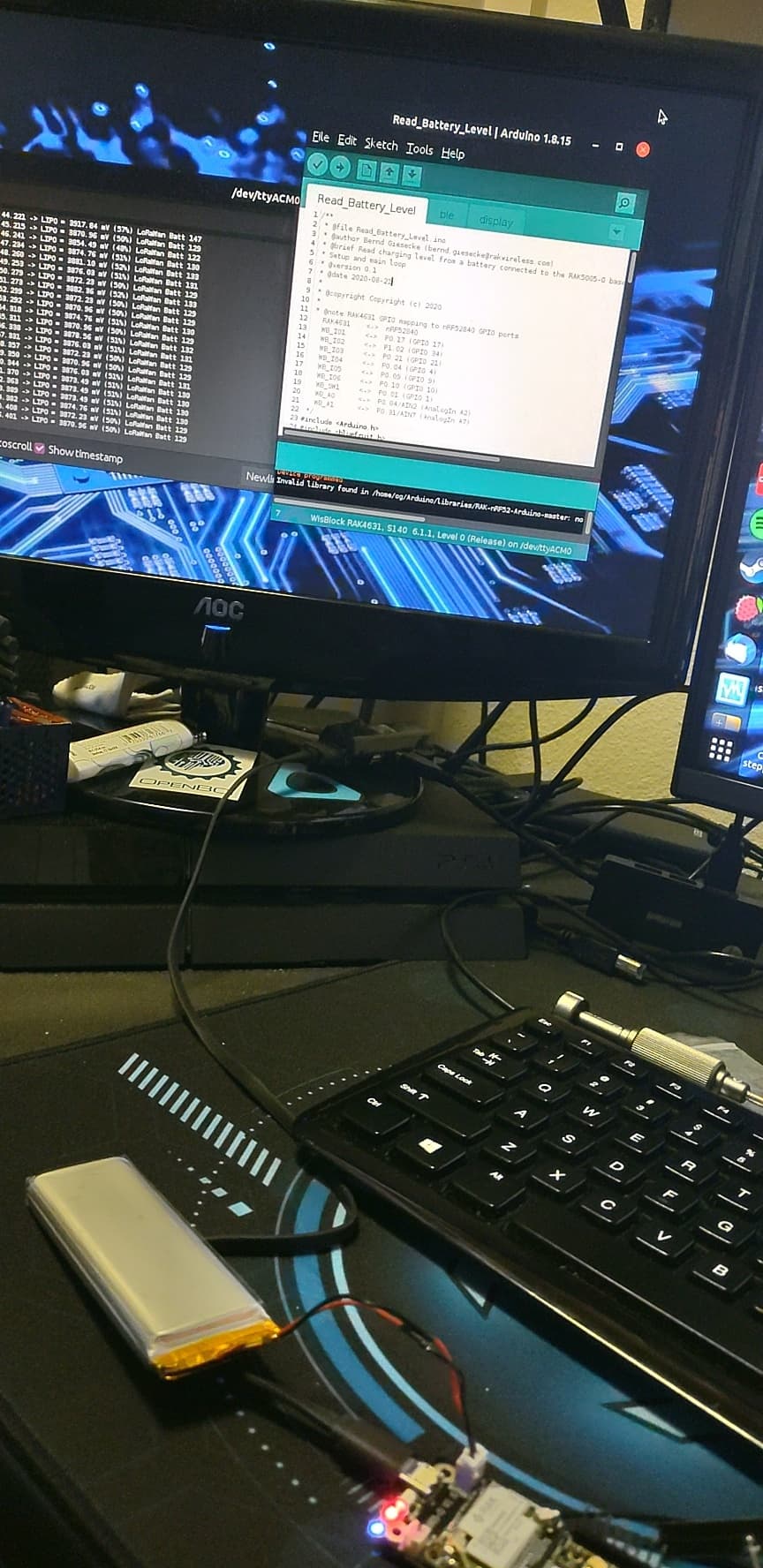
I am not sure what you are trying to show because the screen is very far but it seems you are doing it fine. Alternative is to measure the battery will multimeter if you just want to check if it is full.
1 Like
Well, I have been charging it for like 15 or more hours and it is saying it’s 75 percent charged on the log. Why is it charging so slow?
Can you check the voltage if it is 4.2V already? If it is, then it is fully charge then. You probably need to calibrate the readings in code.