It would seem it is as you suspected. I remember you mentioned the heat sink being loose. Well if we assume that it wasn’t when it shipped it must have been a bumpy ride to loosen it. So the force require to loosen the heat-sink is definitely enough to damage the board, in my humble opinion.
We are in Bulgaria and it is the same here. We are trying to make LoRa popular and available for everyone. Import taxes are high, customs taxes are high. People are not interested, they do not care to provide funding. honestly it is so backward and terrible I do not want to talk about it.
But I digress. To get back to your case. I think it is best to talk to a RAK representative, if it would be possible to get another unit. The console cable is not such a big Issues you get get one easily, however the documentation for what comes next might take more time to get than shipping a new Gateway.
This is my recommendation, ans as such it is not the official RAK statement. I wish you luck.
Ah so you have the old RAK833. I thought you had the RAK2247. Yes it supposedly a lot better. We have the RAK2245 which has similar design with the new heat-sink line. It is indeed a lot cooler than the old RAK831 so I expect the same will be true for the RAK2247 ovet the RAK831
And as soon as I have some docs about the console interface I will let you know. I have a First Time Setup document for the RAK7258, however it is safe to say that at this point it will not be of much use to you.
One is related with the Vale a Multinational Brazilian Mining Company. By Vale i was in Amsterdan where I knew @kinsonchan in the TTN The Things Conference. At Vale we are develop large Industrial Environments with LoRa.
A personal research to help Brazil and my state Rio de Janeiro, to develop IoT. I work with a group called Serratec.org to develop Smart Cities with IoT
You already have my Linkedin Contact, and every time that I can, because I have 3 childrens to take care , I am writing some articles to encorage people to go by IoT way.
I think you can refer to the same document I sent you last time:
It should be in the folder in the above link
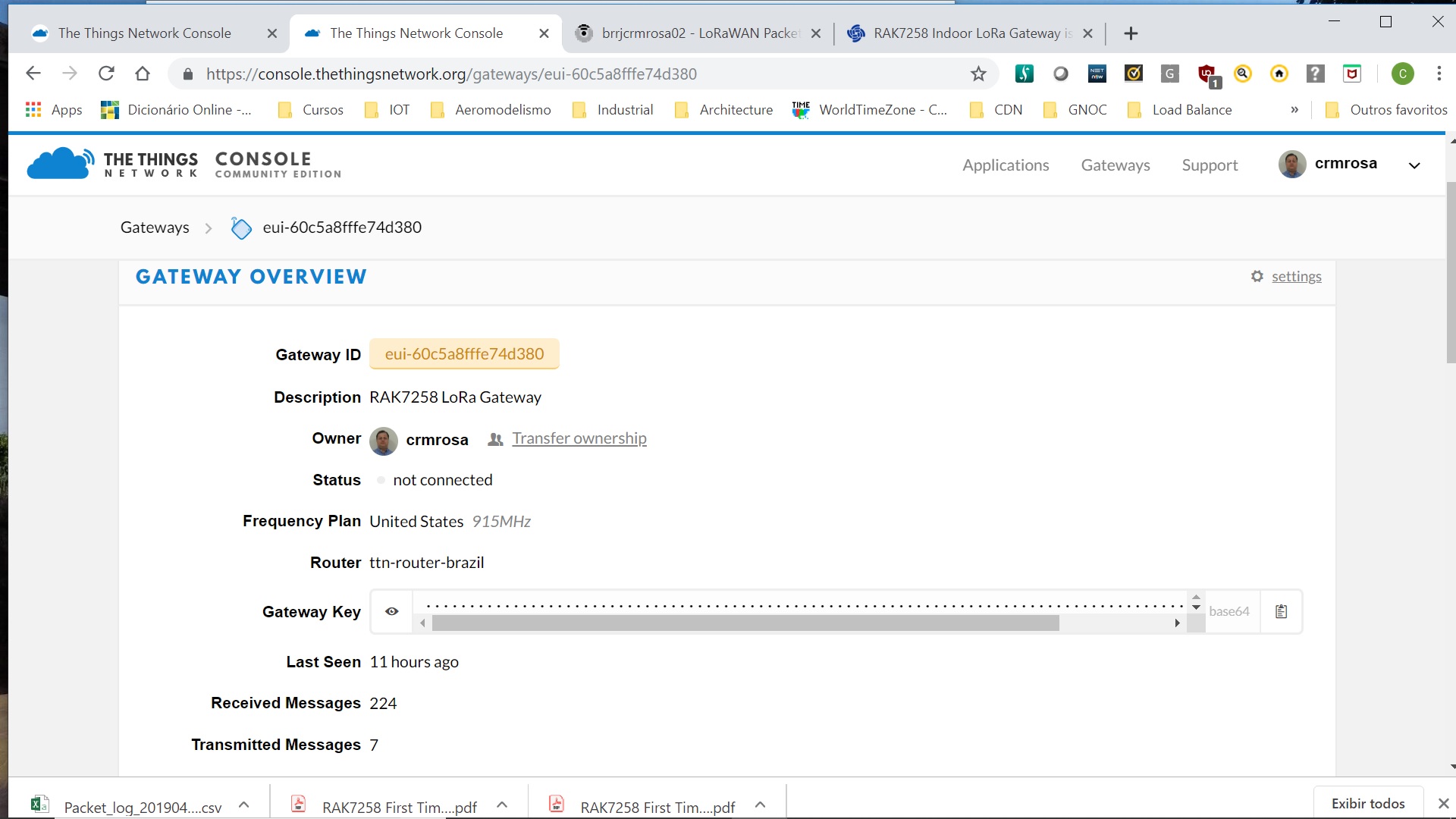
If I am not mistaken there are the instructions for TTN. It is a very straightforward process really. You just need to copy the EUI from the lorawan tab in the web interface and use it when registering the gateway with ttn. Everything else is just standard.
Hm…
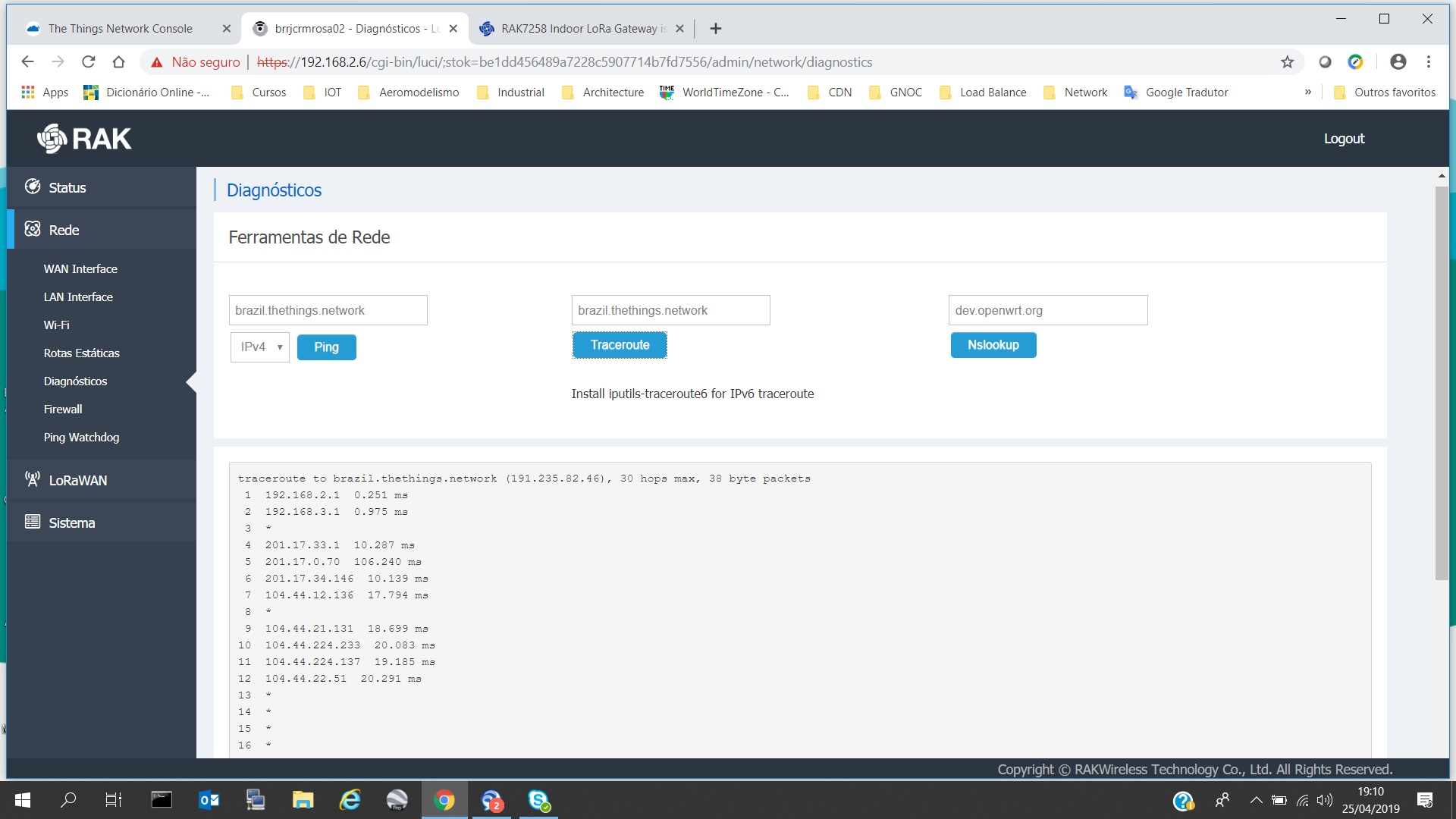
What about trying another TTN router.
I don’t suppose you have a LoRaServer somewhere you can redirect the gateway to
Honestly it seems as a TTN issues. OR I simply can’t figure out what is the problem as it is not that obvious. We will get a couple of heads together tomorrow and brainstorm it.
Indeed perhaps is some error with the old eui still bei g registered or something. Honestly never seen this happen before
Still good you managed to solve it.