RAK831 Pilot gateway to listen and receive data packets from Pycom Lopy4 Node

Hi @Hobo @Fomi
I installed the RAK831 Gateway as per the manual and the built in loRa server is installed.

I used the micropython code for the Lopy4 node mentioned below:

main.py – put your code here!

from network import LoRa
import socket
import binascii
import struct
import time

LORA_FREQUENCY = 915000000
LORA_NODE_DR = 5

initialize LoRa in LORAWAN mode.

Please pick the region that matches where you are using the device:

Asia = LoRa.AS923

Australia = LoRa.AU915

Europe = LoRa.EU868

United States = LoRa.US915

lora = LoRa(mode=LoRa.LORAWAN, region=LoRa.AU915)

create an ABP authentication params

dev_addr = struct.unpack(">l", binascii.unhexlify(‘2601147D’))[0]
nwk_swkey = binascii.unhexlify(‘3C74F4F40CAEA021303BC24284FCF3AF’)
app_swkey = binascii.unhexlify(‘0FFA7072CC6FF69A102A0F39BEB0880F’)

remove all the non-default channels

for i in range(0, 72):
lora.remove_channel(i)

set the 3 default channels to the same frequency

lora.add_channel(0, frequency=LORA_FREQUENCY, dr_min=0, dr_max=5)
lora.add_channel(1, frequency=LORA_FREQUENCY, dr_min=0, dr_max=5)
lora.add_channel(2, frequency=LORA_FREQUENCY, dr_min=0, dr_max=5)

join a network using ABP (Activation By Personalization)

lora.join(activation=LoRa.ABP, auth=(dev_addr, nwk_swkey, app_swkey))

create a LoRa socket

s = socket.socket(socket.AF_LORA, socket.SOCK_RAW)

set the LoRaWAN data rate

s.setsockopt(socket.SOL_LORA, socket.SO_DR, LORA_NODE_DR)

make the socket non-blocking

s.setblocking(False)

for i in range (200):
pkt = b’PKT #’ + bytes([i])
print(‘Sending:’, pkt)
s.send(pkt)
time.sleep(4)
rx, port = s.recvfrom(256)
if rx:
print(‘Received: {}, on port: {}’.format(rx, port))
time.sleep(6)

The above code is obtained from the Github. The node seems to send the packet but I don’t receive anything in the gateway. Your help would be appreciated. Or if you can guide me a simple code to run at the node to see if I can receive the packet in LoRa built-in server.

Sorry as I am very new to the subject.

Thank you
Hi @Sonam,

How do you know the Node is sending the code and the Gateway ins not receiving it. Show me the gateway logs, the node serial output, etc.
Furthermore, why is this done ?

set the 3 default channels to the same frequency

lora.add_channel(0, frequency=LORA_FREQUENCY, dr_min=0, dr_max=5)
lora.add_channel(1, frequency=LORA_FREQUENCY, dr_min=0, dr_max=5)
lora.add_channel(2, frequency=LORA_FREQUENCY, dr_min=0, dr_max=5)

Seems you are setting the node to operate at the same frequency at the 3 default channels, this is to my knowledge not a good practice.

Regards
Vladislav

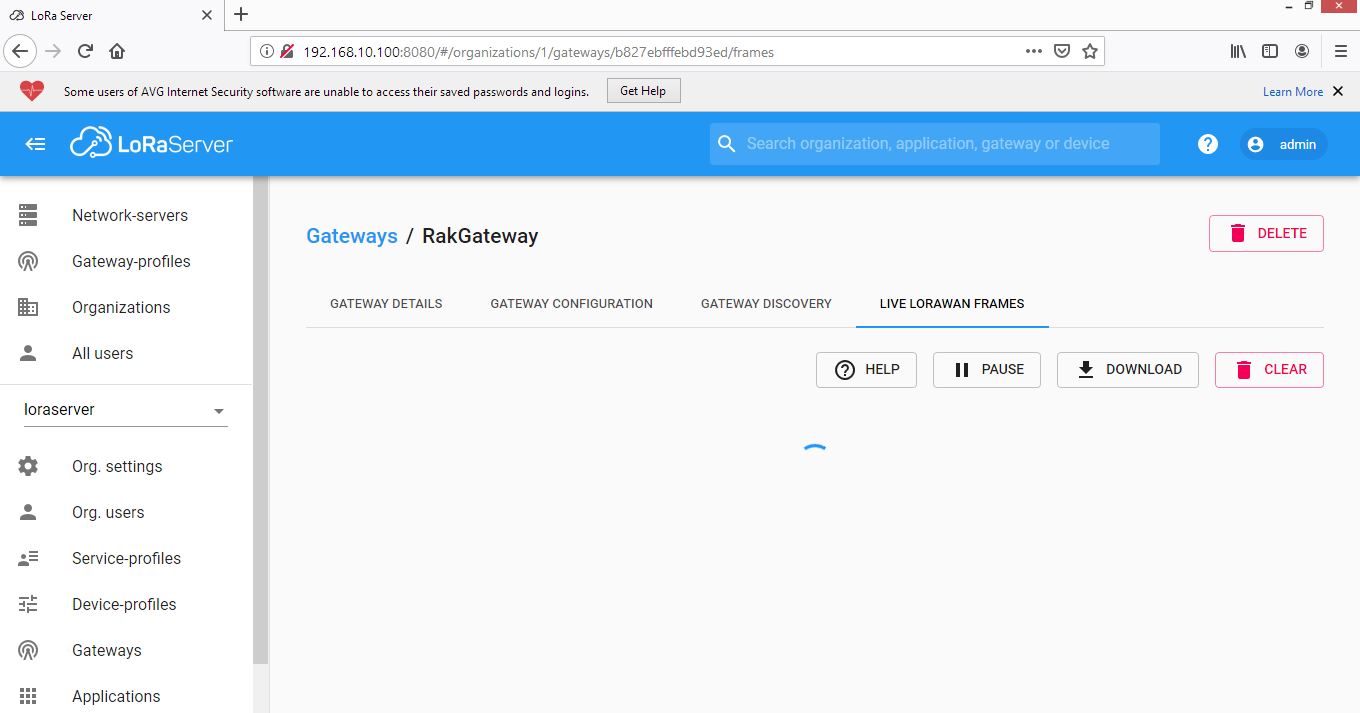
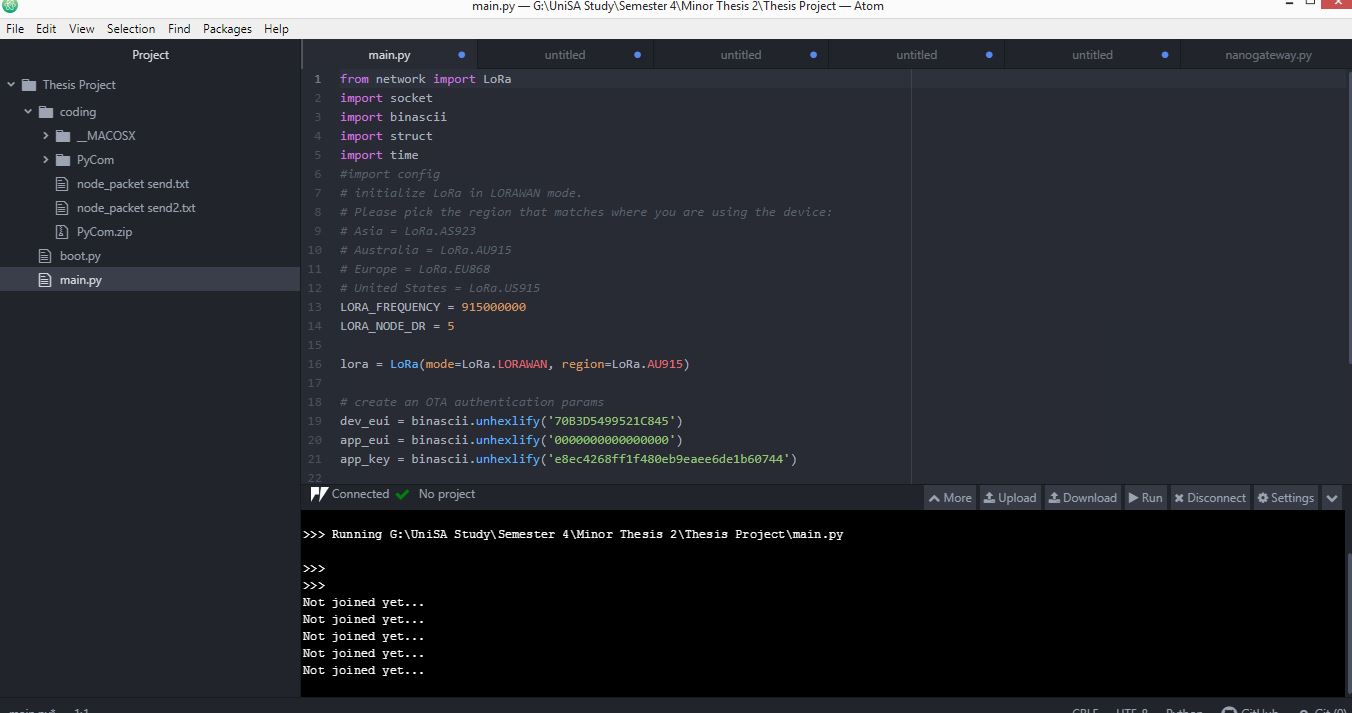
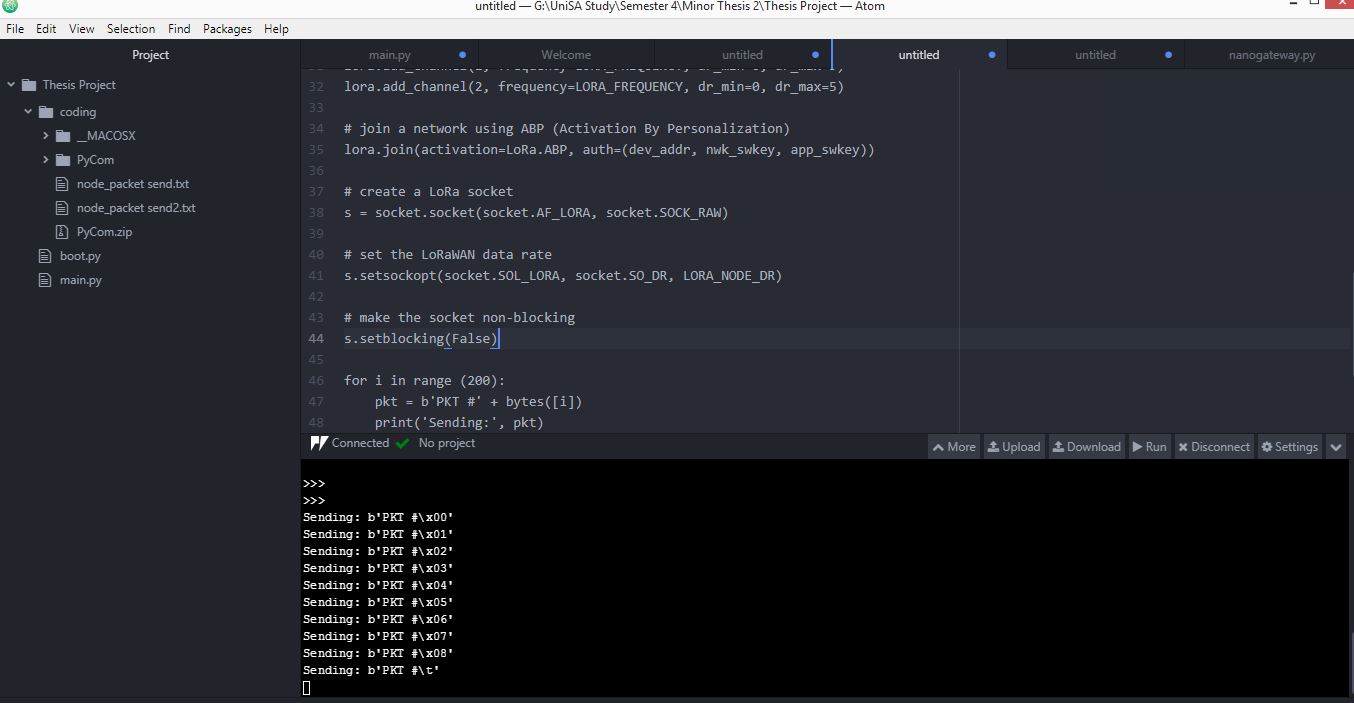
As shown in the screenshot below where the node output shows sending packets, I thought the node is sending some data.

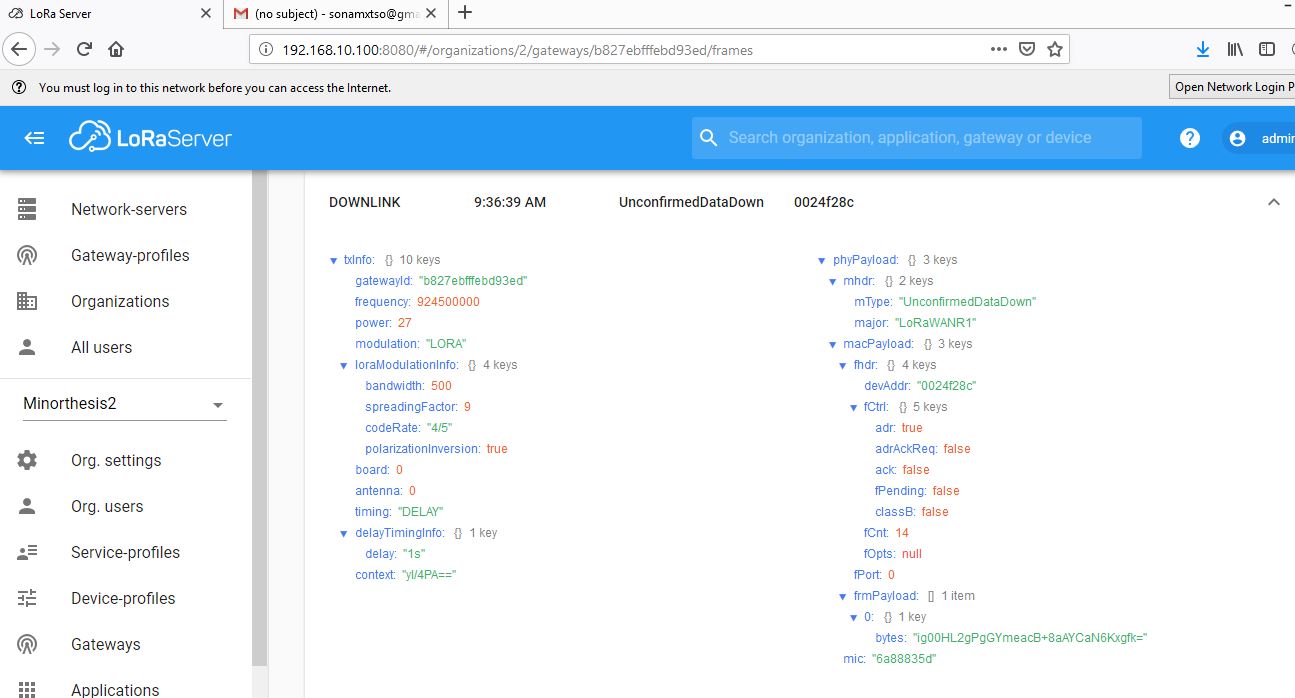
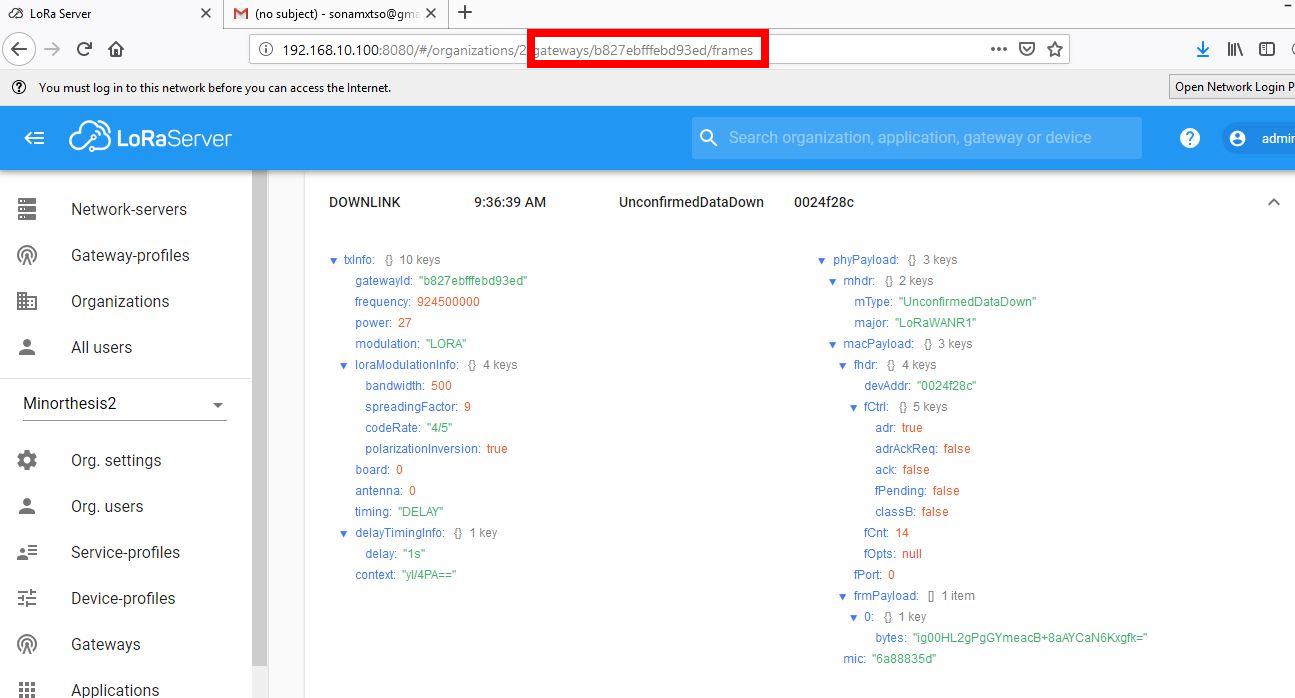
And at the Lora Gateway page (attached), I could not see anything and thought the Gateway is not receiving any packets.

My mistake with the program, we don’t need more than one channel in one frequency. We can assign only one channel.

Meanwhile, I also have a question. Do we have to do some configuration in the Lora built-in server page? I obtained the built-in server page by entering the IP address:8080 and then logged in but did not do any changes.

Thank you

Hi @Sonam,

You need to configure your devices(Gateway, node), profiles, applications, etc.
This might be a good start to read through to gain a bit more understanding?
https://www.loraserver.io/lora-app-server/overview/

Regards
Vladislav

@Hobo @Fomi

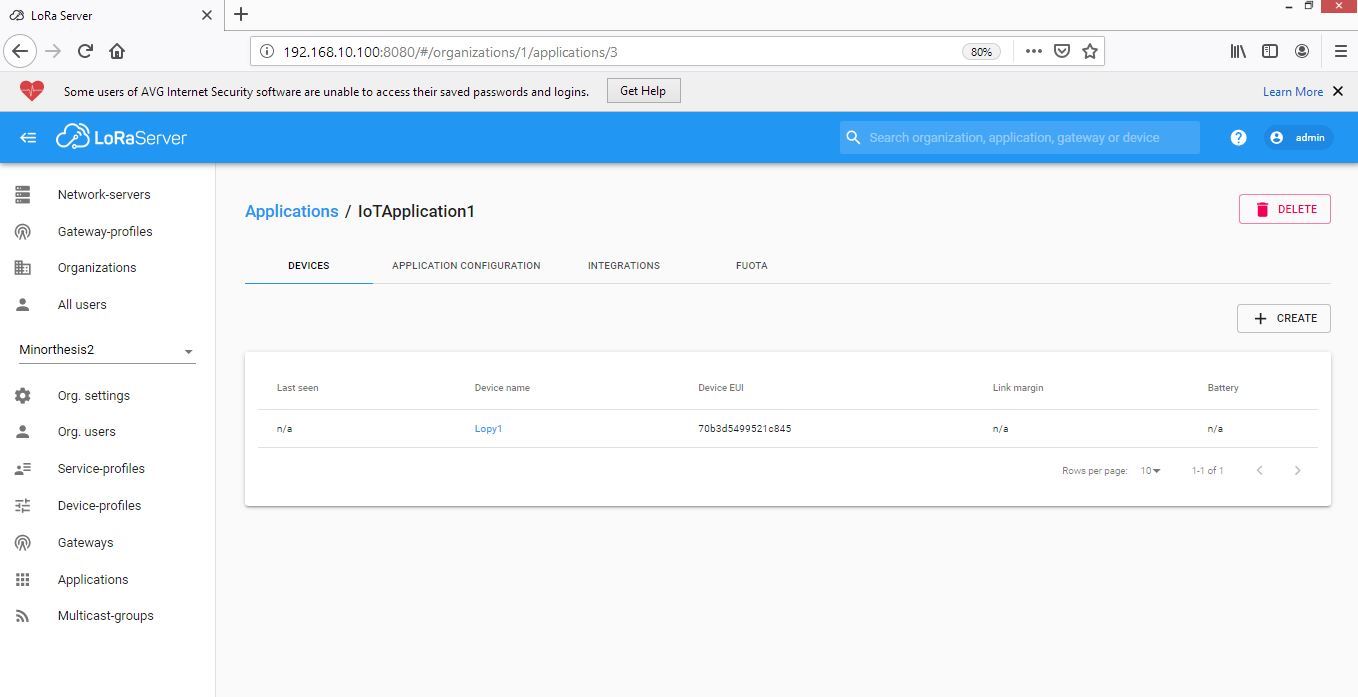
Thanks for the advice. Anyway, I tried to configure the Lora built-in server and I can see the Gateway status as shown “a few seconds ago” but when it comes to the device, it shows as “n/a” in the status of a device profile (attached the screenshot below).
I also tried to send the join program from the node but it shows “not joined yet”.

Can you please advise?

Thank you


Hi @Sonam,

Are you sure the Dev EUI, App, EUI, and App Key are the same in the node code and in the LoRa Application Server. Furthermore what join methot did you choose in the node profile, which one is used in the node code ?

Regards
Vladislav

@Hobo

Yes. I did check. But one thing, when I configure, I did not find any slot where I can generate or get the App EUI.

The join method is OTAA.

I could get the Gateway EUI, Device EUI, and App Key and all are correct in the server as well as the node program. I also referred to the video link https://www.youtube.com/watch?v=np4rIQ_teR4

Thank you

Hi @Sonam
What min and max DR you set in LoRaServer device profile tab?
Please set them to min DR 2 and max DR 6. And change the Py code to LORA_NODE_ DR = 3
And try again.

Regards
Todor Velev

@velev @Hobo @Fomi

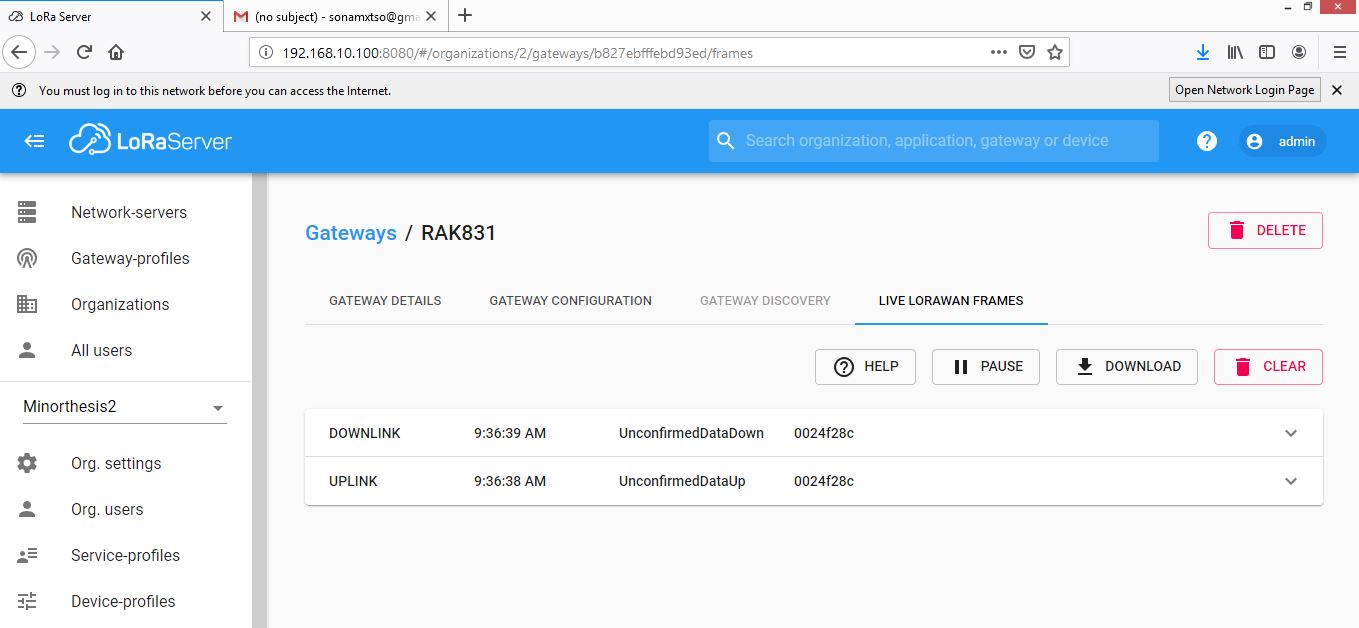
Somehow now I could connect my 3 number of Lopy4 node to the RAK831 Pilot Gateway. I configured the Lora built-in server and I used the join method as ABP. I still could not join through OTAA. Through the ABP I can also see the downlink and uplink data in the Live Lorawan Frame.

I now have to also try and see whether I can send some data from the RAK831 Gateway to my nodes. Any guidance on how should I do that? Do I have to write the codes in the Gateway? Please help me.

Thank you

Hi @Sonam,

You needn’t to write code in the gateway for sending data from gateway to node.
Actually, you just need to send data from built-in loraserver web page.:slight_smile:

Thank you. :slightly_smiling_face:

I still lack the understanding and I have to read more. :slightly_smiling_face:

Actually, I now intend to control the nodes through my built-in server. For instance, the node will not be required to send the temperature data or any scaler data periodically where the node can go in sleep mode and save the battery consumption. The built-in server will control the node and awake the node to send the scaler data whenever I need. So, I feel we may have to program server. Or do we have to write codes at the Lora-server-side?

Thank you

Thank you

Hi @Sonam,

I don’t think that you need to write codes in loraserver side, actually, loraserver can send any downlink data including control commands, but if you want to control LoRa nodes from loraserver side, you should write codes in LoRa node side, especially awake LoRa node because when it sleeps, it doesn’t connect with your loraserver.

Hi. Sorry for again returning into the same task. I have recently started to get the problem while decoding the data received in the Lora Built in Server.

Actually I am sending the ‘Hello World’ message from my Lora node and the Lora Built-in Server Application shows that I am receiving the message. However, when I decode the bytes (using the base64 decode) that I received in the Lora Built-in Server, it does not give me “Hello World” each time I send the data from the Lora node.

My code in the LoRa node is mentioned below:
from network import LoRa
import socket
import binascii
import struct

LORA_FREQUENCY = 915000000
LORA_NODE_DR = 3
lora = LoRa(mode=LoRa.LORAWAN, region=LoRa.AU915)
dev_addr = struct.unpack(">l", binascii.unhexlify(‘0024f28c’))[0]
nwk_swkey = binascii.unhexlify(‘fce40d8e91545d50e2f914022f66a0cb’)
app_swkey = binascii.unhexlify(‘c003d97951bf56d7e1ec8d8f0f9d2cee’)

lora.join(activation=LoRa.ABP, auth=(dev_addr, nwk_swkey, app_swkey))
s = socket.socket(socket.AF_LORA, socket.SOCK_RAW)
s.setsockopt(socket.SOL_LORA, socket.SO_DR, LORA_NODE_DR)
s.setblocking(False)
s.send(‘Hello World’)

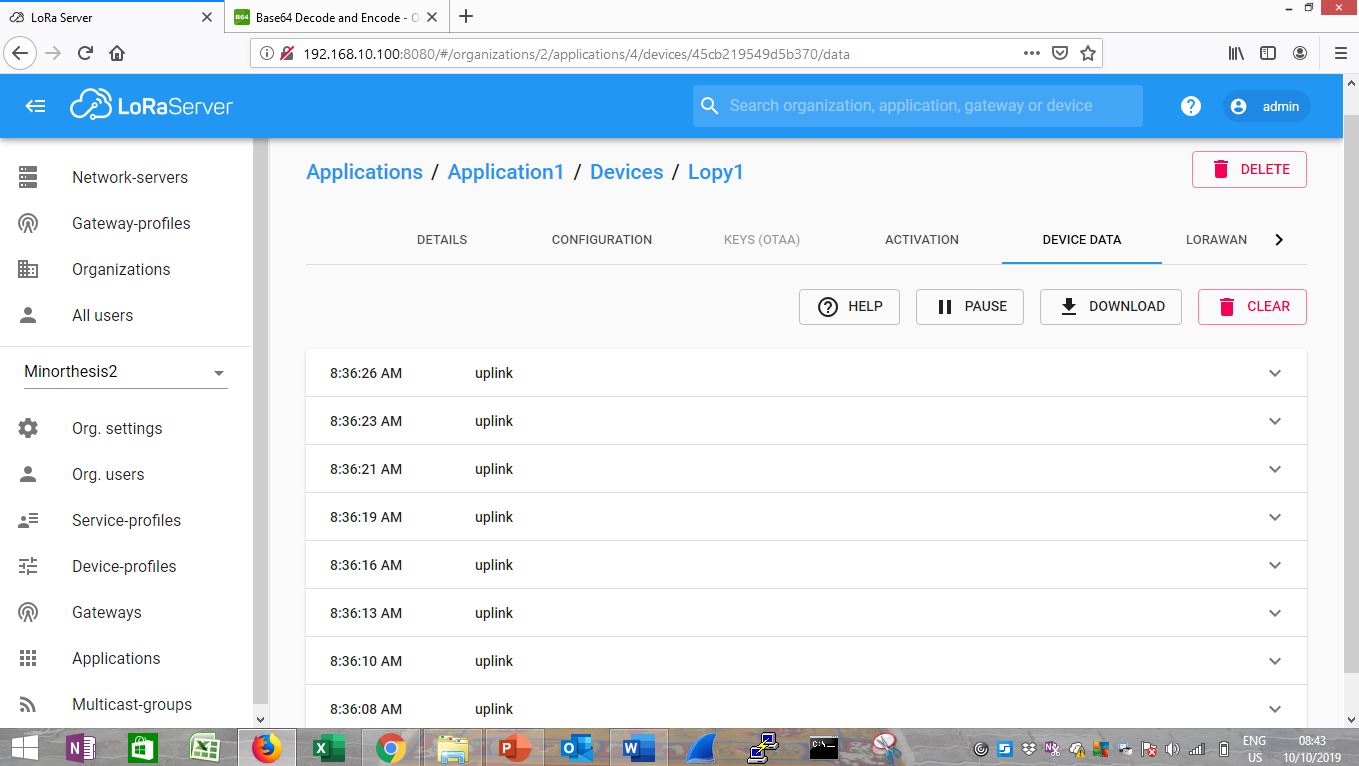
The screenshot of the data obtained in the Lora Built-in Server is also attached;

Would appreciate if you help me to advise on the solution.

Thank you
Sonam


@Sonam

You should not view the information on the gateway page because the information on the gateway page is encrypted.

You should view the information on the node’s page. The information on the node page is only base64 encrypted.

Thank you @ZhuQI Got it.

Meanwhile, rather than to copy the base64 encrypted message from the node page and paste it in the base64 converter, any advice if we can directly program within the built-in server to extract the original message? And also any advice on how we can control the node from the server to send the data whenever we want? Your help would be much helpful.

Thank you

@Sonam
In rakwireless, no impossible.
1.To get web data through the server, we can use mqtt.
Ssh login to the gateway, use the following command.
mosquitto_sub -t ‘application/#’ -v


The “data” part is the data sent by the node, but it still needs base64 decoding.
You can also use the mqtt subscription to get node data in your code.In python you can use the “paho.mqtt.client” library.

2.Loraserver sends data to the node, you can refer to the following document:

@ZhuQI Thanks for the reply. It helped a lot. Meanwhile, I need some more help.

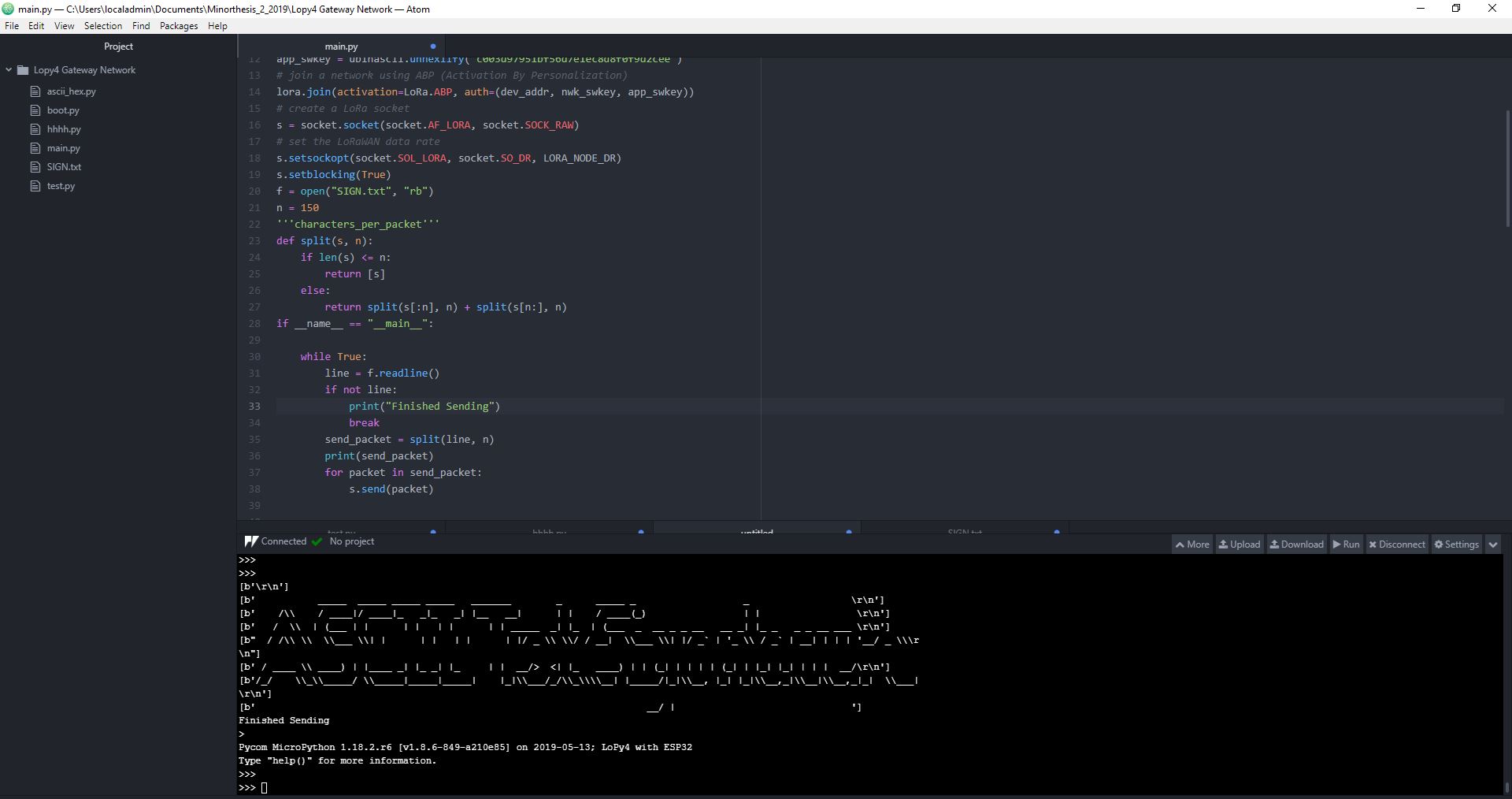
Actually, I am doing a task where I am sending ascii text from lopy4 node to the RAKwireless lora built-in server. I have broken down the ascii text into many packets and sending. I could receive the packets in the lora built in server but now I am left with how to reconstruct/rearrange these packet back into the original ascii text and I am left without much idea how to do that. If you and other experts can share me some idea and help me please.

Would appreciate your advice.

Thank you

Suppose the node wants to send a 22-byte text "Hello lora! Hello Rak!". The node sends 3 bytes of text each time.

The node sends the total length of the text (22) to the server for the first time.
The second time the node sends the data format as follows
"13Hel"
"1" indicates the first packet data
"3" means carrying 3 bytes of data
"001" takes the first three bytes of 22 bytes.

The third time the node sends the data format as follows
"23lo "
"2" indicates the second package data
"3" means carrying 3 bytes of data
"lo " took the second three bytes of 22 bytes.

The last node sends the data format as follows
81!
"8" indicates the 8th packet of data
"1" indicates that 1 byte of data is currently carried.
"!" takes the last byte of 22 bytes.

Maybe you need to add some other instructions in the packet.
I don’t know if my understanding and practices are correct.

Thank you for the concept.

Hi @Fomi @velev @Hobo, again and apology for bothering again and again.

I am bit confused on how to reconstruct back the ASCII characters into original ASCII file in LoRa Built-in server which was sent as a lora packets from LoRa node.

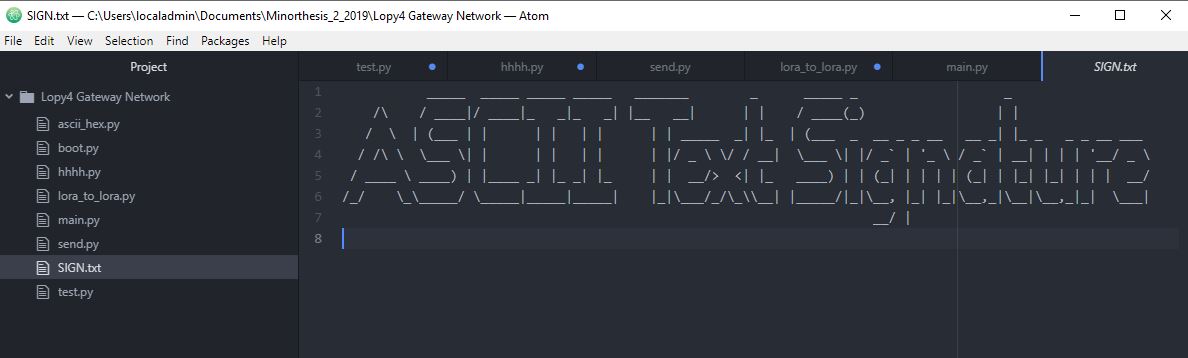
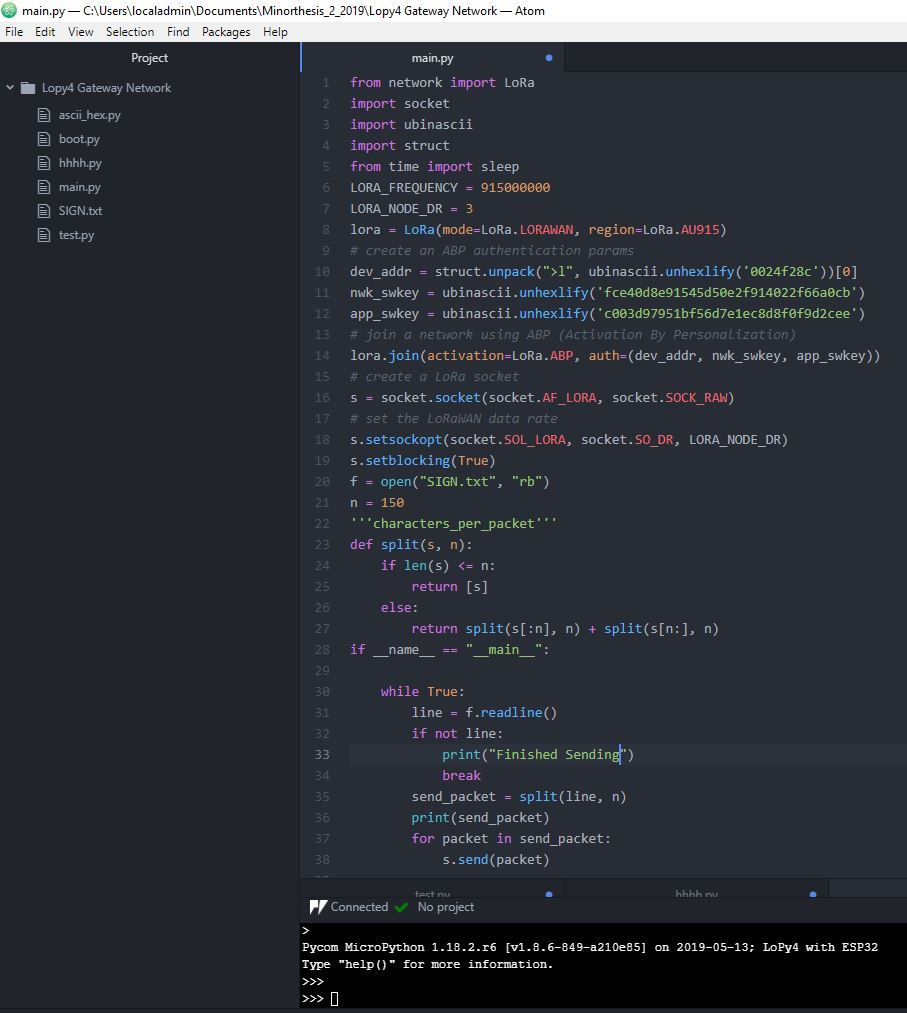
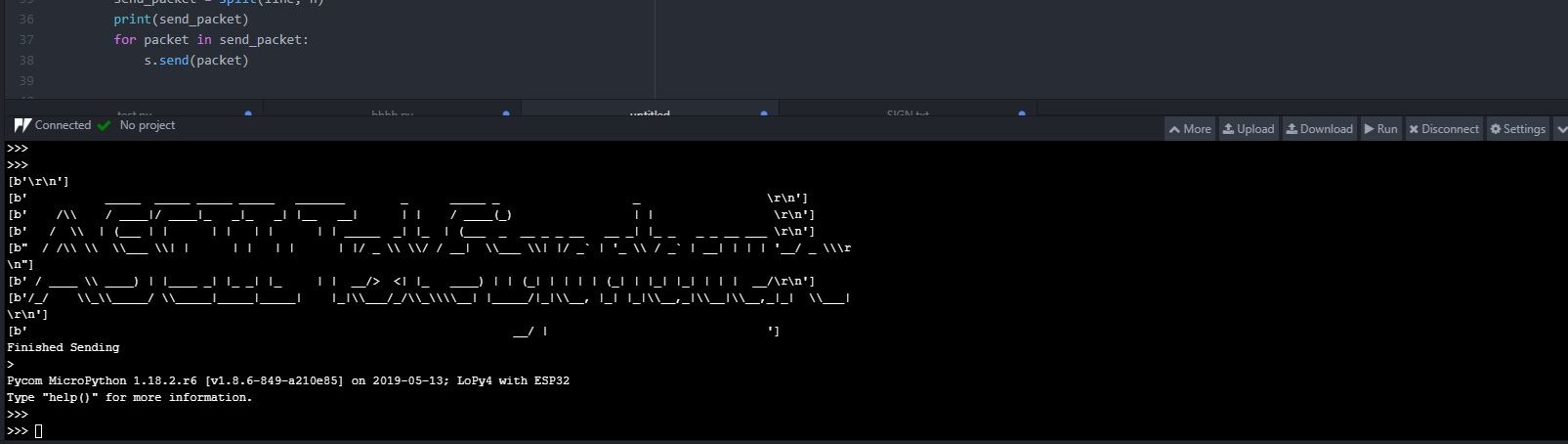
Actually at the LoRa node, I did split the ASCII txt (attached ASCII_txt and program) into line by line (to make it easy to reconstruct later in Gateway/LoRa server) and then sent to RAK831 Pilot gateway as lora packets. I did receive the sent LoRa packets in LoRa Built-in server, however, I received the lora packets of split ASCII characters in base64 (attached Device_data) and that also in split packets.

However, I would prefer the reconstructed original ASCII characters to appear as a complete original file in the LoRa built-in server page rather than just the page showing numerous device-data uplink packets.

Would appreciate your advice on how to go about in making the reconstructed ASCII character appear like original ASCII txt which was sent from the LoRa node.

In some research, they used to transfer all the data received at the Gateway to PC and reconstruct/recombine the received individual data packets back to original ASCII or image using MATLAB or any other program. But here, I firstly, did not know how to send all lora packets received in Gateway/LoRa Built-in Server to PC to reconstruct nor how to reconstruct back to original whole ASCII file in Application Server itself.

Therefore, need your advice please