After updating 7268V2C packet forwarder gateways to 2.2.14 I sometimes get the same blue heartbeat as before the update, and sometimes it throbs green after the update. What does the green heartbeat indicate?
Hello @Amelia244,
Can you upgrade WisGateOS 2 to 2.2.15? The breathing LED should be blue by default.
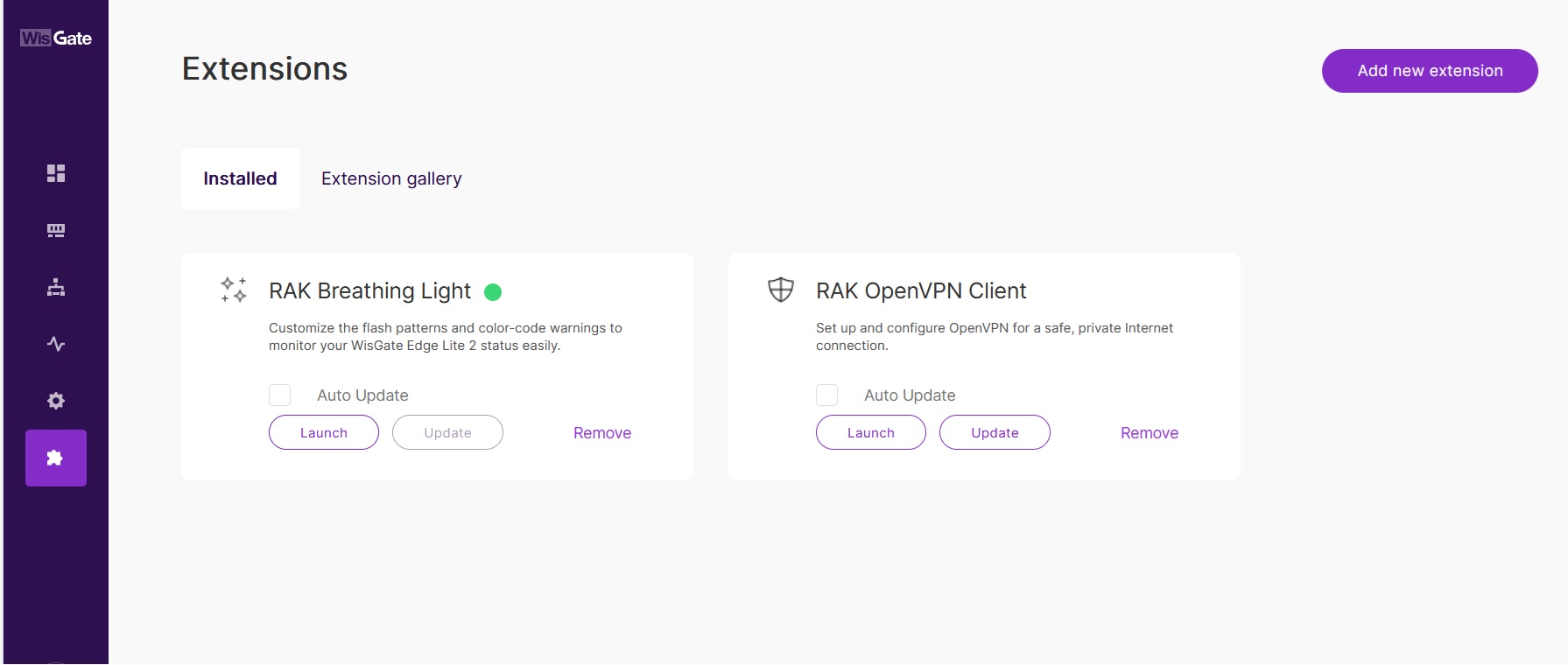
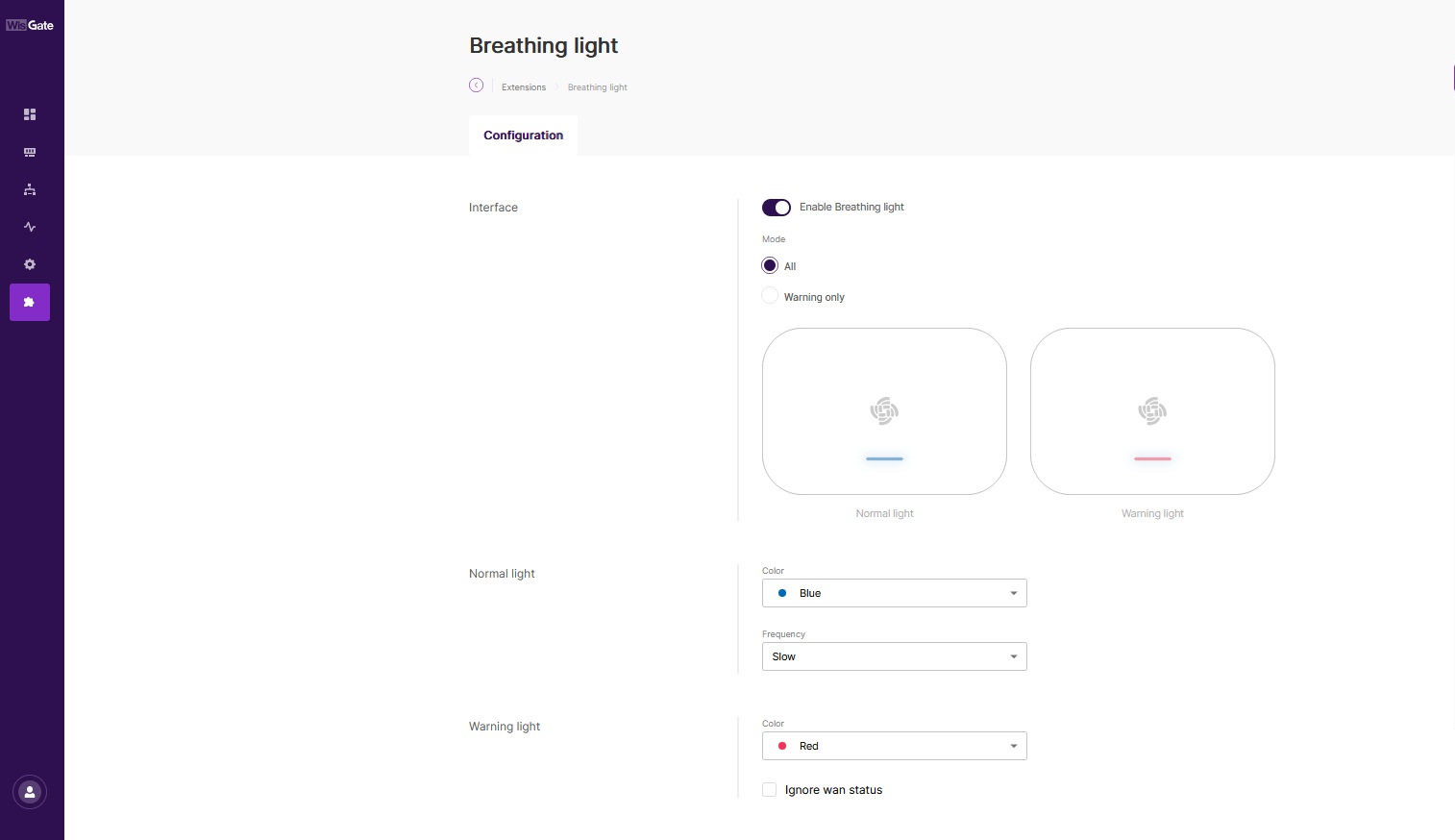
The blue light on the breathing LED means everything is good. And you change colours using the extension for the breathing light. More about the extension and how to install it and use it can be found here: WisGateOS 2 Extensions | RAKwireless Documentation Center
Done. No change. Tried connecting to wifi as first priority instead of eth. Get Blue breathing light. Problem seems confined to eth and cell connections. Verified gateway does have internet over eth and cell. What does the green breathing light mean?
The gateway had the blue breathing light prior to updating to 2.2.14.