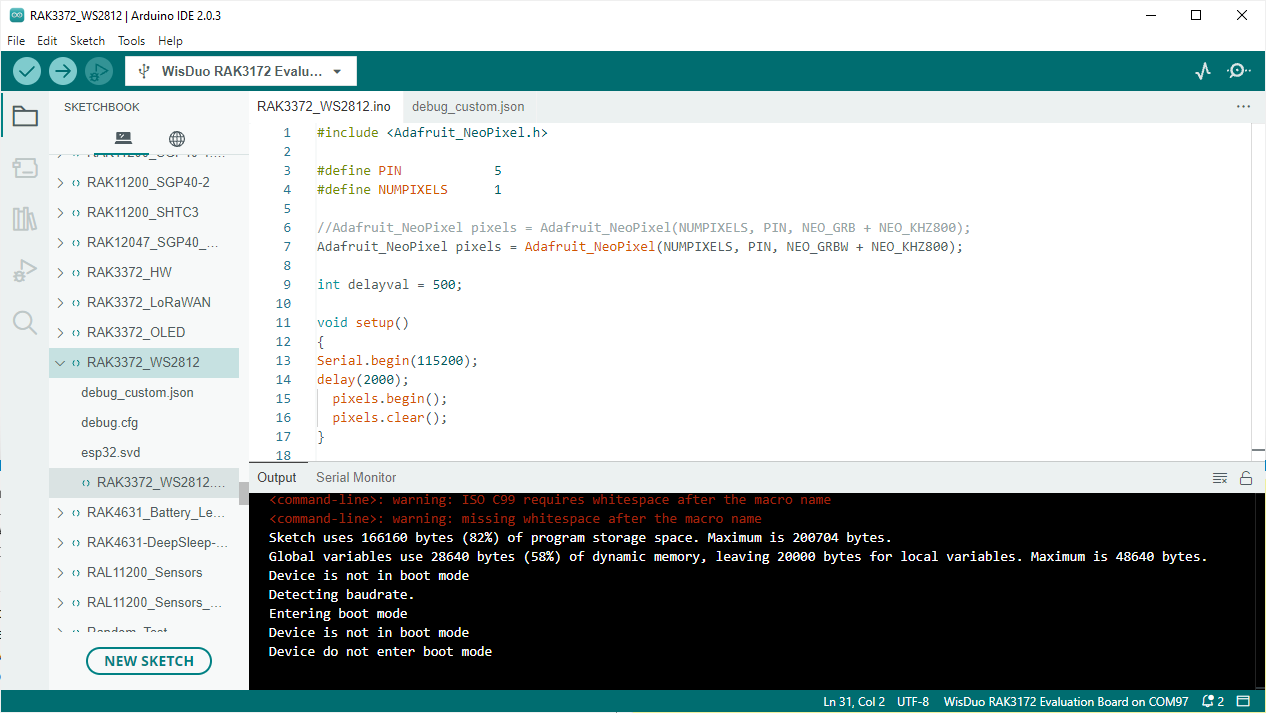
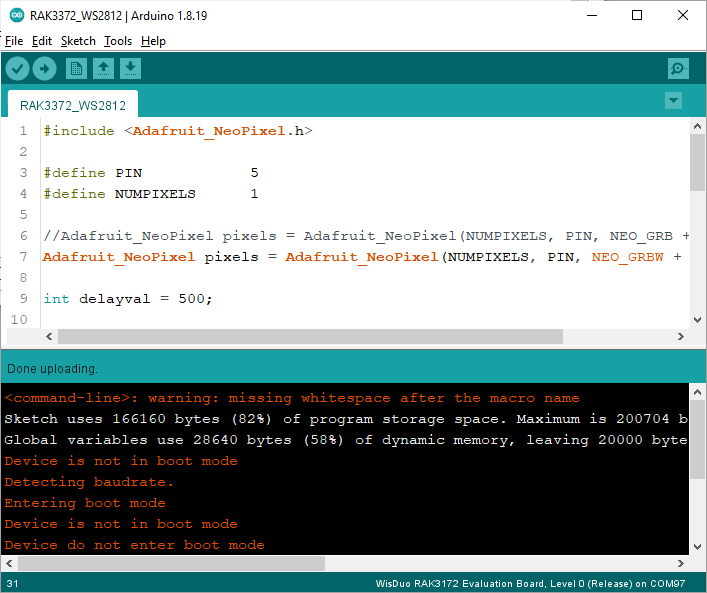
I am working on an Environmental Sensor w/ RAK3372 and have after some days the boot mode error.
The firmware should be ok.
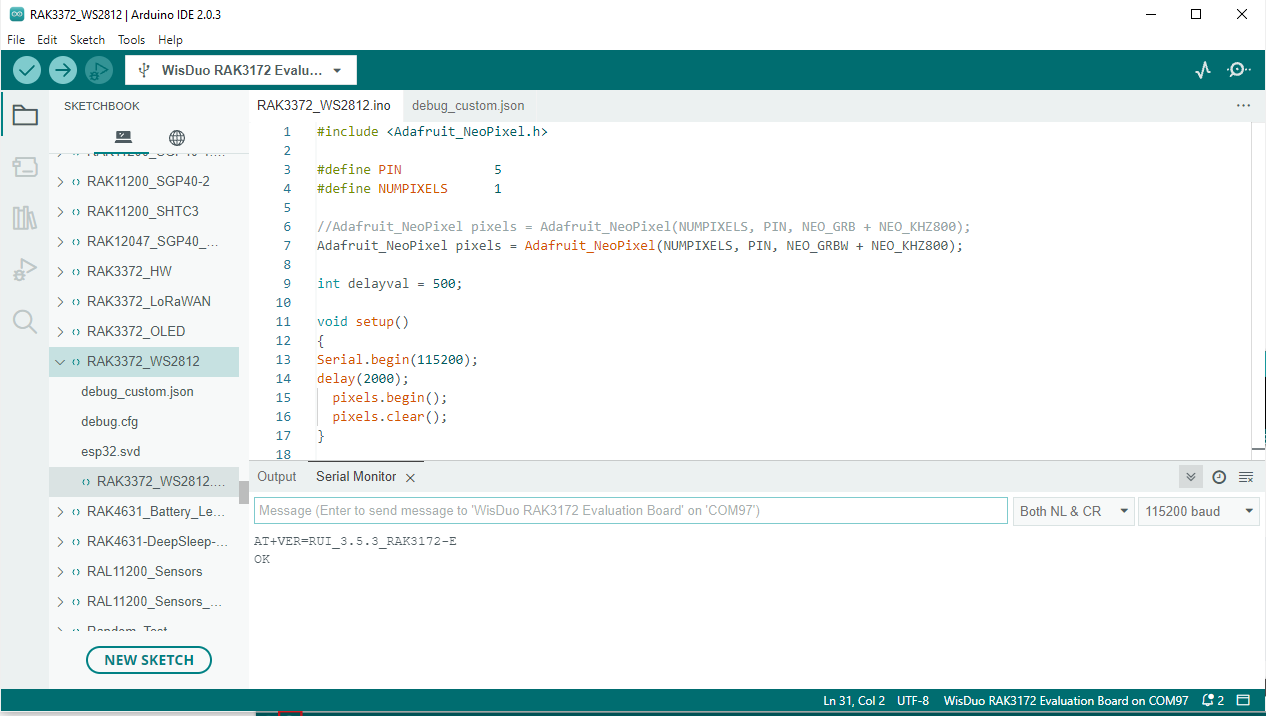
double click to reset does not work to get boot mode.
What can I do to go further?
I am working on an Environmental Sensor w/ RAK3372 and have after some days the boot mode error.
The firmware should be ok.
Hi @ckuehnel ,
Do you know what firmware version on RAK3172 module you have? You can try to execute at+run or AT+RUN to exit boot mode.
FW 3.5.3 as you can see in my first screenshot.
I have to go into Boot Mode for upload, not exit from Boot Mode.
Hi @ckuehnel ,
I misunderstood. For entering to bootloader mode, you need to input AT+BOOT. Is the situation the same for other boards (if you have any extra)? Also, will it be possible if you try to the legacy Arduino IDE 1.8.x?
Hi Carl
I switched to Arduino legacy and tried AT+BOOT. There is no change.
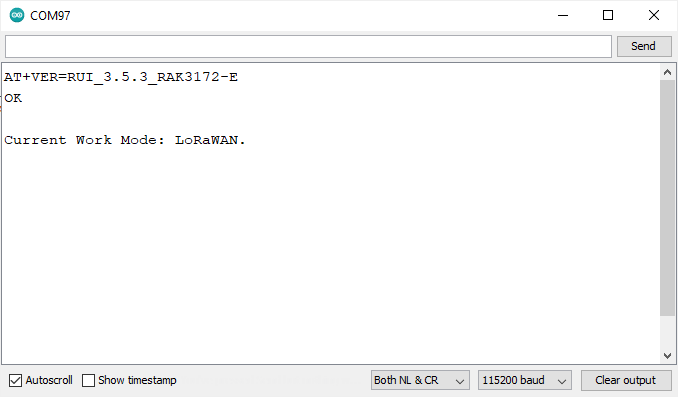
On RAK4631 I had the same problem - unsolved yet.
Is there a problem with RUI. With the standard controllers I had not this problem.
Hi Carl
Any idea to my issue?
BR Claus
Question? How is J10-Pin1(Boot0) pulled low? Doesn’t it need to be for RUI3 to run?
Hi @ckuehnel ,
I haven’t encountered this issue before. I will suggest to make full erase on RAK3372 by using STM32CubeProgrammer then upload the RUI3 version 3.4.11 .hex from here (also using the STM32CubeProgrammer). The hex file contains both bootloader and application code of RUI3 (this will be a clean slate for the module). With regards to STM32CubeProgrammer, we have a instructional guide for that. Important to connect BOOT to VDD when doing these steps which is easily accessible in WisBlock Base board. If it works fine, maybe you can proceed on testing and see if boot mode response issue will occur again. RUI3 v3.4.11 is more stable than 3.5.3.
Hi @pmjackson ,
The BOOT pin is ok to be left floating if STM32 UART bootloader will not be used.
Hi Carl
Thank you for your feedback. I will download STM32CubeProgrammer and follow your instructional guide.
Now, these are the versions installed.
AT+VER=RUI_3.5.3_RAK3172-E
OK
AT+CLIVER=1.5.7
OK
AT+APIVER=3.2.2
OK
I will follow your hint and will install RUI3 v3.4.11.
Will give feedback afetr installation.
Best, Claus
Dr. Claus Kühnel - Talstr. 13b - CH-8852 Altendorf
Mobile +41-76-3960801
– Aus dem Rheinwerk-Verlag: Arduino - das umfassende Handbuch ISBN 978-3-8362-7345-9 –

Hi Carl
The firmware update to 3.4.2 was successful.
Now I get the following versions.
AT+VER=3.4.2-rui3_22q1_update.112
OK
AT+CLIVER=1.5.4
OK
AT+APIVER=3.2.0
OK
Arduino programming follows tomorrow. Its near midnight and I have to go to my bed 
Best, Claus
Dr. Claus Kühnel - Talstr. 13b - CH-8852 Altendorf
Mobile +41-76-3960801
– Aus dem Rheinwerk-Verlag: Arduino - das umfassende Handbuch ISBN 978-3-8362-7345-9 –

Arduino program upload works!
The firmware installation is very godd supported by STM32CubeProgrammer. I will try it for a RAK4631 in the next days, too. Thanks for your Support.
Glad to hear it works @ckuehnel .
For the RAK4631, it is not based on STM32 so STM32CubeProgrammer approach will not work. You need to use an external device to create a freshly booted RAK4631 like Jlink or RAKDAP1.