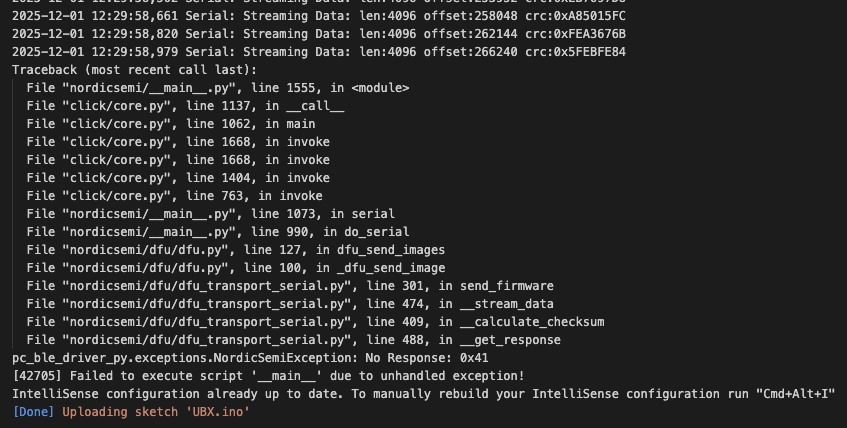
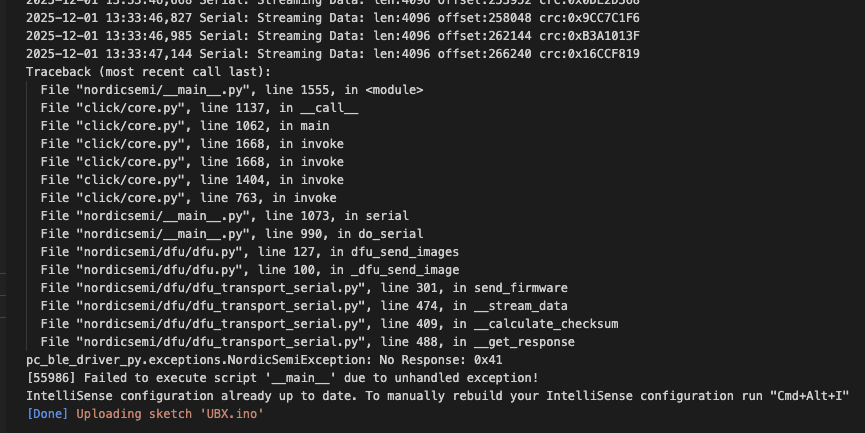
Often I can get around the problem just by changing some trivial thing like the exact text inside a println(). I do this to force a change in the CRC for each block and it mostly works.
Trivially modified code to generate changed CRCs, different hardware in case a flash memory cell had died, but load failing in the exact same place with the same error.
I had this maybe one or two times before.
Not sure what the reason is.
Recovery was possible by chip erase and flash new bootloader/softdevice with JLink or DAPlink.
I soldered the headers on and am working through that now.
I think I replaced the bootloader using WisCore_RAK4631_Board_Bootloader.hex and the JLink. I now have the slow green heartbeat and a peripheral that thinks it is a storage device. I still can’t get RAK4631-RUI3-V4.1.1-Flash-Dump.hex (that you sent me in April) to load through Ozone and JLink.
That’s what I thought, but it’s been a long time since I was using the standard Arduino bootloader so I wasn’t sure.
Anyway, now that I have the Arduino bootloader I need to convert it back to RUI3. That’s what I thought the Flash Dump provided.
Back in April what I thought I did was open the RAK4631-RUI3-V4.1.1-Flash-Dump.hex in Ozone, set the processor to nRF52840 in the Jlink settings and click on
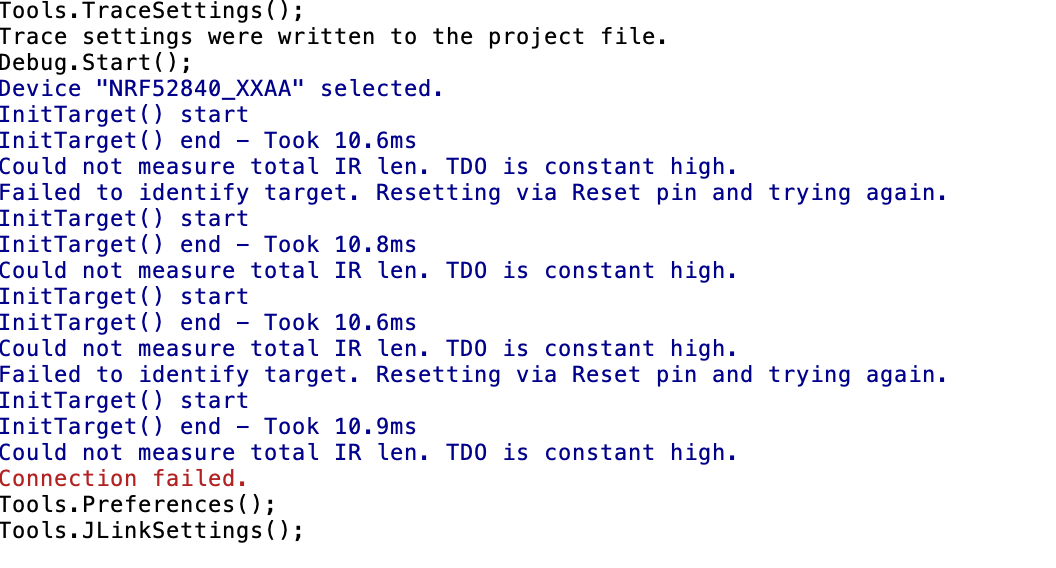
“Download and Reset”. This time around it is complaining that TDO is stuck high - which it is because the 4631 module doesn’t bring it out to the header, only SWDIO. But since TDO is only needed for trace it shouldn’t matter. I don’t recall this behaviour last time.