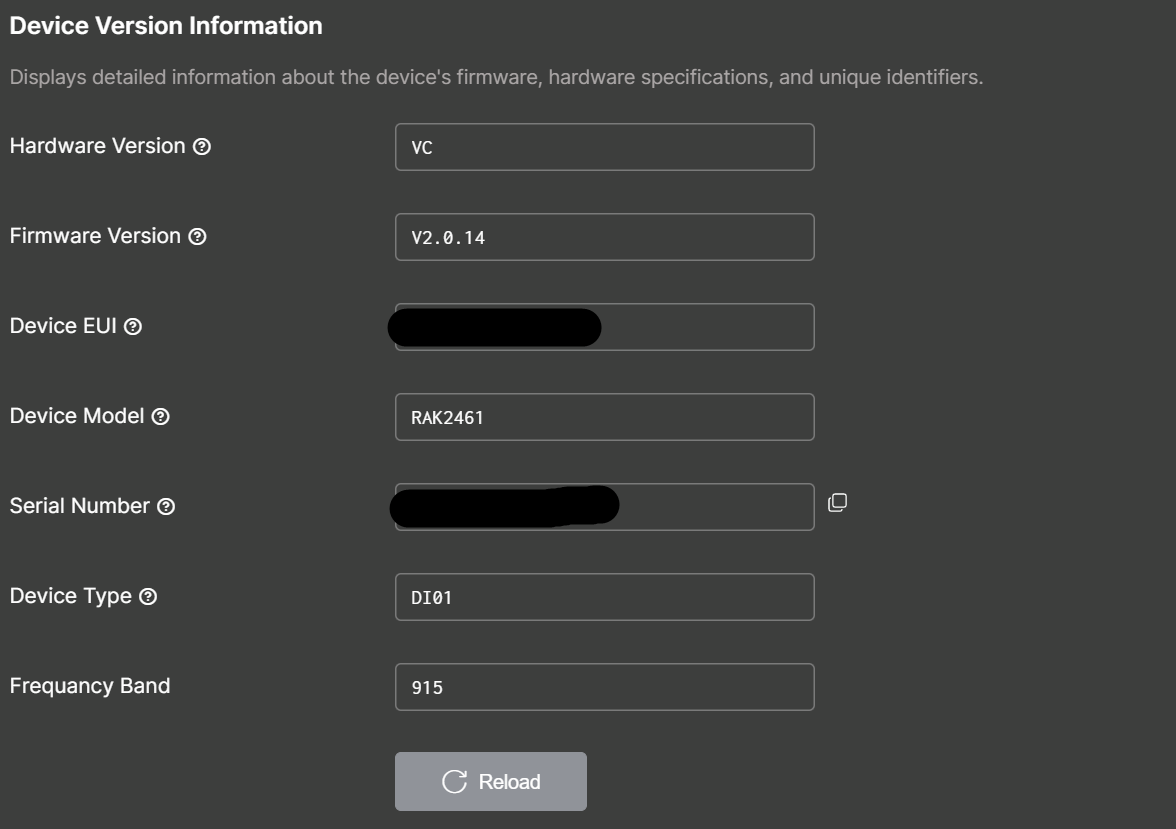
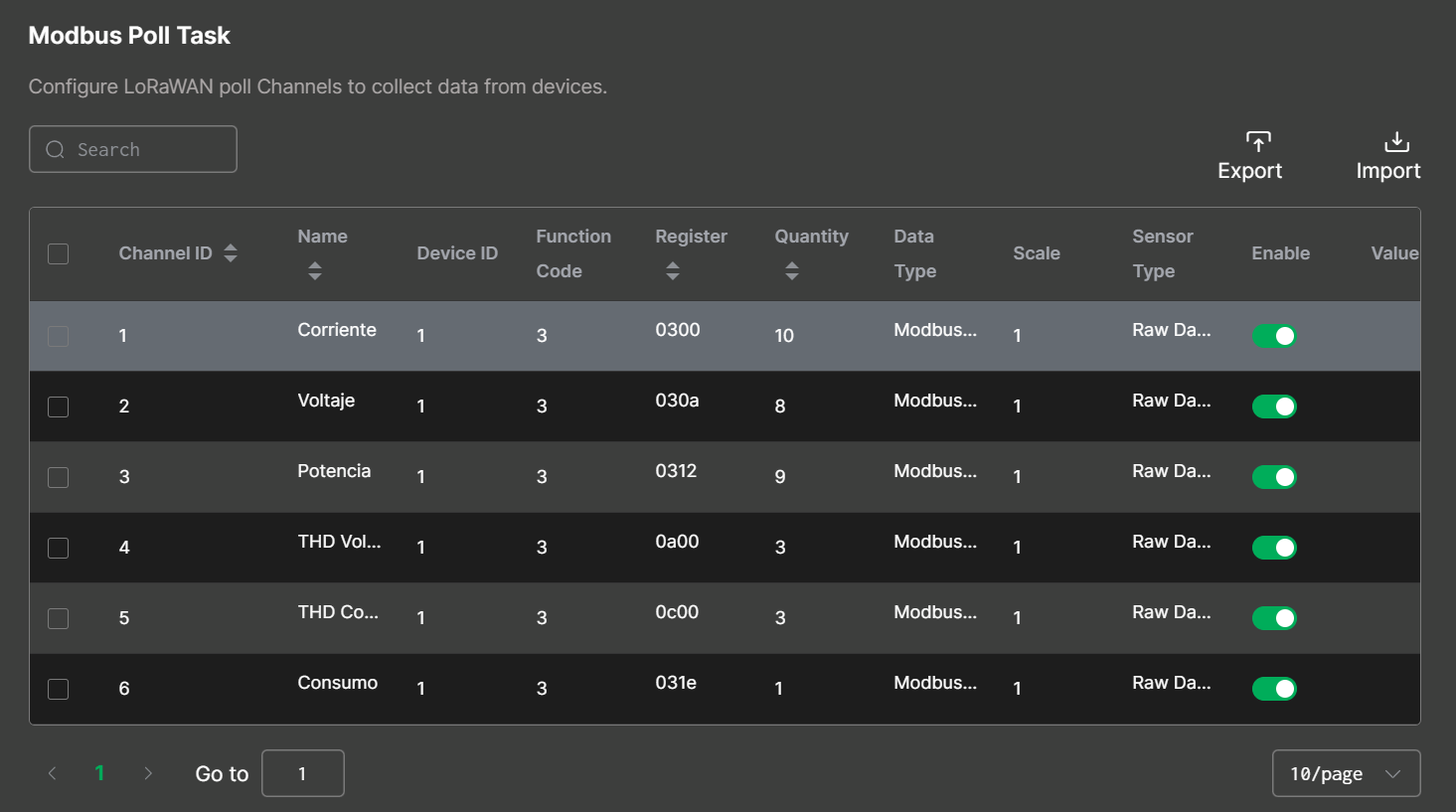
Hello! I recently bought some RAK2461 & RAK2470 bridges and I´ve been experiencing 2 problems.
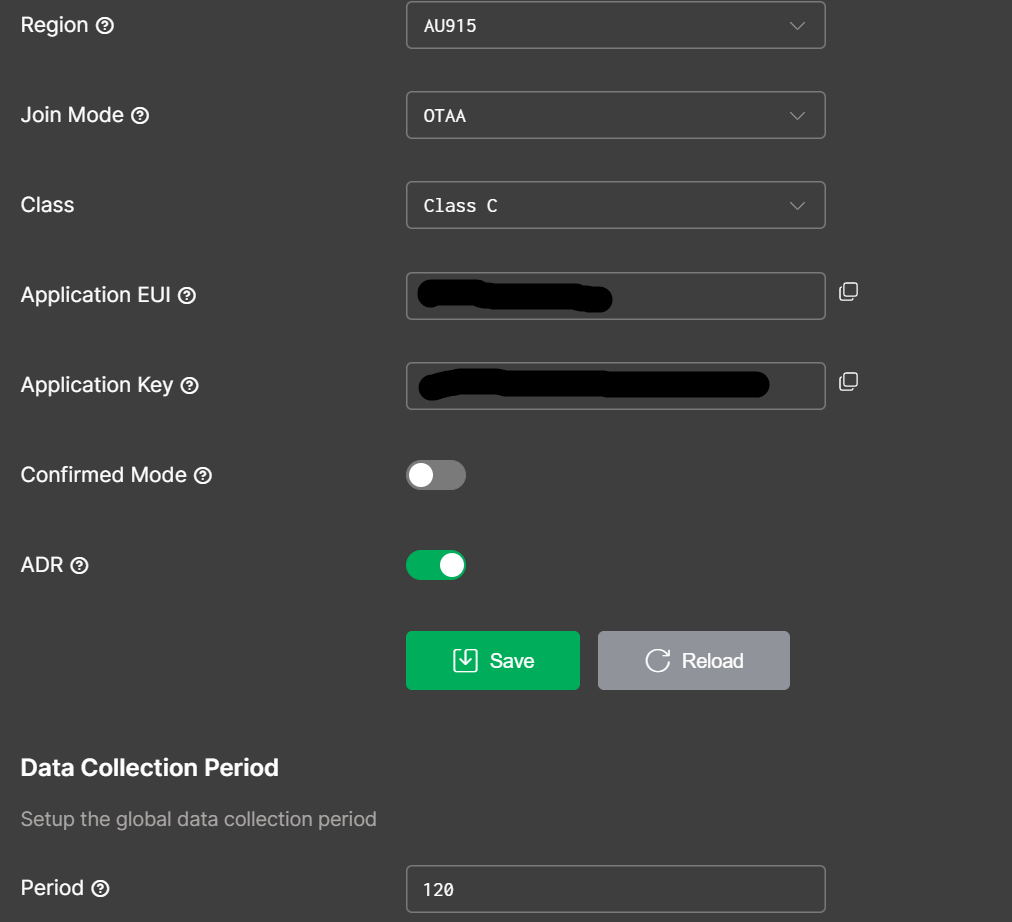
First I had problems using the new onboarding method in the io.Box app because it doesn’t find any tenants when I put my ChirpStack.v4 credentials or API Key. I followed the instructions in the Quick Start Guide of both of the devices but it never worked. I thought that maybe this could be a problem of configuration of ChirpStack from my part, so to solve this problem I added the devices manually and confirmed that the join request appears in ChirpStack.
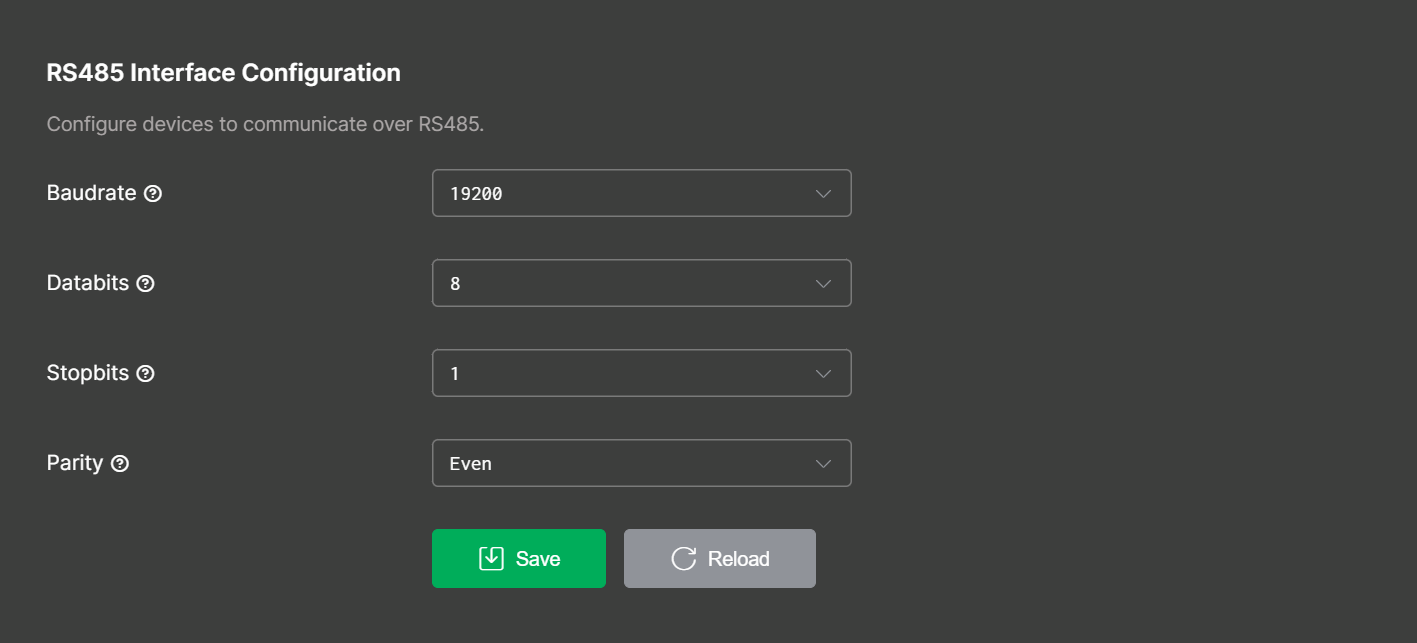
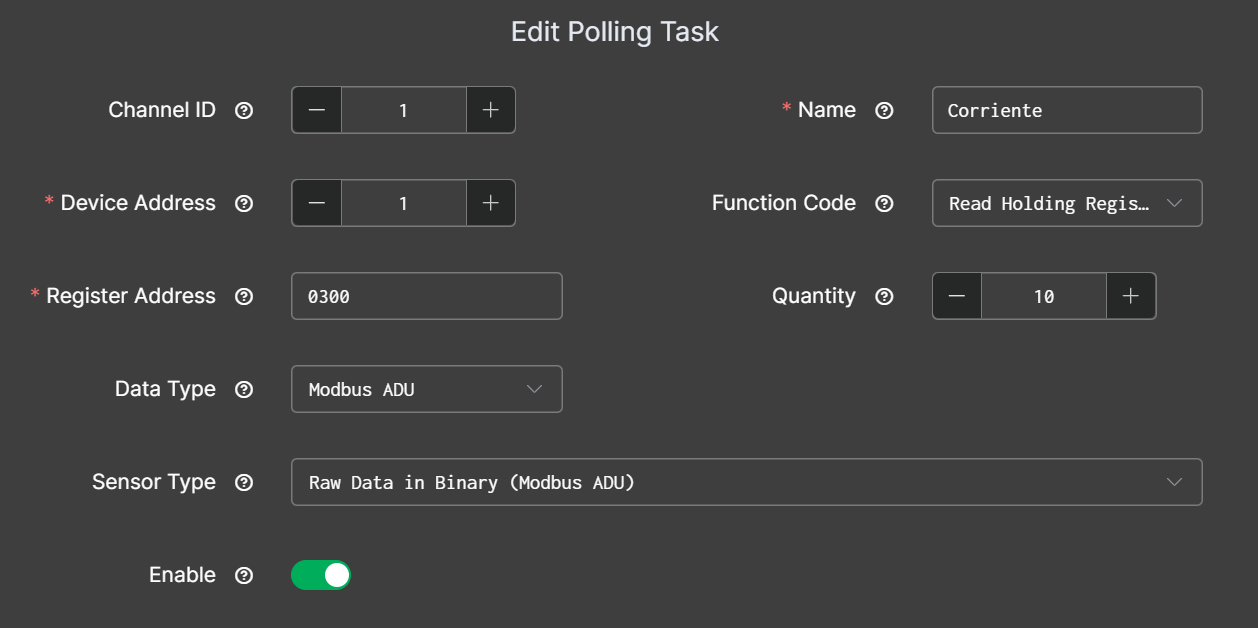
The second problem is that when the devices join the LoRaWAN network they don’t send any data even if they have the correct Modbus polling instructions. I tested that both of the devices could successfully communicate with the correct RS485 Interface Configurations. At first I thought it could be a problem of channel configuration or region difference between the gateway and the bridges because the devices joined the network but never sent a message, but then I used the RAK Serial Port Tool to force de devices to send a message with the command “AT+SEND” or “AT+SEND=2:1234567” and this messages where successful and appear in ChirpStack.
After successfully receiving this forced messages I noticed that:
- After the first forced message, the devices would start sending the data from the polling instructions on their own and with the correct data collection period.
- If the devices are sending data, most of the time they don’t go through all the polling instructions and don’t put the correct channel ID in the response so it doesn’t have the correct “fPort” in ChirpStack.
- If I unplugged the devices and then plug them again, they wont send data until I force them again.
- In the io.Box app I can’t change some important Modbus variables like I could with the RAK7431 with the RAK Serial Port Tool. I tried using the same AT commands (like AT+MODBUSRETRY or AT+MODBUSTIMEOUT) with this new devices but they don’t work.
So my questions are:
-
Could this problem of not sending data until I force them, be caused because I didn’t onboard the devices like in the instructions and added them manually in ChirpStack?
-
Is there a configuration that I have to change in the devices so the work when I add them manually instead of onboarding them? Maybe they stay in a IDLE state and I can change something so they work normally even if they turn off or reboot?
-
Is there a way to get more configuration options for the Modbus communication? Is there a manual of new AT commands that I could use in the RAK Serial Port Tool with this devices?
I could really use some help!
Thanks a lot!!