Just flashed my new RAK4630/RAK19003. VER E. Red light is on and green flashing slowly. The device does not show up in my Bluetooth list. Tried reflashing- didn’t help.
Welcome to the forum @Popbolter
What file did you flash?
How did you flash it? From Arduino IDE through USB or using the UF2/Bootloader mode?
Thank you for the quick response!
I used the Mesgtastic web based flash tool and a USB cable. I chose the RAK WisBlock 4631 (nrf52840). I chose the most recent Beta- 2.6.11.6. That is the extent of my programming capabilities.
Bernd das brot!
We are not developing or maintaining the Meshtastic firmware or their tools. Our support for Meshtastic is limited.
It looks like the flashing did not succeed.
Try to download the Meshtastic firmware from their Github repo.
Use file ** firmware-nrf52840-2.6.11.60ec05e.zip **
Inside the archive you can find the file firmware-rak4631-2.6.4.b89355f.uf2
Connect your WisBlock board over USB to a computer.
I guess it will already show up as an external drive.
If not, double push the reset button, the WisBlock will show up as an external drive.
Copy the UF2 file to that external drive, that will flash the Meshtastic firmware.
OK, I downloaded and unzipped that file. I did not find the file you specified. The lowest version for rak4631 is 2.6.11.
Then use that, it is just a typo in my above answer.
There are four rak4631 uf2 files. I chose “firmware-rak4631-2.6.11.60ec05e.uf2” No change after the flash- still not device on the Bluetooth list.
Can you flash attached hardware test firmware (this is not Meshtastic) and check if you see the device on Bluetooth?
Flashing is the same, double reset, then copy the UF2 file (not the ZIP file) to the external drive.
In addition, on your computer, connect a serial terminal app to the USB port of the device and collect the debug output. Then share it here.
WB_HW_Test_V1.1.10_H.uf2.zip (187.3 KB)
I flashed my device with the attached file. The result was a rapid flashing green and now a rapid flashing blue light. The device still did not appear in my Bluetooth list.
I have decided to cut my losses on this device and I ordered a replacement.
Thanks for the prompt advice!
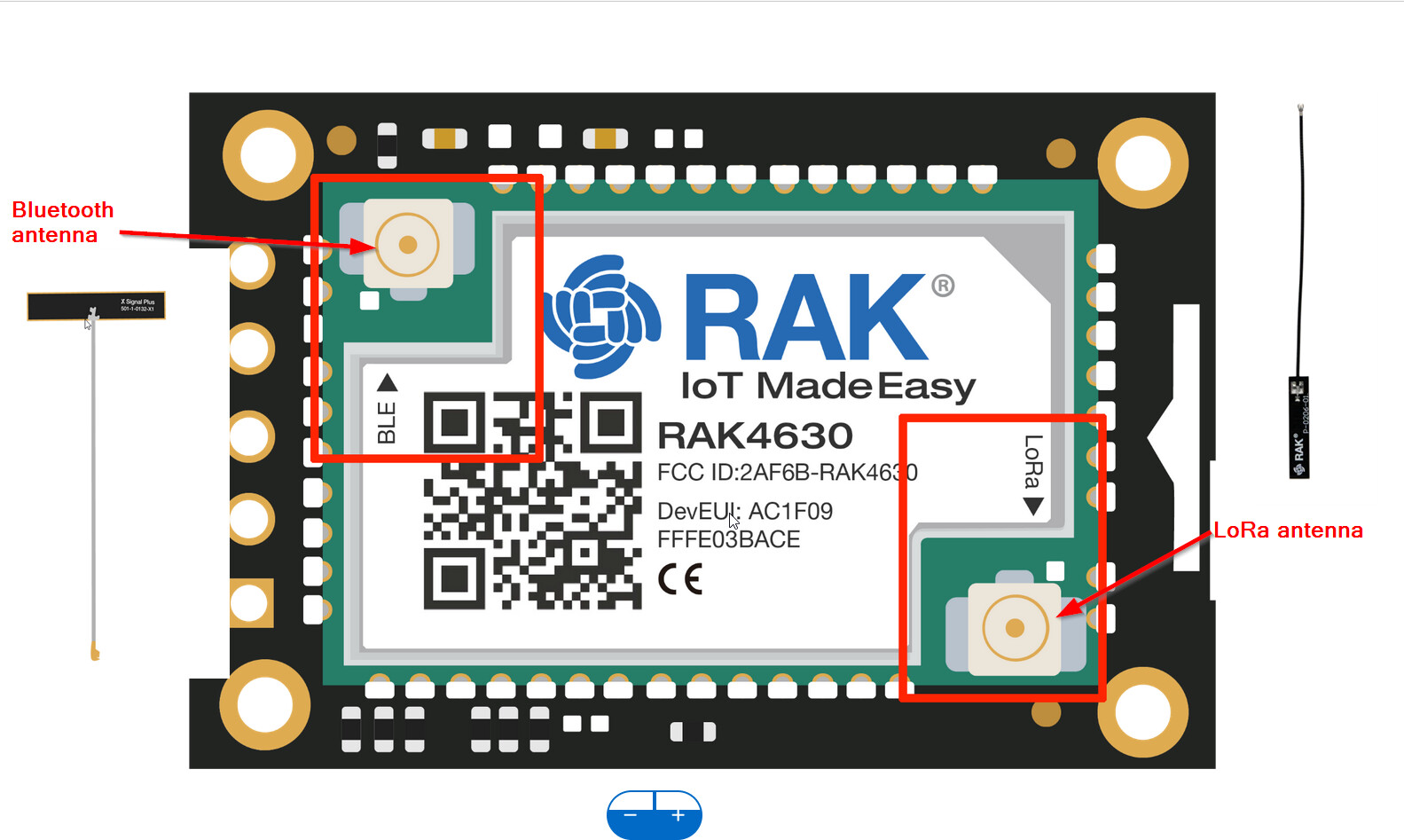
The replacement unit arrived. I’m experiencing the exact same symptoms.
Then you have another problem.
Did you try a different phone?
Yes, three iphones and one android. A third 4631 showed up yesterday. I didn’t flash this one. Red light and slow blinking green. Same issue- doesn’t show-up on any Bluetooth lists.
No idea, I have 6 Meshtastic devices with latest firmware running and no BLE problems.
I decided to move forward with using the web client and USB to communicate with the devices. They are functioning on LoRa just fine, although Bluetooth still does not work.
I figured it out. You have to hit the reset button and pair within the Meshtastic app. Once paired, the device shows up in the iOS Bluetooth list.
This topic was automatically closed 10 days after the last reply. New replies are no longer allowed.