The RAK10700 is coming with a pre-flashed firmware.
It is not based on RUI3.
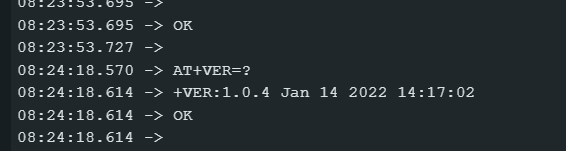
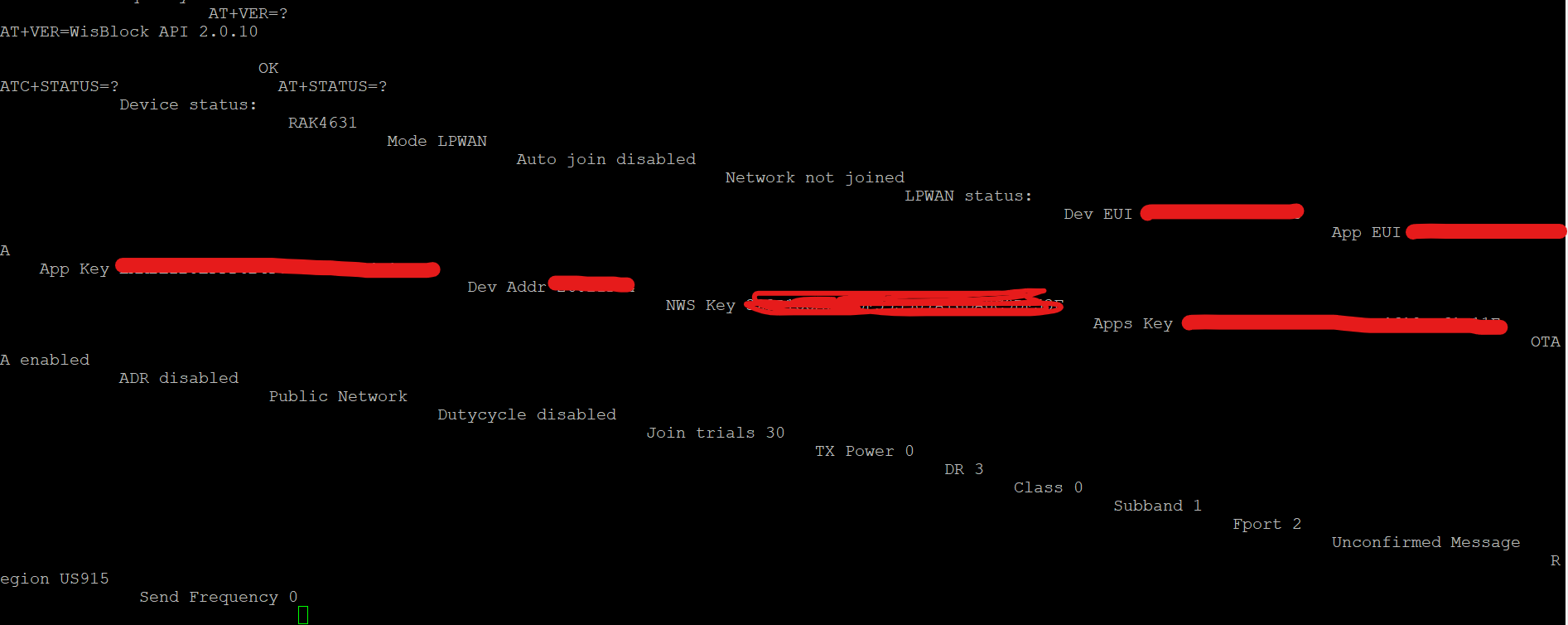
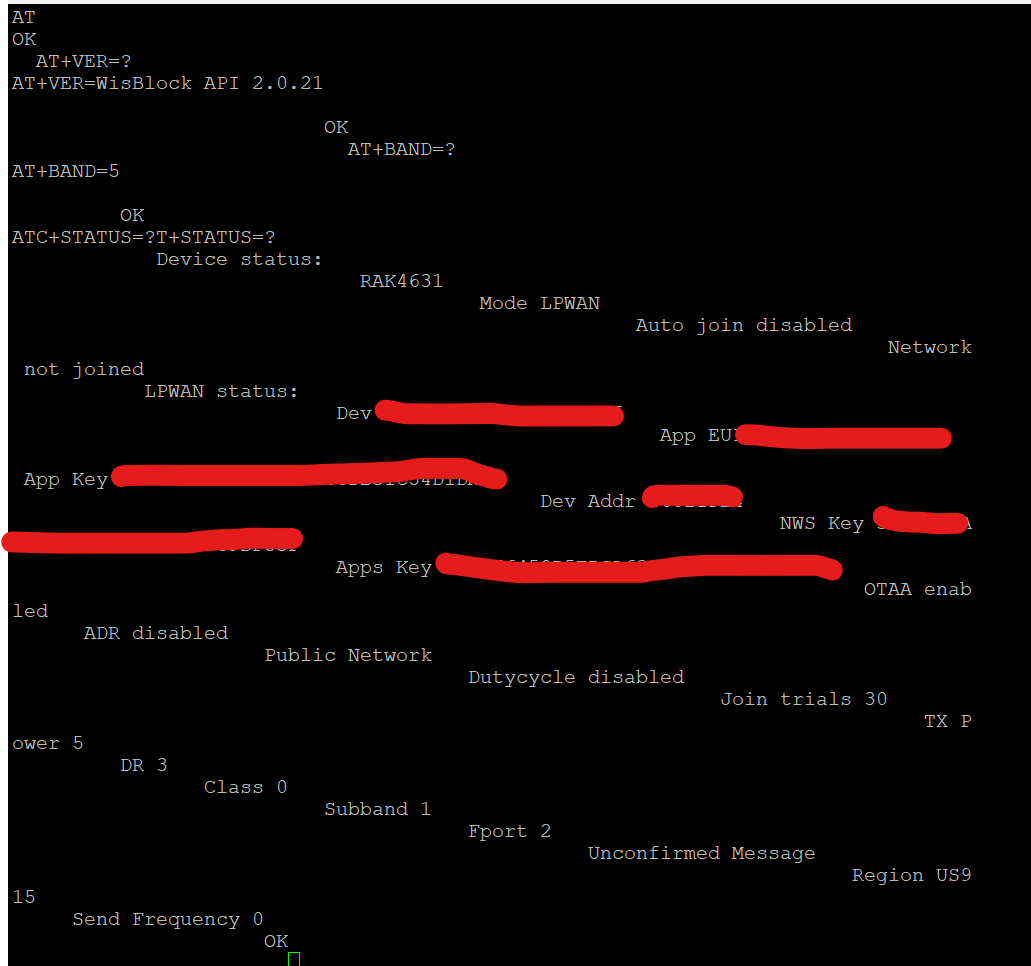
What do you get when you send AT+VER=? over USB to the device?
The device is not connecting to a “Gateway” it is connecting to a “LoRaWAN server”. A gateway is just receiving LoRa packets and forwarding it to a LoRaWAN server.
I didn’t explain myself correctly, I always use chirpstack V4
In your experience, it would be better to continue with RUI2 on this device or update and load new firmware, checking the components are the same as those I use for RUI3
I was thinking of using rui3, is it possible to update RAK4630, since I can do other functions and the example firmware that you keep GPS is very similar to the one that comes with RAK10700
I am not sure what you mean with RUI2. There is no RUI2, there is an old discontinued RUI V2, which is for our old WisDuo modules RAK811, RAK4200, RAK4270. RUI V2 does not work with the RAK4630/RAK4631
For the RAK4630 there are only two options
Arduino BSP based on the nRF52 BSP from Adafruit
RUI3 BSP which is developed inhouse.
Hi Beegee, I am struggling to setup my RAK10700 GNSS.
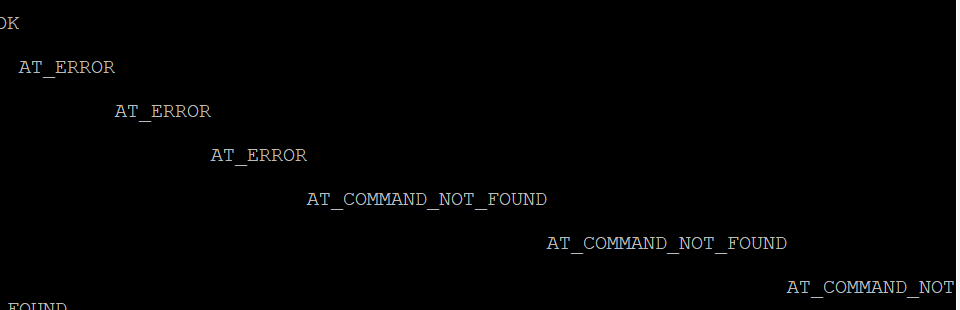
First of all, I tried connecting to Termite/ Putty/ Rak Serial Port Tool, none of them worked with the AT commands. The port is recognizing but the commands are not responding.
Then, I am following your suggestion of RAK4631 firmware update to RUI 3 (in my case, via Android APP of Wistoolbox,) It was found on the wistoolbox app, but when I was upgrading the firmware, the connection was timed out and I cannot find RAK10700 on the app. I also tried on nFR Connect, it doesn’t show up anymore.
I have going down the spiral and I am afraid this RAK10700 is bricked. My coding is very basic and please help me.
Sincerely,
9node
Thank you for your prompt reply.
Currently, when I connect the RAK10700 to the PC (Windows 11) via USB, it does show as RAK4631. In that case, do I still need to push the reset button? (However, this RAK10700 came as an enclosed box). Or should I proceed with downloading [WisBlock_LPWAN_Tracker_V1.2.0_2024.05.30.13.52.46.uf2] and copy it to the drive? Once I copy it, do I need to do anything?
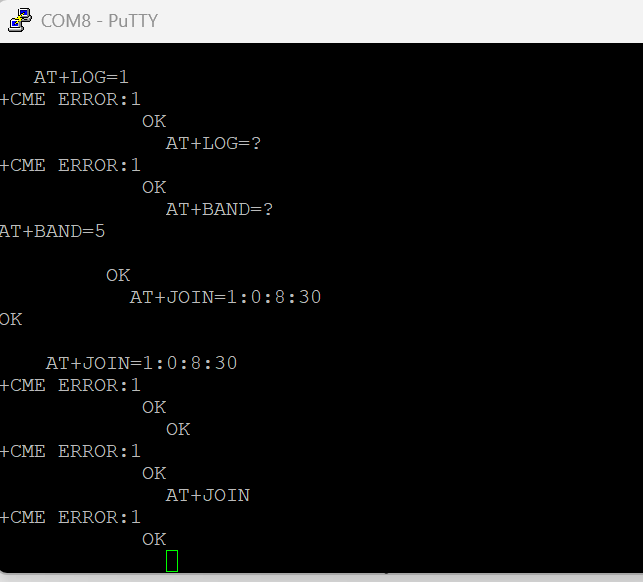
The error +CME ERROR:1 means that the command is not supported.
AT+LOG does not exist
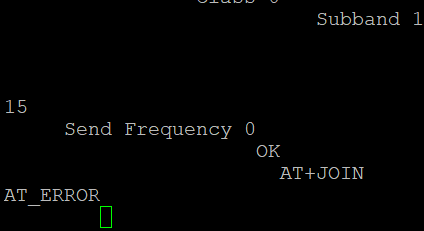
AT+JOIN could have a different syntax in this firmware version. I remember I changed it sometime to make it more like a RUI3 command. But it should not throw +CME ERROR:1.
Could be that the terminal app is not appending a ‘\r\n’ at the end of the command. Not sure about that.
I compiled a new version of the firmware, using the latest libraries.
Try to flash the UF2 file from attached ZIP file.
I took upon myself and flashed it with RAK4631-AT-Command Firmware, and now it disappeared from the USB device list, and serial port list. And, greenlight is continuously blinking. When I disconnect from my PC, it’s not making disconnecting noise.
Did I brick it? If so, what are my options?
Since the last opertation, it’s not showing up as as external USB drive or in the Serial COM Ports (and also not in the Bluetooth list, even though I am not using it to connect via bluetooth). However, the green light is on.
I dont have a J-Link adapter.
This RAK10700 is in an eclosed box, should I open it to double push the reset button to set the device in the DFU/UF2 mode?
Thank you.
I was able to reset and flashed with the firmware version you shared. However, the AT+JOIN still giving error. Not sure what I am doing wrong.