Same firmware, AT+JOIN=1:0 works for me. AT+JOIN throws an error, not sure why.
Can you try a different serial terminal app?
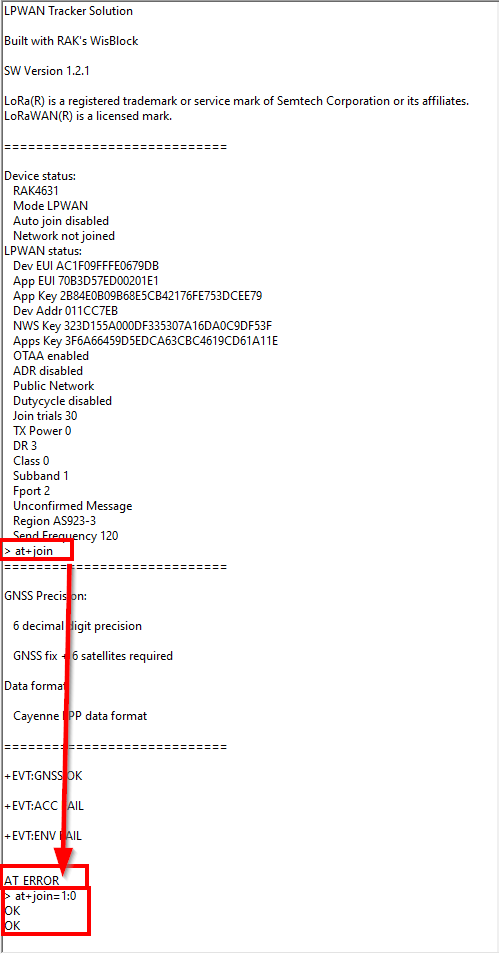
I started using Termite as the documentation suggested, however I never saw any responses to AT commands. After I tried Rak Serial Port Tool and it’s the same issue. The screenshots I am sending you are the outputs from PuTTy terminal.
Do you have any recommendations of other Terminals I should try?
Thanks
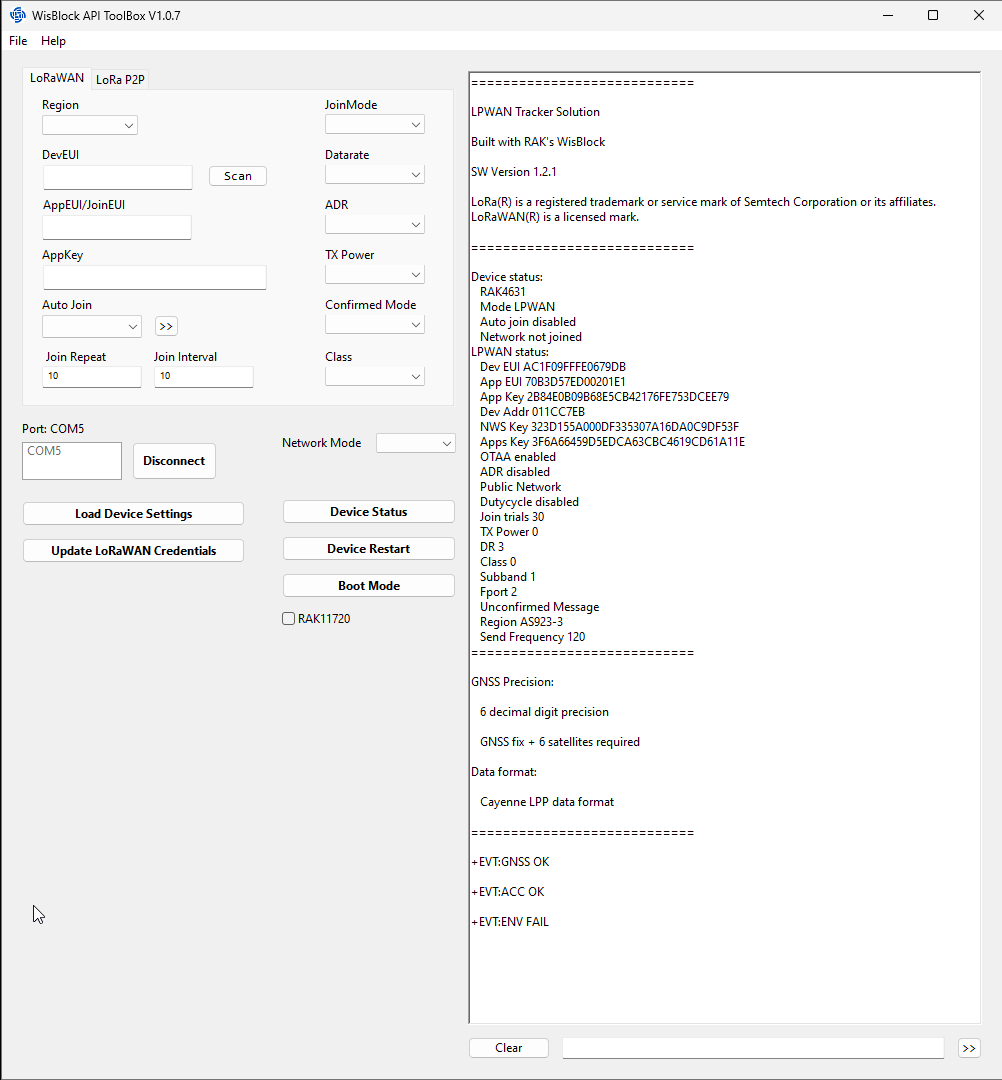
I am using the built-in serial monitor of Visual Studio Code or a small tool that I wrote by myself.
If you wanna give it a try, it is in Github WisBlock-API-ToolBox
Download the SetupWisBlock-API-ToolBox.exe file for Windows.
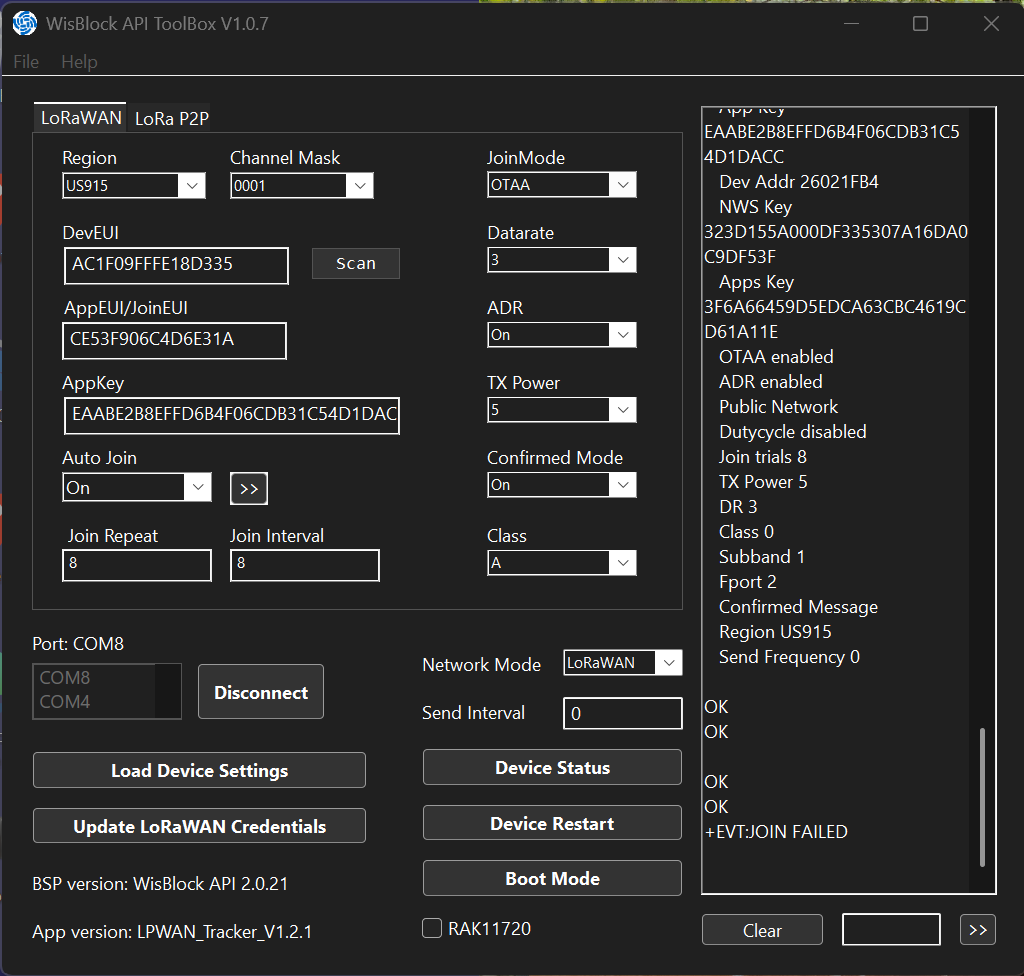
US915 is using on most LNS channels 8 to 15, not channels 0 to 7.
Try AT+MASK=0002
The problem is different. Now you get a +EVT:JOIN_FAILED and not an AT_ERROR
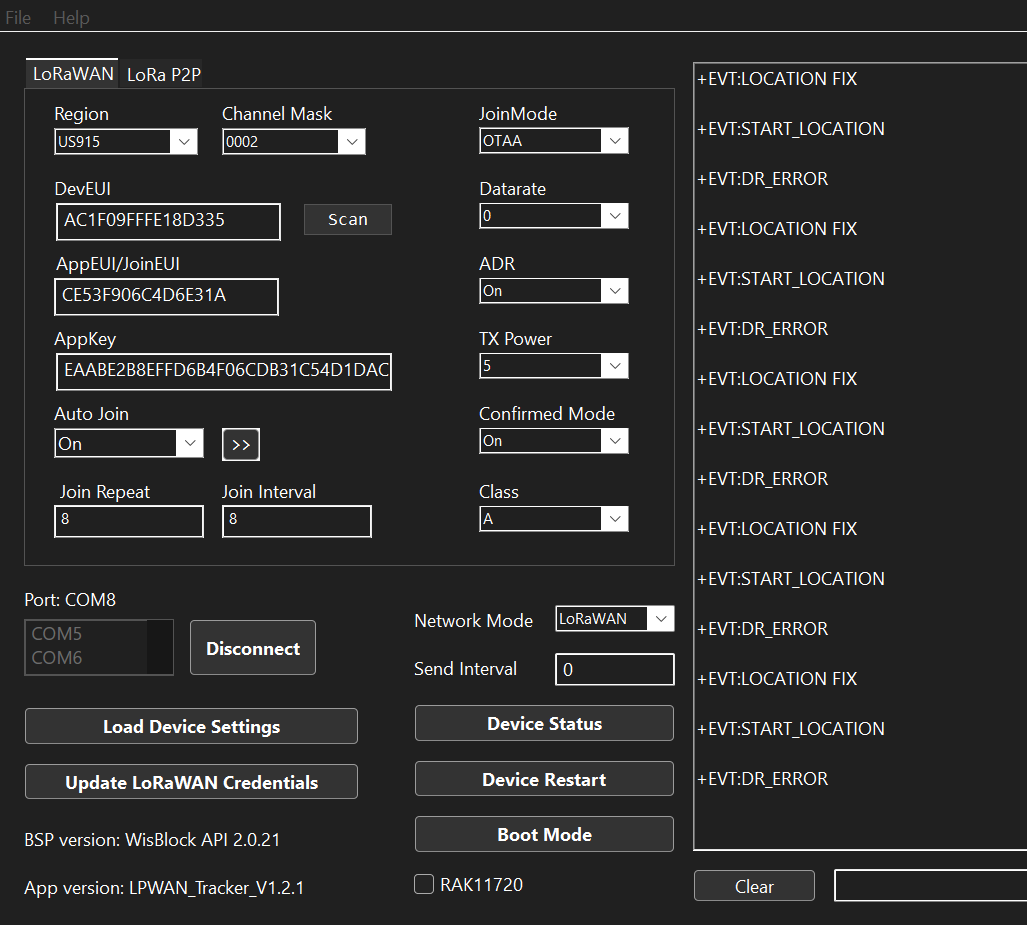
I set AT+MASK=0002 and AT+STATUS=? following things are happening:
Simultaneously, on Chirpstack:
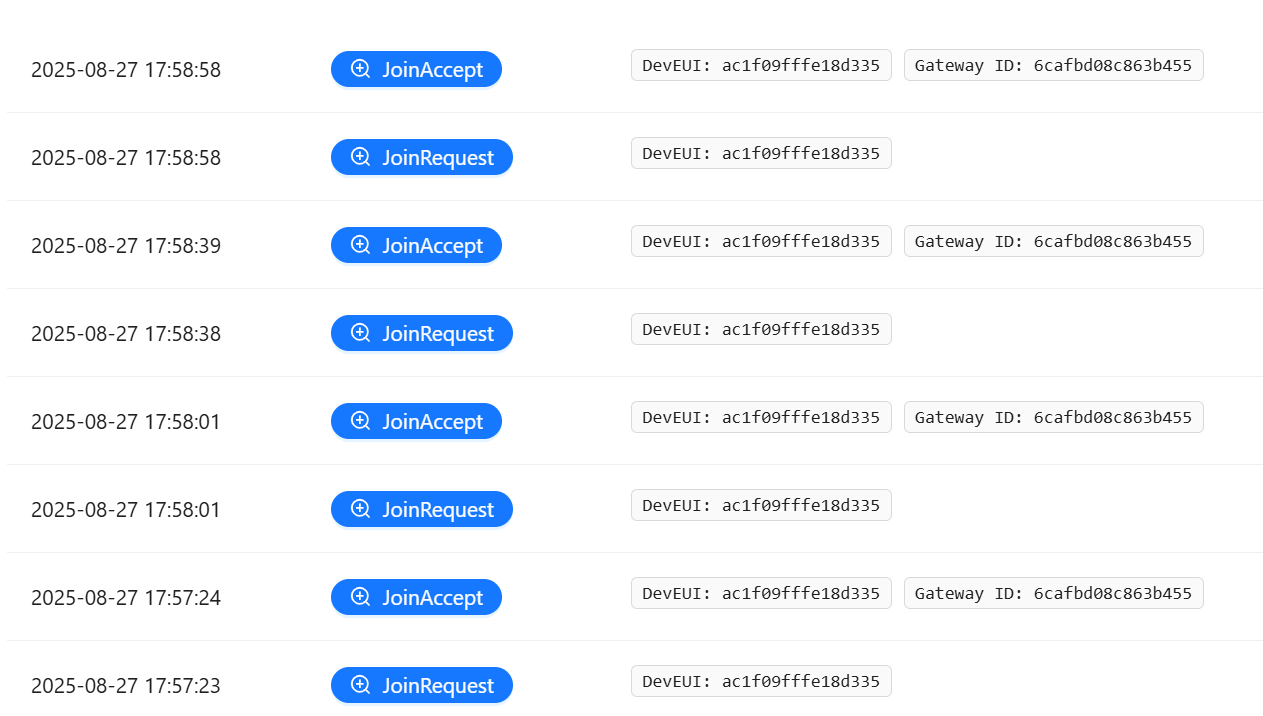
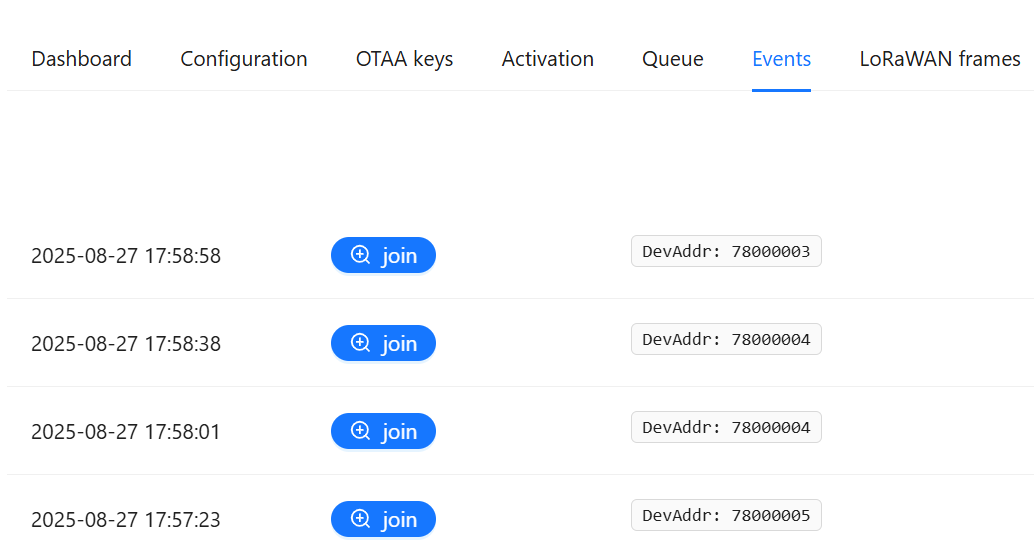
I feel I am very close to a successful set up. Please guide me to it.
Thank you!
From the device logs, “+EVT:DR_ERROR”, says that your selected datarate DR0 does not allow to send the whole payload.
The payload will be ~30 bytes, so you need at least DR1 to be able to send the payload.
I set the DR to 1 and how I am getting multiple Join Requests and Join accepts. Please see below:
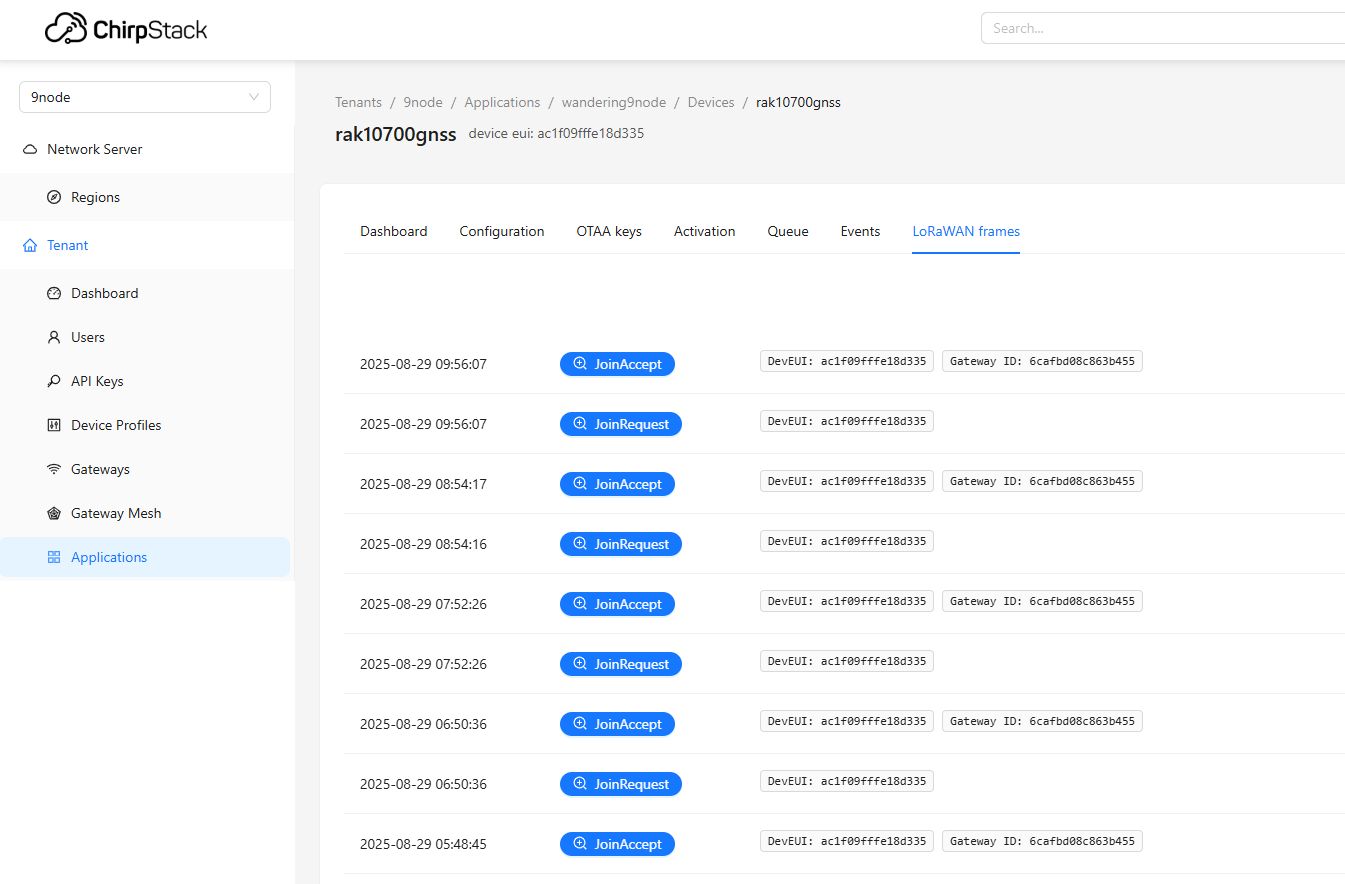
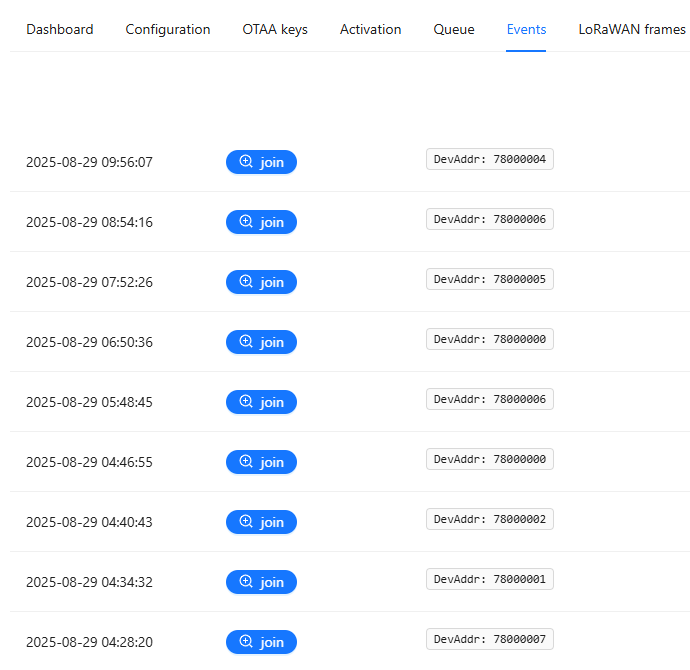
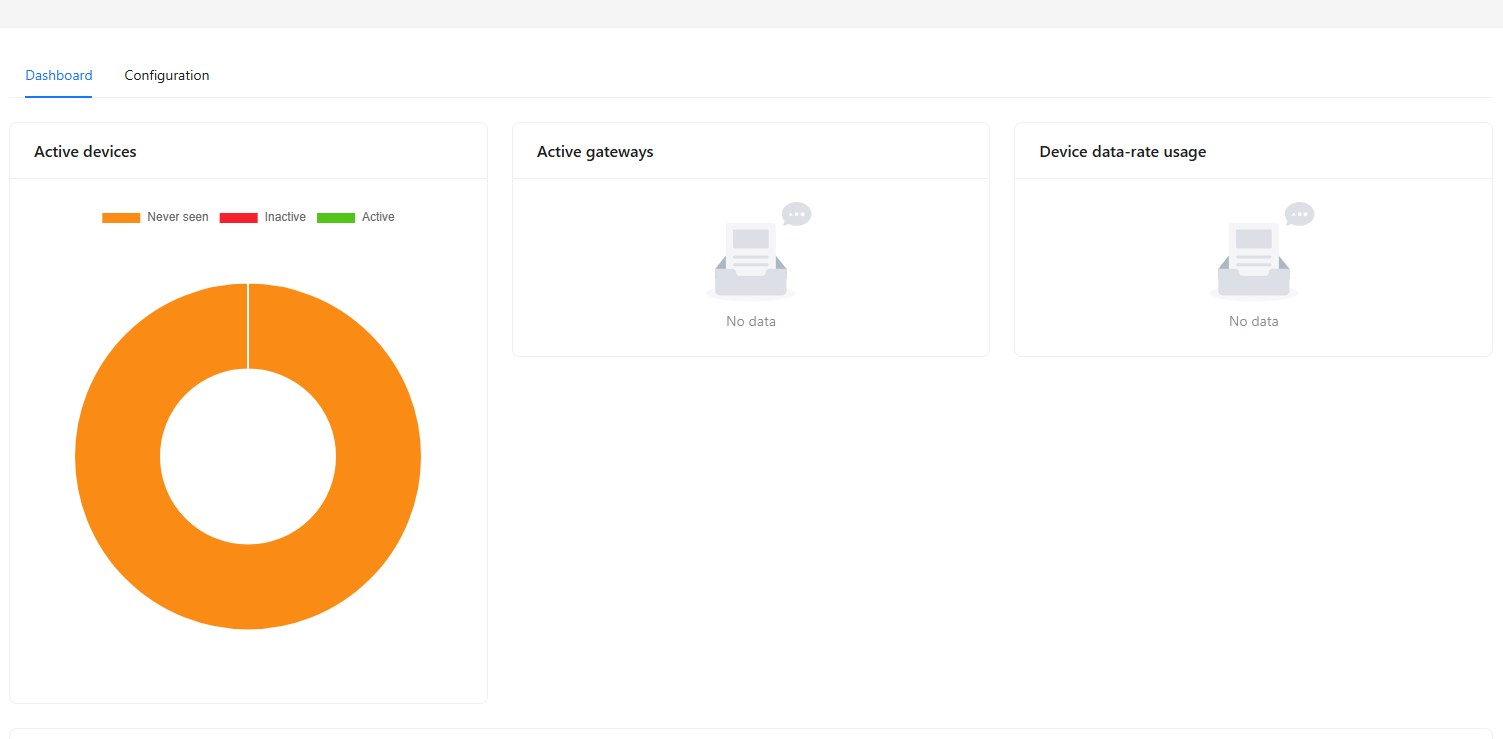
let me know what i may need to do.
Thank you!
Do you see a “:EVT:JOINED” message in the log of the device?
It seems the device is not receiving the join accept message from the LNS?
Check the antenna cables inside the enclosure and make sure they are connected properly between the mounting plate and the WisBlock Core module:
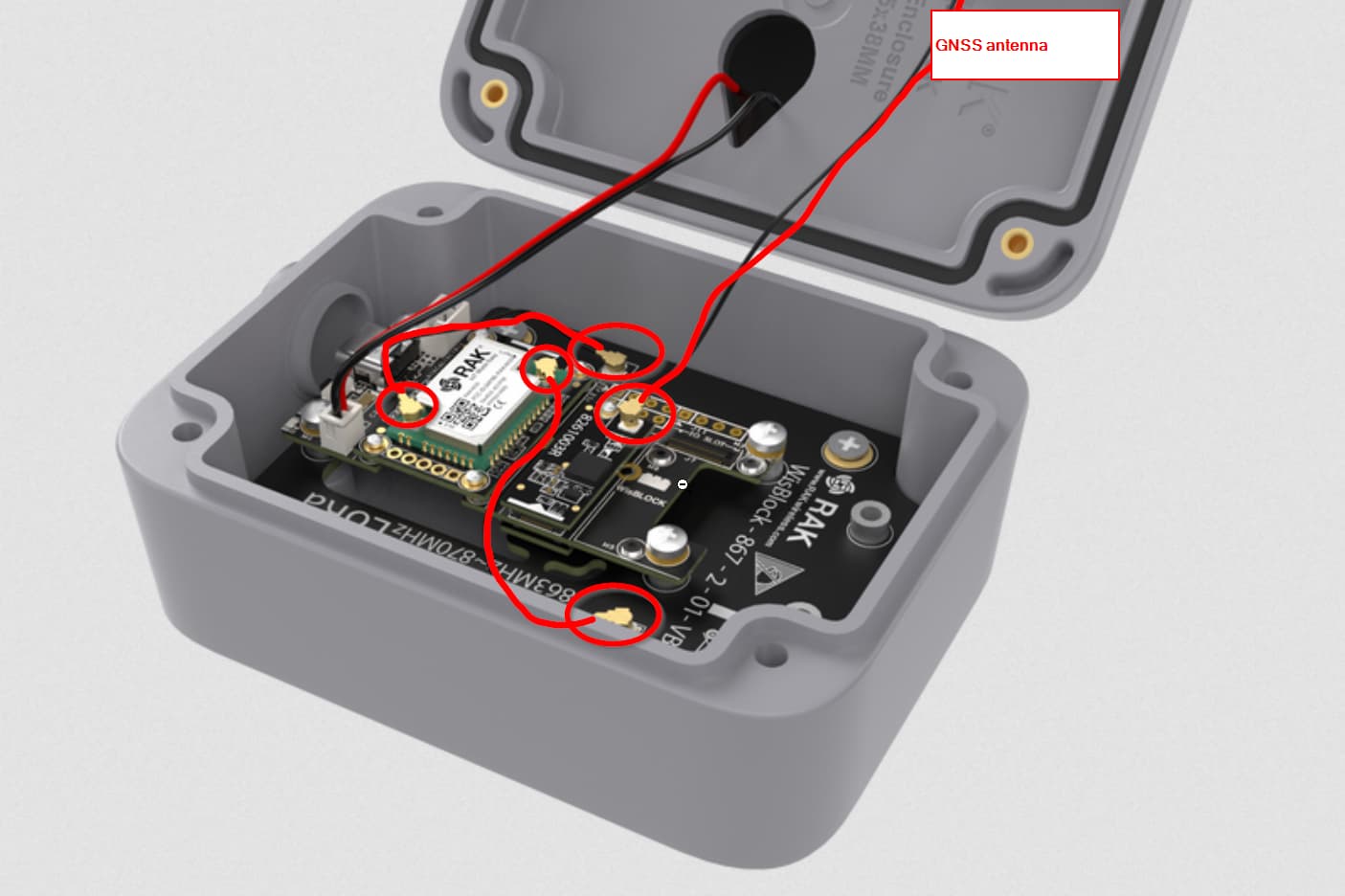
Hello, I returned after a hiatus. Based on your suggestion, I checked the connections and everything looks good.
When I connected again, the Chirpstack showed some connection first (3 hrs ago and now there is nothing).
Not to air out my frustration, I only bought this RAK10700 because it said it’s a plug-n-play. I never wrote code or done AT commands, and this is all new for me.
What is the easiest path to make this work?
Or can I use the parts for something else which does not require coding with VS/AT etc.?
Thank you for understanding.
Sateesh
This is what I have currently:
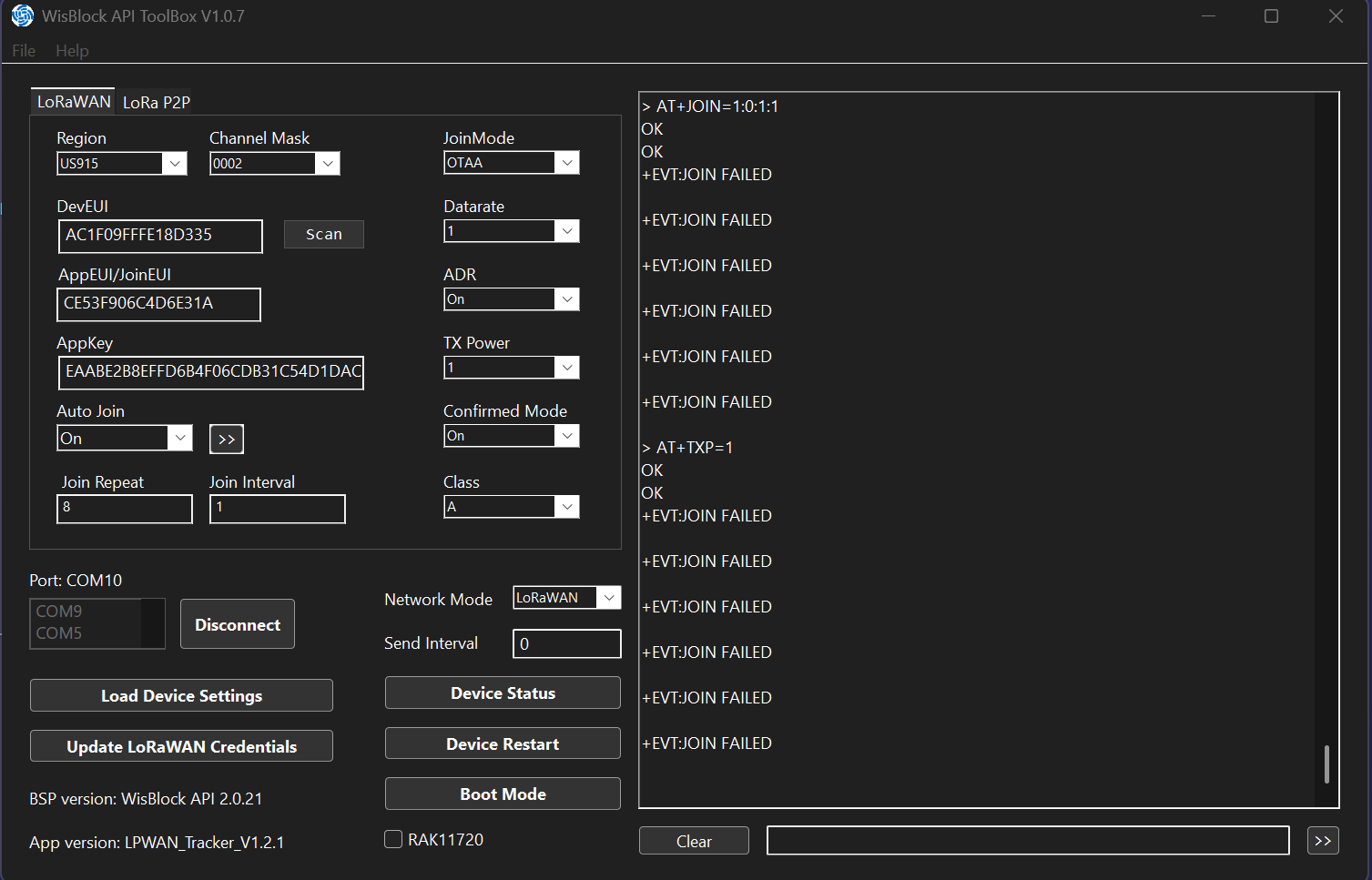
and the join requests that came 6 hrs ago are below and never connected after wards:
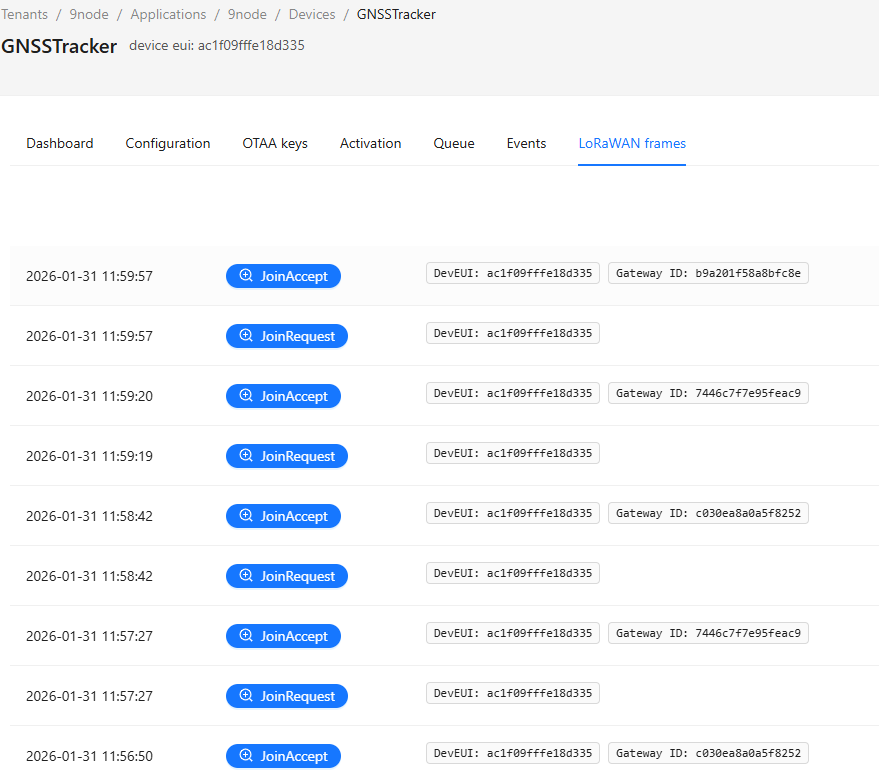
This RAK10500 came with a solar panel and a battery. When I disconnect the from the PC (which was connected with USB cable), it gets disjoins and disconnected. Now, there is no joining, at all.
means that it comes with pre-assembled and pre-flashed with a firmware.
It does not mean that you just power it on and magically it connects to a loRaWAN server.
Did you setup the device with a send interval, using ATC+SENDINT=xxx? xxx is the send interval in seconds. Without that setting, the device will not send any data.
I understand the terminology now. Thank you.
Please see below the output of the ATC+SENDFREQ=xxx command:
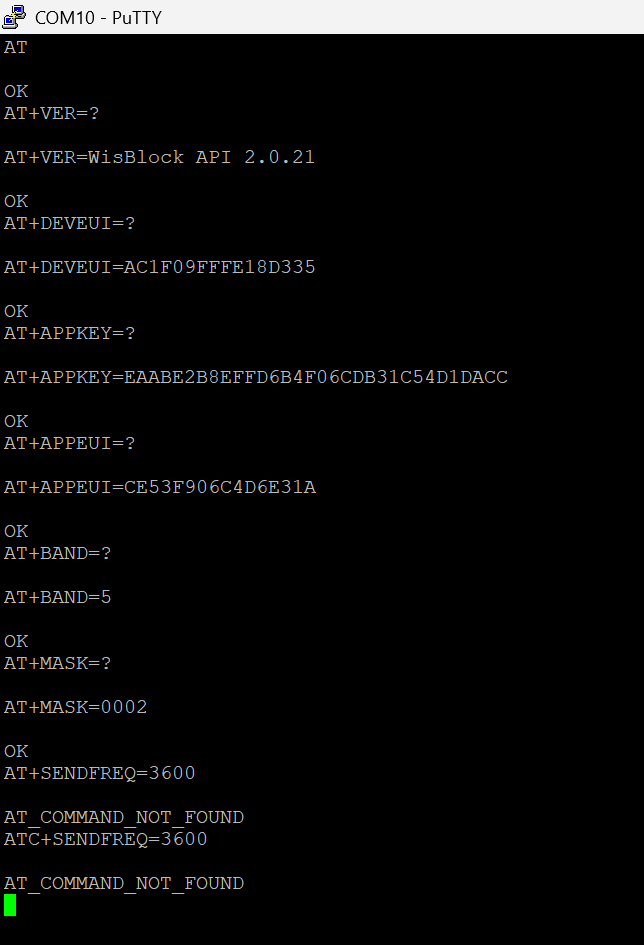
Not ATC+SENDFREQ, the command is ATC+SENDINT
Just confirming that I was able to make the RAK10700 to join the network.
Following suggestion from the team were followed:
- Set up a LoRAWAN gateway (either on TTN or Chirpstak). I thought having a Bobcat Helium Gateway would suffice and I was wrong. I made a LoRAWAN Gateway in raspberry Pi 4B with TTN Base station protocol.
- Follow the steps per documentation. It was quite simple.
Now its joined.
My next project is getting the sensor data on a Dahsboard ( But that’s different story).
Thanks again!
A.N
This topic was automatically closed 10 days after the last reply. New replies are no longer allowed.