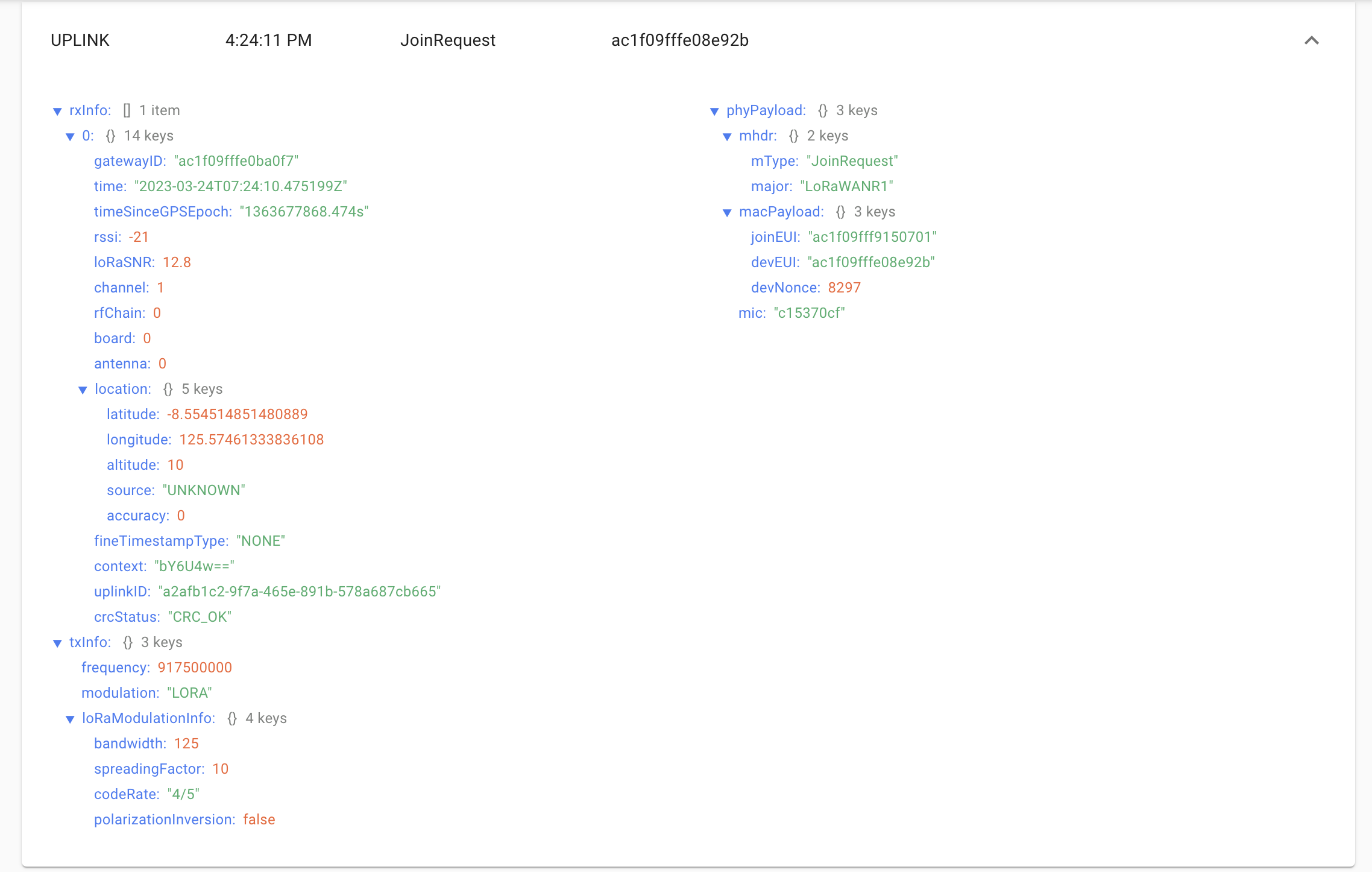
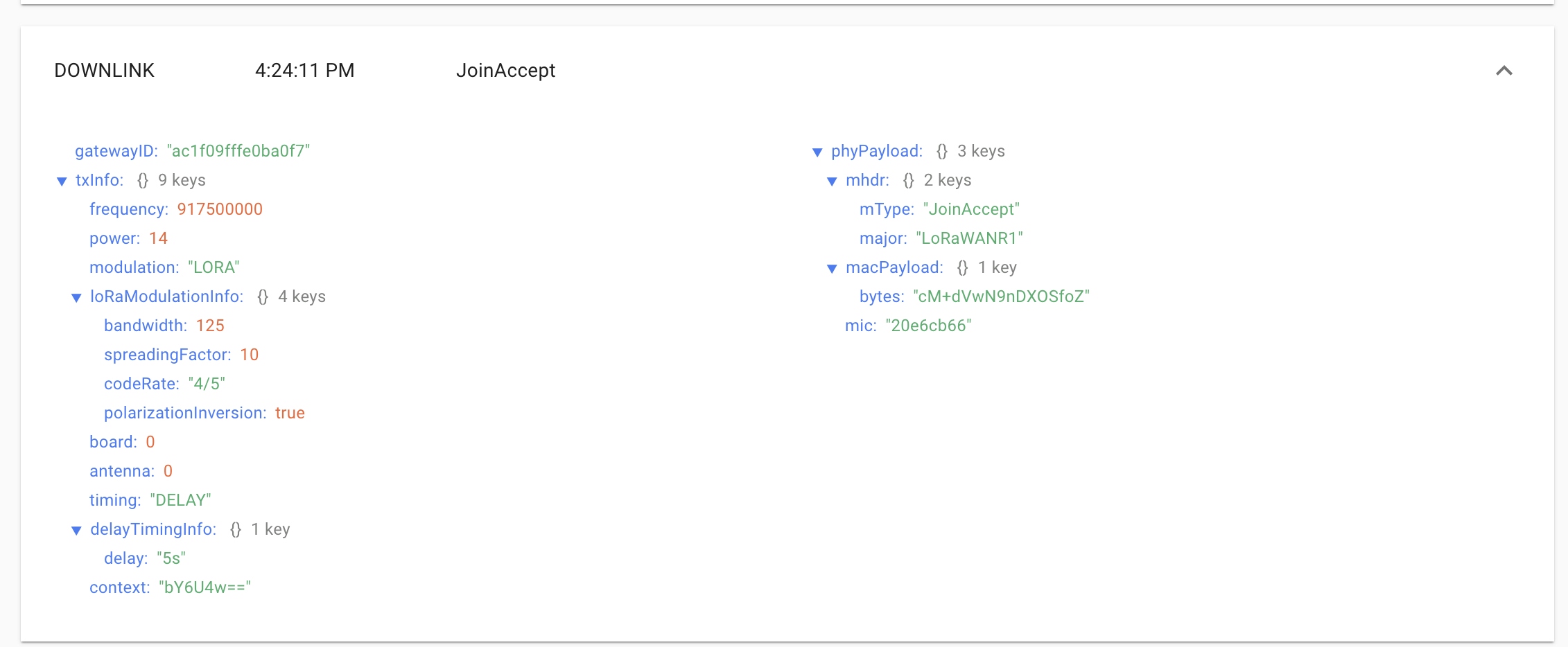
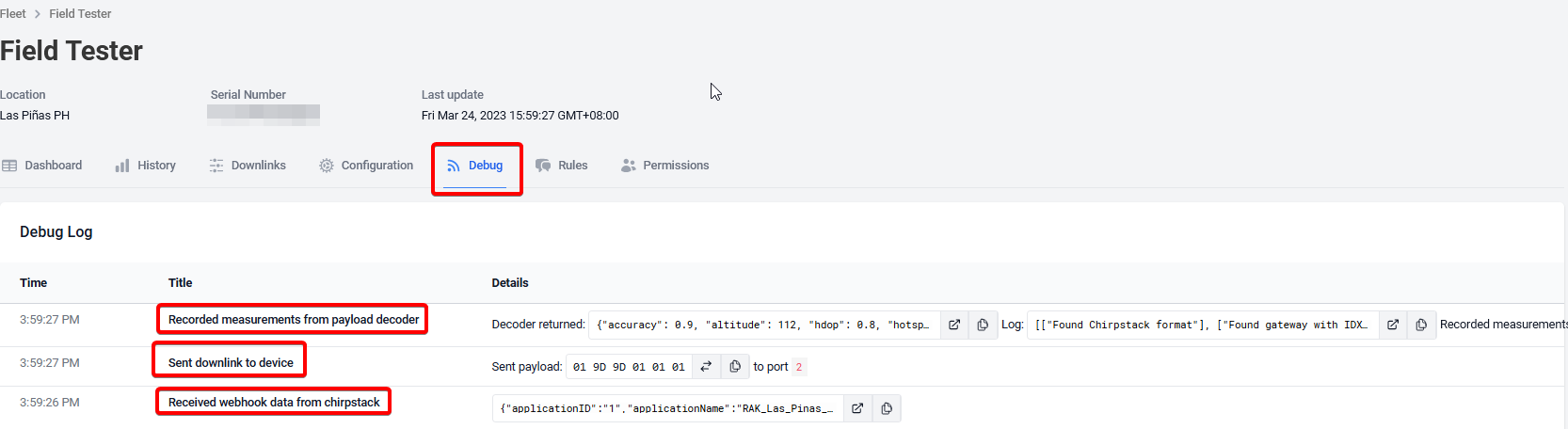
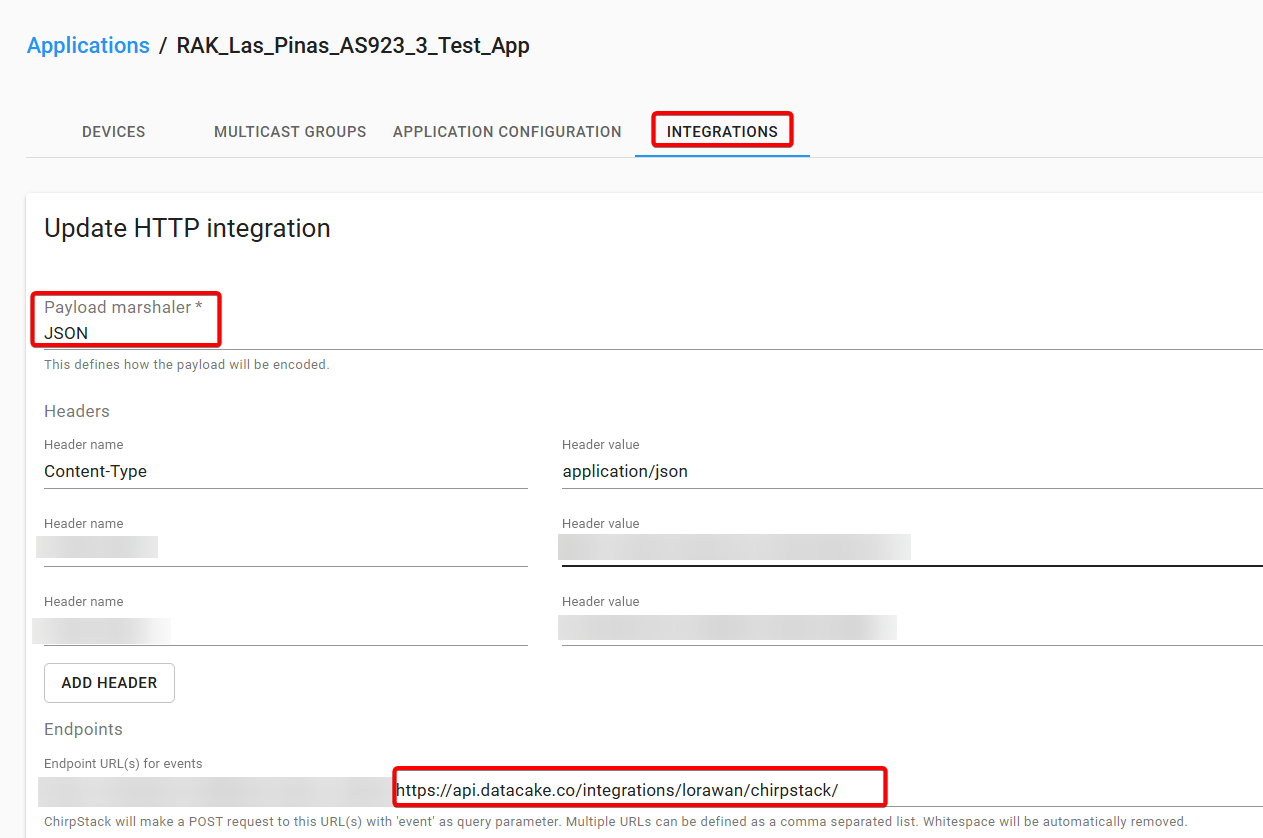
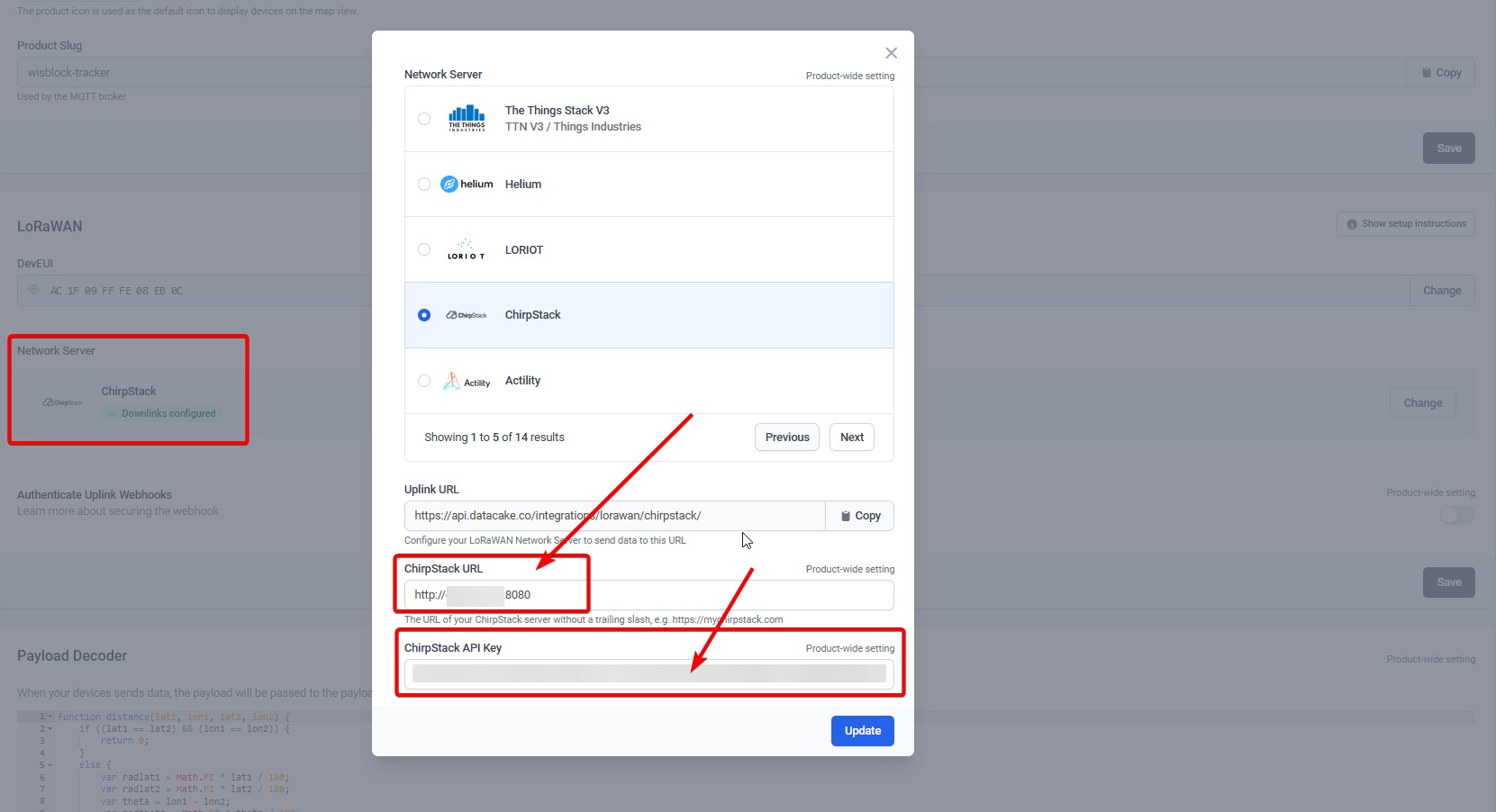
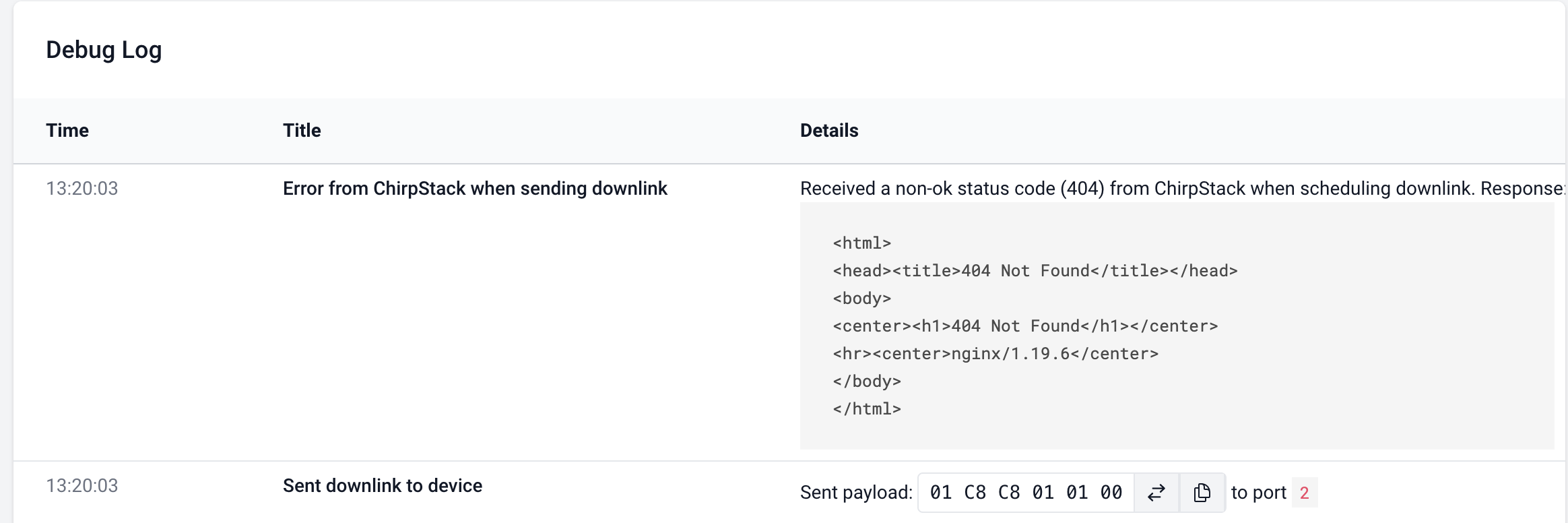
Did you define the the URL of the Chirpstack server in Datacake => Device => Configuration => Network Server? And did you enter the API Key that you created in Chirpstack?
Where did you install Chirpstack?
Can it be accessed from WAN? Are the ports open?
I have a Chirpstack local in my home network, Datacake cannot send data to it, because I cannot open the ports from LAN to WAN.
My second Chirpstack is on a VPN and the ports are open. Datacake can communicate with it without problems.
I have put together simple python script, which runs as a service on Chirpstack server itself and acts like a “loopback”. It listens to the mqtt topic of corresponding ApplicationID.
Once uplink is detected, it processes/calculates the required fields (MIN/MAX RSSI, Number of Gateways, MIN/MAX distance using Harvesine formula) and publishes back the payload to the same devEui. So if you have multiple nodes of same type under same application it will work as well.
I have done several rough tests (device restart, server restart, disconnecting GWs…), it looks fine.
You can find the script here. I have added some exception handling, but it can be optimized further for sure.
On bright side, I do not depend on 3rd party anymore and not restricted on the number of uplinks I can send per day.
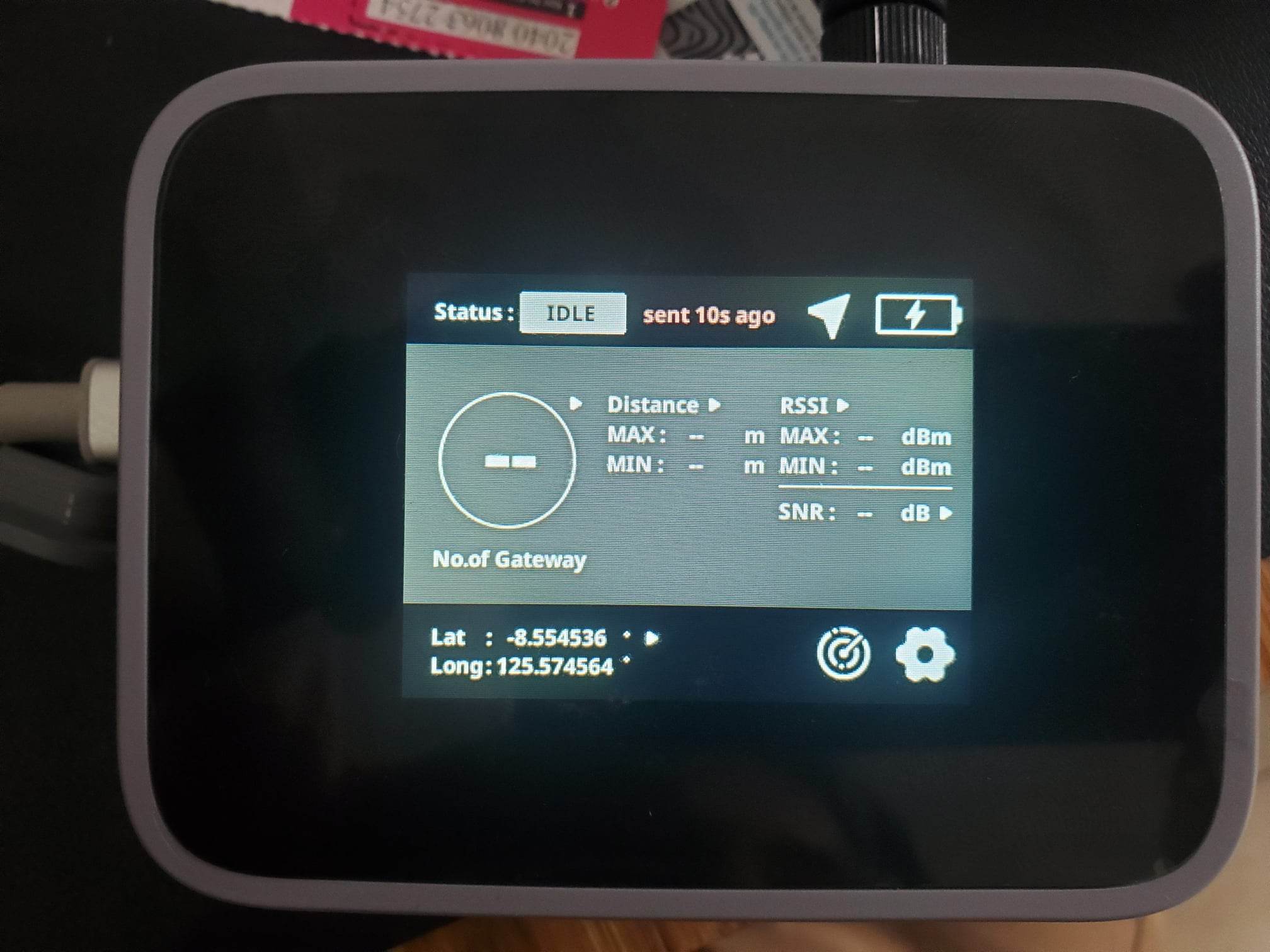
If I move out of coverage, screen still shows last data. This is good to have a “freeze” frame of last readings. But would be perfect if there was a last received timestamp available in the screen somewere in small font.
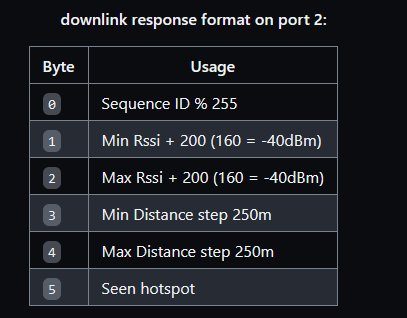
what is the purpose of the initial object buf[0] = 1; ? it is always set as “1”
I really just need to package it as a service so systemd can start it automatically.
One benefit of running directly on the CS server is very low latency. I’ve found the Datacake back-end takes long enough the Ack DL to the Field Tester doesn’t get the actual update until the next ping. With the server on ChirpStack, the Ack DL has the update every time.
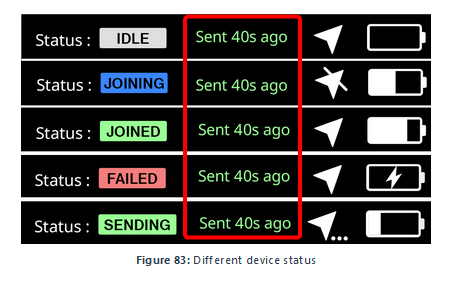
There should be a notification at the top of the screen if the data is outdated.
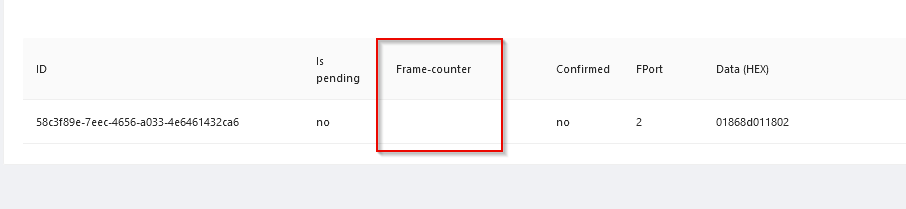
I guess you are talking about the payload sent from the back-end to the RAK10701. The first byte should be a counter going up with every downlink to the device. I skipped that feature in Datacake.
@sergi_jini, the script sounds really promising, I don’t want to rely on datacake. The repo seems to be private or deleted, could you provide the script again please?
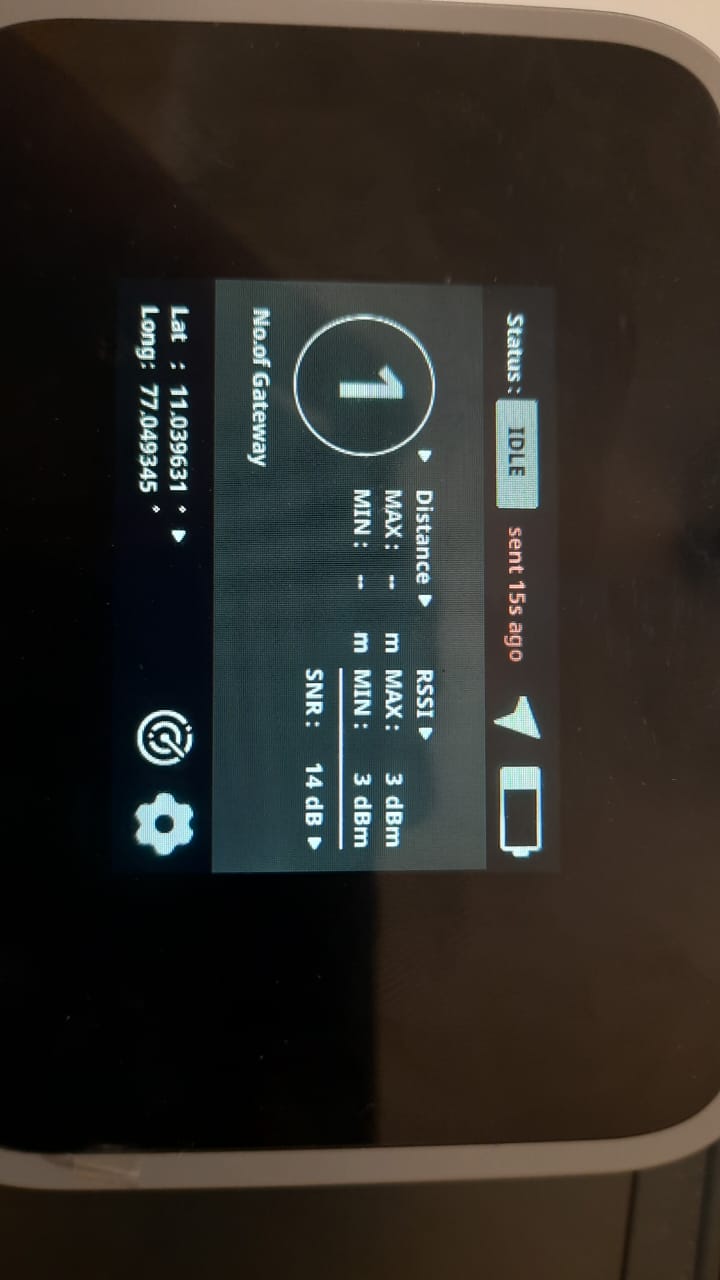
Hi sir, i am using RAK10701-P Field tester. here i am facing one issue in the device. i able to see the No of Gateways and also lat long and Rssi and SNR value in the device display. but this device is not showing the Min and max distance. how to check the distance in the device.
What Network Server are you using? Helium, TheThingsNetwork or Chirpstack?
Do you use one of the back-ends shown in our documentation or did you write your own backend?
What is shown as min and max distance?
Are you using the device outdoors and wait until the device has acquired a location or are you using the button to force a packet transmission?\
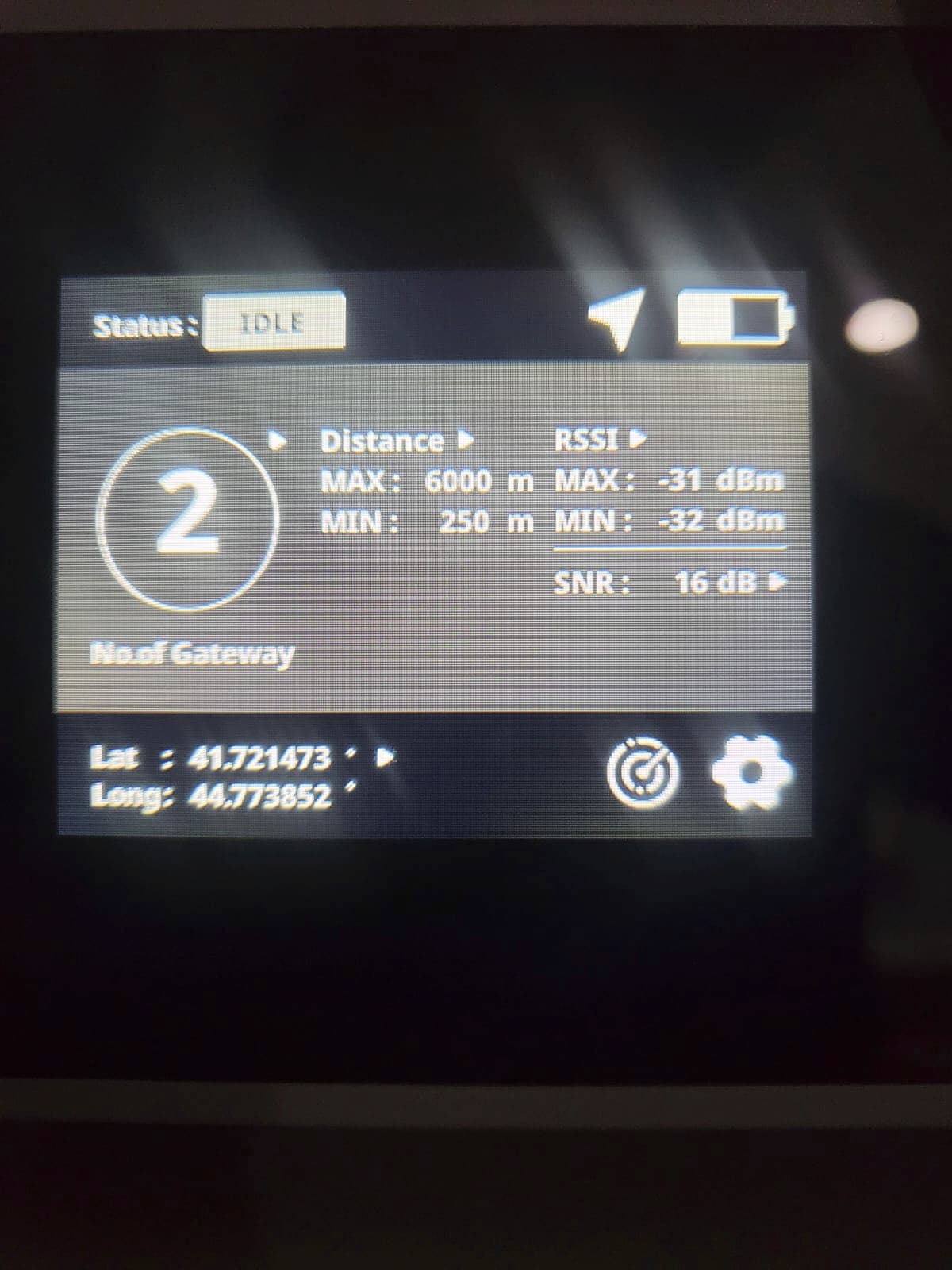
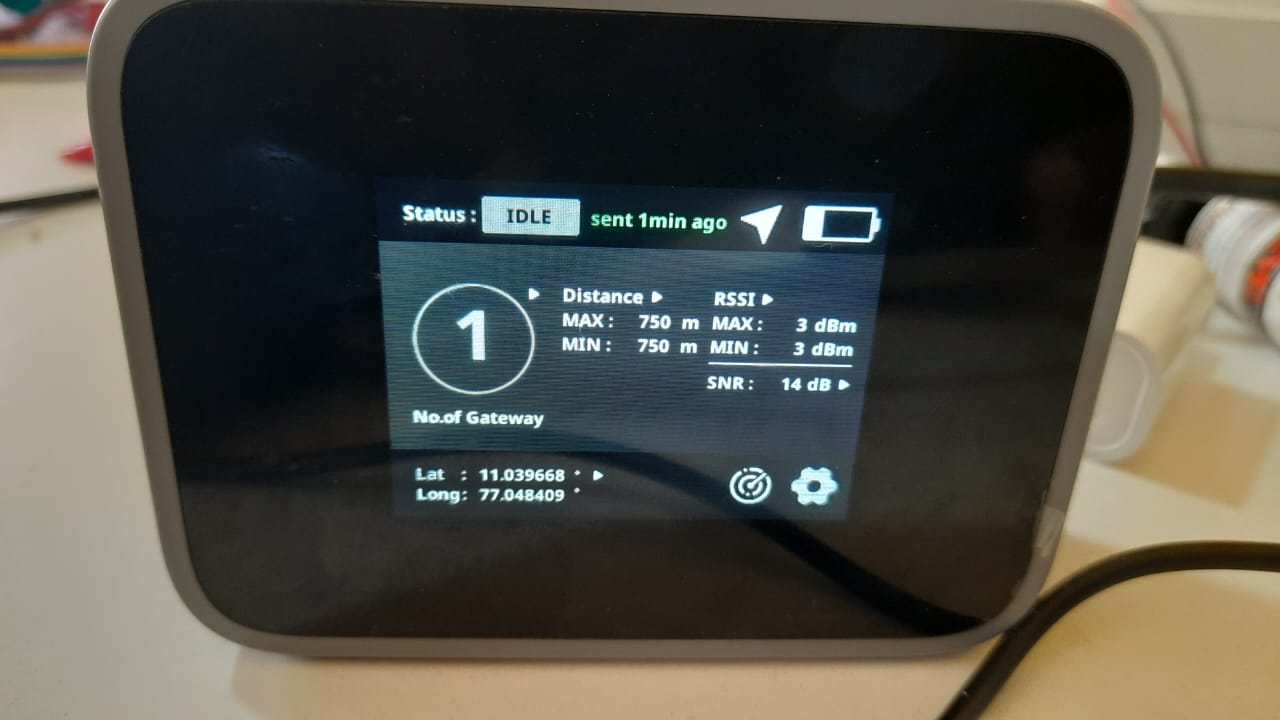
Sir, i have use the Things Network but it only shows min and max distance is 0, and also i try in Chripstack also it show only min and max distance 250m only. i have see this data in DataCake. Here device display also not showing any distance data. i have attached the image below. And i have go to some distance from the gateway and wait some times for data transmission. everything is ok but the distance is not shown in the device.
Does the gateway have a GPS or is the gateway setup to report a fake location (we can do this on our WisGate Edge gateways0.
If the gateway does not report its location to TTN, the backend cannot calculate distances.
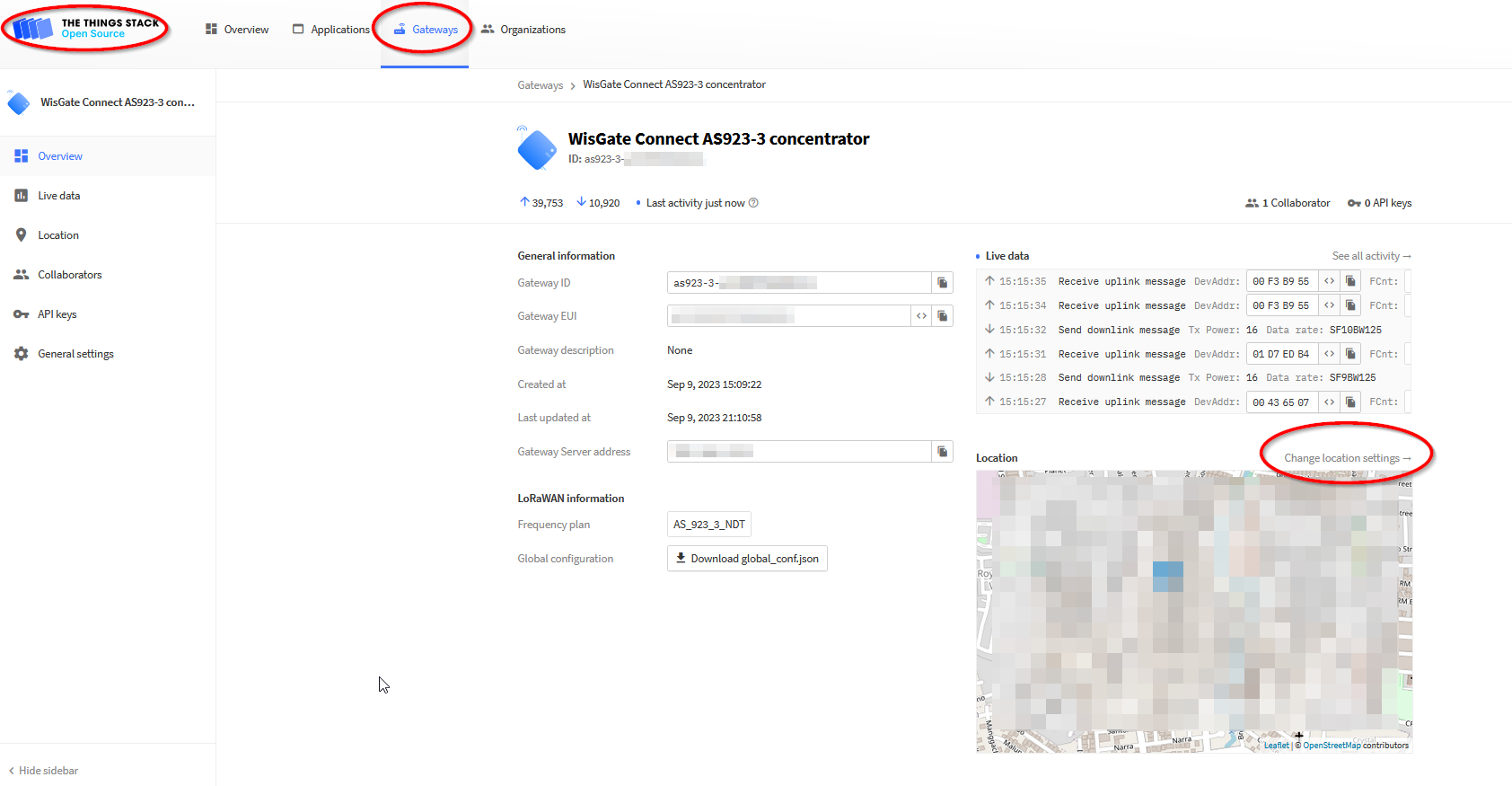
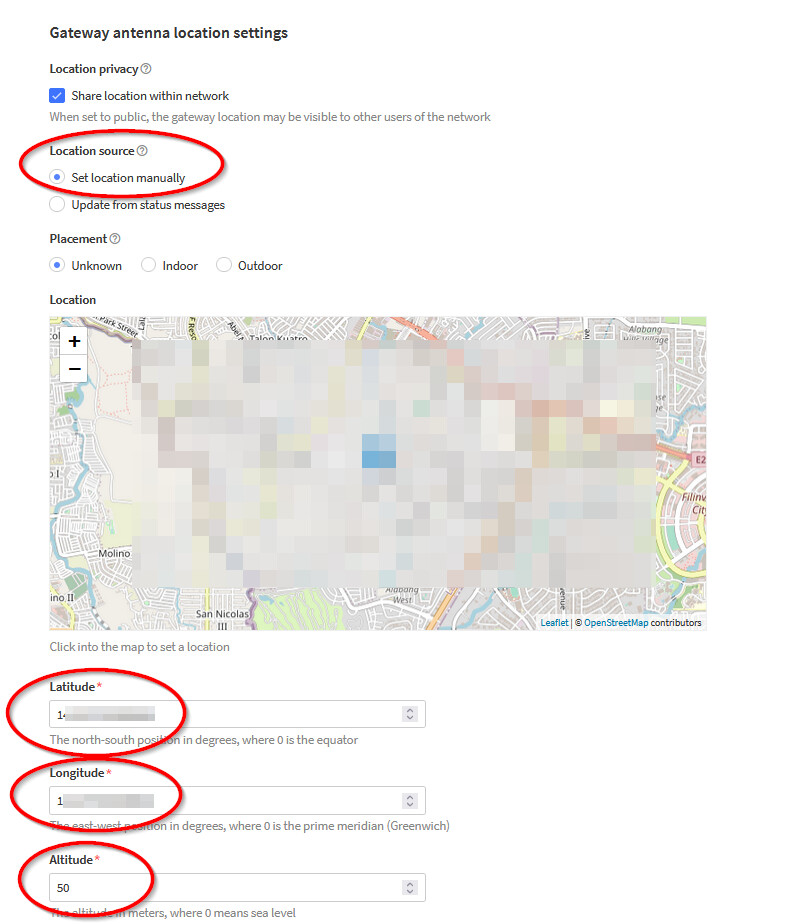
If that is the case, you need to setup the gateway location in TTN:
Open your gateway in TTN, on the left side you see Change location settings. Click it.
yes sir it is work, but the minimum and maximum value is showing 250m or 750m or 1000m. but the actual distance is not matched minimum or maximum distance in the device. Actually this minimum and maximum values are always same. i have attached the image below.
Sir, now the device detects the 2 gateways. And also, the distance is minimum 250m and maximum distance is 750 meters. But here i have placed the device is near by the gateway maximum distance is up to 5meters only. There are any possibilities to find this kind of minimum distance by using this device.
There is no possibility to change the distance values to more precise values.
The downlink payload size is limited and there is only 1 byte for min and 1 byte for max distance.