RAK10701-P not sending GPS data to TTN (only “no GPS fix (NULL)” received)

Hi everyone,

I’m using a RAK10701-P (868 MHz) connected to The Things Network (TTN) .

The device successfully joins the network and sends uplinks on port 5, but it never transmits valid GPS coordinates.

Instead, every uplink looks like this:

{
  "f_port": 5,
  "frm_payload": "TlVMTAAAgA==",
  "decoded_payload": {
    "gps_fix": false,
    "note": "no GPS fix (NULL)"
  }
}

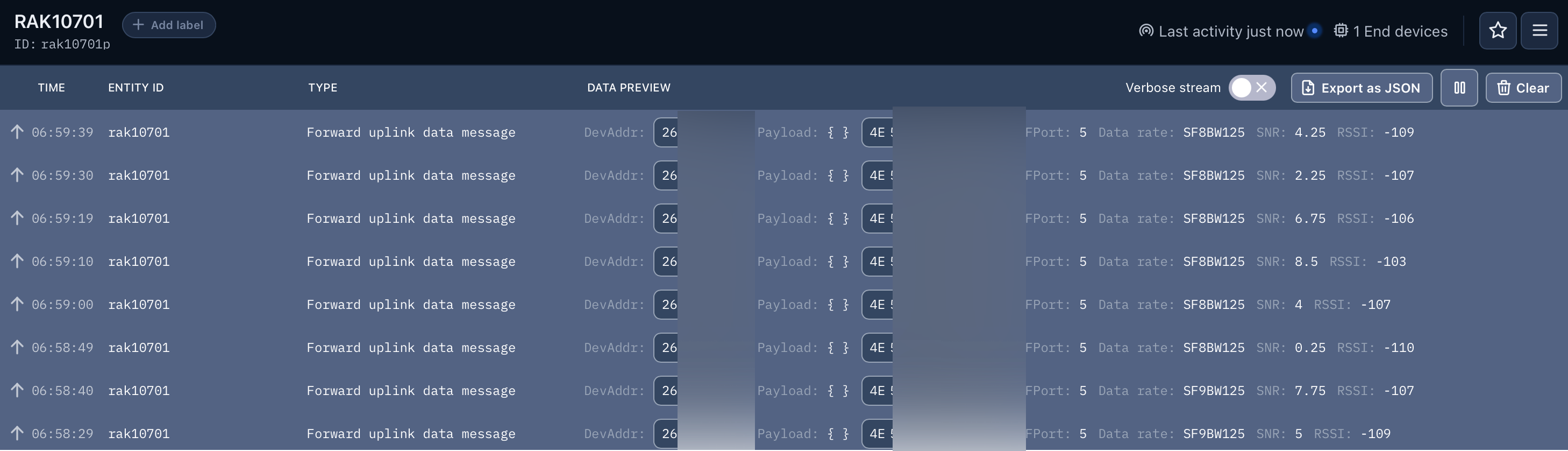
In the TTN console, I can clearly see uplinks being received, but the decoded payload always shows

“gps_fix”: false and “note”: “no GPS fix (NULL)”.

Here’s what I’ve already done:

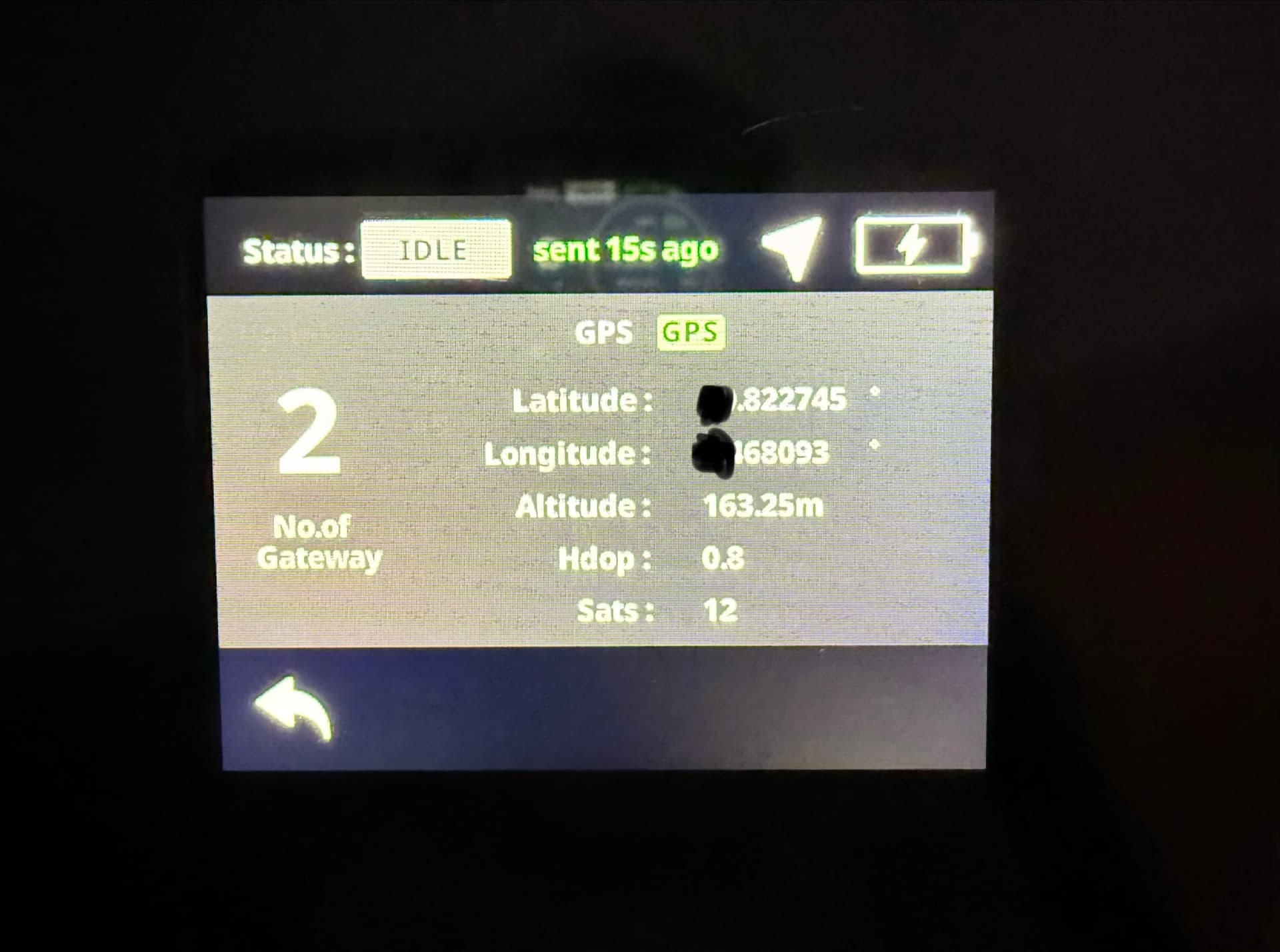
  1. The device is outdoors with clear sky view .
  2. The GNSS antenna is connected properly (on the correct connector).
  3. The LoRa connection works fine (Join Accept OK, RSSI ≈ −130 dBm).
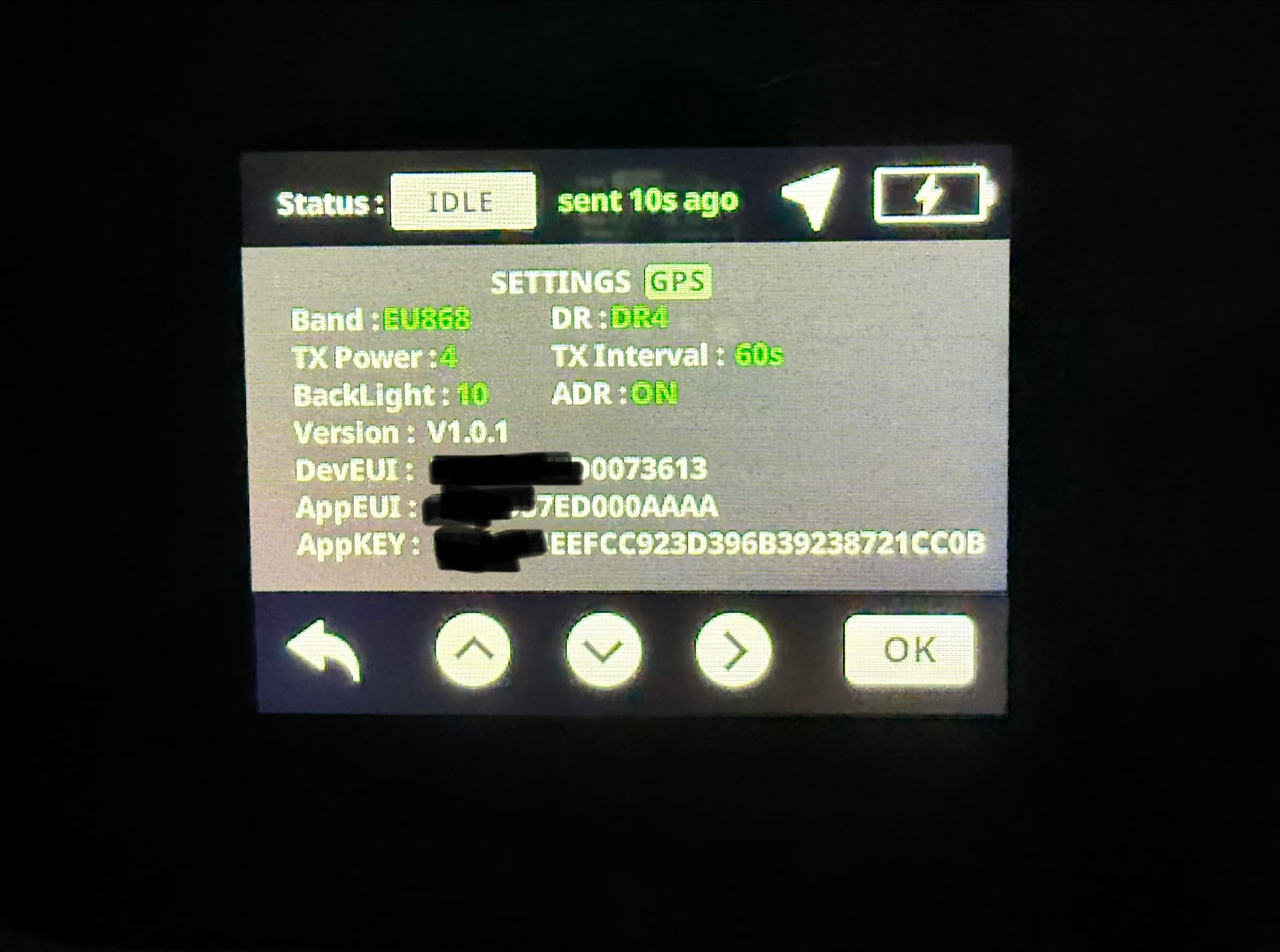
  4. Tested both Indoor and Outdoor modes in the device menu.
  5. Tried to send AT commands via WisToolBox – the device responds to AT+VER=RUI_4.1.0_RAK4631 but doesn’t seem to recognize typical GNSS commands such as AT+GPS=1 or AT+GNSS=1.

So far, it seems the GNSS module is not activated or not providing data to the firmware, even though the device has clear sky view.

Could anyone from RAK or the community please clarify:

  • Is there a newer firmware for the RAK10701-Plus (868) that fixes this issue?
  • Do we need a specific AT command or menu setting to force GNSS activation or increase the GPS timeout?

Any help or guidance would be greatly appreciated!

If you need logs, AT command outputs, or TTN uplinks, I can share them here.


},
        "frequency": "867700000",
        "timestamp": 72316564,
        "time": "2025-10-16T05:55:20.652458Z"
      },
      "received_at": "2025-10-16T05:55:20.699162070Z",
      "confirmed": true,
      "consumed_airtime": "0.102912s",
      "locations": {
        "frm-payload": {
          "latitude": -34.92197185289692,
          "longitude": -73.1249936297532,
          "altitude": 32768,
          "source": "SOURCE_GPS"
Welcome to RAK forum @ProfHase ,

Can you please confirm if you use this payload decoder - RAKwireless_Standardized_Payload/RAK10701-TTN-Helium-payload-decoder.js at main · RAKWireless/RAKwireless_Standardized_Payload · GitHub

1 Like

Hi carlrowan,

wow, great - now I can see die GPS Koordinaten in TTN. Thank you so much!!!
Do you have a link for me for the latest Plus-Firmware for me?

Here’s the guide for updated RAK10701 to RAK10701-Plus - RAK10701-Plus Field Tester for LoRaWAN Firmware Update

You need a WisGate Edge to fully run the RAK10701-Plus since the processing is done on the Extension.

Thank you. Does that mean that with the firmware RAK10701-PlusV1.0.1.ino, I can no longer use the RAK10701 as I currently do with the firmware 1.1.2? I use it as a TTN mapper.

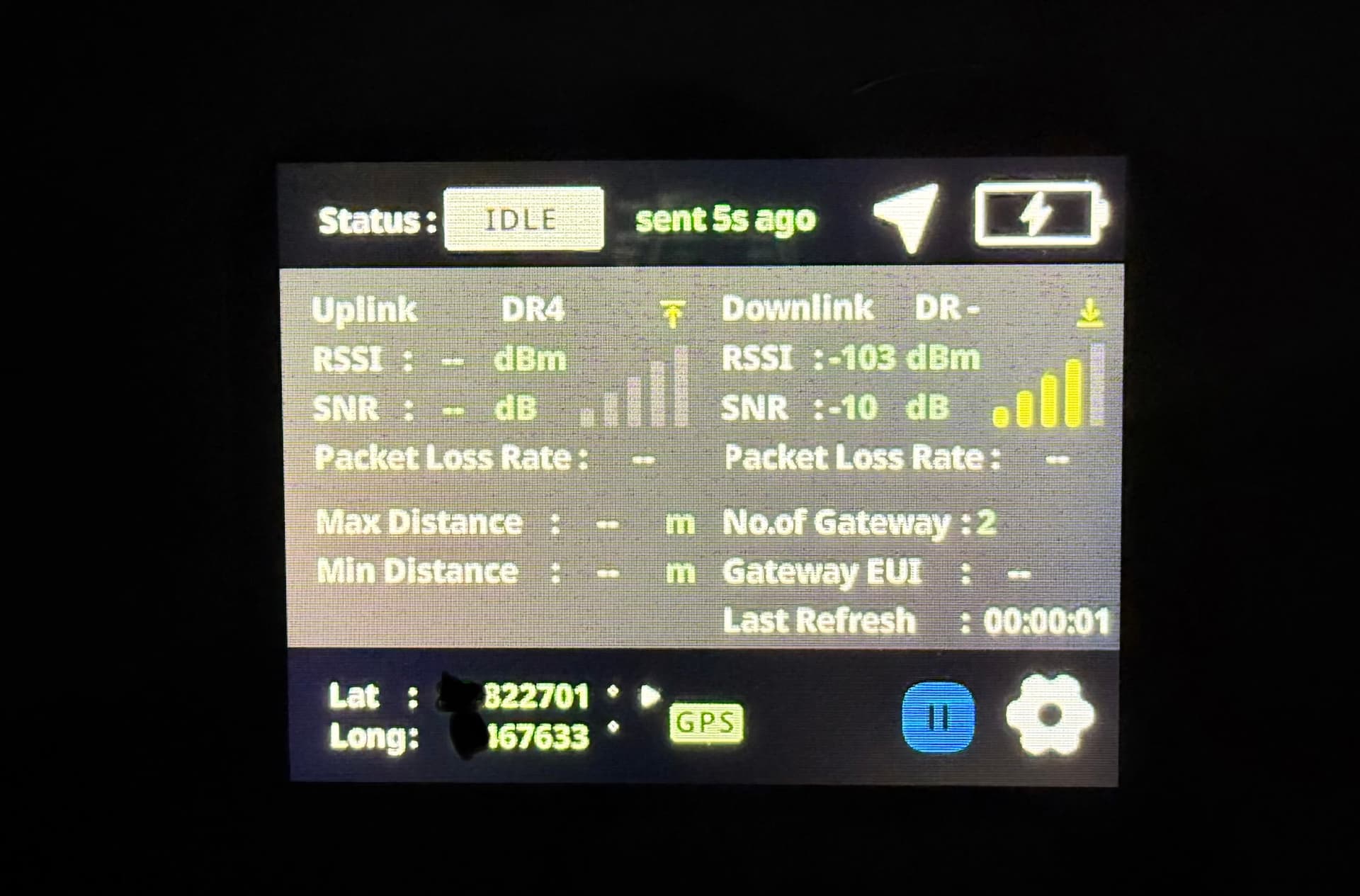
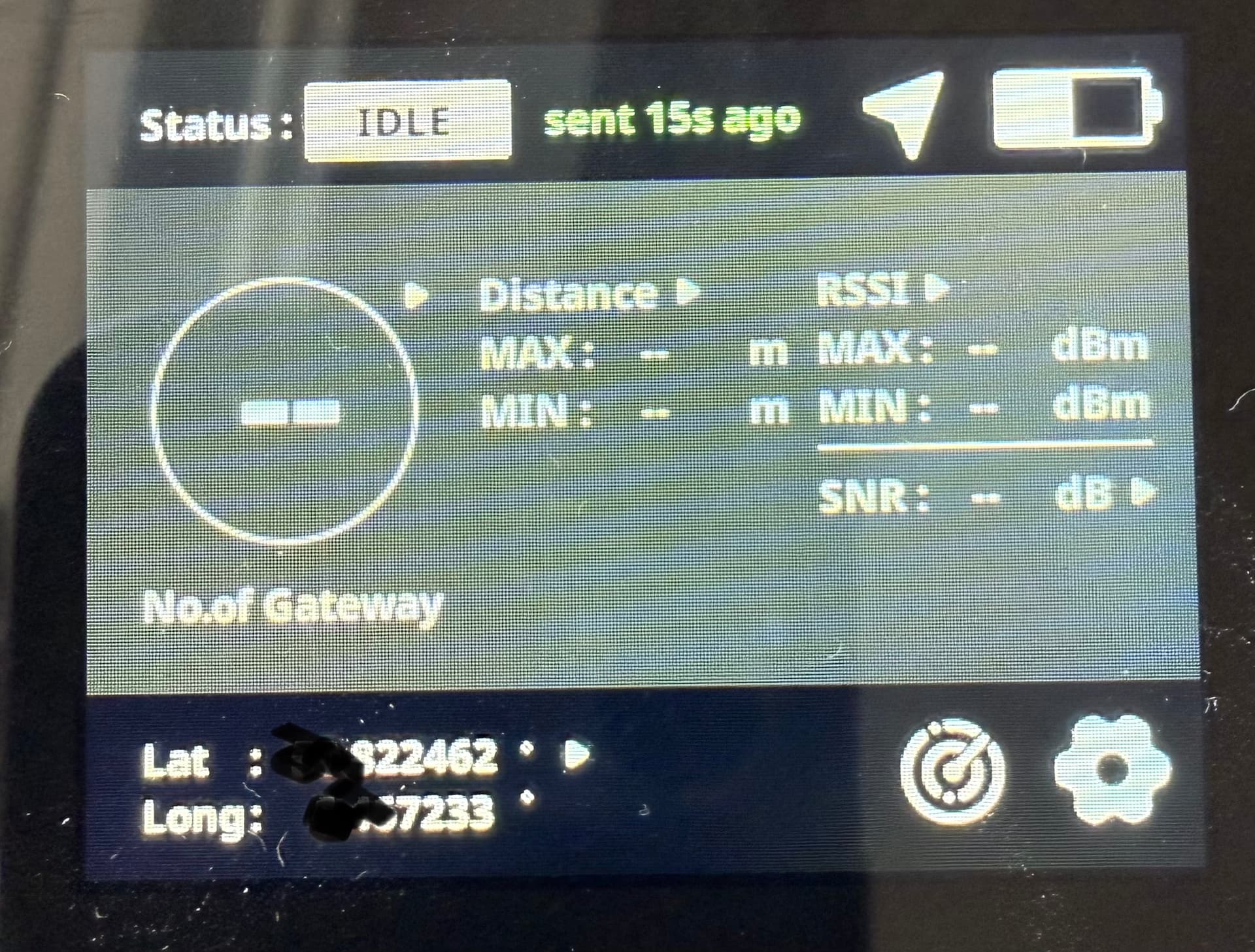
And currently, despite an existing connection, nothing is displayed…
No. of Gateways or the other parameters

Hi @ProfHase ,

RAK10701 and RAK10701-Plus send GPS data so you can always use it for TTN mapper.

However, for the complete data to show on both device, you need to have the backend that will process the data from the LNS.

For RAK10701 - Here is the documentation

For RAK10701-Plus - Here is the documentation

Do I understand correctly that with the Plus version, the information is only displayed if I have an Edge Gateway? And with the Pro version, the information is displayed when I create the webhook?

Yes. That’s correct.

One good thing on Plus is that even if you have no WisGate Edge, you can still make it work using LinkCheck mode. This mode also works in any LoRaWAN compliant LNS.

LinkCheck mode is not available in Pro.

With RAK10701-Plus on LinkCheck mode (running without WisGate Edge), you still have data on number of Gateways, Downlink RSSI and SNR.

Complete parameters/readings including uplink data, packet loss data as well as logging for CSV report is only available if you have WisGate Edge extension.

Okay, I think I’m slowly starting to understand everything :smiley:
I’ve now installed the Plus firmware, but unfortunately, I’m no longer receiving any payload with the GPS data. My default uplink payload formatter is still the one from the old firmware in the TTN.

before it looked like this:

Hi @ProfHase ,

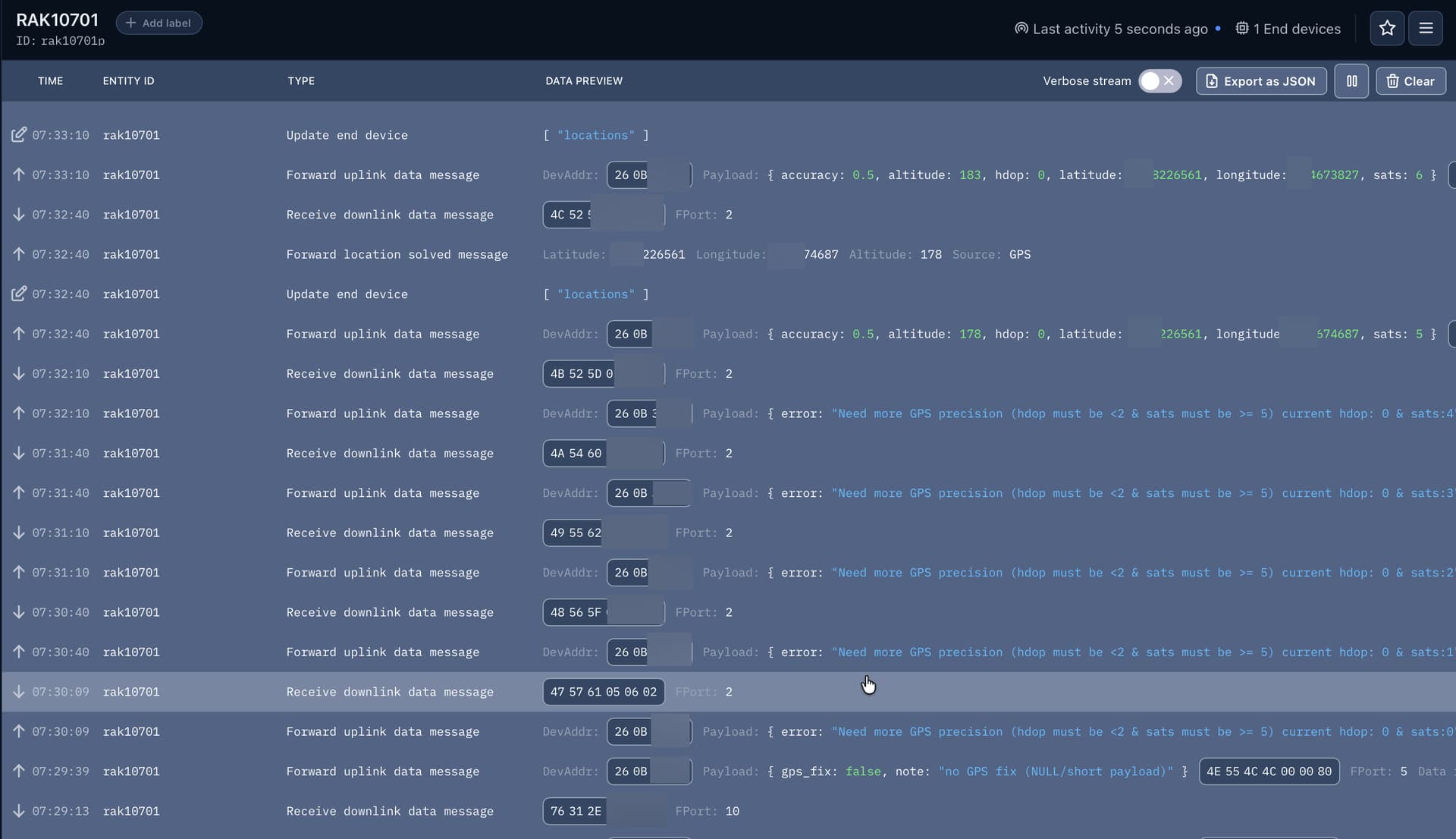
RAK10701-Plus has logging feature in which will start when you setup a label to that specific location. By default it is NULL. That is the payload that you currently see. If the payload is NULL, it will not be logged saving resources. Activation of the GPS payload is done automatically if you have WisGate Extension via a downlink command.

This is also discussed here.

If you do not have a WisGate Edge with the extension, you can do it manually and bypass the process by sending this downlink.

Hex: 76312E312E30
Port:10

Nice!! Thank you.
Does this look right to you?

Then the only “problem” I have now is that I have to send the downlink after every restart of the RAK, right?

Yes. That’s correct.

Also correct that you have to send the downlink everytime you restart.

If you can run a script that can automatically do it on TTN (via MQTT seems the easiest), that would be good. Maybe wait for a “NULL” uplink payload then send the downlink. Since “NULL” will be always the default.

This topic was automatically closed 10 days after the last reply. New replies are no longer allowed.