Please include the following information, in order for us to help you as effectively as possible.
What product do you wish to discuss? RAK4631, RAK 14000, RAK 19007
What firmware are you using? Arduino IDE
What firmware version? Can it be obtained with AT+VER=?
Computer OS? Windows
What Computer OS version? 11
How often does the problem happen? Always
How can we replicate the problem? RAK14000_Epaper_Monochrome example from Arduino IDE
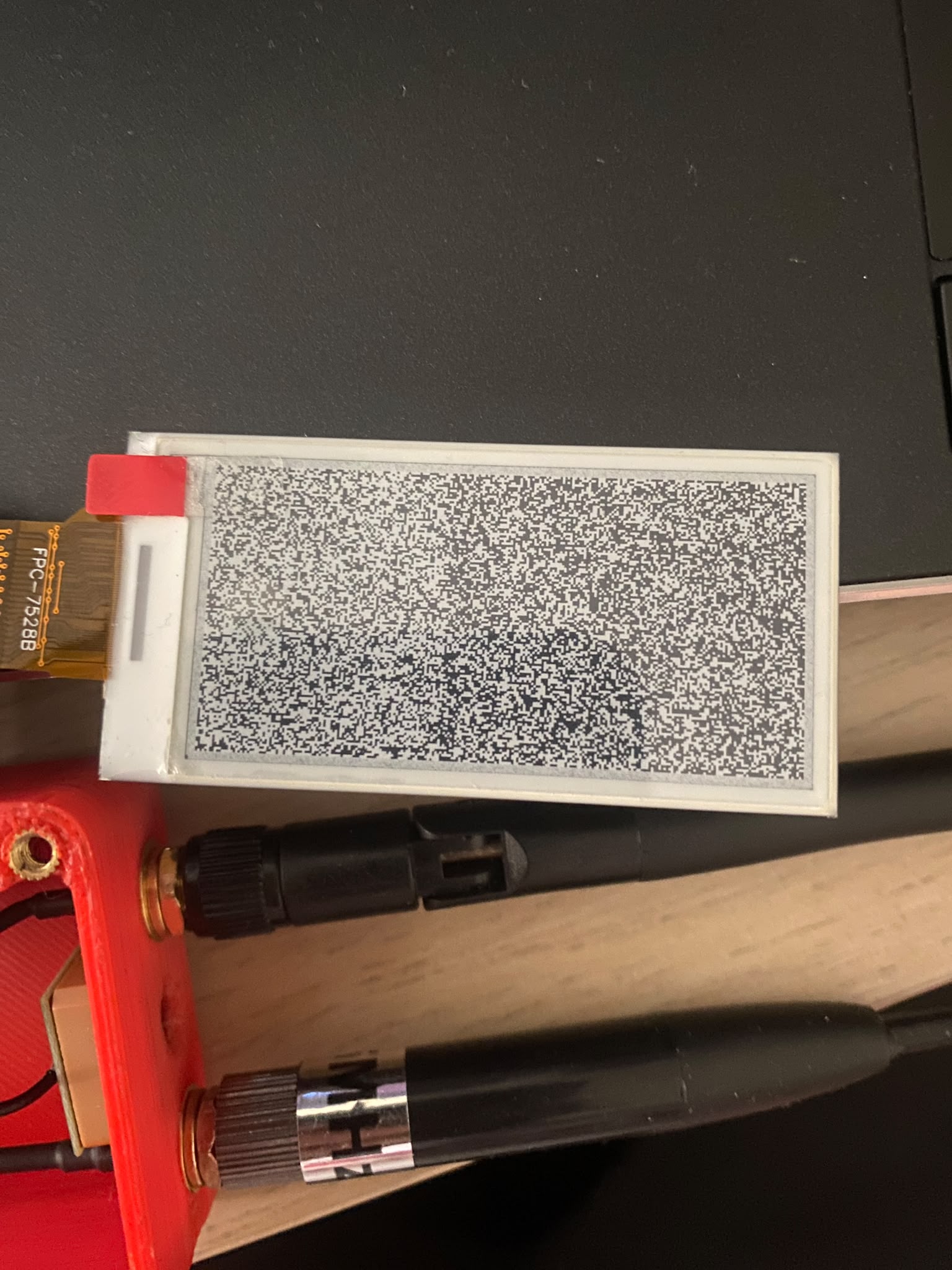
Hi, I’ve recently tried to use the RAK14000 module on my wisblock uploading the Mestastic epaper firmware for RAK4631, then tried to load the example code from Arduino IDE but the screen is not working as expected, attached is a photo of how the screen looks at the moment no matter what I try to do
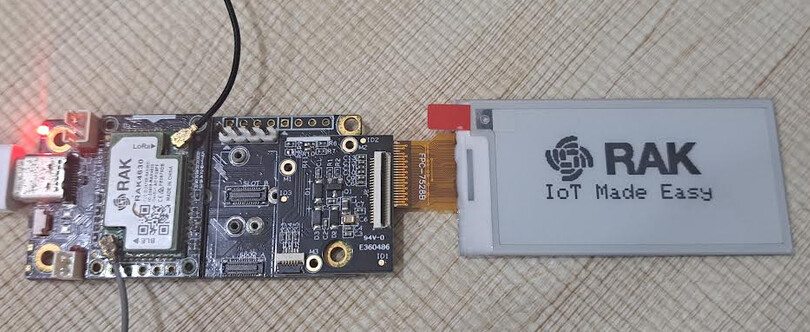
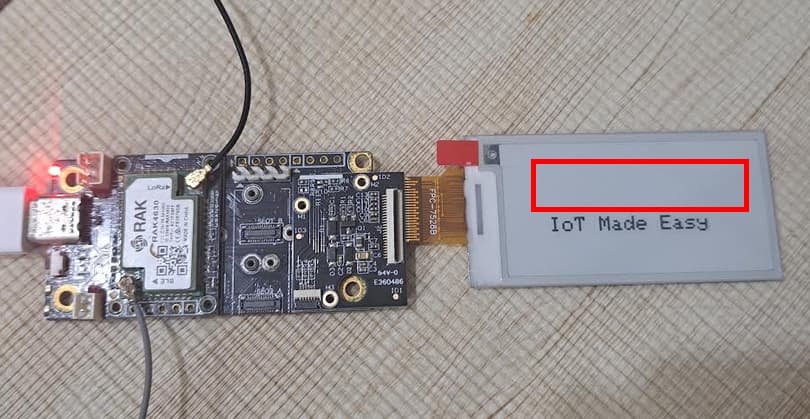
Using the RAK14000-Epaper-TriColor.ino on a b/w display will result in an incomplete image. The RAK logo would be in red on the tri-color display. But it doesn’t show on the b/w display:
I’m using the 2 color version (which is the one also supported by Meshtastic).
If I use the example file which is the RAK14000-Epaper-Monochrome.ino nothing shows up on the screen.
So I tried another library and using “Adafruit_ThinkInk.h” I can get the screen to work
I can use the other library for testing, but it just suddenly stopped working.
But if I want to use third party code like Meshtastic they are probably using the library GFX and EPD rather than ThinkInk.
I’m able to get all the following to work: battery level read, RAK1906, RAK 12002 but not the screen and I’m stuck at the moment. Don’t know where to look at anymore
I tried again using the example code for monochrome but without much success again.
I stil can’t upload my code but I can provide you with any required snippet if desired. But anyway the device is getting stuck at the function display.begin() in both my code and the example one