RAK2270 Sticker dont conneting to Chirpstack

Hi every one !
I have a RAK220 device and flashed FW ( RAK2270-Sticker-Tracker/Firmware/Release/RAK2270_1.1.0_Generic/RAK2270_1.1.0_Generic.hex at main · RAKWireless/RAK2270-Sticker-Tracker · GitHub )
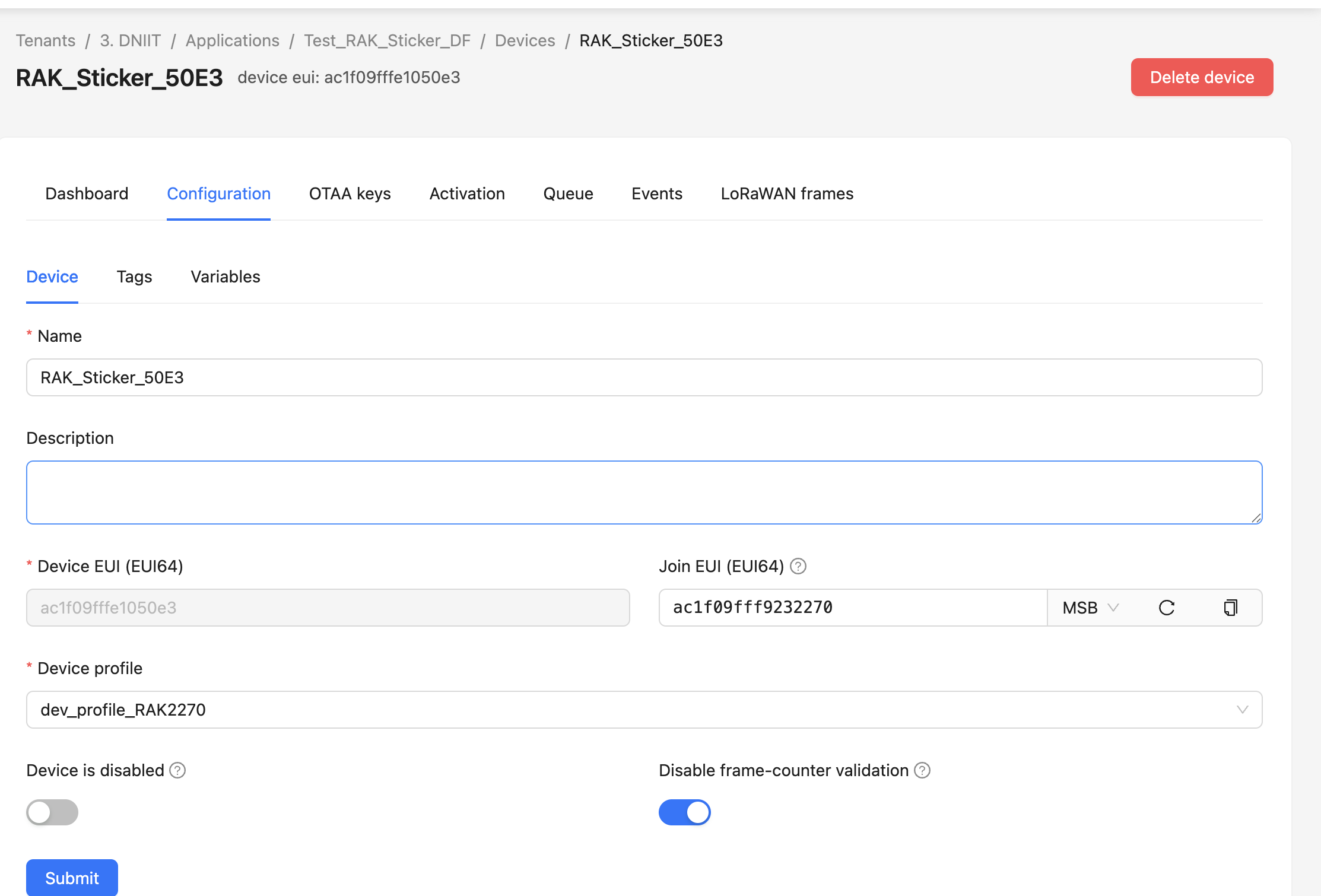
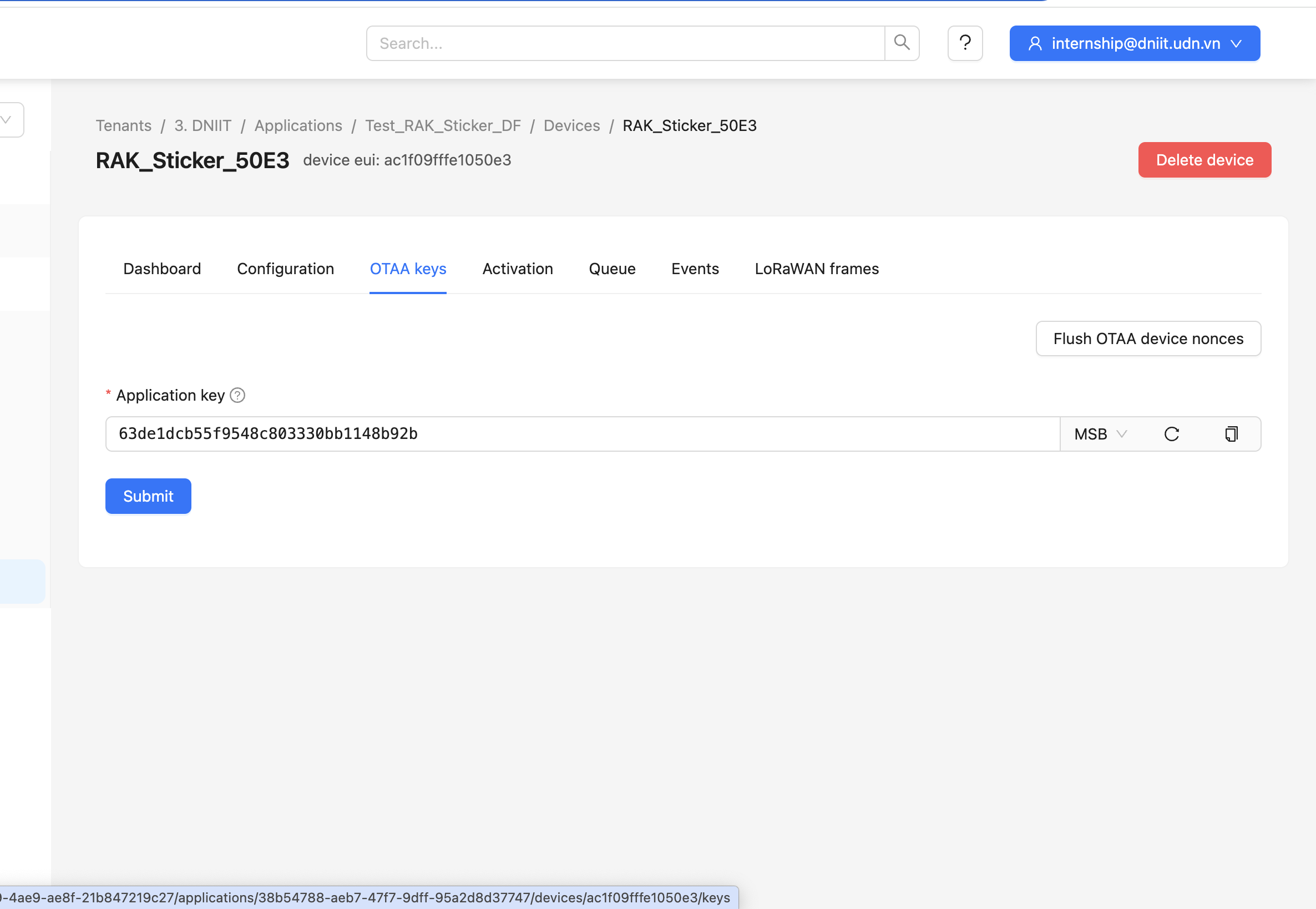
I have installed DEVEUI, APPEUI, APPKEY all match Chirpstack

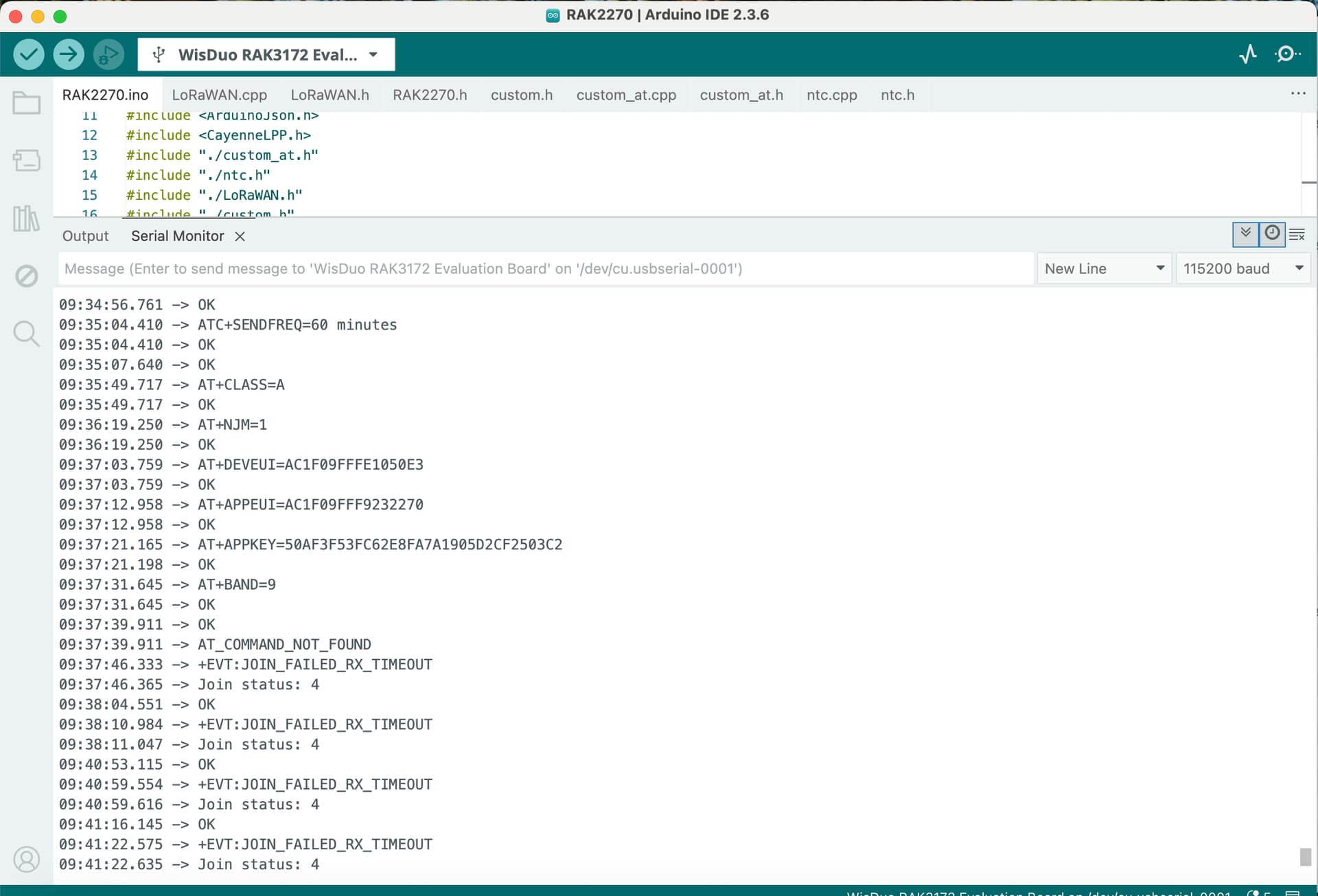
AT+DEVEUI=AC1F09FFFE1050E3
AT+APPEUI=AC1F09FFF9232270
AT+APPKEY=50AF3F53FC62E8FA7A1905D2CF2503C2
AT+BAND=9
AT+NJM=1
AT+CLASS=A
AT+TXP=0

The frequency configuration on my Gateway is AS923_2
But when I execute the Join command it gives an error

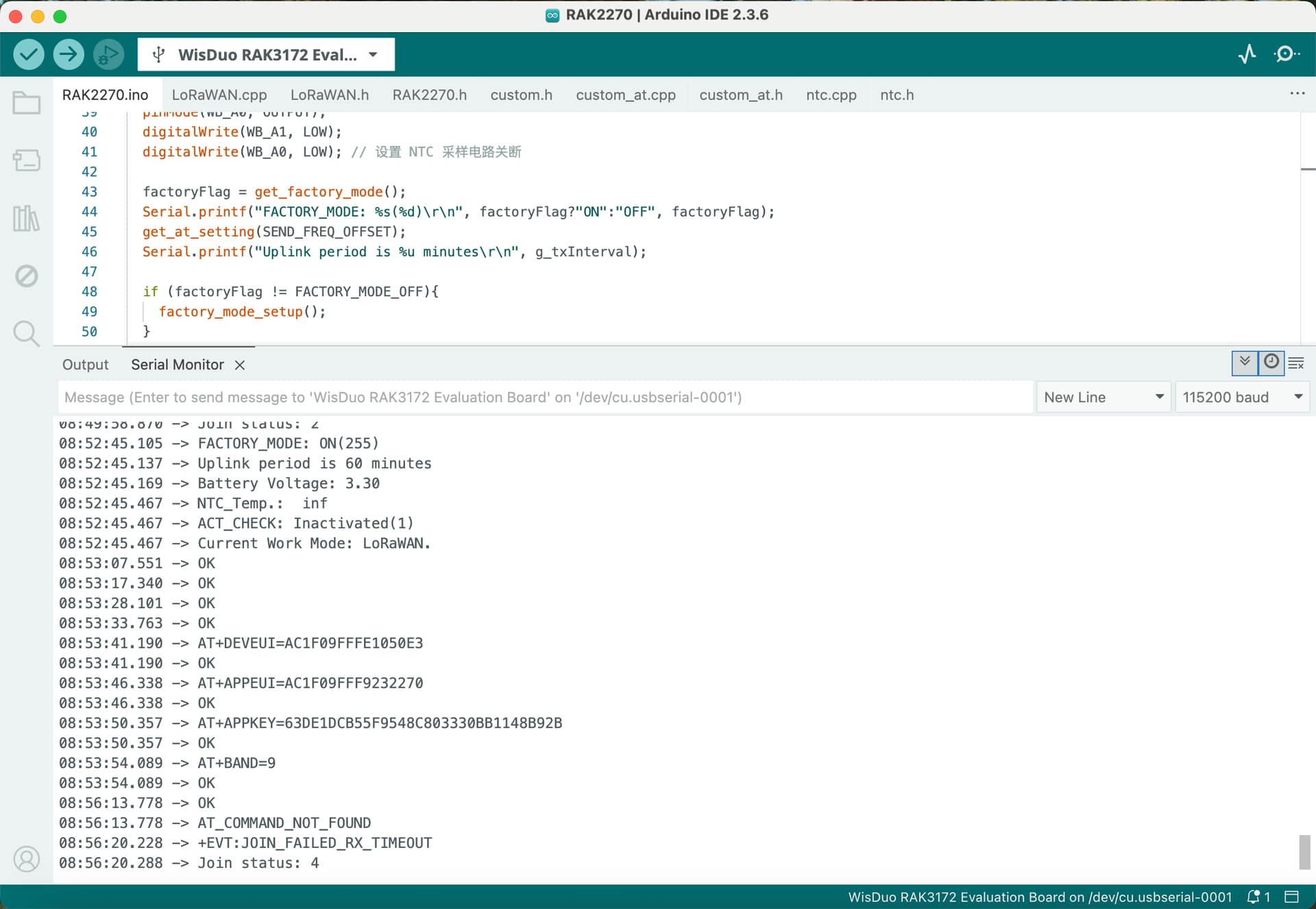
+EVT:JOIN_FAILED_RX_TIMEOUT
09:42:06.163 -> Join status: 4
09:43:59.911 -> OK
09:44:06.370 -> +EVT:JOIN_FAILED_RX_TIMEOUT
09:44:06.370 -> Join status: 4

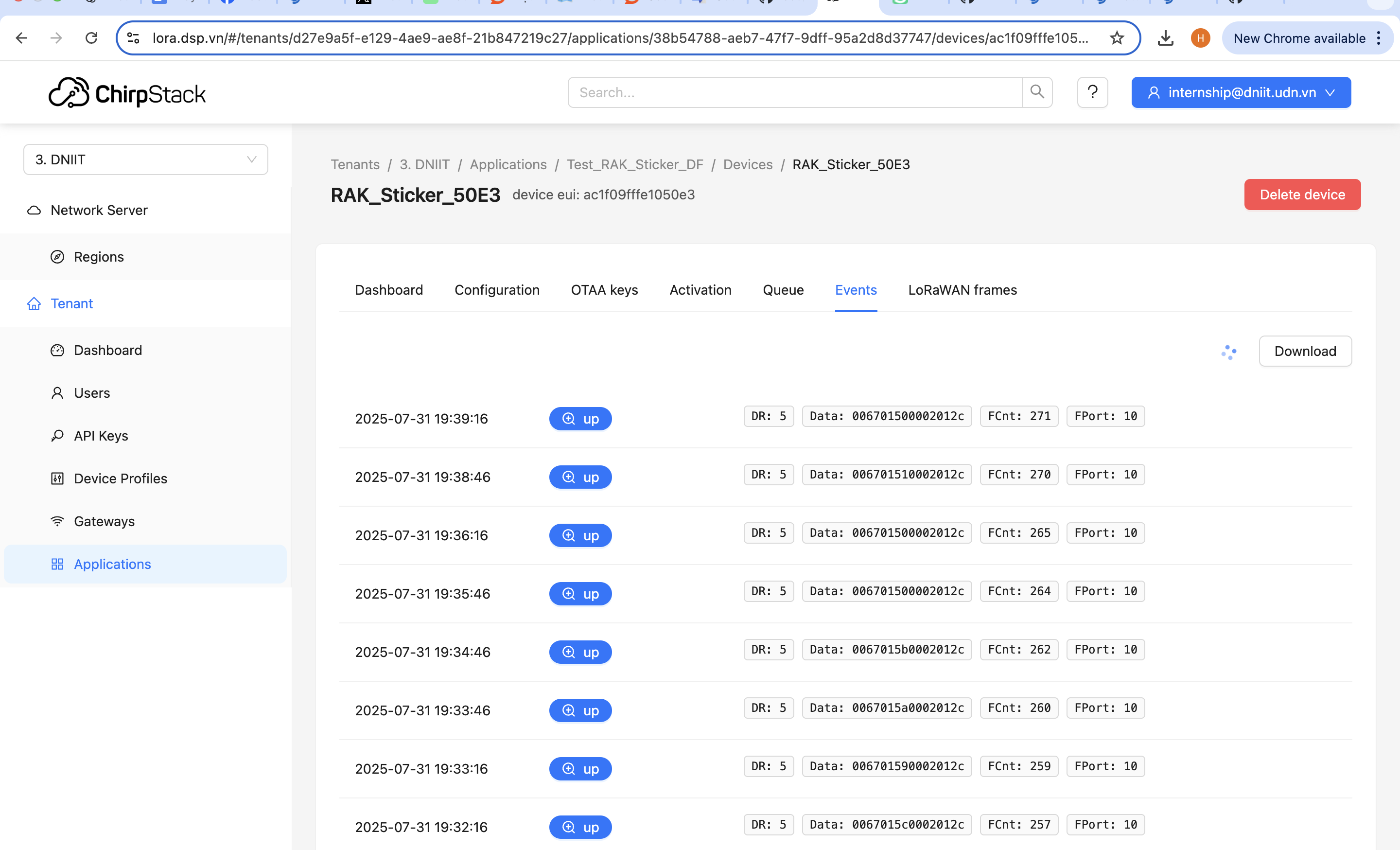
I have successfully joined and sent uplink before, but after a while I did not see the device sending uplink. I executed the join command again but it reported the above error.

Hi @huy ,

I assume you have RAK2270-Developer. The successful uplinks are transmitting every 90 seconds, this might be fast for the sticker. When it stopped transmitting uplinks, you do not see any uplinks in Chirpstack console right? Then when you try to rejoin, you also do not see any join uplinks attempts?

However, have you tried to reregister the device using different OTAA keys, will it join successfully?

Hi Sir @carlrowan !
I tried again by changing the keys like: AppEUI and AppKEY and applied them to RAK Sticker but the device still can’t send Uplink to Chirpstack after I send AT+JOIN command
After I send the AT+JOIN command, the Gateway’s LOG does not report any new packets, which means my device is not working at all
Do you have any solutions to this problem?
I hope you can help me solve them. Thank You !

Hi @huy ,

If the BAND is correct, there is no noticeable issue on the board, antenna is ok, sticker is in gateway coverage, there is AT commands replies, then what I will try to do is perform flash erase and reupload the firmware and see if there will be improvements.

hi @carlrowan !
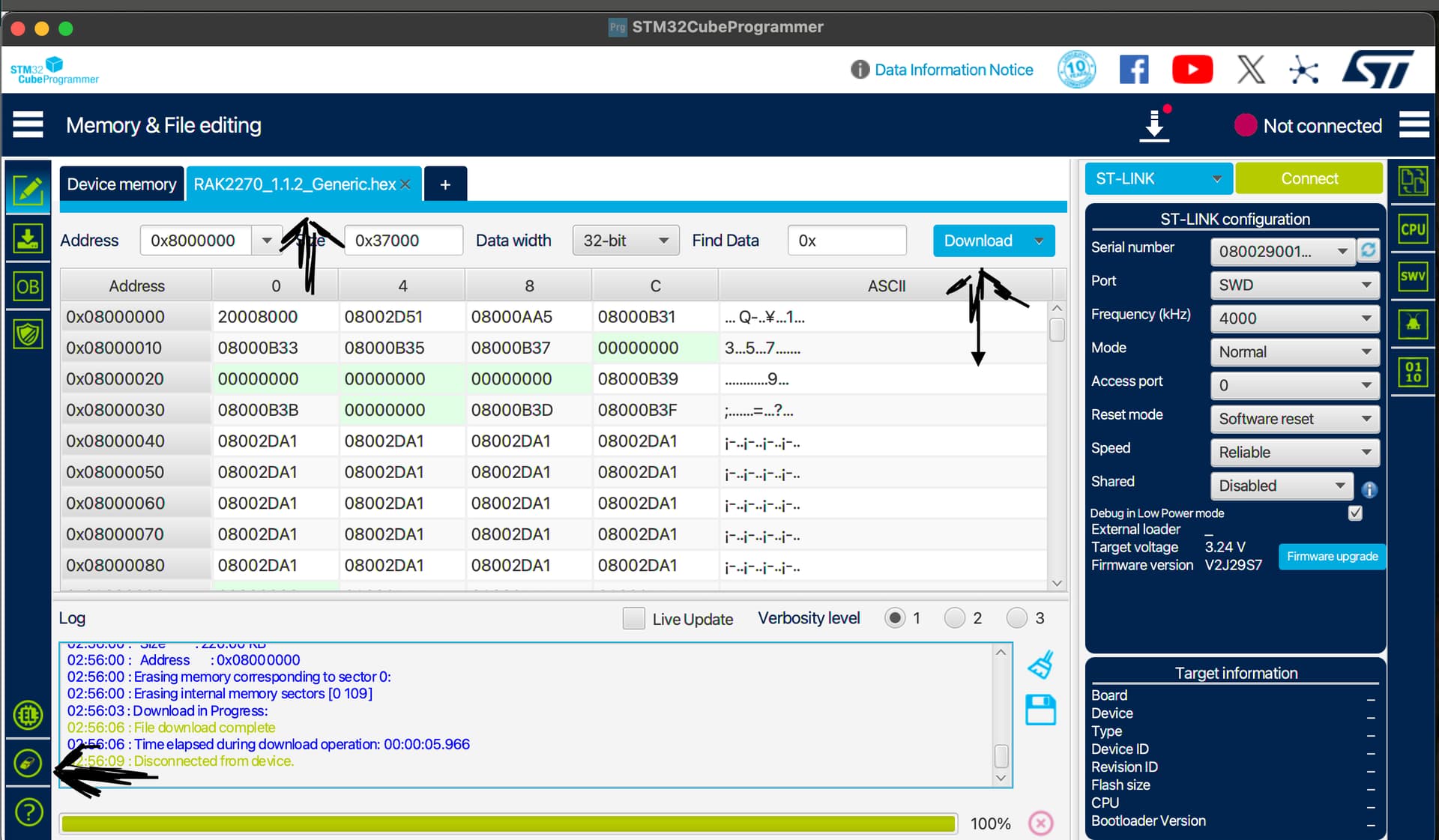
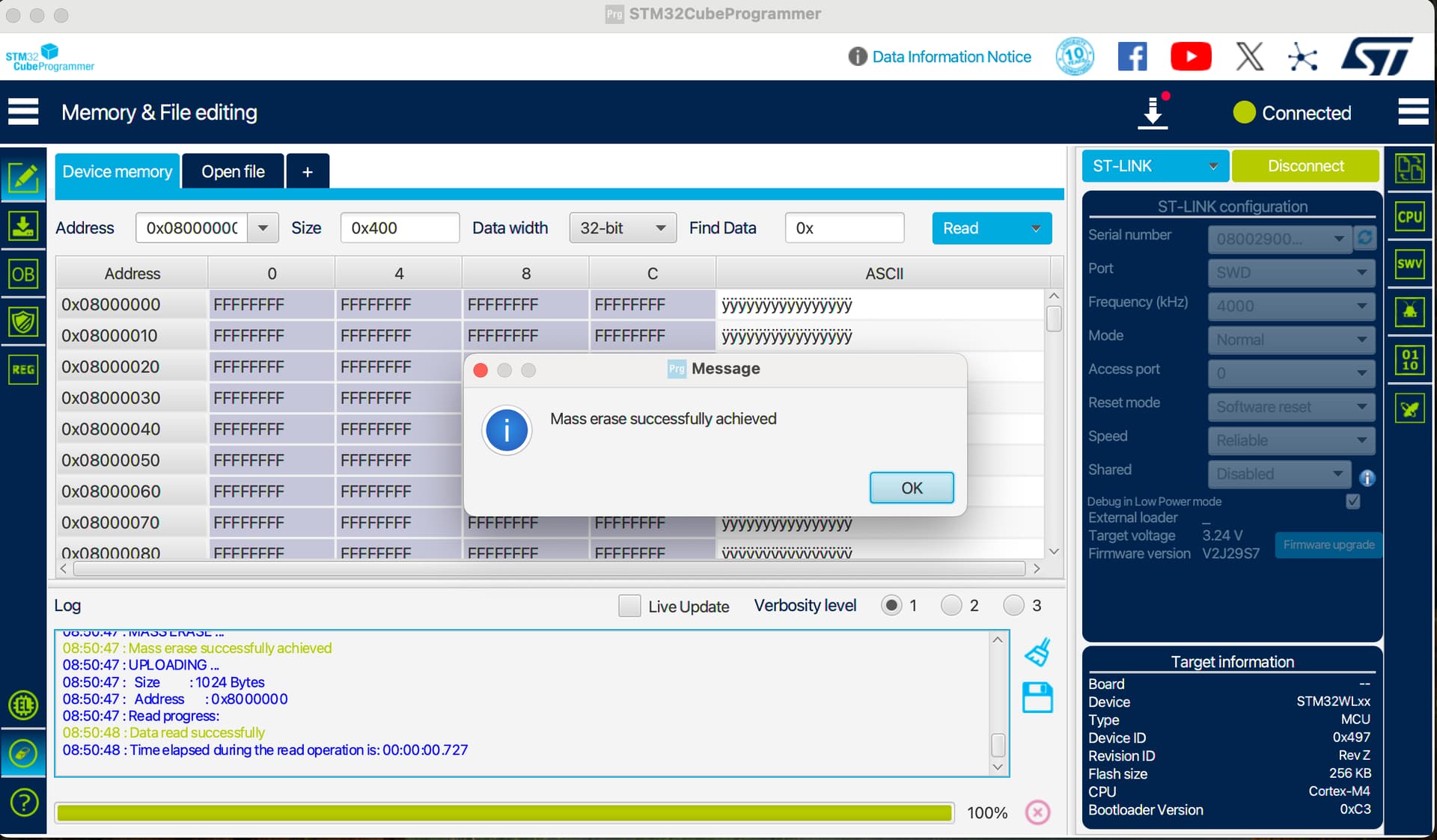
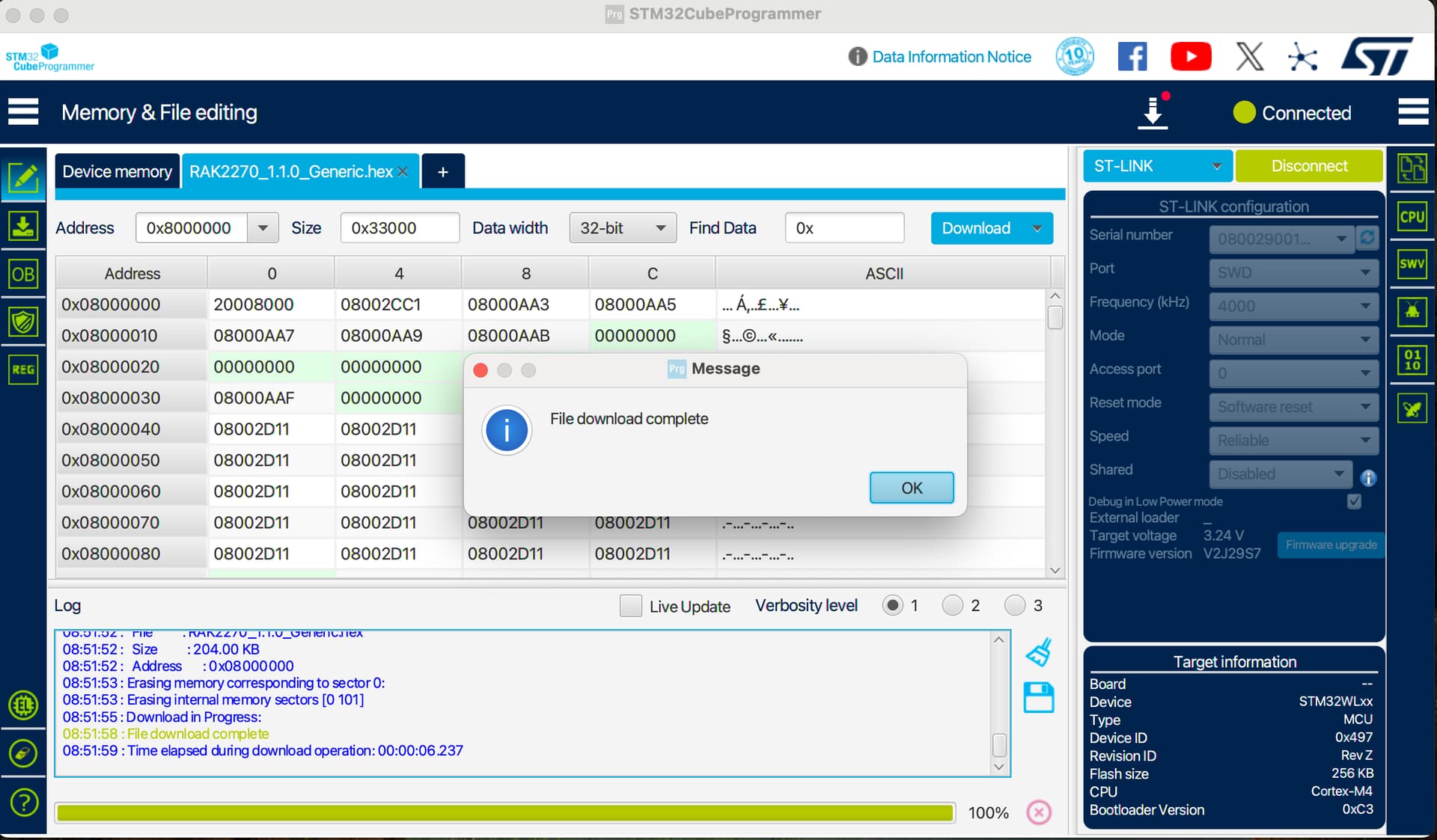
I tried erasing and flashing new FW but it still doesn’t seem to work

Then i sent the Join command but still get error. do you have any other way to help me?
Thanks Sir !

Hi @huy ,

The issue you have is quite strange. The module has clear flash and reuploaded new firmware. It also react to AT commands so it means it is work fine.

  1. On each test you have can you confirm that the Frequency band and OTAA parameters are the same on the device and the gateway?
  2. You are also sure that the sticker is within the LoRaWAN gateway coverage?
  3. The LoRaWAN gateway and Network Server are guaranteed to work ok since you have other device connected to it?
  4. There no changes done on other parts like the gateway or network server before join failing start to happen?

Hi @carlrowan !
I have erase and flashed new FW but it seems like it still doesn’t improve anything


FW: RAK2270-Sticker-Tracker/Firmware/Release/RAK2270_1.1.0_Generic/RAK2270_1.1.0_Generic.hex at main · RAKWireless/RAK2270-Sticker-Tracker · GitHub

With another RAK Sticker at the same location I tried the Join command and it worked. Maybe i went wrong somewhere.

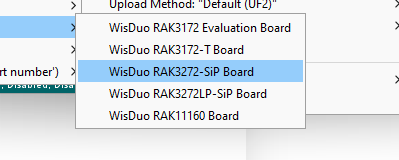
Looking on the images, if you recompiled the whole source code and reuploaded it. The board selected is wrong. For the sticker, it must be WisDuo RAK3272-SiP Board.
image