I am developing a custom PCB tracker based on the RAK4630 module.
Initially, after assembling the board and connecting it via USB, I experienced some stability/detection issues. To resolve this, I used the nRF Connect mobile app to update the bootloader OTA.
Since that update, the module has become stuck in a loop:
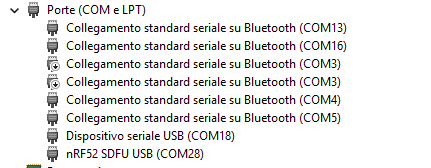
Windows detects the device as “nRF52 SDFU USB” on COM28.
I was able to flash a first test firmware successfully right after the update.
However, now the board is permanently locked in this SDFU position. Every subsequent attempt to upload a new firmware fails, and the module never boots into the application layer.
When I try to use the WisBlock DFU Tool to upgrade, the utility forces me to select the unpacked .bin file, but the process consistently ends with a “Device firmware upgrade timeout!”.
It seems the current bootloader is expecting a specific signed init packet (.dat file inside a .zip package) and rejects the raw .bin payload over the serial bridge, causing the handshake to drop. Since this is a custom hardware design, I do not have a standard J-Link probe routed out on this specific revision, so I am restricted to recovering the MCU via the native USB interface.
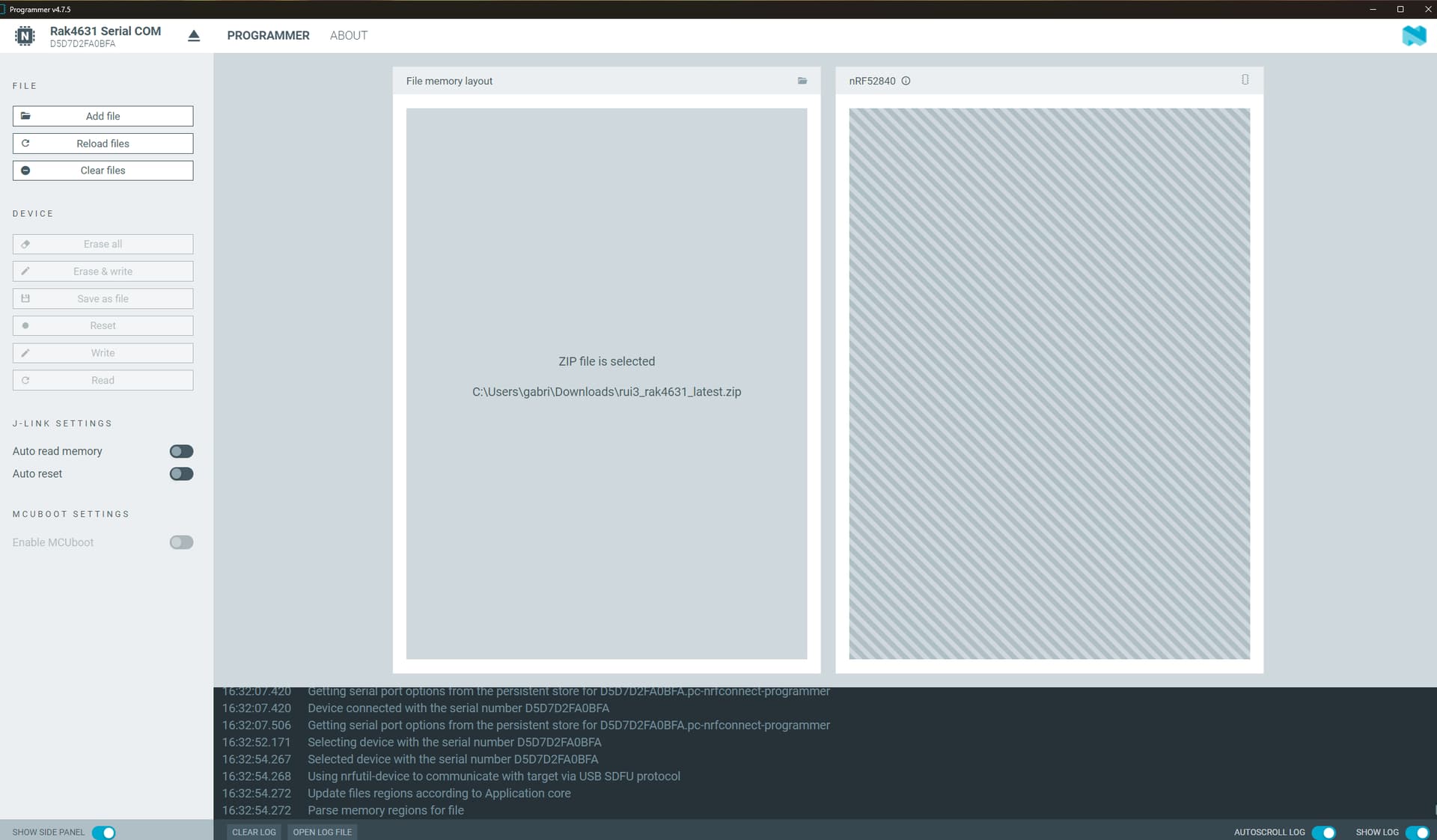
Has anyone encountered this specific lock state on custom hardware after an nRF Connect OTA update? Is there a proven way to force the ununified RUI3 bootloader zip package (rui3_rak4631_latest.zip) directly through this specific Adafruit/Nordic SDFU layer via USB command line tools without bricking the softdevice?
Any insight on the correct utility parameters or recovery packages would be greatly appreciated.
There should be never a reason to update the bootloader. And it is always a bootloader AND a softdevice that you have to update on a Nordic nRF52 MCU. If bootloader and softdevice version are not matching, the MCU will not work.
Not sure what you mean with " WisBlock DFU Tool", afaik there is no such tool. RAK DFU Tool is for STM32 based WisDuo modules and doesn’t work with Nordic MCU’s. Recommended firmware update tool is WisToolBox.
The safest way to get the RAK4630 back to work is to flash the device with JLink or DAPLink over the SWD/Jlink interface and not over USB.
If you have a JLink or DAPlink, I can share a flashable HEX file.
Thanks for the reply. To clarify, I flashed the RAK4631_latest_dfu_package.zip using the nRF Connect app on my smartphone. I sent the AT+boot command first and then proceeded with the zip upload.
Regarding the tools:
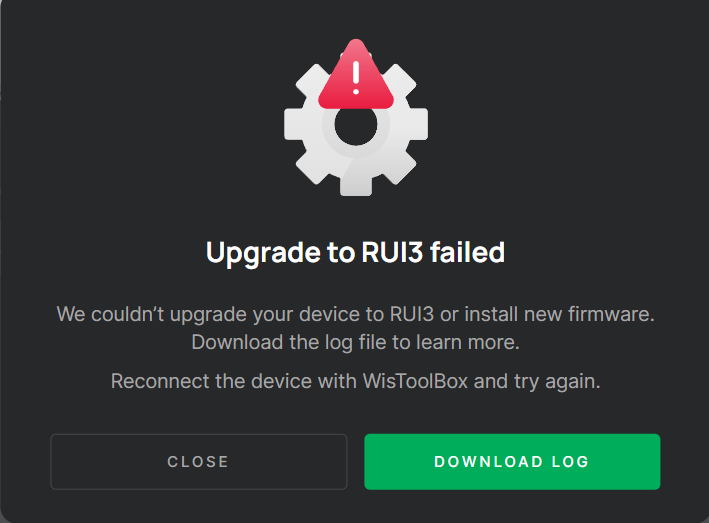
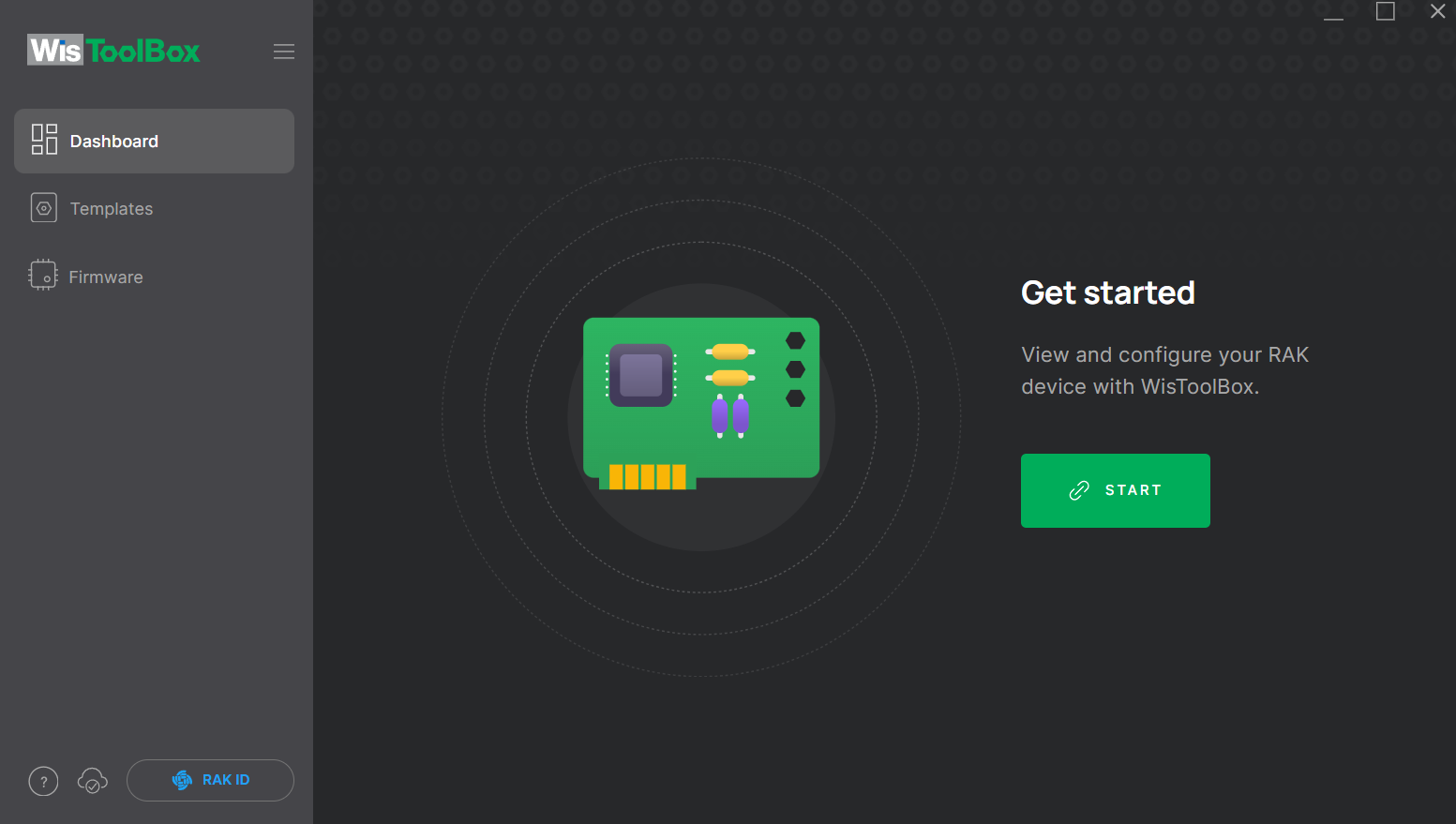
WisToolBox does not correctly identify the chip.
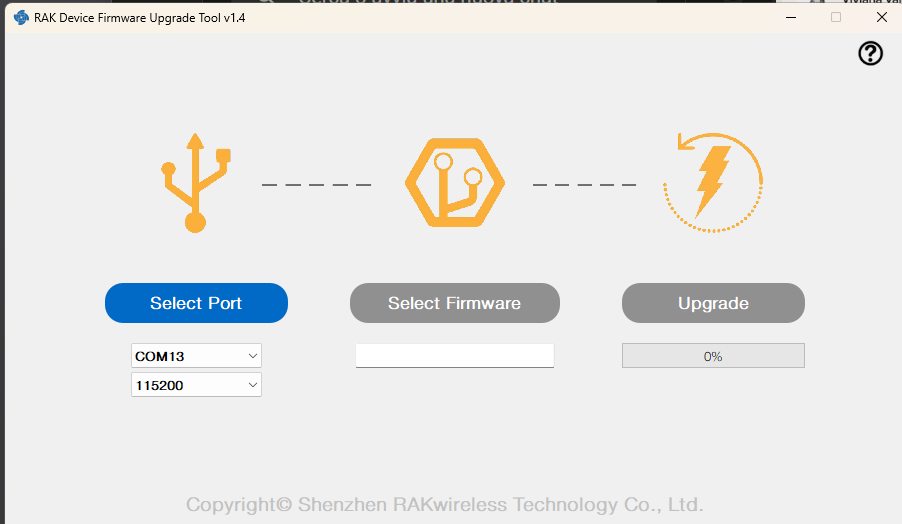
I also tried the RAK Device Firmware Upgrade Tool v1.4, but the upload process fails to complete.
I have a nanoDAP v2.3 at my disposal, so I can definitely use that to flash the firmware. Please provide the HEX file you mentioned, and I will proceed via the SWD interface. I am attaching a few screenshots showing the issues I encountered.
The RAK DFU Tool should not be uses with Nordic MCU’s. It is designed only for STM MCU’s.
For Nordic MCU’s the WisToolBox is our recommended tool. But if the device is already without working firmware, JLink or DAPLink is the only solution.
Flash this hex file on the RAK4631. It is not the latest RUI3 version, but that doesn’t matter. Once you have this flashed, you can update with WisToolBox or flash your custom firmware based on the latest RUI3 version.
I wanted to give you an update. I flashed the .hex file you suggested, but now I’m having trouble uploading firmware via the Arduino IDE. The board stops responding during the upload process and I keep getting a “No ping response” error.
Here is the log from the IDE:
Sketch uses 276464 bytes (49%) of program storage space. Maximum is 557056 bytes.
Global variables use 73732 bytes (35%) of dynamic memory, leaving 132716 bytes for local variables. Maximum is 206448 bytes.
2026-07-07 10:24:12,701 Using board at serial port: COM28
2026-07-07 10:24:12,711 Sending Application image.
2026-07-07 10:24:17,227 Serial: No ping response
2026-07-07 10:24:18,234 Serial: No ping response
2026-07-07 10:24:19,241 Serial: No ping response
2026-07-07 10:24:20,248 Serial: No ping response
2026-07-07 10:24:21,251 Serial: No ping response
2026-07-07 10:24:22,257 Serial: No ping response
2026-07-07 10:24:23,272 Serial: No ping response
2026-07-07 10:24:24,282 Serial: No ping response
2026-07-07 10:24:25,288 Serial: No ping response
2026-07-07 10:24:26,288 Serial: No ping response
2026-07-07 10:24:27,292 Serial: No ping response
User abort
However, if I flash the wiscore_rak4631_board_bootloader-0.4.3.hex instead, the board responds perfectly to firmware uploads, as long as I include #include <Adafruit_TinyUSB.h> in my code.
For context, this is the sketch I am trying to upload when the ping fails with your .hex:
#include <Arduino.h>
#include <Wire.h>
#include <Adafruit_TinyUSB.h>

void setup() {

  Serial.begin(115200);
  delay(3000);

  Serial.println("=== START TEST ===");

  Wire.begin();

  Serial.println("=== I2C INIT OK ===");

  for (uint8_t address = 0x08; address < 0x78; address++) {

    Serial.print("ADDR 0x");
    Serial.println(address, HEX);

    Serial.println(" before TX");

    Wire.beginTransmission(address);

    Serial.println(" after begin TX");

    uint8_t error = Wire.endTransmission();

    Serial.println(" after end TX");

    if (error == 0) {
      Serial.print("FOUND 0x");
      Serial.println(address, HEX);
    }

    delay(50);
  }

  Serial.println("=== SCAN END ===");
}

void loop() {
}
Do you have any idea why your .hex is causing the upload to fail like this, while the standard bootloader works fine?
Your board is using the RUI3 bootloader, as all RAK4630 do by default.
Your code is for a RAK4630/RAK4631 with Arduino bootloader.
The two versions need different Arduino BSP’s.
I am currently trying to flash the module using RAK4631-V4.1.1_latest_final.hex but I am encountering persistent issues during upload via both Arduino IDE and VSCode with PlatformIO.
Could you please help me clarify the following points?
Upload Failures: Every time I attempt to upload a sketch from Arduino IDE or PlatformIO after flashing this specific .hex file, the process fails completely, resulting in a “ping timeout” on the selected COM port.
COM Port Detection: Is it normal that whenever this firmware is active on the module, the Windows Device Manager and IDEs always detect the COM port as “nRF52 SDFU USB” instead of the standard RUI3 or Adafruit CDC serial port?
Recovery & Best Practice: How can I successfully upload my custom code using this .hex file as a baseline while avoiding these serial communication timeouts? Are there specific configuration flags, baud rate rules, or specific DFU tools (like the RAK Upgrade Tool) required to bypass the standard adafruit-nrfutil / nrfutil upload pipelines in this state?
My board show this
UF2 Bootloader 0.4.3
Model: WisBlock RAK4631 Board
Board-ID: WisBlock-RAK4631-Board
Date: May 20 2023
Ver: 0.4.3
SoftDevice: S140 7.2.0