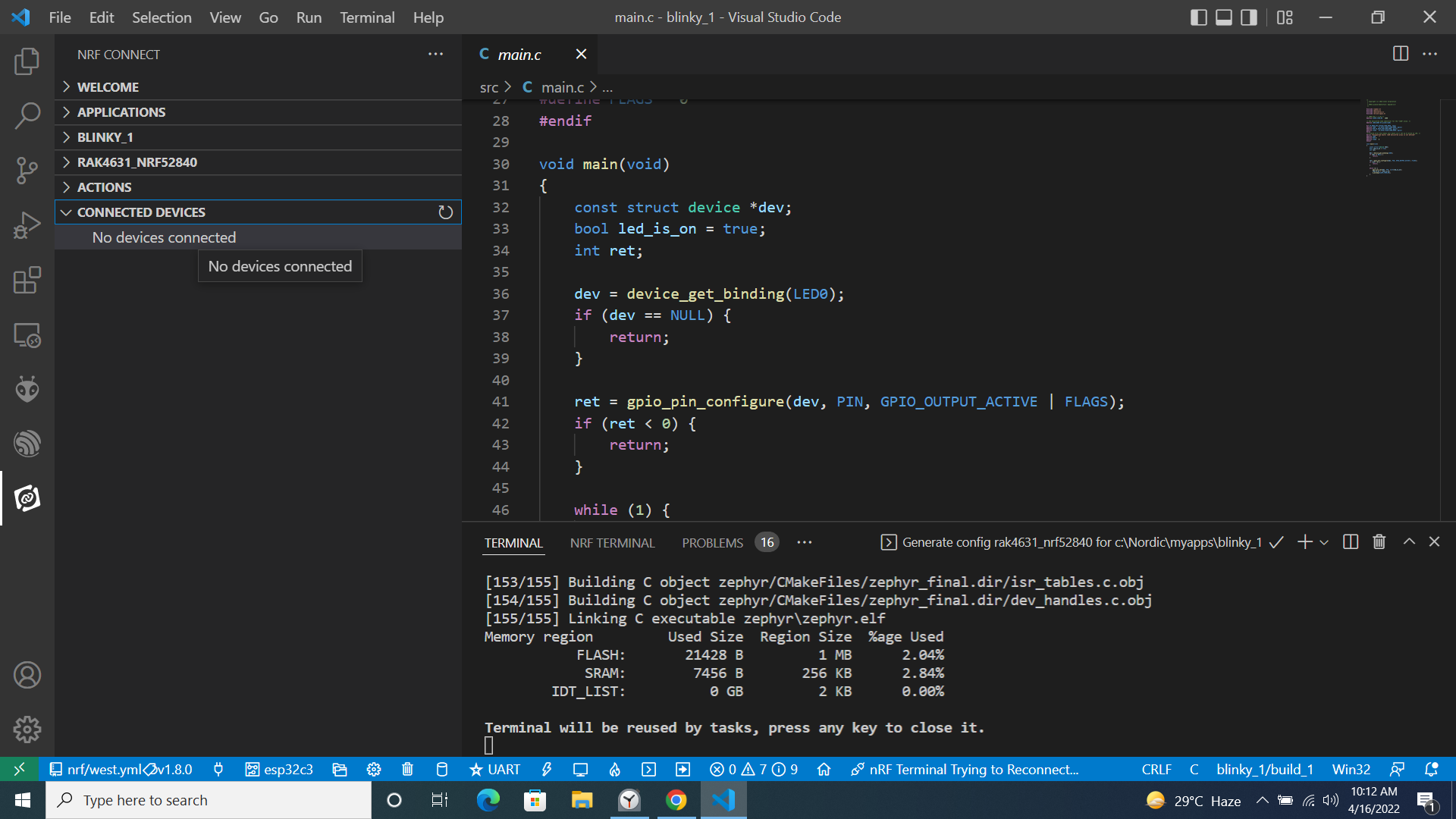
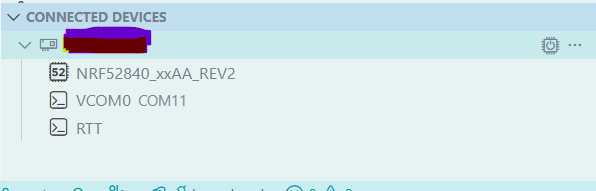
Hi All!
I want to connect the rak4631(nrf52840) module with nrf connect sdk vscode studio.rak4631 was successfully connected with segger embedded IDE via DakDap1 and worked perfectly.
Can you please help me in this regard? It’s not showing connectivity with vscode studio as shown in the image below.
A bit late to the thread, but I’m hitting the exact same issue two years on and wanted to share what worked for me.
The nRF Connect SDK (ncs) vsersion (toolchain and SDK):3.2.1
If you have the nrfutil CLI tool installed, you can first verify your RAK4630 is detected over USB/serial with:nrfutil device list
The key detail here (per Nordic Semiconductor’s guidance) is that the Connected Devices view in the nRF Connect for VS Code extension only recognizes devices accessible via a SEGGER J-Link compatible debug probe—it won’t pick up devices that nrfutil sees just over USB/serial. The RAK4630 doesn’t have a J-Link chip onboard, which is why it won’t show up there natively (I also tried a nanoDAP v2.3 debugger, and it’s not J-Link compatible either, so that didn’t work).
To get the RAK board to appear in Connected Devices, I used a J-Link with a 20-pin slot and made these connections:
3V3 → J-Link VTref (Pin 1)
SWDIO → J-Link Pin 7
SWDCLK → J-Link Pin 9
GND → J-Link GND (any pin 4–20)
After making those connections, the RAK4630 showed up in the Connected Devices view right away!