How to change US915 to AS923. My gateway is AS923.
Hi, @leemunpoh
Power on RAK5205 and wait 30s, then use the AT command to change the frequency.
You can find the AT command manual here:
https://github.com/RAKWireless/RAK5205-WisTrio-LoRa/blob/master/doc/RAK811 Lora AT Command V1.4.pdf
which pins should I change? Boot Jumper and other to program?
Hi,@ leemunpoh
The latest manuals and firmware refer to :RAK5205_WisTrio_LoRa.
Change region with AT command after Initialization OK :at+band=AS923.
Update firmware method refer to : 6.4 chapter of RAK5205_User_Manual_V1.6.pdf
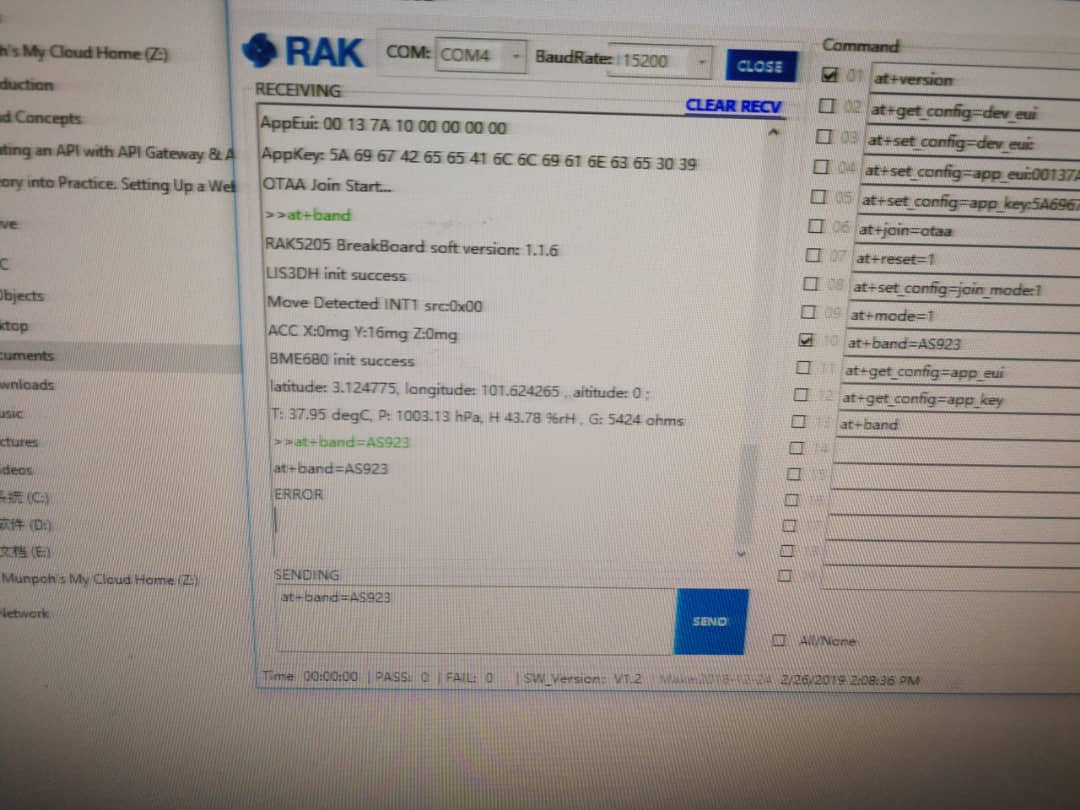
please use this command.
#set Region ( Frequencry: US915/EU868/AU915/AS923/IN865/KR920 )
at+region=US915\r\n
more command 
RAK5205_Application_Note_V1.2
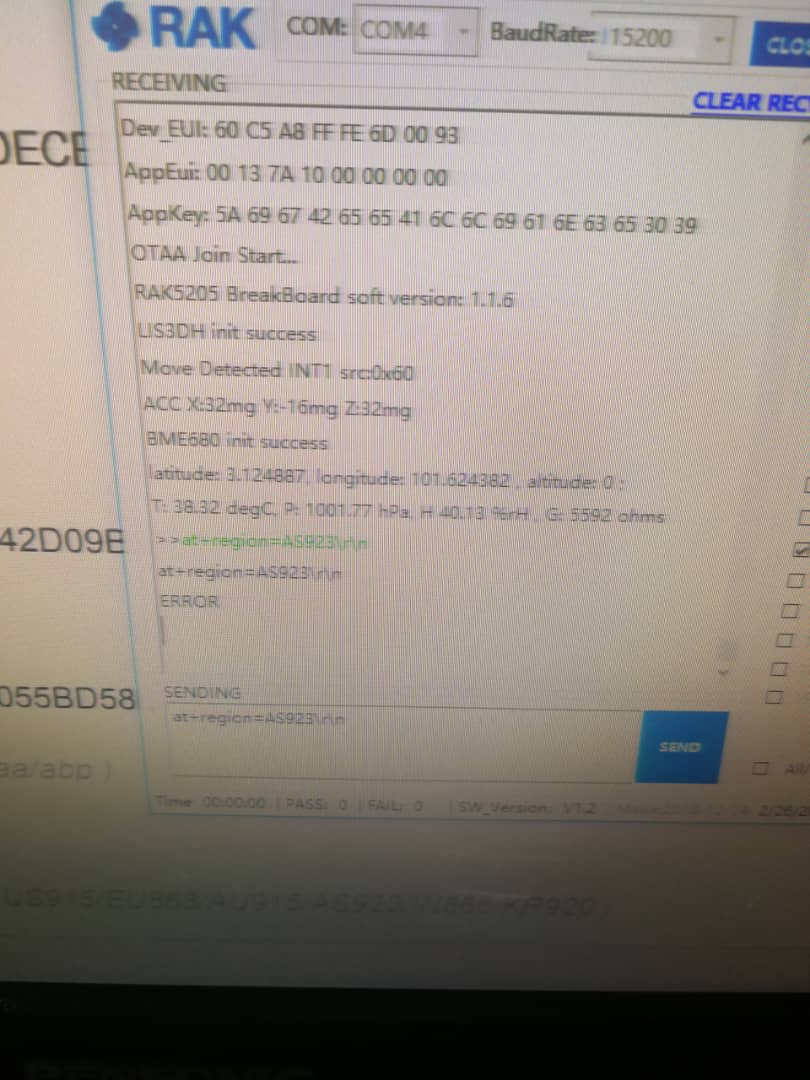
Please dont add the \r\n . the tool will add automatically .
at+region=AS923