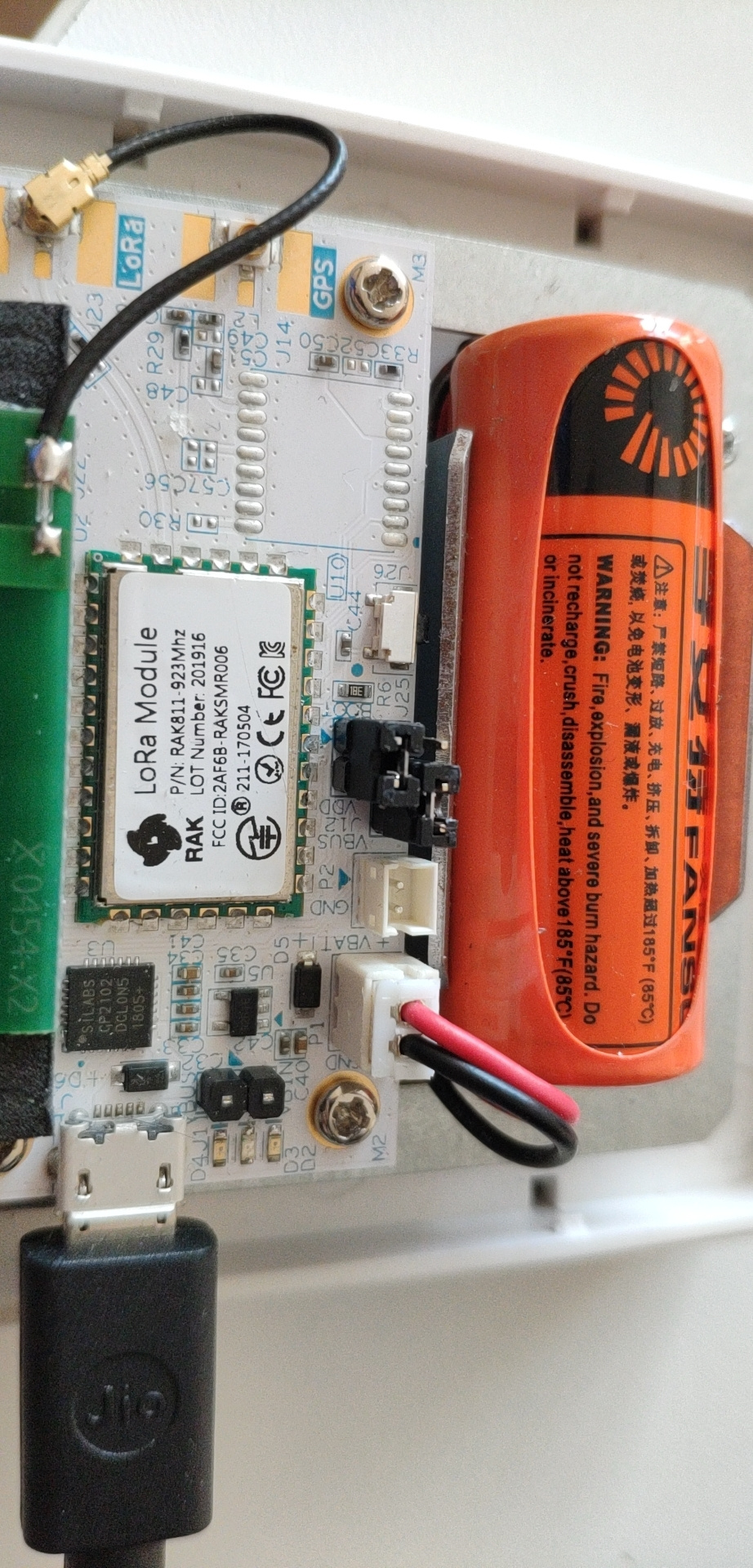
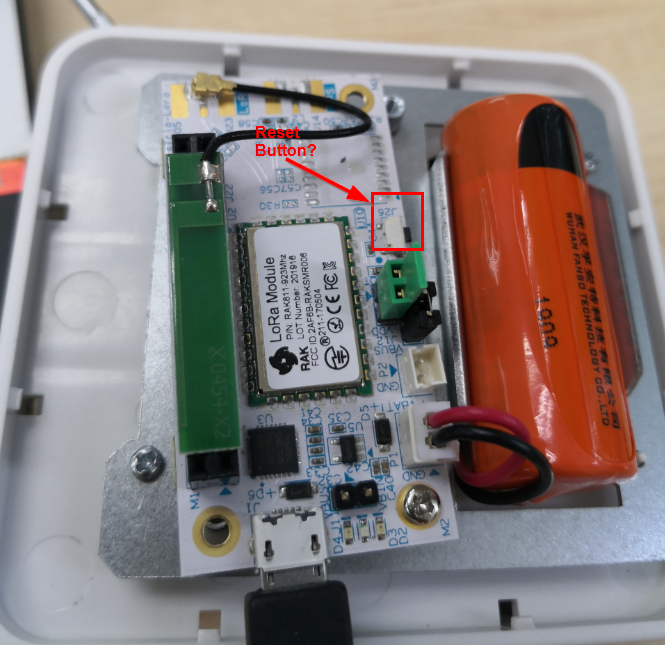
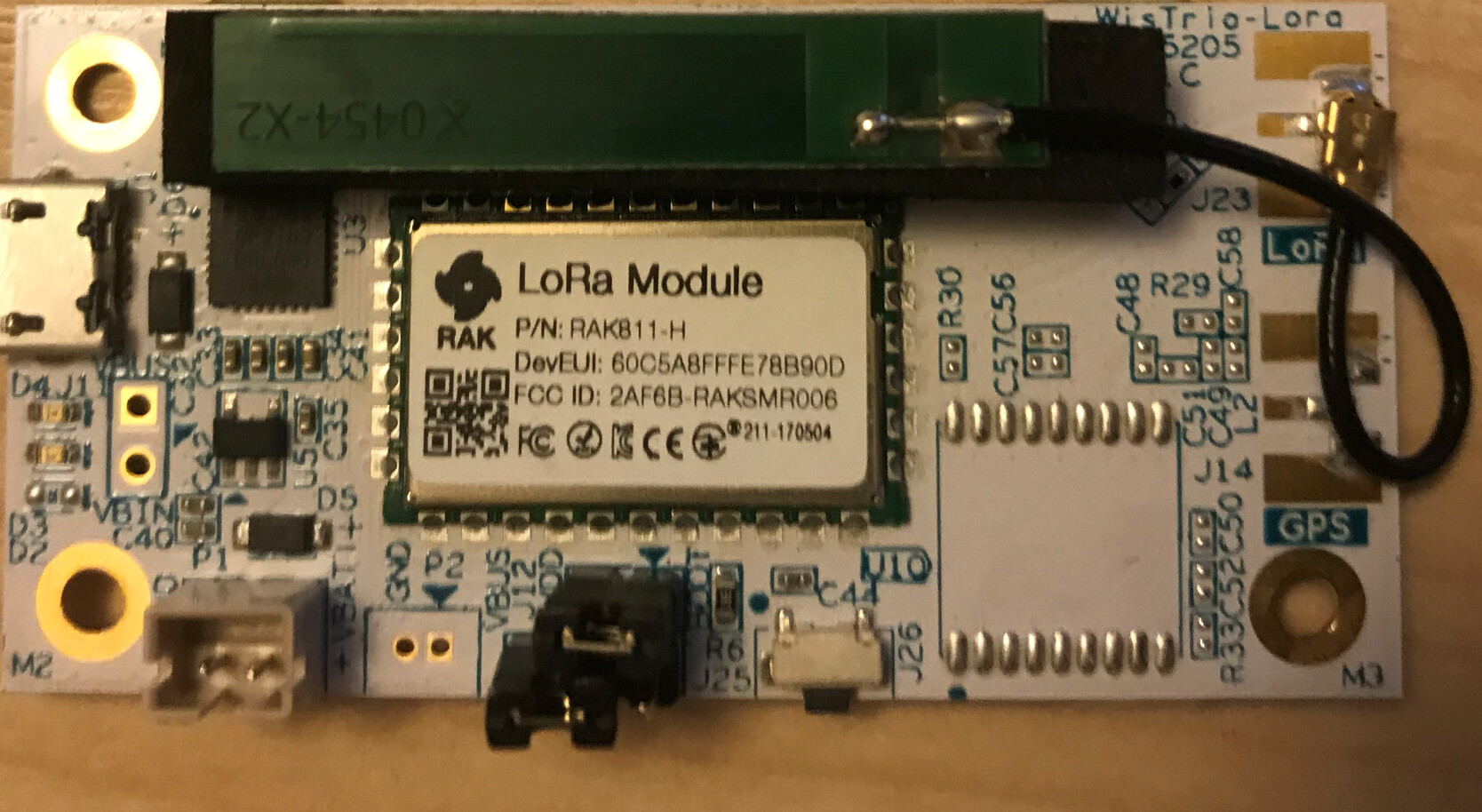
The green jumper seems strange, so i think maybe you can change another jumper and try again.
For this case, we use a jumper to connect VDD with BOOT pin togather.
Hi @ckchun
Can you please change the micro USB cable? Do you here a new device found sound when plug in the micro USB? Can you check that only this com port is available in device manager?
Regards,
Todor
Hi everybody,
it seems that nobody solved this problem?
I have the same issue. I have two pieces of RAK7204, I have bought them a month ago. I’m not able to communicate with them with AT commands. Both of them seem dead (?). I can see COM ports with Silicon Labs CP210x USB, I can hear sound that device has been found but that is all. Tried to change USB cables (tons of them). nothing helped. Also tried different serial terminal (Hterm which I use for other LoRa devices) and it also doesn’t help. I did reset devices several times.
So quite frustrating with device which is not cheap.
Have anybody use this device without any problem? How did you solve it?
I tried also different computer.
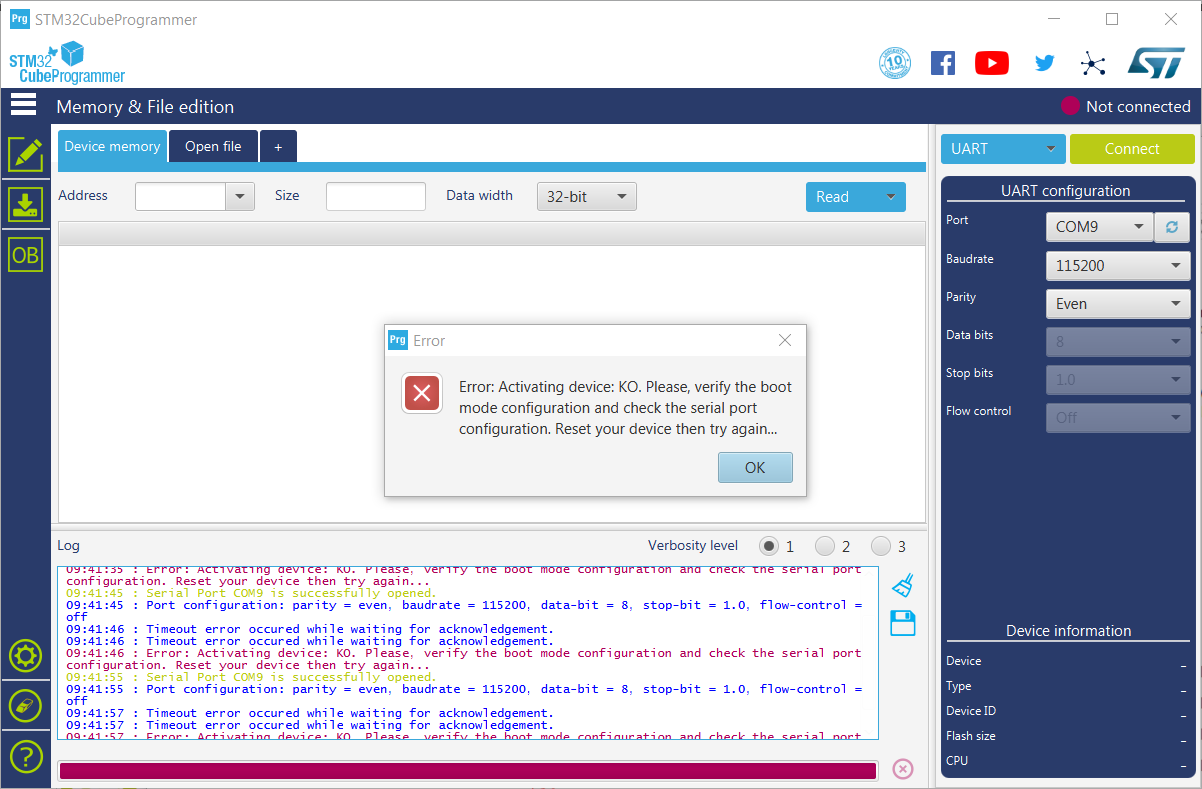
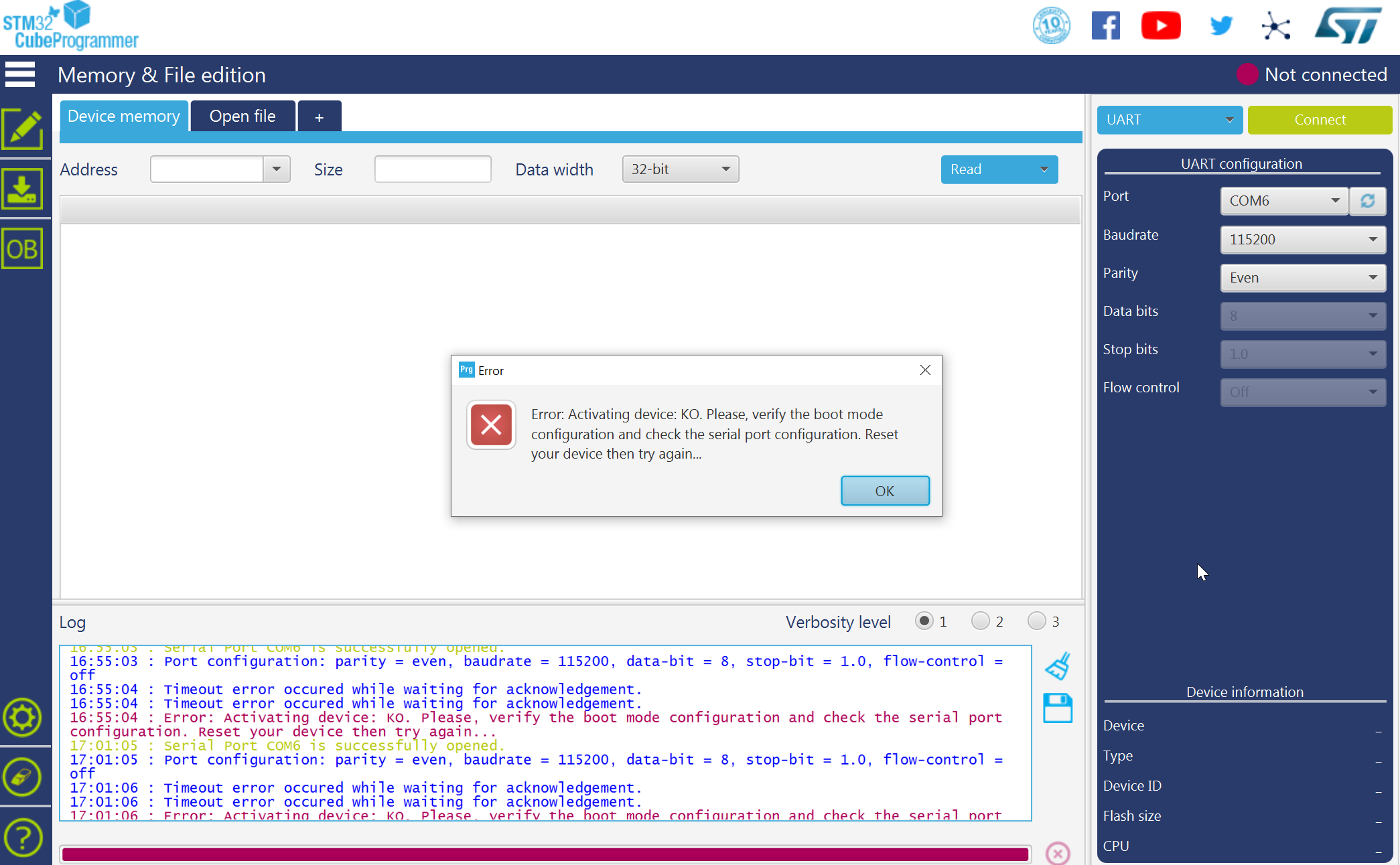
Then I tried the STM32 Cube Programmer and I have the exact problem as described above:
“Error. Activating device: KO. Please …”.
So came to the point as described above, I also have double checked jumpers. All according description in user guide. Nothing helps. Any idea?
Commonly, you’ll have that issue if you are not on the right boot mode.
To be on the right boot mode, you need to short the pins first then connect the USB cable to PC.
I can’t see any reason why you fail other than the STM32 inside RAK811 is not responding.
Just for sanity check, can you confirm your 3.3v supply is ok? You should have 3.3v across C34/C41.
Hi carlrown, thanks for fast response, I appreciate it.
If I unpack product I would expect that it is in “right boot mode” and it connects so that I can configure it.
I didn’t intend to re flash the firmware but it was the last hope … we are looking for product that are easy to operate, if we want to buy tens or hundreds I can’t imagine to re-flash it piece by piece or have configuration problems.
So, I first expect that I can use your serial port tool, it didn’t work so I went to STM32 tool.
Sure, I have shorted the pins according description:
Thank you @carlrowan hinting me the 3.3V, I have made additional investigation and it seems that real problem was that the battery of RAK7204 wasn’t correctly connected. So one has to be sure that it sticks correctly and device is operating before it is connected to USB. W/o battery correctly connected it behaves as described above.
I recently bought a new 7204 Weather Sensor.
Out of the box it has 1 jumper installed only .
Is that correct?
Also , trying to set it up for Helium Console and when getting the EUI keys etc in Serial Port Tool all I’m seeing is the error messages : “too few parameters”
I have no idea what that means .
Has anyone seen this ?
Thnx , Michael