RAK4631, VScode+ArduinoCE extension, MacOS, BLE_Uart example code
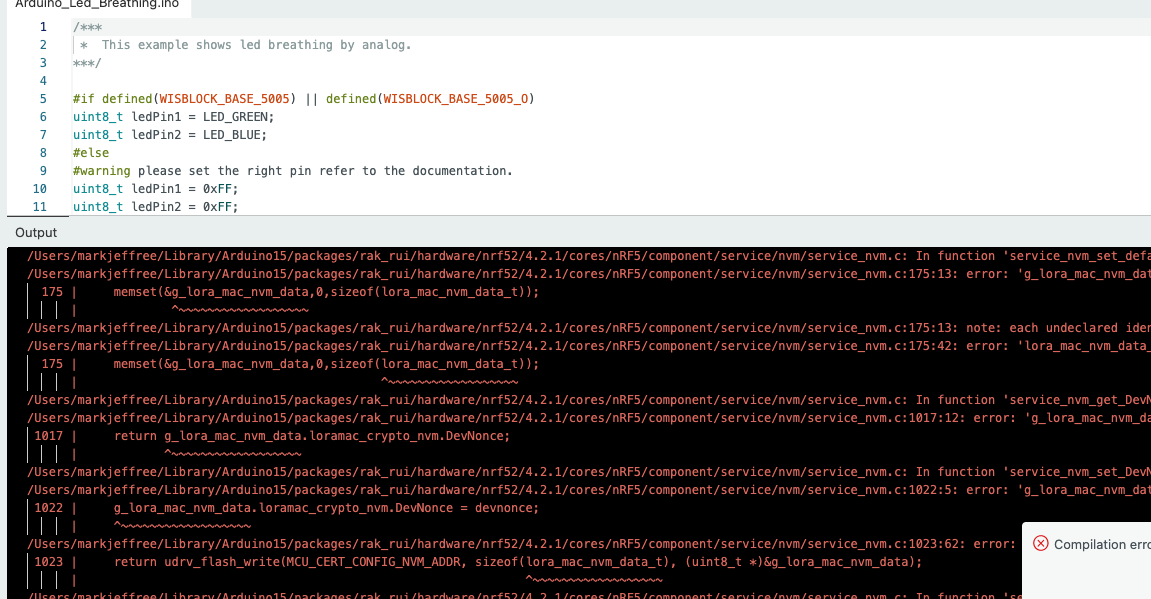
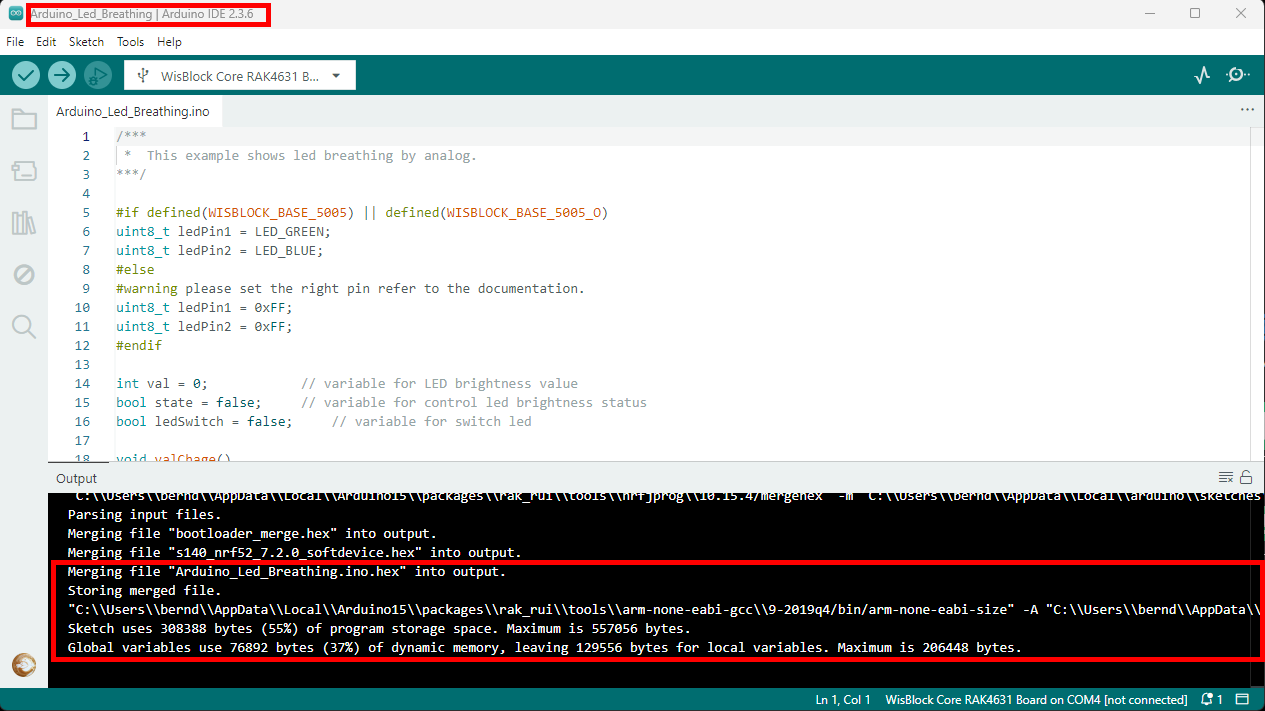
What was working a month ago, has stopped working. The Arduino Extension (Community Edition) for VScode fails on upload, retries three times and quits. Restarting and reinstalling didn’t fix it. The stock Arduino IDE still works.
I’m writing this thread to:
ask if anyone else has hit this same roadblock? It’s possible that something else has changed on my host machine that is the problem, but nothing was changed deliberately.
potentially assure someone else that they’re not the only person who has hit this roadblock.
check whether this is the up to date advice on using the platformio extension.
ask if there is anything to be particularly aware of in using platformio.
What does the error say exactly? Can you share the complete log when it tries to download.
I am using VSC + Arduino Extension CE on a daily base and I have no problems.
The guide is still valid, beside that it points to the old Arduino extension and not to the community edition.
I’ve been working on trying to get a consistent picture.
When I plug the RAK device into the USB port, I can see it appear in the USB Device Tree (under AboutThis Mac/SystemReport/). It also appears in “ls /dev/cu*”.
I needed to restart the Arduino CE extension in VScode to get the Port to show and be selectable for the lower right hand corner. I made sure that this port was also selected for the Serial Monitor and tried to upload.
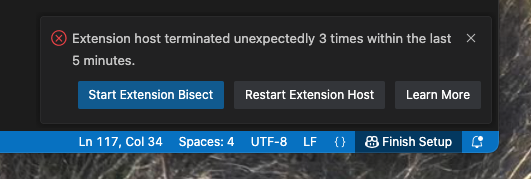
There were three single line messages on the the VScode OUTPUT tab that flashed and disappeared, and I got this pop up:
Then all the Arduino Extension functionality disappears. The Rak4631 Serial COM entry still appears in the USB Device Tree report (even when I regenerate that report) but it has disappeared from /dev/cu*
I’ll let you know if I find anything more, but I’m suspecting the USB drivers
Maybe your BSP installation in ArduinoIDE is messed up.
Try to uninstall it and delete anything in the staging folder of Arduino to make sure it uploads another copy.
But again, this is Windows. I can’t test on MacOS.
Thanks for the encouragement. Whatever code I’d loaded in earlier today (LED breath I think?) only had 1000ms window to get the AT+BOOT in there before it locked it out. I got there eventually.
Exactly the same thing happened to me, except I was trying to upload to an Arduino Nano (from aliexpress). I had bought 10 of them for a customer’s project, which interfaced with T-Beams and RAK4631s.
So, not exactly the same situation (hardware wise), but the same problem. This was about 6 months ago.
I think I just ran into the same issue that I’d hit 20 times before but this time I hadn’t touched that board for two weeks and didn’t realise that I’d left it in a broken state. At the same time, I’d just let various s/w updates happen so I was a bit lost on what to blame.
As far as I can tell, the issue is that if you have some bit of code that goes off the rails, or gets stuck in a busy wait or for whatever reason doesn’t hand control back to the underlying Arduino system from time to time, you can’t download new code. In the past, I have made a special point of having a window after reset long enough to send AT+BOOT, but even then you have to have it already key’d in and ready to go to get the message out as soon as the rebooted code starts the serial monitor link but before it locks up again.
This seems a little easier to do under the Arduino IDE than with VScode.
Or, if your put “while (!Serial) {;}” immediately after “Serial.begin()” then the target waits until you’re ready to go on. It’s a good safe starting point, but you can’t then run the target without being plugged in to a terminal, so eventually it has to be removed.