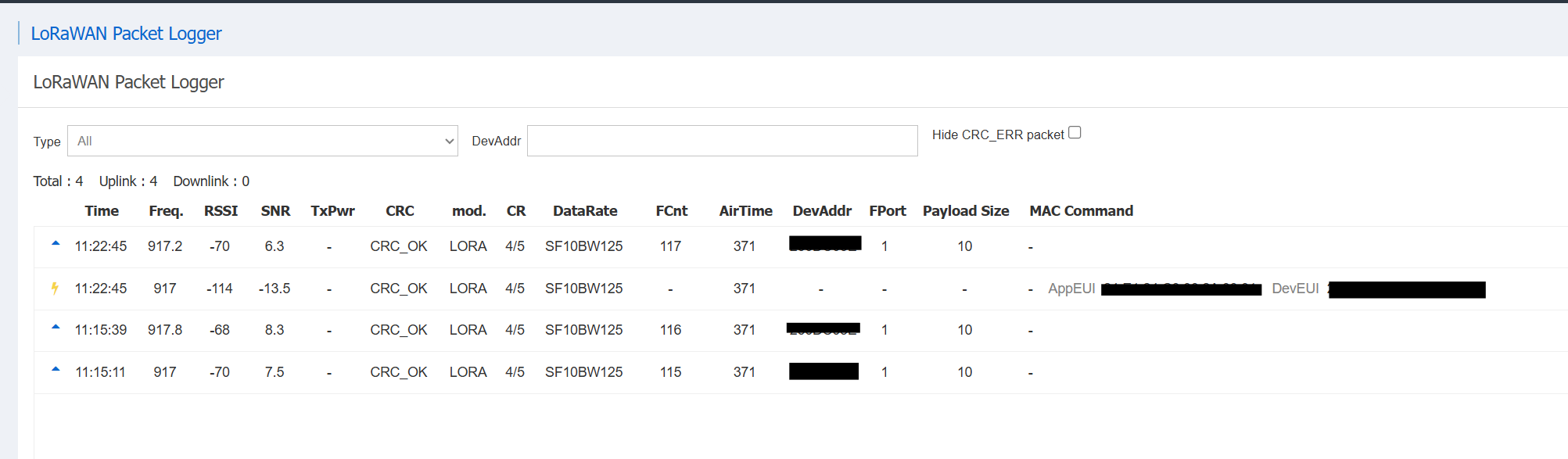
Issue: Unable to find Packet Logger internal log
Setup: Single node uploading to TTN via RAK 7258 Gateway on AU915, LoRaWAN Gateway (WisGateOS 1.3.9_RAK 20230613 b186)
LoRa® Server: TTN
Details: I am trying to debug an issue where packets are being missed on upload a couple of times a day. I’ve just about confirmed that the LoRaWAN stack returns a LORAMAC_SUCCESS status every time, but when tracking upload data on my dashboard, I can see some packets being missed.
I want to log what’s being seen in the Packet Logger page of the RAK gateway. I can leave this page open, however as it is a live log, the page will become inactive after some time (especially if i leave it for overnight testing). I can’t seem to find information as to where the data in the packet logger page is stored. I have tried to ssh into the RAK gateway and checking the /var/log/ directory, there is only one log file which is just an INFO log.
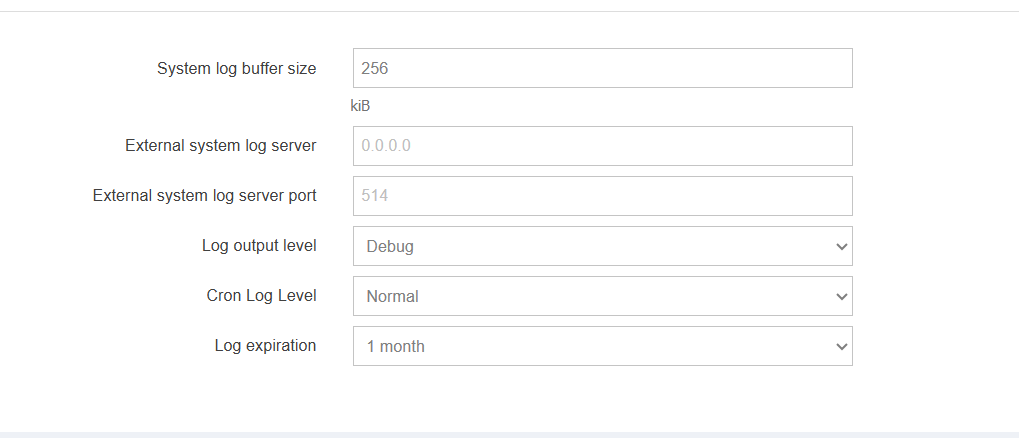
In the System Properties page I tried setting the debug level to DEBUG, but this file has not updated so I presume there is another log file somewhere I am missing.
The Packet Logger page has info regarding EUI’s and keys and I want to be able to see this over a 24 hour period.
For example, I want to see where this data is stored: