Hi @carlrowan
Sorry had to reopen a thread as forum closes topics a little too fast  here are my answers at previous thread and your last message in it:
Hi @carlrowan,
You’re welcome and please see below my comments on points you listed plus some extra infos  My apologises for the long delay to answer but I have been quite overbusy with work
Well I resetted using terminal and AT command (it’s strange as it wast already able to accept AT commands but Wistoolbox had difficulties to communicate with module. Once module resetted, no more communication problem with Wistoolbox !).
Nope templates part works fine now, I can create, edit templates and then push them on the board without issues !
Nope you’re correct for these two points. It would be nice also the App contains all Python libraries it needs to do properly fw upgrades Once installed libs missing in system, Wistoolbox is able to flash fw properly 
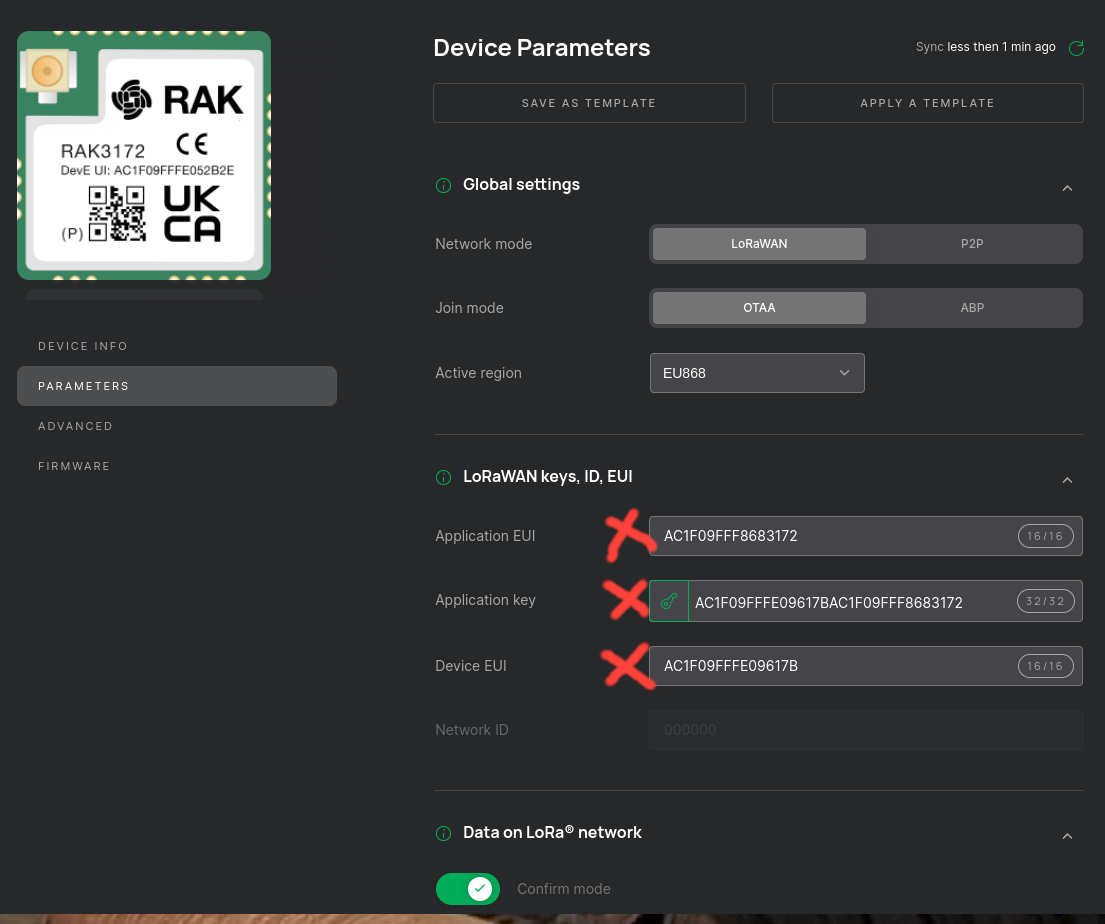
It would be nice also to add a copy button aside each of these fields in the interface
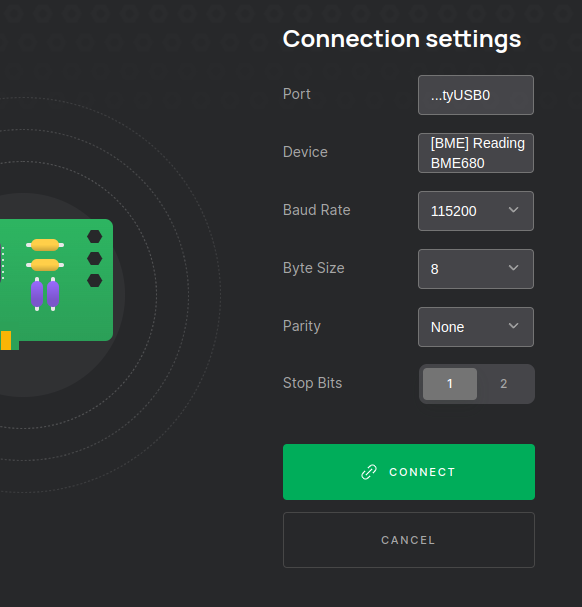
An other bug: if program loaded in Wisblock sends some message on console port, it’s displayed in the Device button of Wistoolbox

 (it’s mainly cosmetic as it doesn’t affect ability to connect !).
Hope it helps and impatient to be able to try next release of it