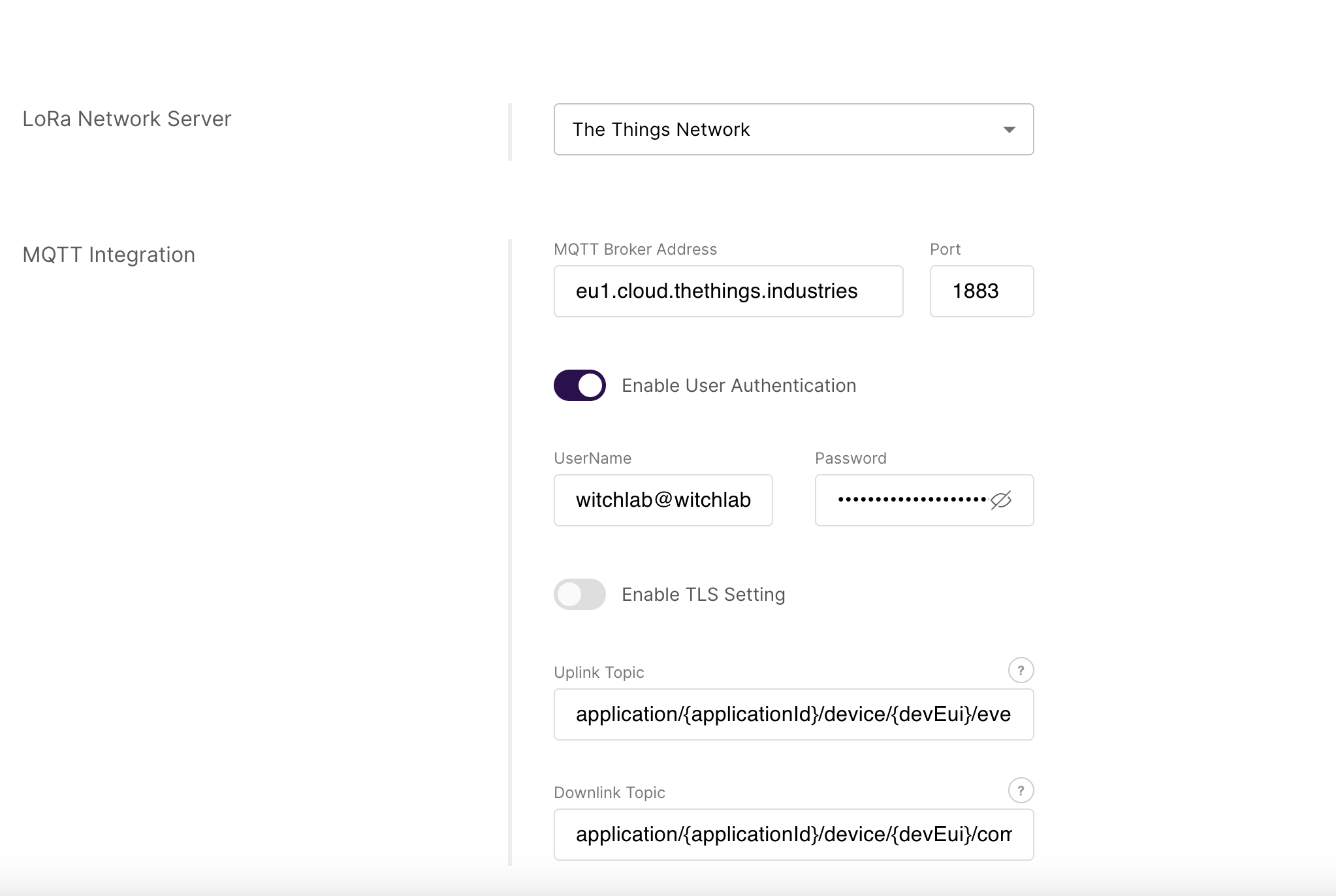
I have configured the extension
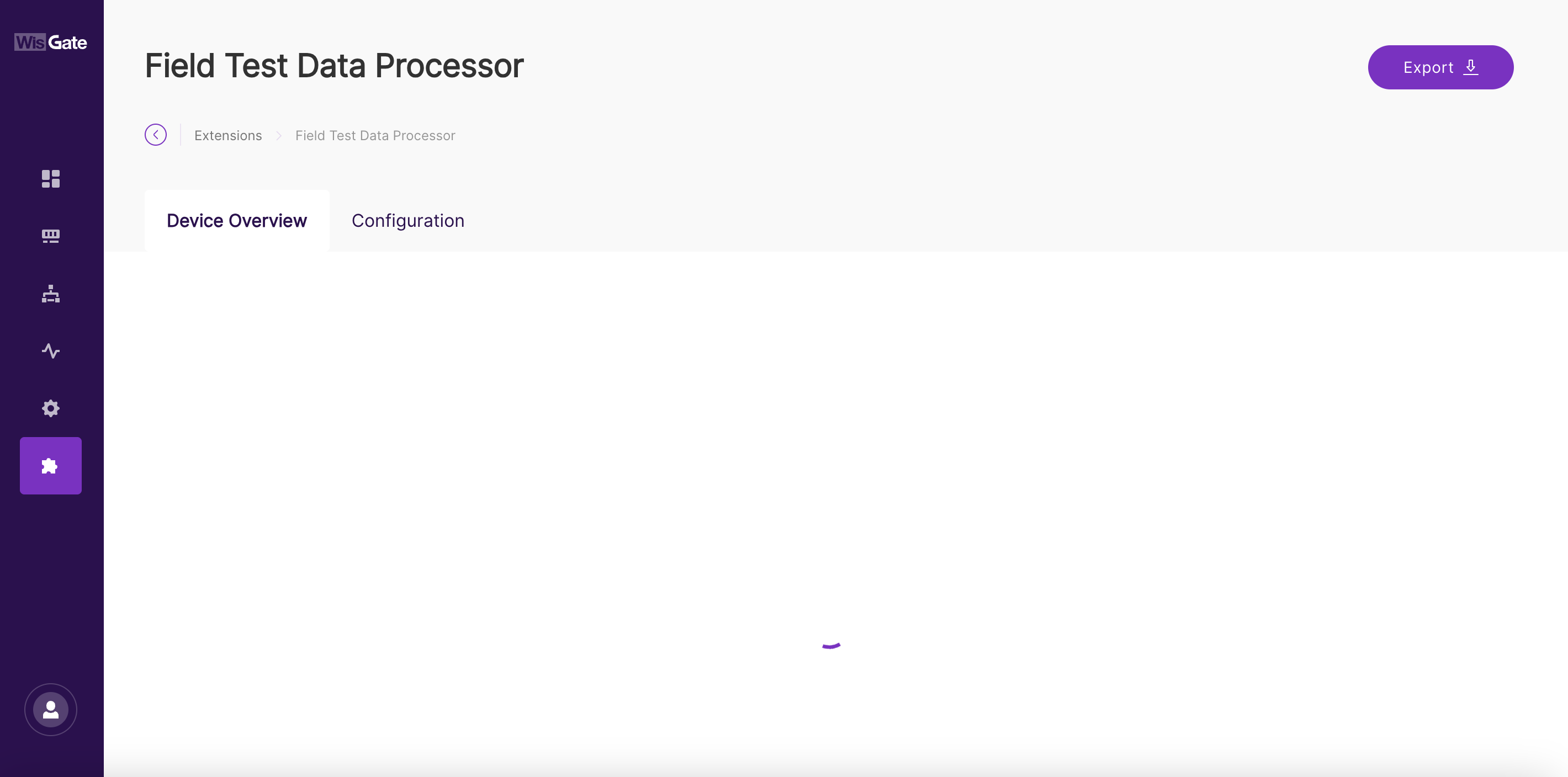
and I have the effect as in the attached image all the time the loading window spins can anyone help me? Could you help as I cannot run the RAK10701-Plus meter through this @beegee@carlrowan
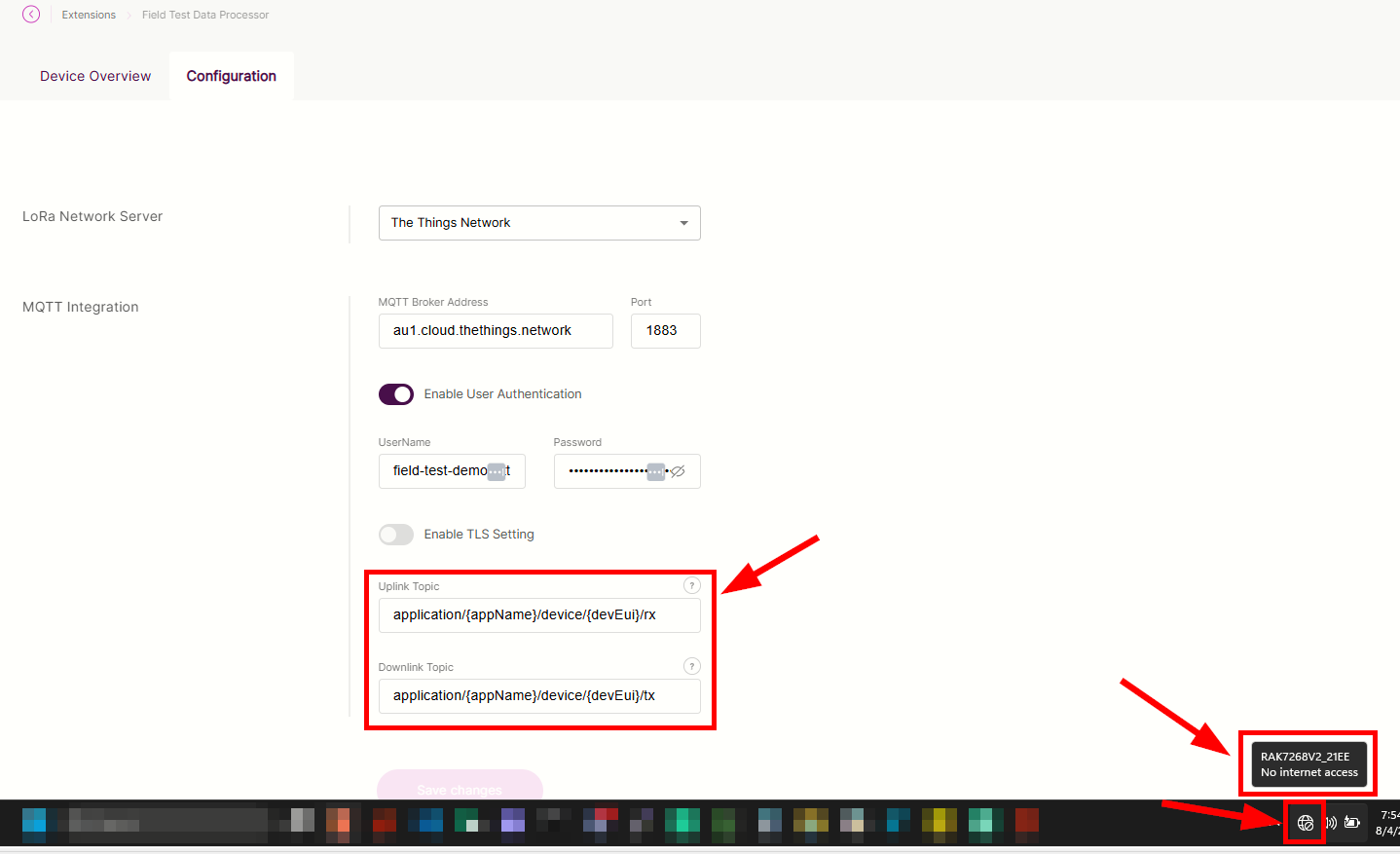
Can you share the configuration you have on your Field Test extension? You can hide the IP address (in case you have Chirpstack/TTN in your own cloud).
@carlrowan Like you need any logs from the gateway check cos on the console - write, the gateway was under WisDM but I answered because I was thinking maybe WisDm is the problem but no. frimware is the latest updated by WisDM.
@carlrowan The situation looks like this: How could you pass to RAKWirless in the UI you need to handle errors, that’s exactly what RAK doesn’t do and only establishes “positive” paths. Np. if there is no GSM transmission and you enter the extension the gateway will stop working, just before entering the extension which needs the internet to check such cases and display the message “There is no communication with the internet” such places are very much.
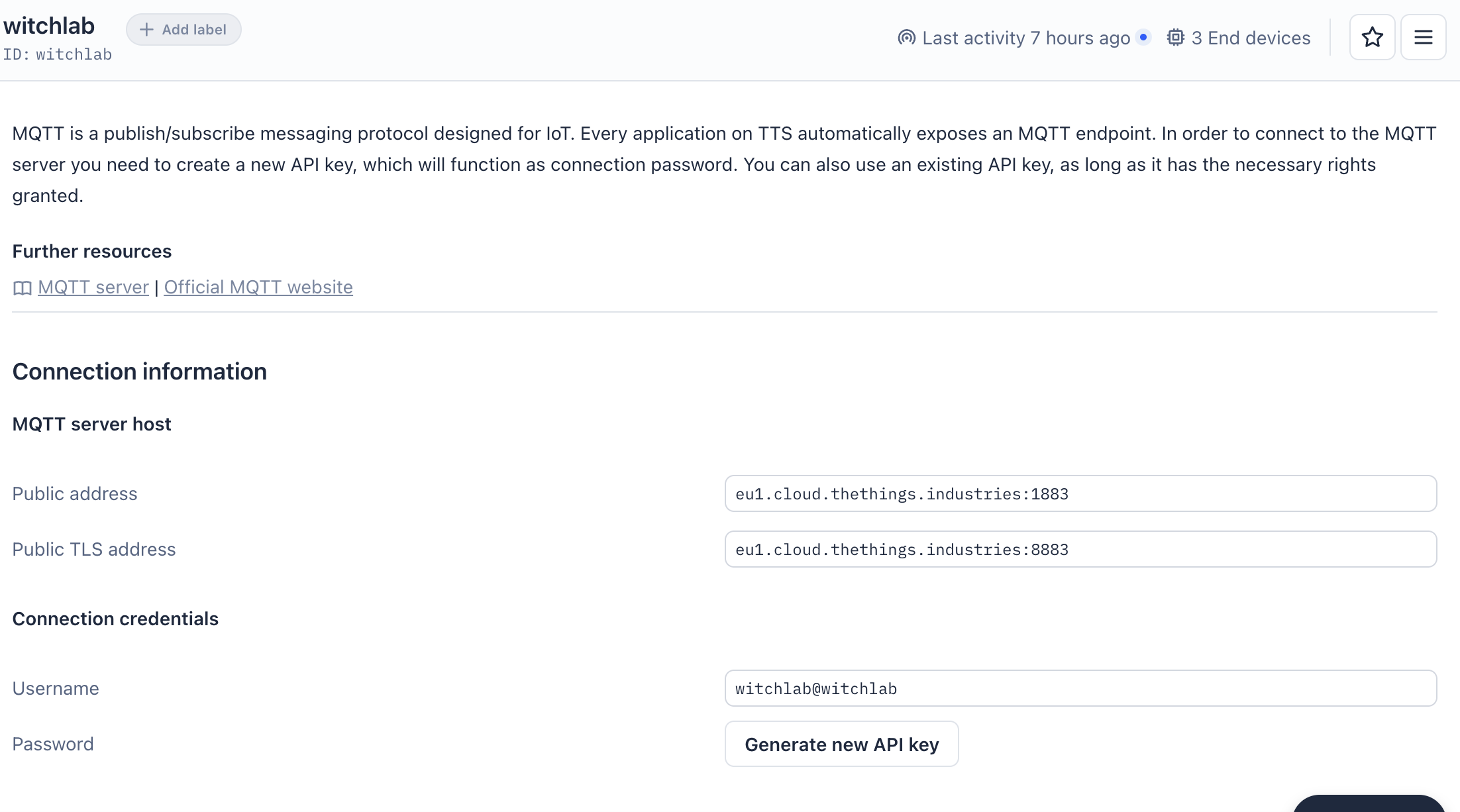
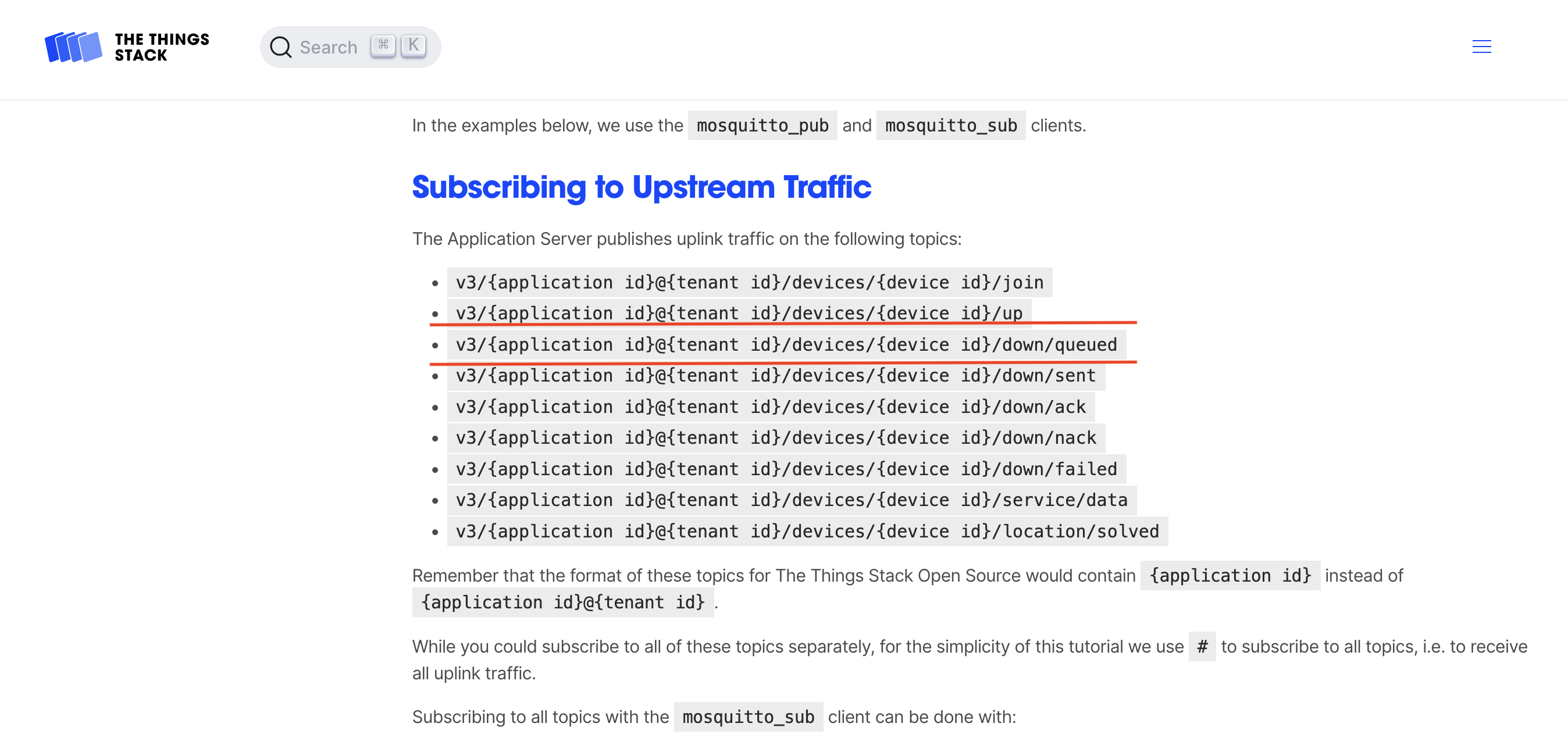
Returning to TTS, the relevant “topic” in the case of TTS is:
@carlrowan Here’s the thing, TLS settings can’t skip “Client Certificate” and “Client Key” some deployments don’t need it and still don’t have the option to generate “Client Certificate” and “Client Key” so you can’t configure this option…
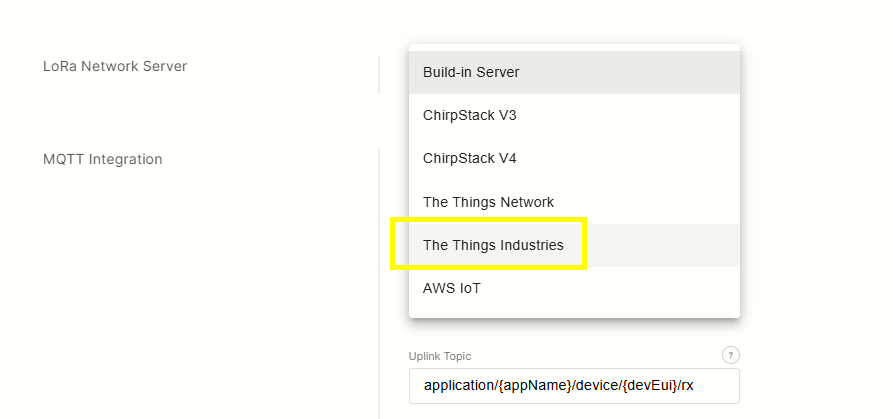
@carlrowan The next thing is the “LoRa Network Server” field where you select what you want to sign for AWS, TTN, TTI etc. it is necessary because and so “topic” can change there is no everything lub although the “Other” field.
I would share some thoughts and ideas based on your replies.
Internet connection is needed on the gateway side that has the extension because the LNS is on the cloud. The extension can work locally without internet if you use built-in LNS of WisGate OS or if chirpstack/tts is deployed in a local network. However, in your deployment it is in the cloud.
Uplink RF parameters cannot be shown on the device without downlink since these parameters are captured on the LNS side. Only the downlink parameters can be shown on the device side without any backend process since these parameters are captured on the device itself without any need on LNS intervention. Of course the LNS should support Linkcheck for this to be possible which TTS supports.
With regards to TLS settings, you do not need to it make it work on your TTN/TTI. It should work even if it is not enabled.
I do not understand this WHAT IF I HAVE SOME GOALS (4-5). Does this mean configuration on LNS used? Yes. You have to setup it up based on the LNS you currently use.
Btw, what is the status of your field-tester now? Is it working already after selecting TTI or still has problems? Does it shows the Downlink parameter (Linkcheck working)?
@carlrowan Ad1. Sure but that’s not the point - the point is that none of the RAK developers have handled such a situation have any of you tried to log into the “extension” as there is no internet? After entering this tab, you have to check if there is internet, if you are loading the extension, and if not, the message “you do not have internet connection” will be displayed. And so the gateway is not responding because the truck is trying to connect to the internet. This is a mistake.
@carlrowan Ad4. I have an installation where there are 5 RAKWirles gates of different type (RAK7289, RAK7268, WisGate Soho) what will the meter show? Will I be getting signal measurements from all gateways or the best signal?
Ad4. So I know that parameters like: RSSI, SNR, number of gateways that received the message are measured per gateway and LNS. But there is always an LNS and you can submit this information through LinkCheckAns.
@carlrowan “Btw, what is the status of your field-tester now? Is it working already after selecting TTI or still has problems? Does it show the Downlink parameter (Linkcheck working)?”
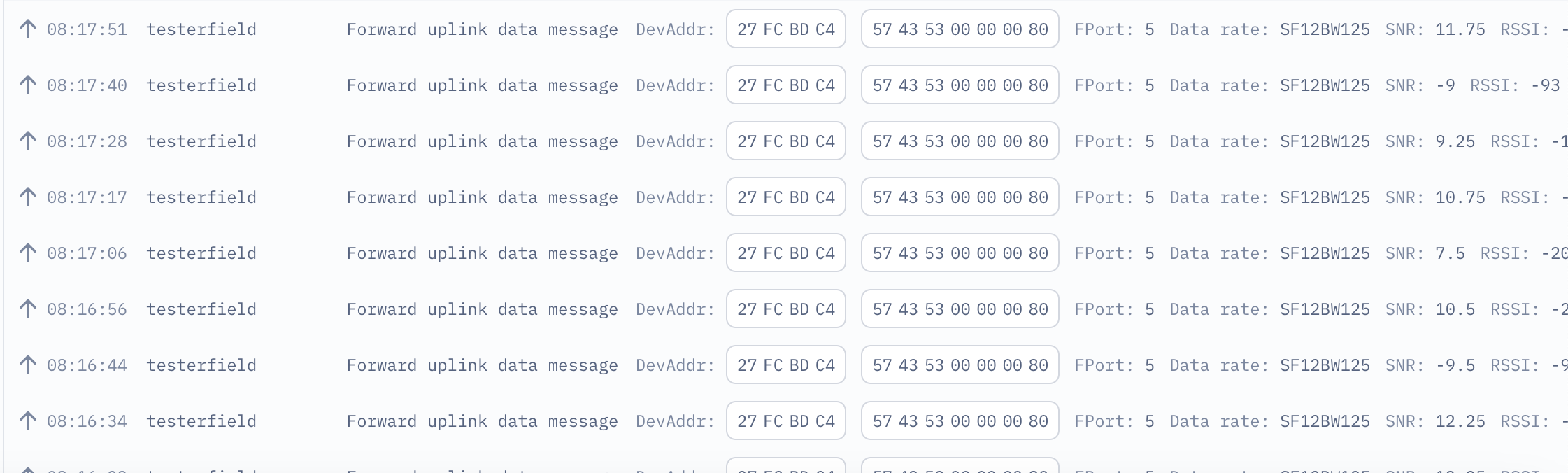
The situation looks like this - I configured as I described in the post above with TTS:
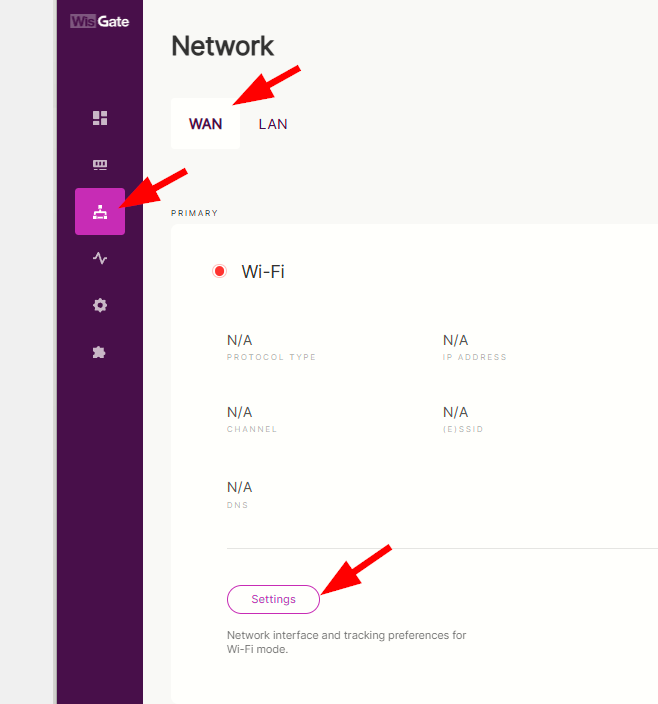
I did some testing on my field test extension. I am connected to the Gateway with it acting as access point. You can see here that there is no internet connection but I can still change the settings of the field test extension. You can refresh the page if you see any error or delays.
For the MQTT, you can set it up manually (just like you did) but you can also leave it as is like what I did on this one. It is handled by the extension automatically.
As for the linkcheck, I am not sure if there is a way for you to put any payload on linkcheckans. On standard, it provides the demod margin and no of gateways.
On multiple gateways, the field tester will only display the best signal.
Super, If you have a WisGate Edge Lite 2 gateway, disconnect the cable from the back of the gateway. You can do a second experiment by entering the wrong “topic.” In both cases, you’ll get “undefined behavior” from the gateway. The next thing I noticed was how many networks were displayed on the Wi-Fi network. In my building, I have over 30, and only a few were displayed.