I see. I am confirming with our team about the “topic”. This should be handled automatically. Actually, I had mistakes on the topic as well and aside on not working Field Test Extension, I do not see any side effects. On my setup, the WisGate Edge Lite 2 is acting as access point and I can connect to it wirelessly without Ethernet cable. So far, it is ok but I have to occasionally reconnect because if I change setting, the gateway restarts. It can also be that during this restarting that you experience unstable/undefined state.
@carlrowan Here’s a video. I disabled all interfaces and got this result – and now what’s a user supposed to think: incorrectly configured MQQT: wrong password, wrong login, wrong port, or no internet connection? Unfortunately, the video can’t be added…
After a while, you might still suspect that WLAN (WiFi) isn’t working, but LTE is. When the transfer is complete, the interface still glows green, but there’s no internet…
As I wrote, there may be several reasons for the error: no internet, wrong MQTT parameters name, port, login password, wrong topic - you do not support any of these errors, so for the person configuring it is a waste of time and a source of frustration.
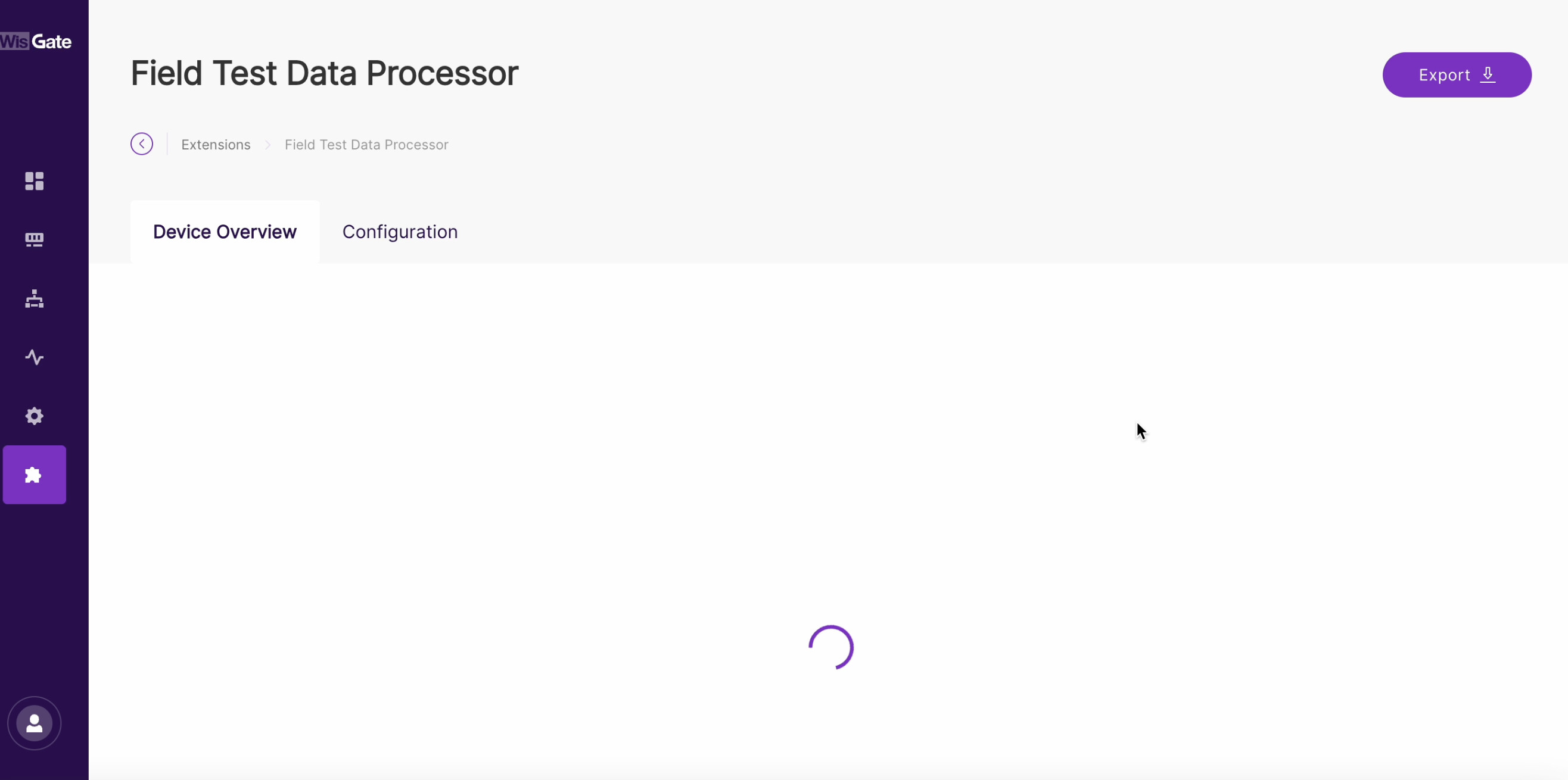
I understand what you mean on this one and we do try our best to support our customers on navigating this. The gateway is more complicated than our standard wifi routers where you just setup something and it is running fine almost indefinitely. With the gateways there are many parameters to configure with different setting depending on the use case. In the same way, once setup, it should be working fine.
But in my experience, the frustrating part is when the gateway restarts and you lose connection to it during configuration. You just need to make sure you get back connected again. With regards to Field Test extension, internet connection is really needed so you need to check if the LED Breathing light is Blue otherwise, that’s the first thing to fix. Ensure its connectivity is fine either via wired ethernet, WiFi or Cellular.
The LED indicators at the back panel as well as the blue LED breathing should provide user feedback on gateway status.
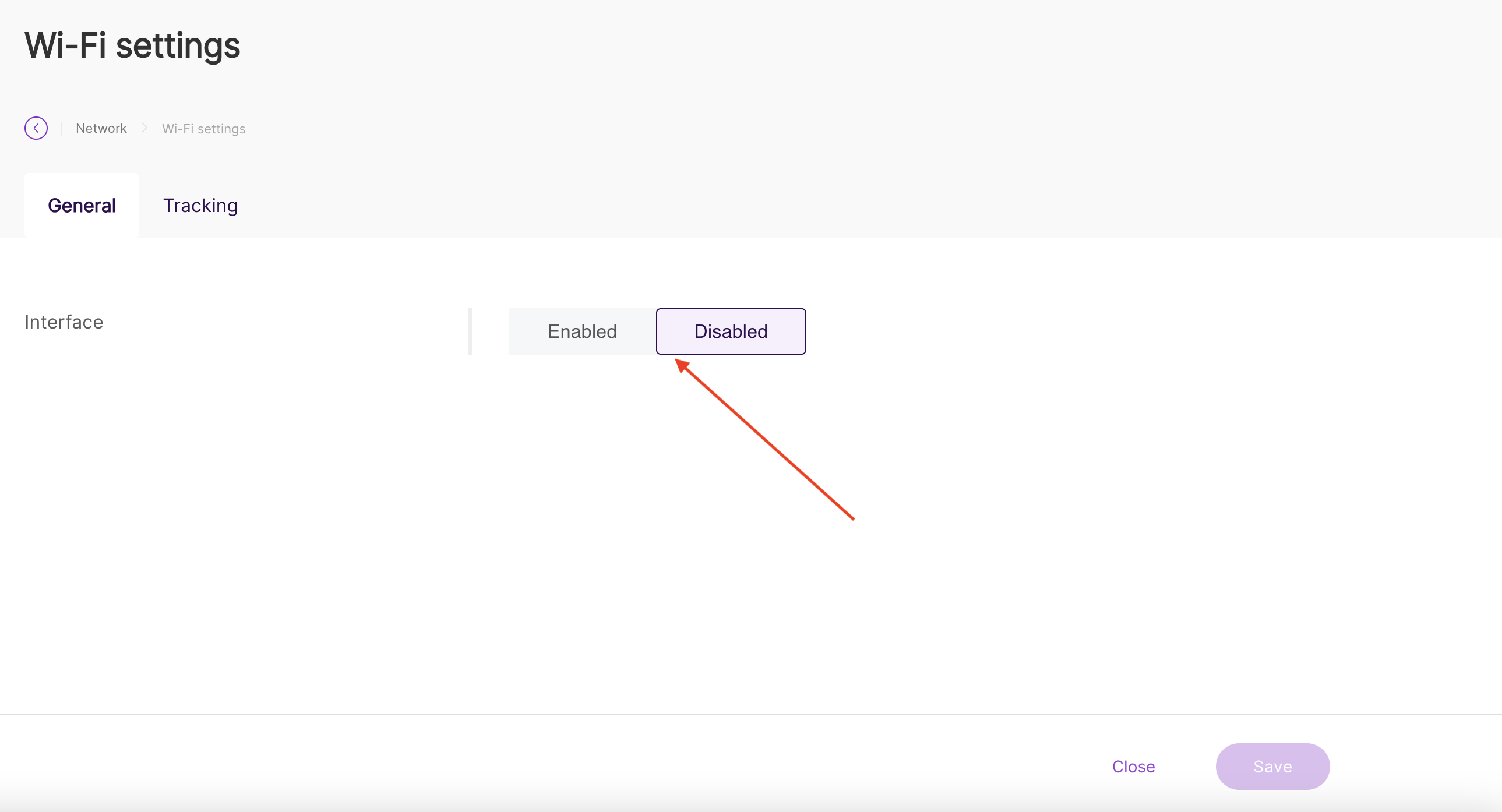
@carlrowan If you have gateways like “Soho,” the light won’t come on, or gateways on a rooftop mast. All of this can be resolved by writing error handling. See if enabling and disabling Wi-Fi requires restarting the entire gateway? Imagine such an operation on a server or even a PC.
Hi @maciej.glowacki ,
Thank you for your feedback. Your input as our user will be helpful to us.
I already relayed this to WisGateOS team. They will evaluate possible action items related to this.
@carlrowan Tell me, does this “extension” require special “payload formats” in TTS? If so, could you paste the correct one? Because I see that the GPS position is not being sent yet.
You can use this decoder.
If the payload you see is not in fport 1 which contains the GPS coordinates, it means that the field test extension is not yet working.
You can bypass the field test extension by forcing a downlink. That is related here - RAK 10701-PLUS How to enter in LinkCheck Mode - #4 by carlrowan
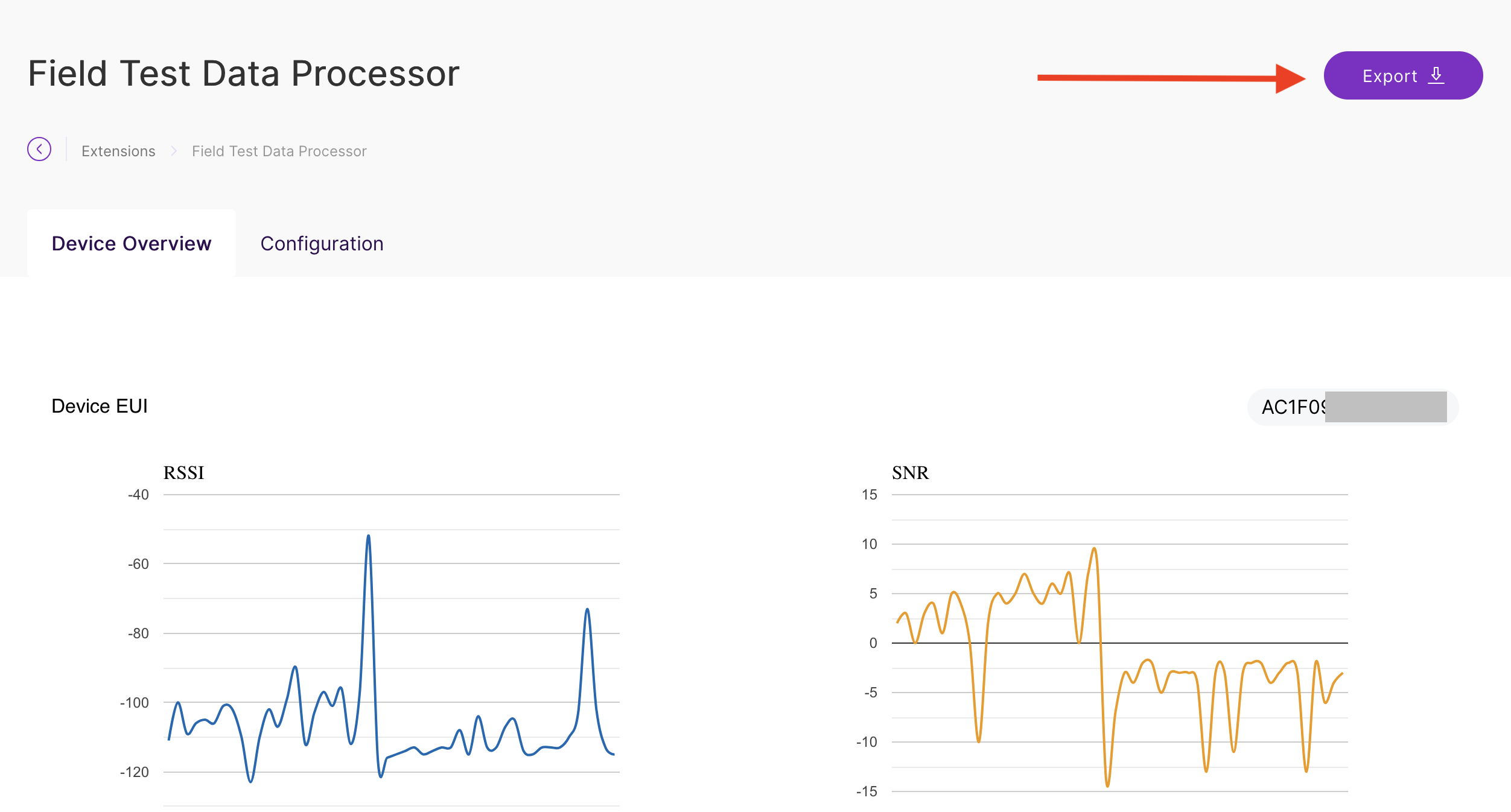
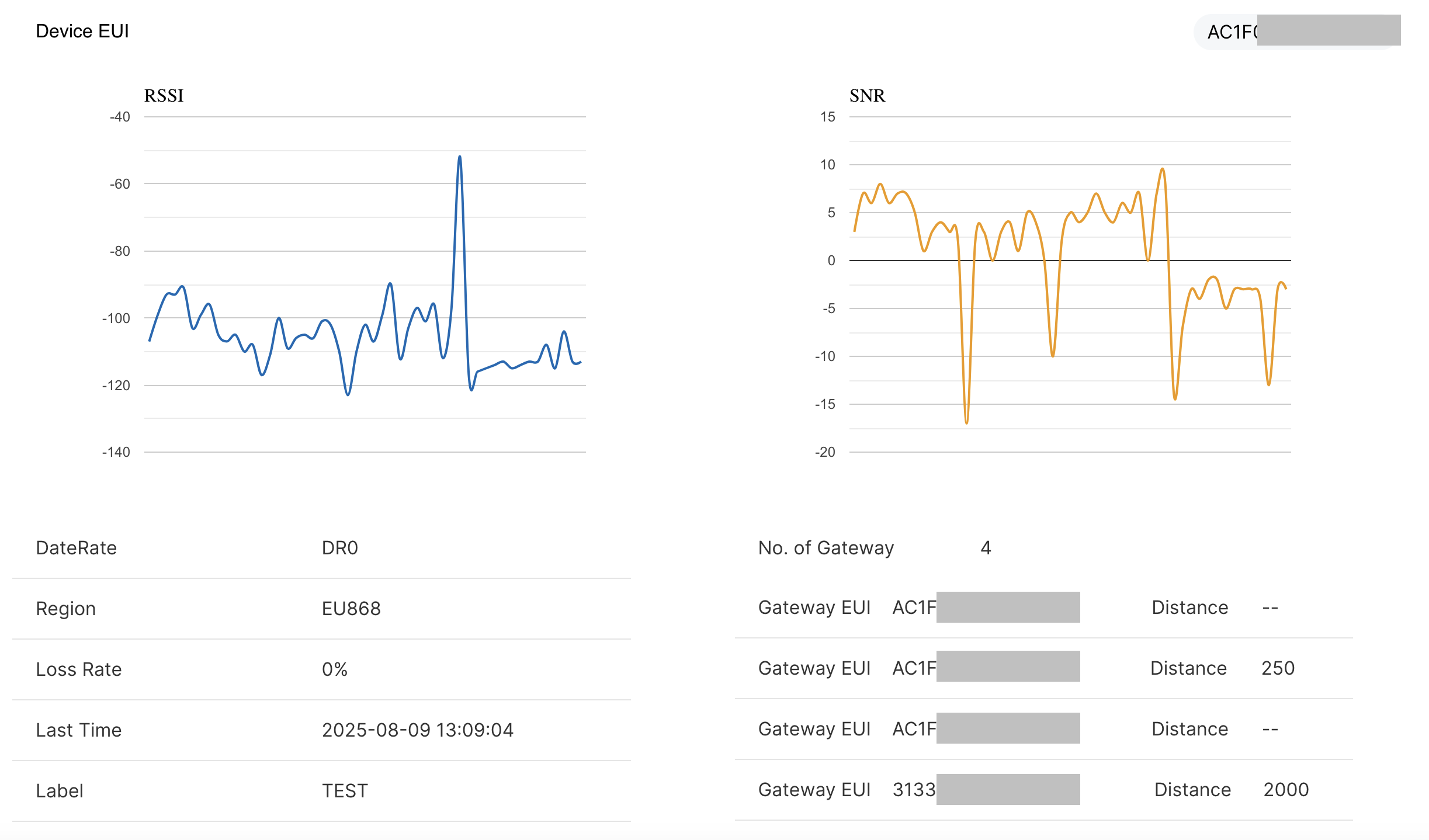
@carlrowan The data is stored in some database. How can I manage this, for example, by clearing the data; will it accumulate incrementally? How much space is available? I see that the meter data, despite readings, isn’t saved in the database, and after downloading Excel, there are no results.
Hi @maciej.glowacki ,
If you have not configured the label tag on the field tester, it will not be logged.
You can check the top screen of the display, if it says NULL there will be no label on the testing location so no log will be shown on the report.
@carlrowan Don’t look at the screen above, the label is called “TEST” and it’s set. Think about what could be causing this, because a GPS location would be useful. I took a picture for you a moment ago.
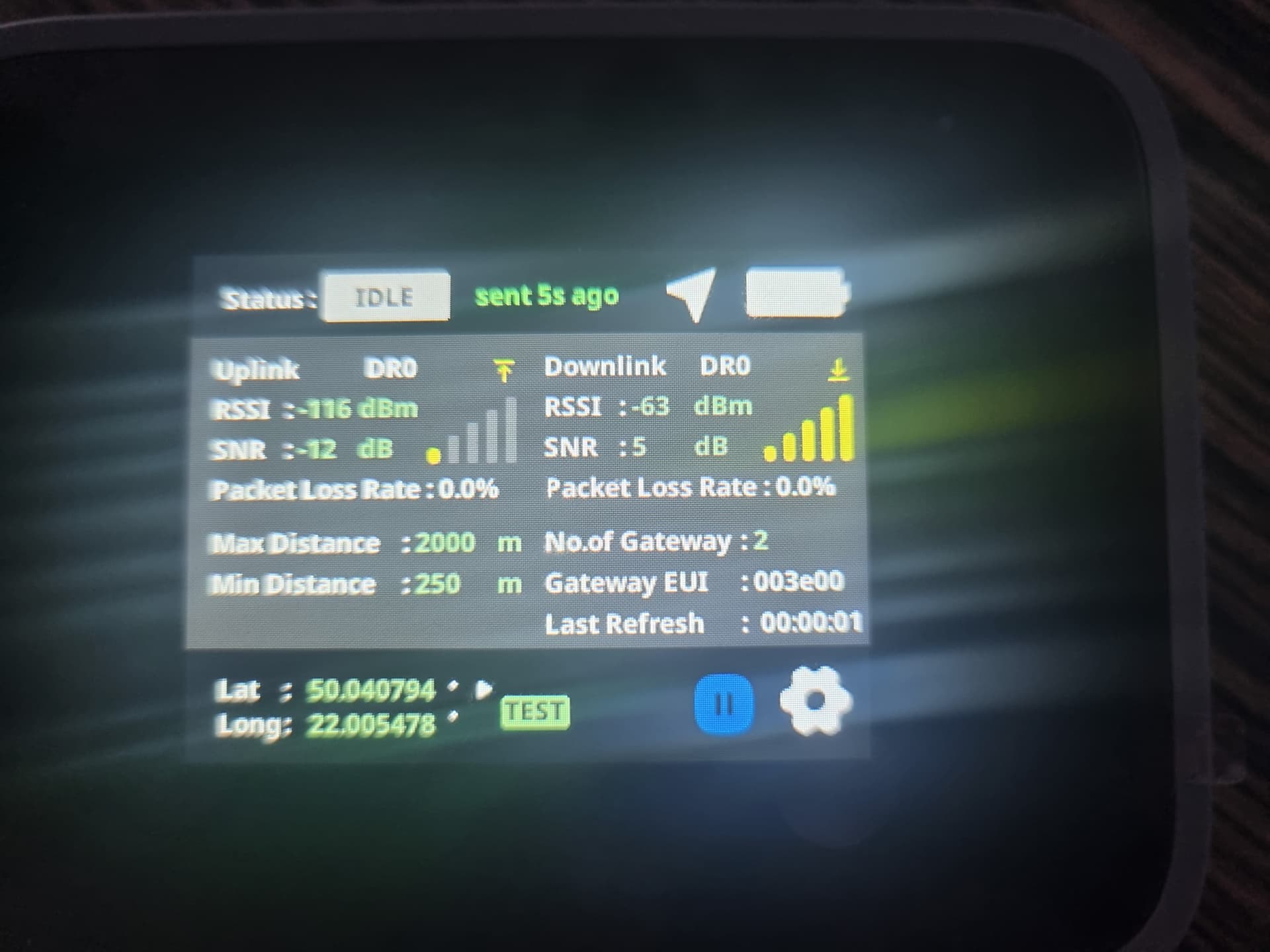
Hi @maciej.glowacki ,
Thanks for confirming that the label is set. On the generated report, can you please check if there’s a second tab? It can be that that 1st sheet is empty but the 2nd sheet shows the readings.
@carlrowan Please provide a screenshot of Excel. By the way, didn’t you include any management for deleting archived data, etc., regarding this extension? Will it be collected indefinitely from the beginning of use?
Regarding the “labels,” this label, once set, disappears at various times when the device “sleeps.” What’s the point of this? Can’t RAK make it so that it’s set after sleep? I don’t understand this idea. If it’s NULL, I don’t send the GPS location… why?
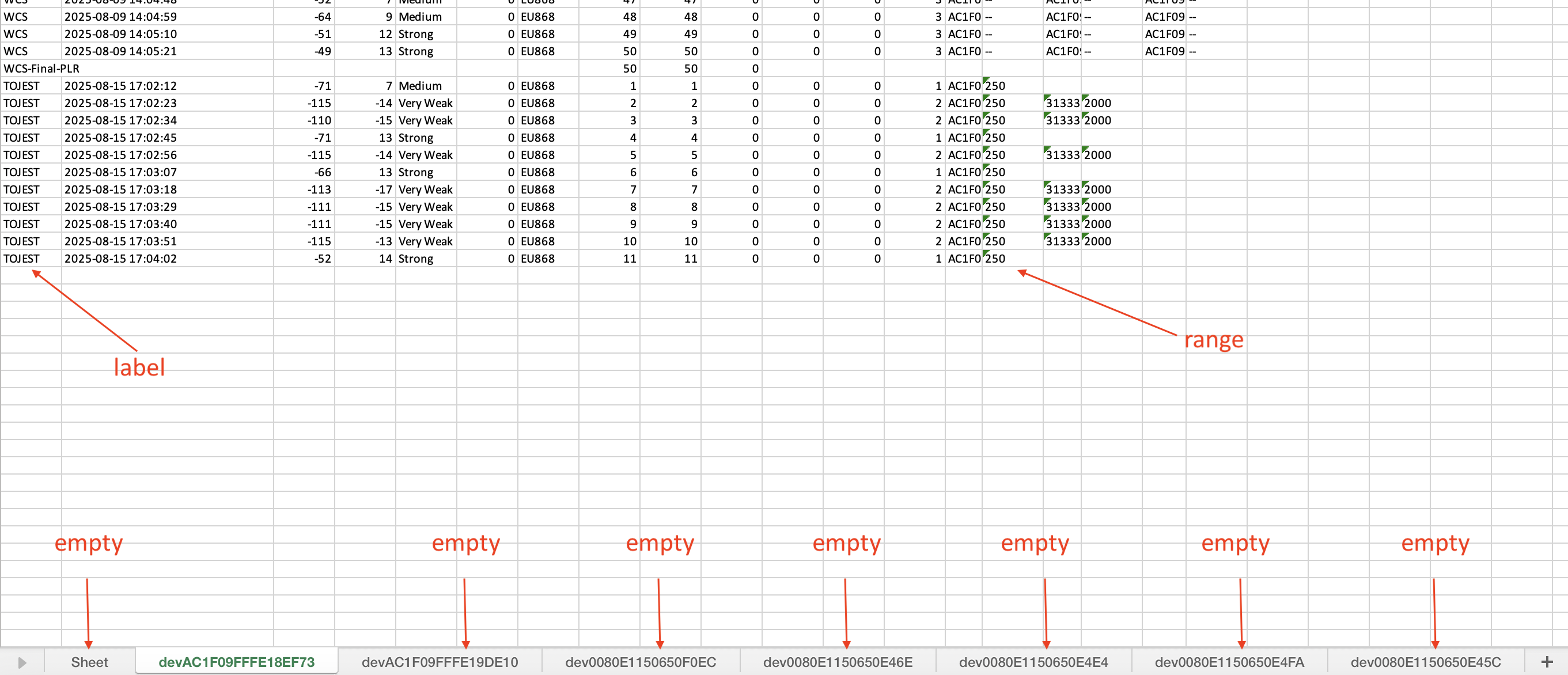
Hi @maciej.glowacki ,
Some insight/ideas:
- Logging will only occur once label/tagging is configured. It will not record if it is NULL.
- The logging will happen for 50 times then resets to NULL. Packetloss will be calculated based on this reading. You can stop any moment on the 50 times uplink and go to a different location and tag again as necessary.
- No special management is done at the moment. Once you exported the data, you will take over on where to save it, include it in a report, etc. User will take over on the data generated at this point.
- The Labels feature is done for the intentionality of testing on a specific spot where the user is trying to see the coverage. If it is NULL, the assumption is that the user is only exploring the field tester and not interested on doing testing on the specific location (maybe not yet doing testing and just on the workbench). If we keep logging the NULL, the data can continue to keep growing.
@carlrowan Great, now let’s solve the problem with the GPS position not being sent. What screenshot or information can I share with you so we can solve this problem? You said something about ports, etc. I can check it further.
Hi @maciej.glowacki ,
I did verification and on my current setup. I have the same issue with you, no Long and Lat values.
I already informed our R&D team about this. There could be something on the extension script. This feature is working before on my setup. They did some updates on the generated report.
Here’s a screenshot of report with valid Long and Lat for reference.

I will update you once I got any info.
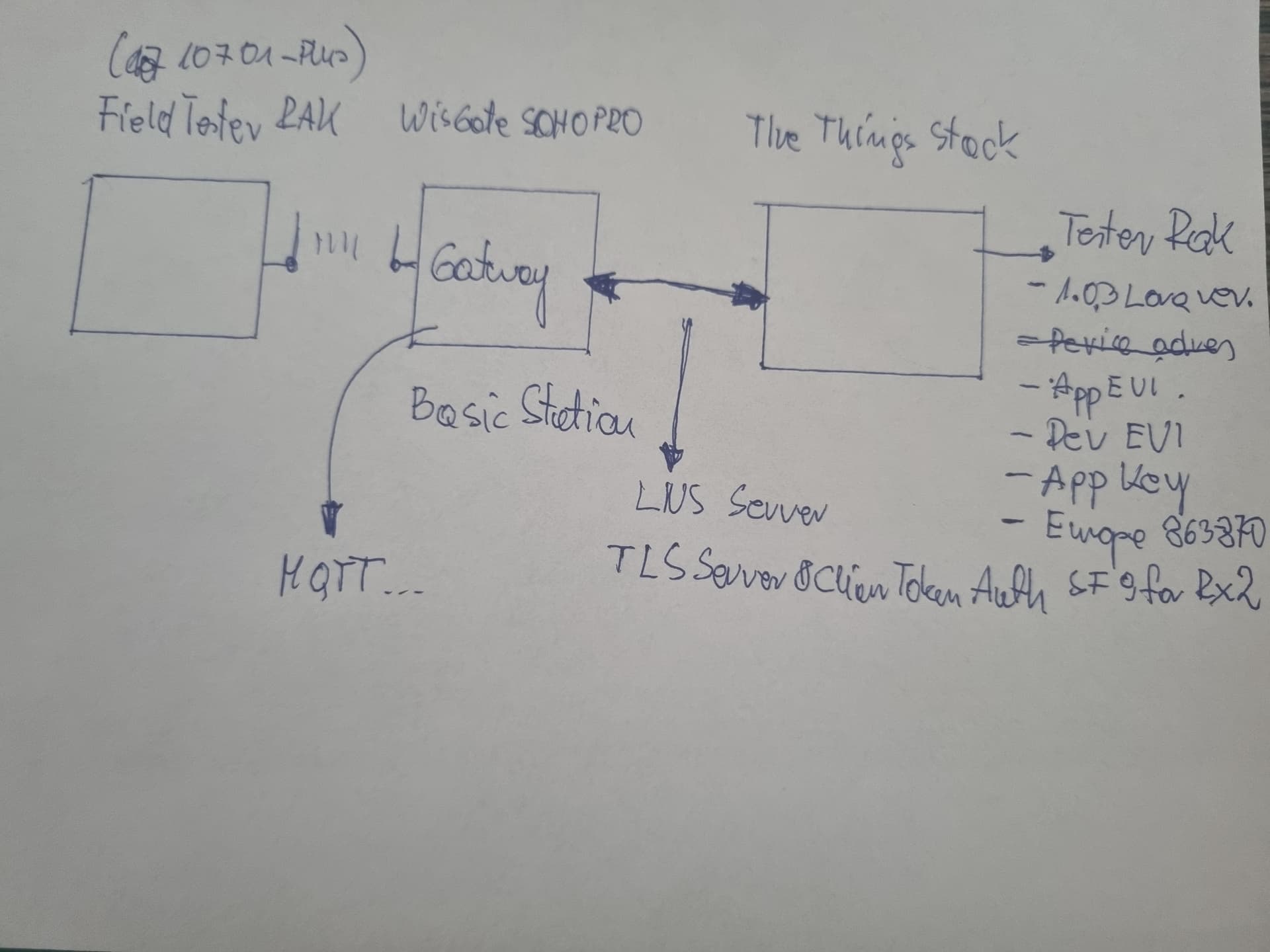
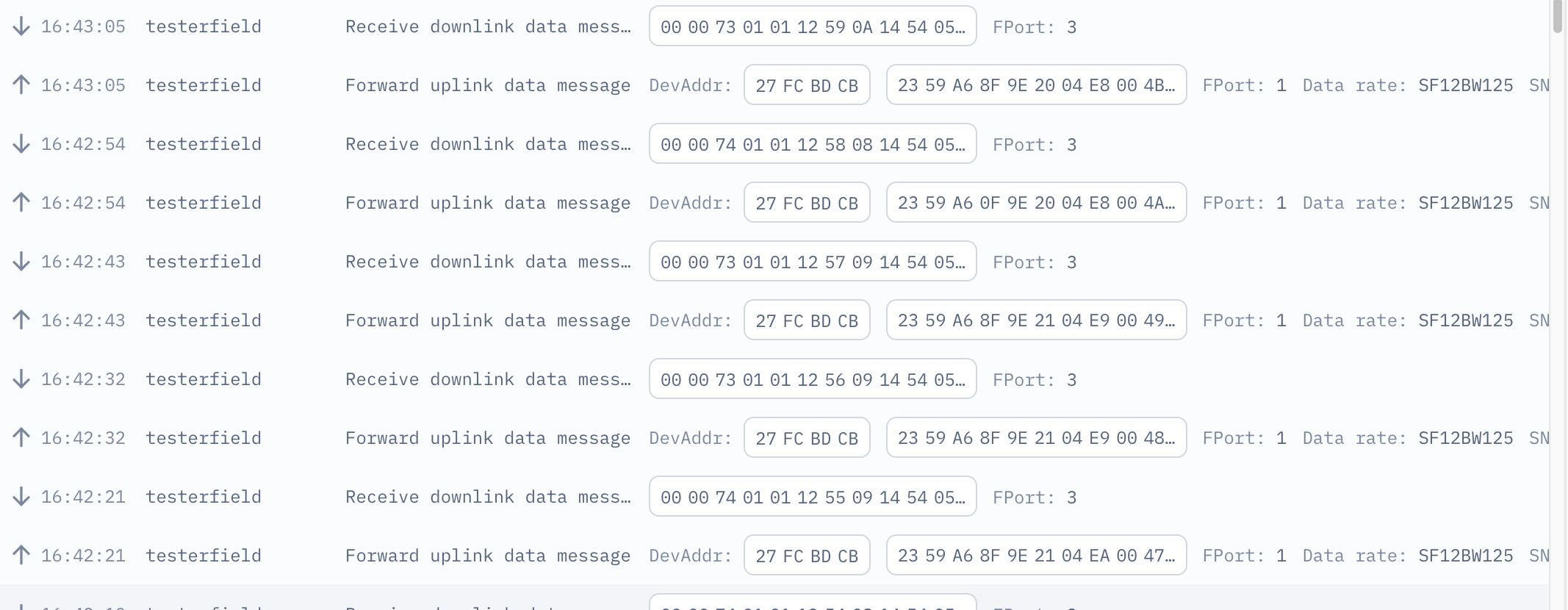
@carlrowan Have you received an answer from support yet, because I’m currently installing for the second time and I need a working system…
BR Maciej
Hi @maciej.glowacki ,
The extensions team already found the reason why there is no lat and long logs on the report. It will be fixed on the next update. No action needed on the device side. But on the gateway, you have to update the extension.
1 Like