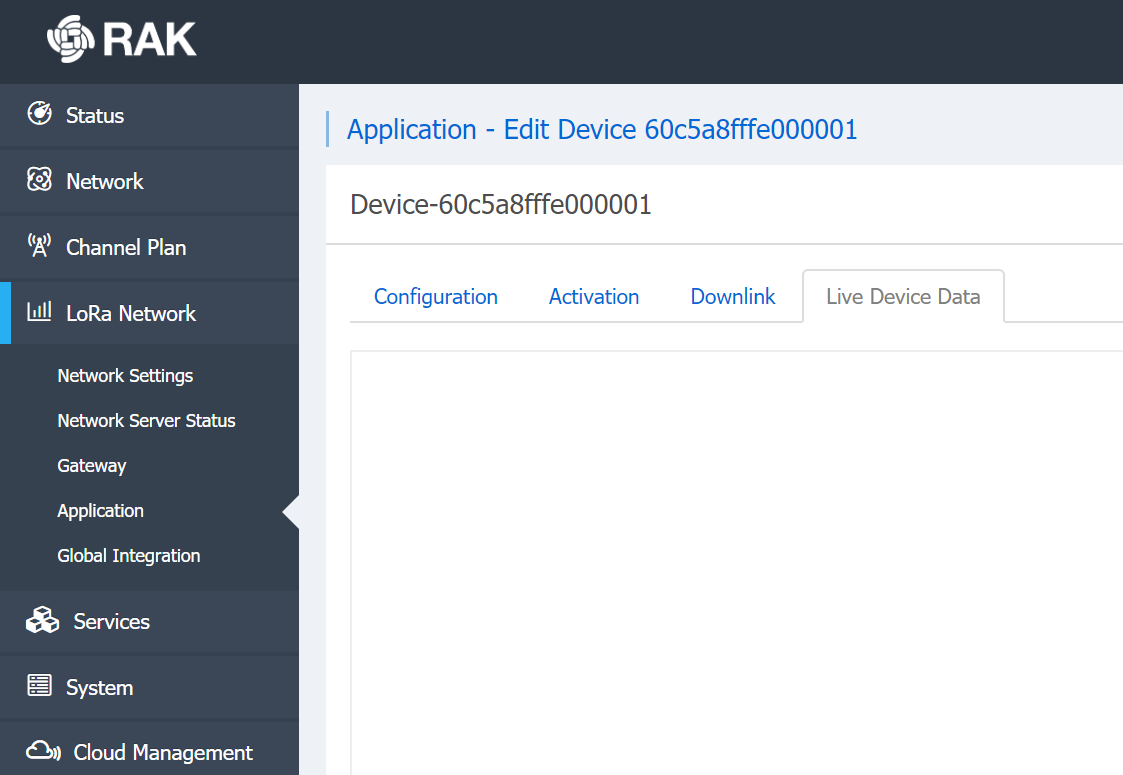
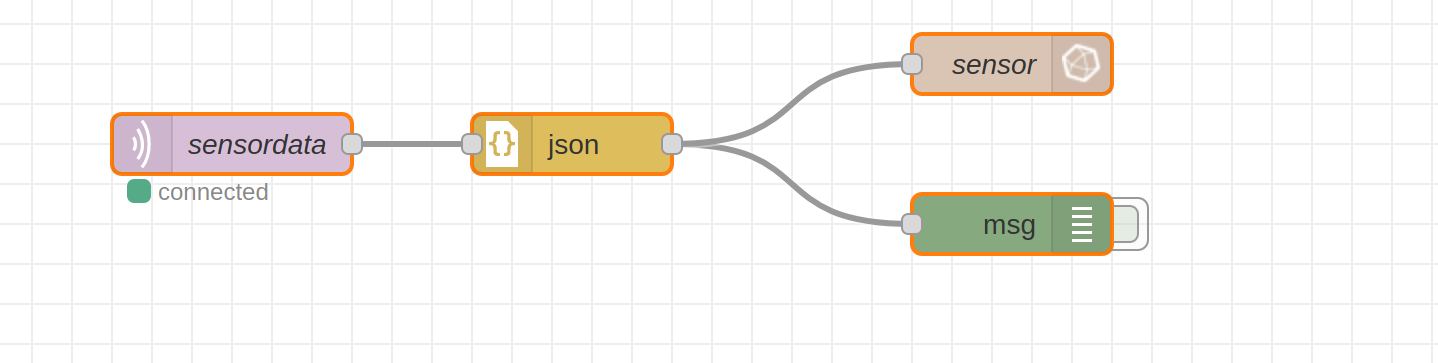
below is what I did in node-red. it says “connected” but no data comes out
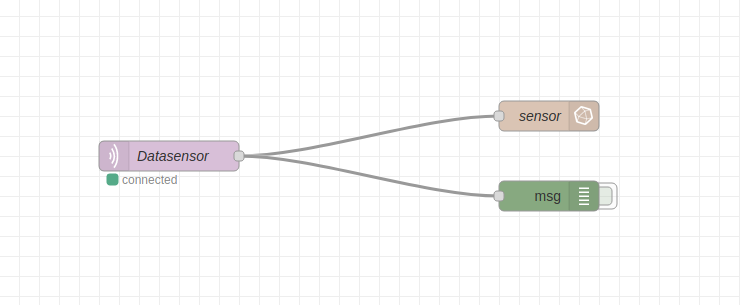
The Node-Red says connected because it is connected to the MQTT server - it doesn’t mean it is connected to the device.
You need to look at the gateway logs to see what it is receiving when you get your device to send.
This should be the same place that you saw the join happen.
if i manually send this data from gateway downlink panel, then live device data show downlink packet however this is not happening in node red. there is no data coming out
.
First, you can edit posts, it’s the little pencil underneath your post - saves on deleting and retyping.
I would wonder if your device is hearing the join response - because if it doesn’t, it won’t be able to send any downlinks.
What country are you in - it would be worth checking the settings for the gateway and the device all match up.
Hi @damvancuong as @nmcc suggested, let’s check your connection between the node and the gateway. Can you check at what period your node sends the data? Also, can you show us the Properties of the MQTT IN connector in node-red?
1 Like
hi @velev
my node sends the data per 20 minutes.
the Properties of the MQTT IN connector in node-red is as below.
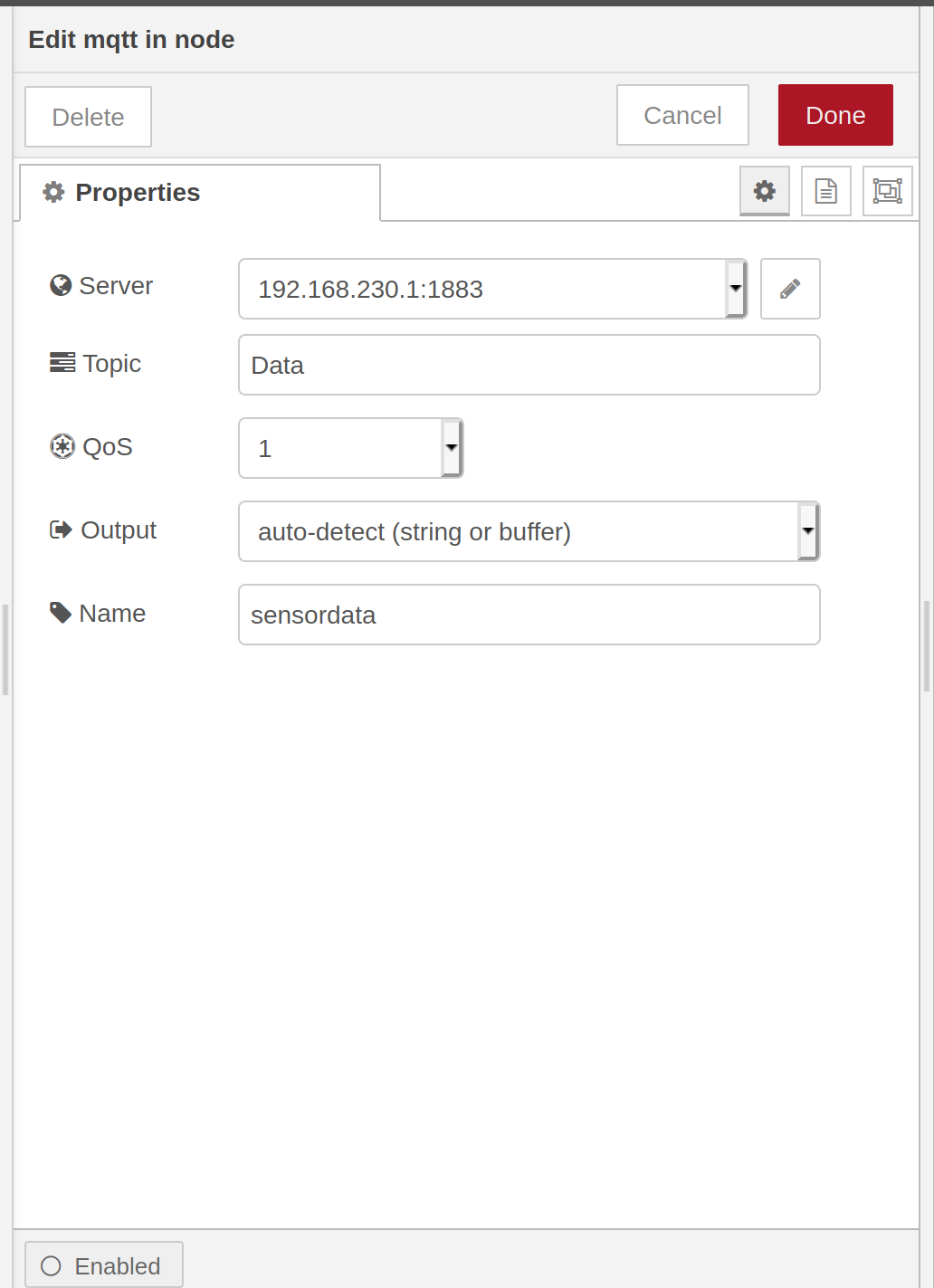
You do not have topic Data in the Gateway. The topics that you can subscribe or publish to are:
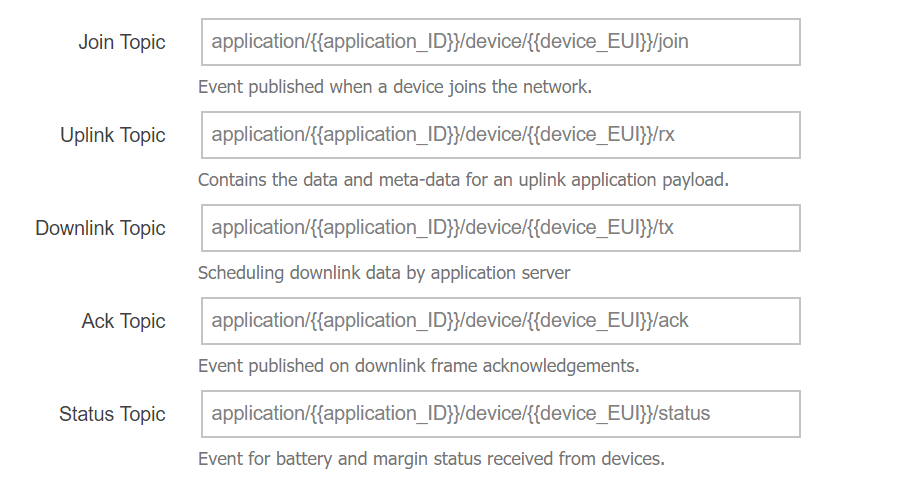
If you want to be subscribed to all topics you can use the wildcard character “#”. And it is better to use “a parsed JSON object” in the Output field.

thanks a lot,
something happened not like before it didn’t happen at all.
but an error occurred that
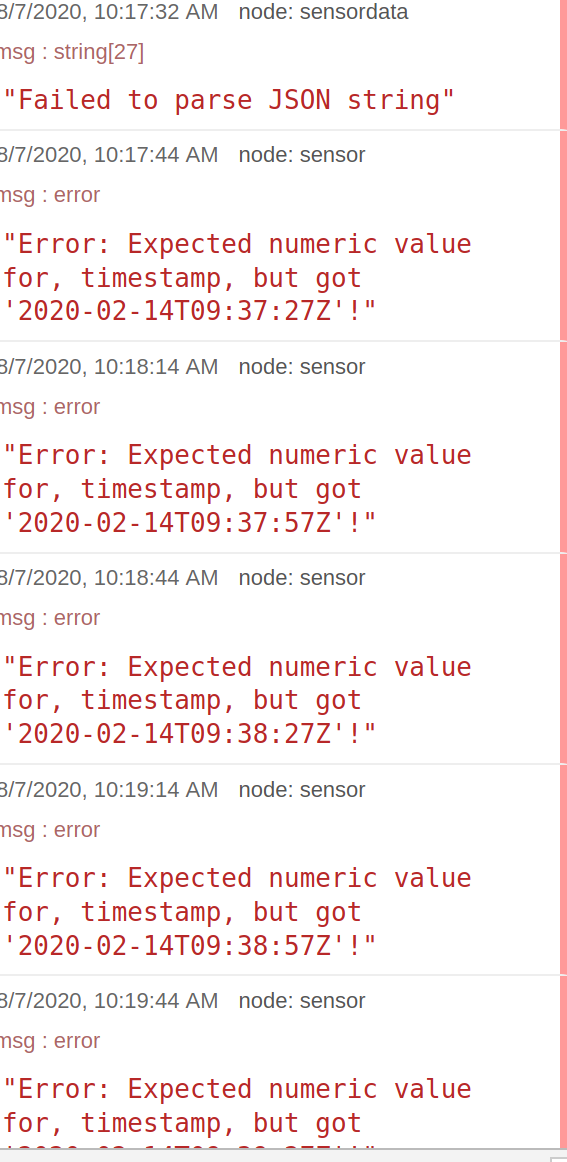
i have added the json node but it is still “failed to parse JSON String”
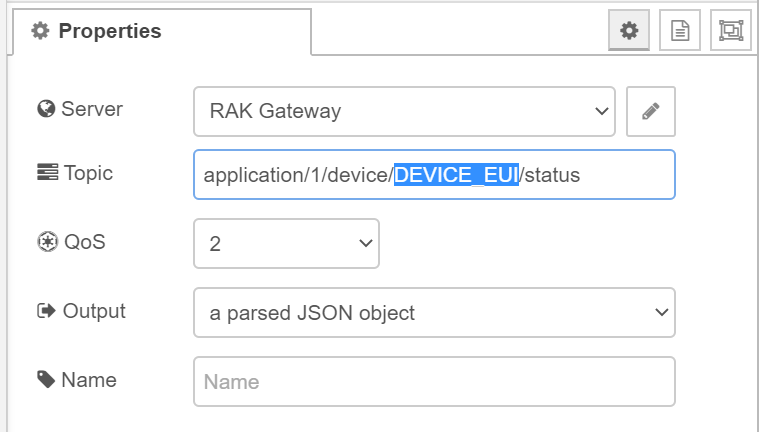
can you also tell me what should i enter when i only want to be subscribed to one topic for example the Status Topic?
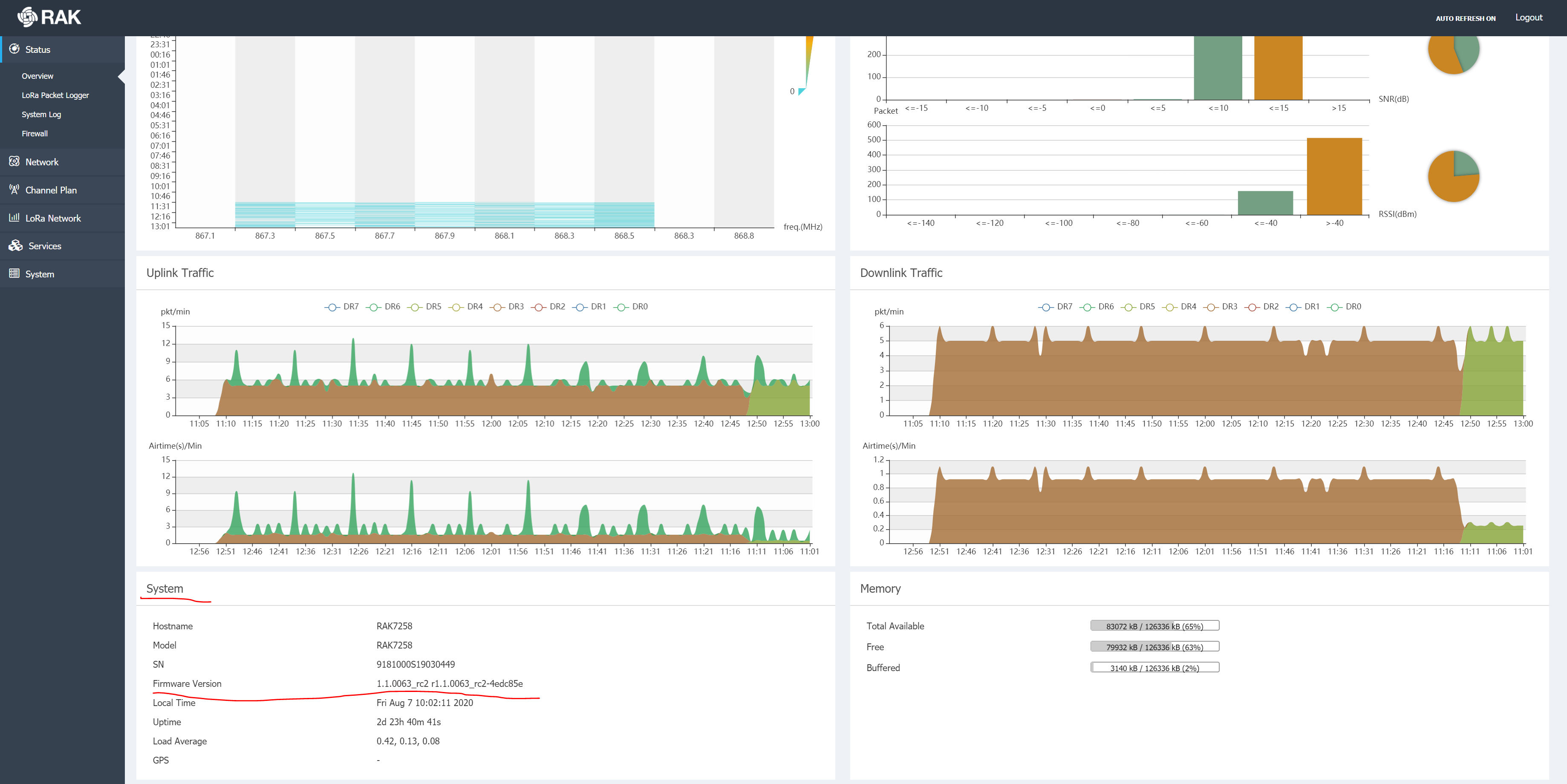
For the error can you check your Gateway firmware version?
For topics, you need to change the data in the double curly brackets with your actual data.
For example for status topic, it will be: application/1/device/DEVICE_EUI/status
You need to change DEVICE_EUI with your real one.
my Gateway firmware version P01.005 RAK7258-03-142 868ME.
and in the Properties of the MQTT IN connector in node-red what should i enter instead of “#” for example for status topic?
Can you open the status page, and scroll down to System frame?
The correct topic is “application/1/device/DEVICE_EUI/status”
You need to change DEVICE_EUI with your real Devide EUI.
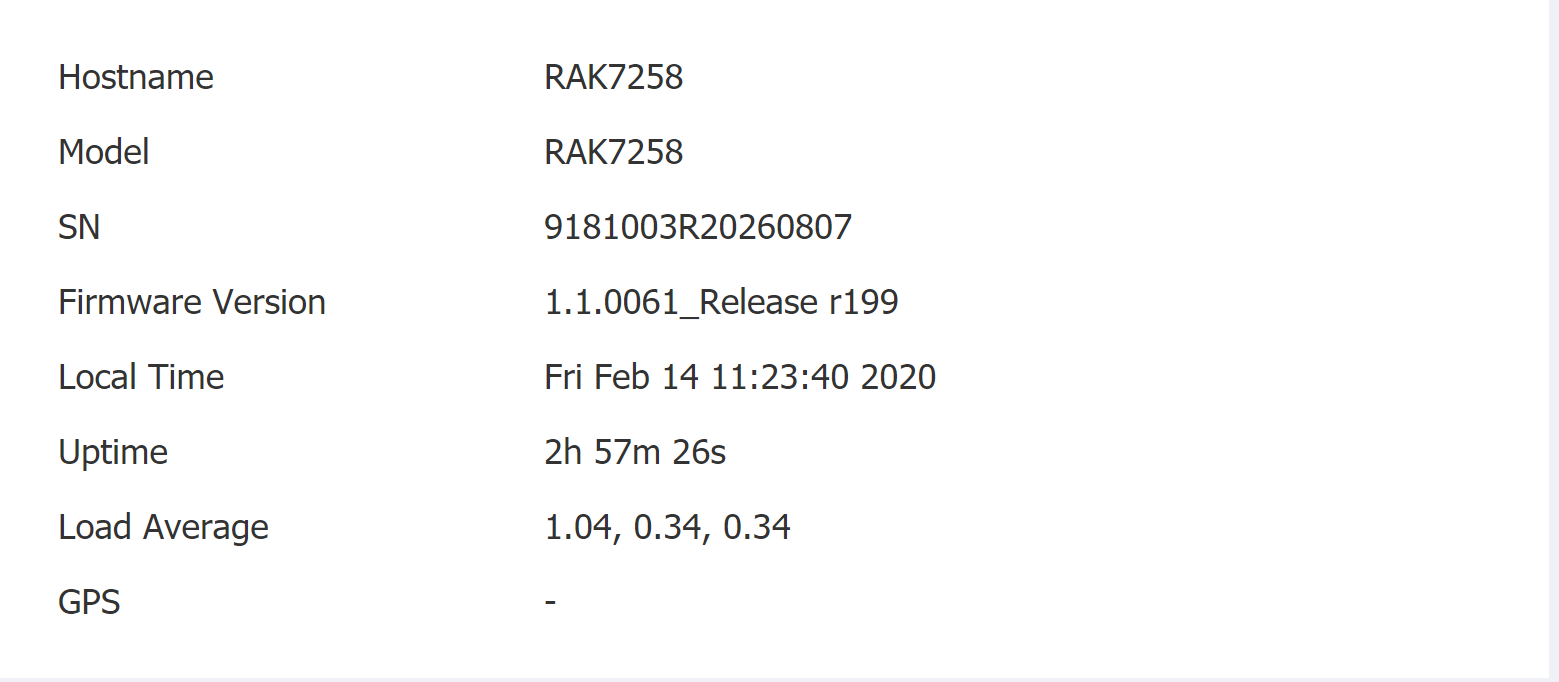
Ok. Please update the firmware to the latest one RAK7285 Latest Firmware. Don’t forget to extract the bin file first.
Updating the firmware manual https://doc.rakwireless.com/quick-start/rak7258-micro-gateway/system Point 4.
And after that please check if the timestamp error persist in Node-Red.
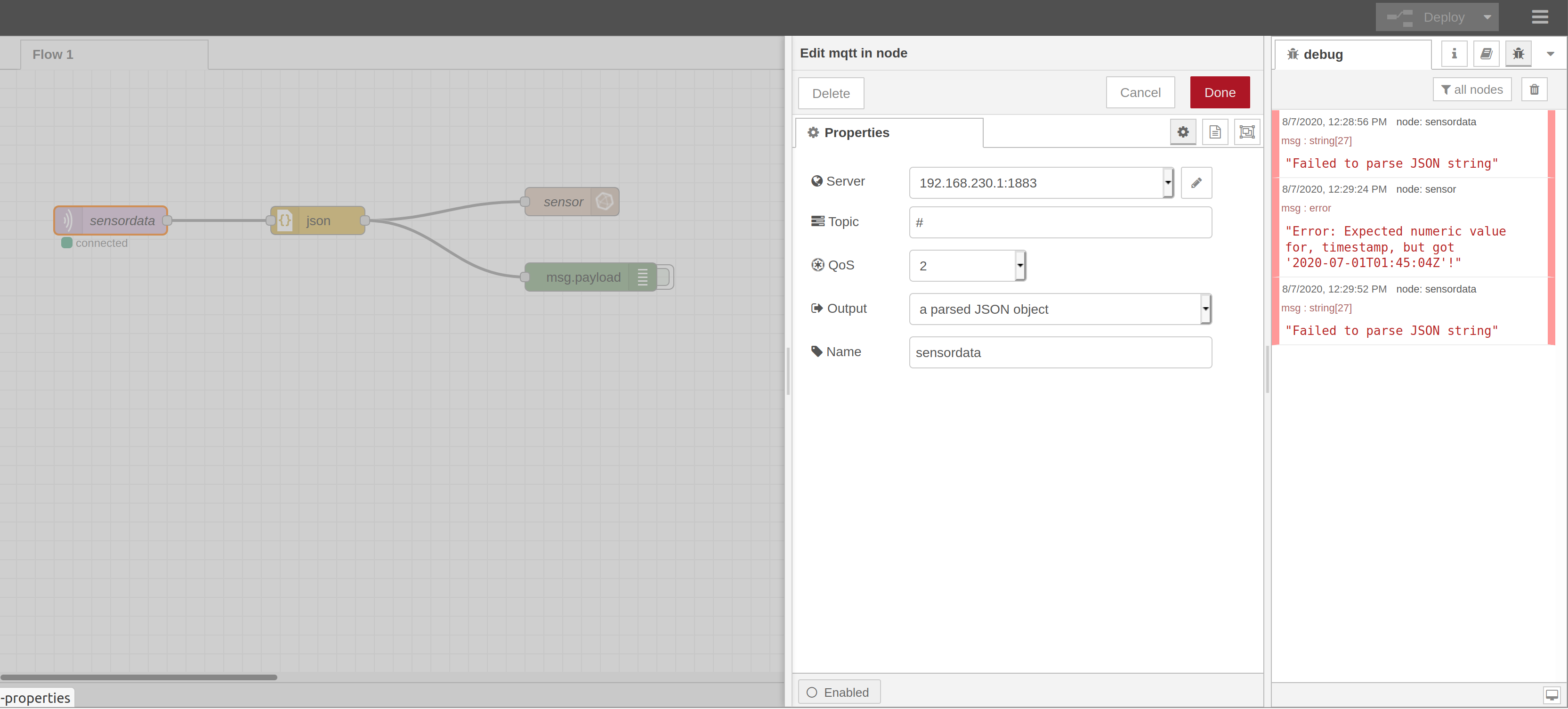
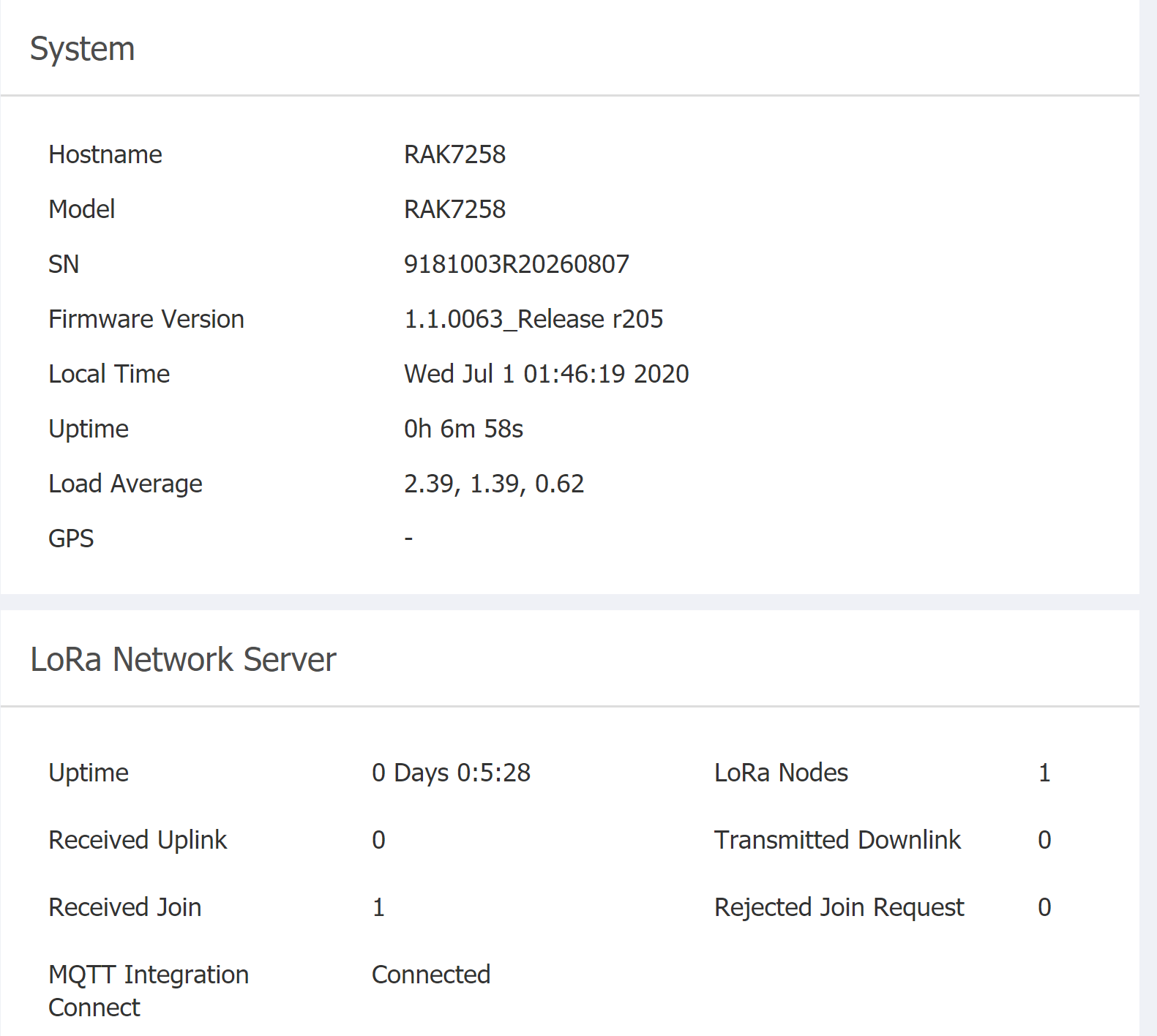
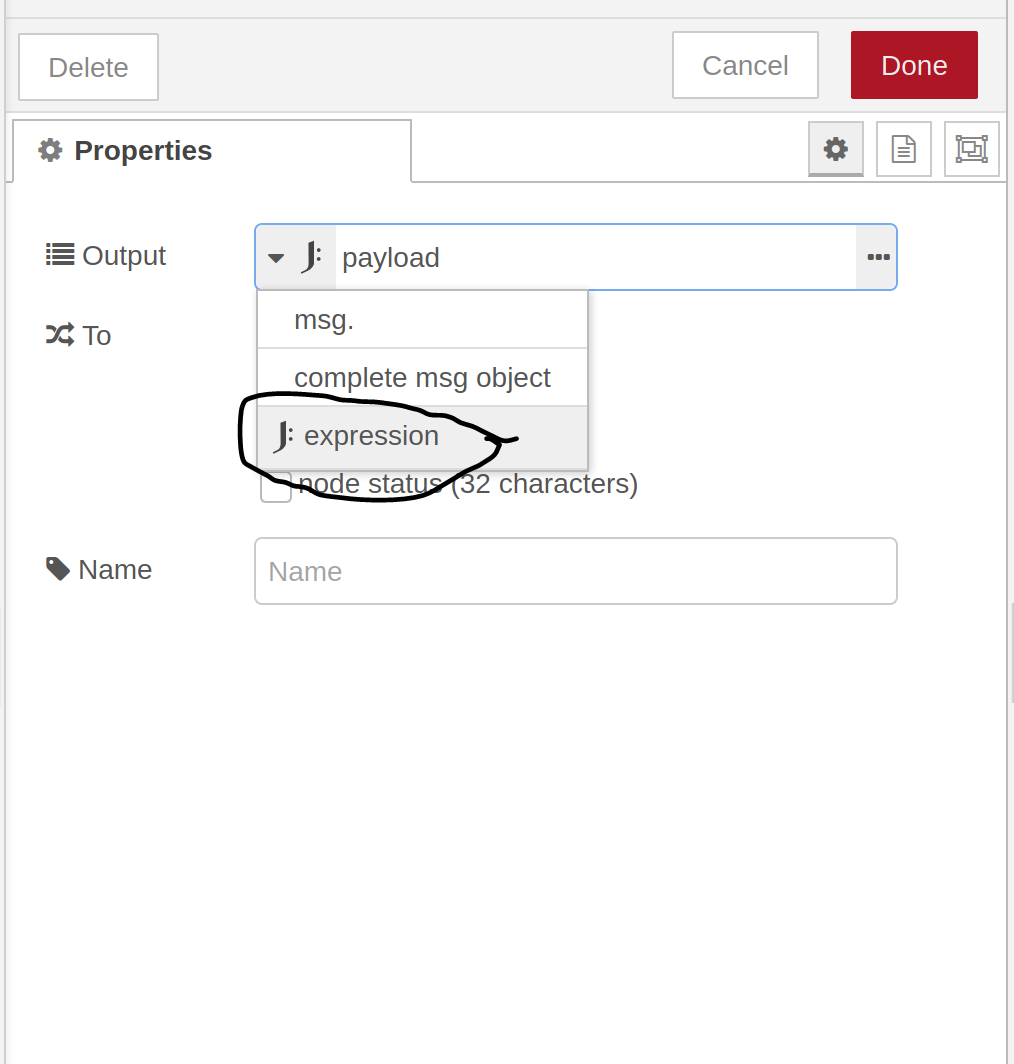
it works. I just have to switch to J.payload
thank you so much for your help and your patience @velev
thanks for recommend @ZhuQI
@damvancuong I am glad that we can help  This expression was something that I learn just now, so … good for me too
1 Like
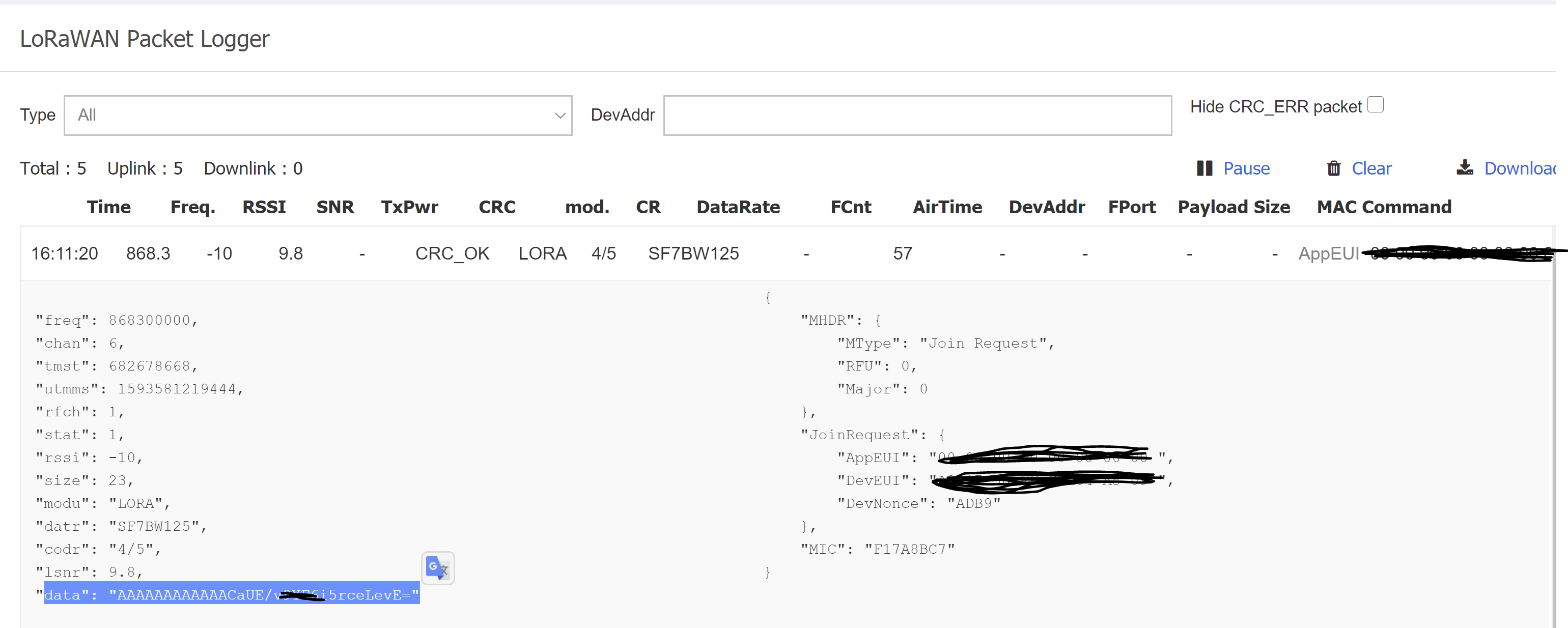
@velev I have a new problem that the sensor somehow did not send a payload but only the PhyPayload, which, as I looked up on the internet, only describles the AppEUI and DevEUI as Base64.
Unfortunately this is not the data for the temperature or humidity.
here is my ph payload:
Example of complete data-package:
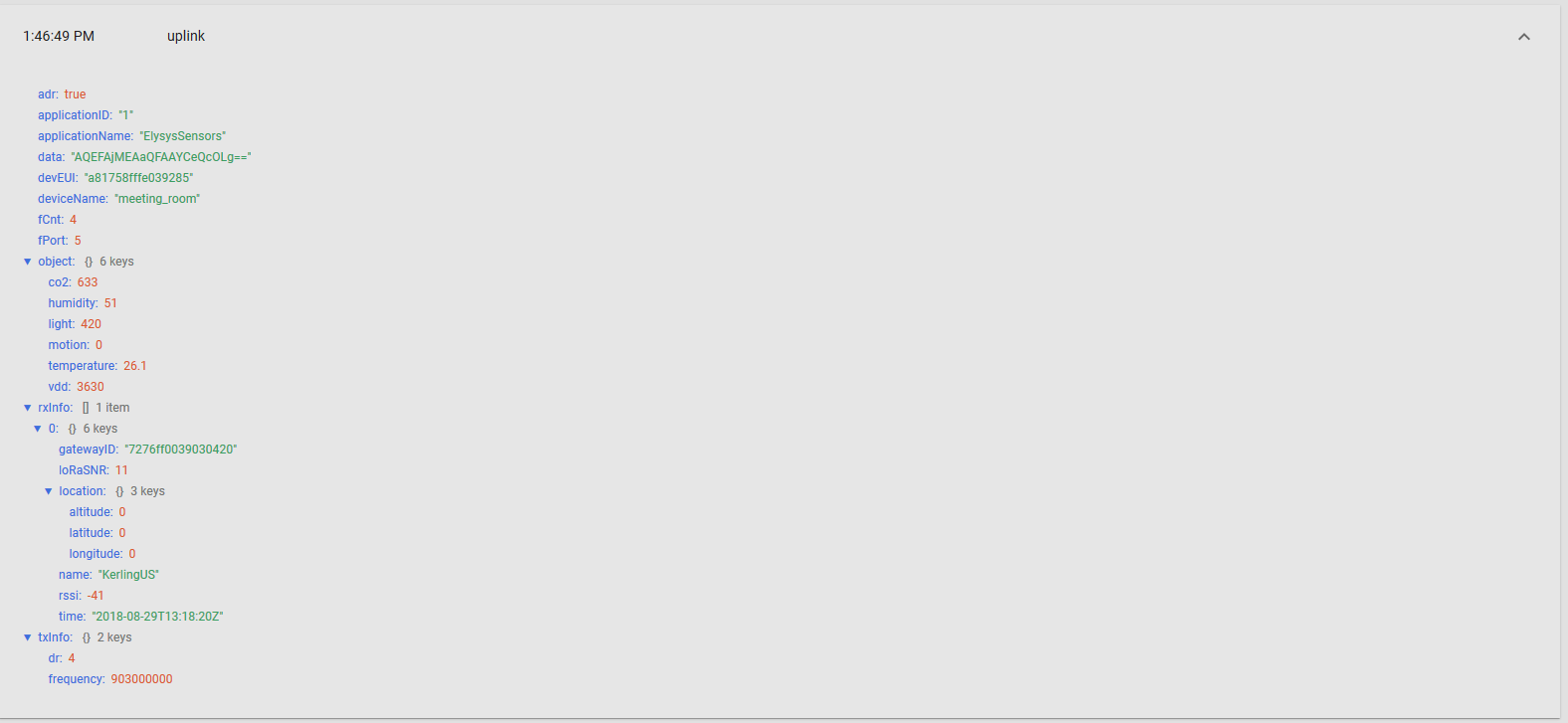
can you tell me how I should set my gateway to get the correct data from the sensor?
Thanks a lot im advance!