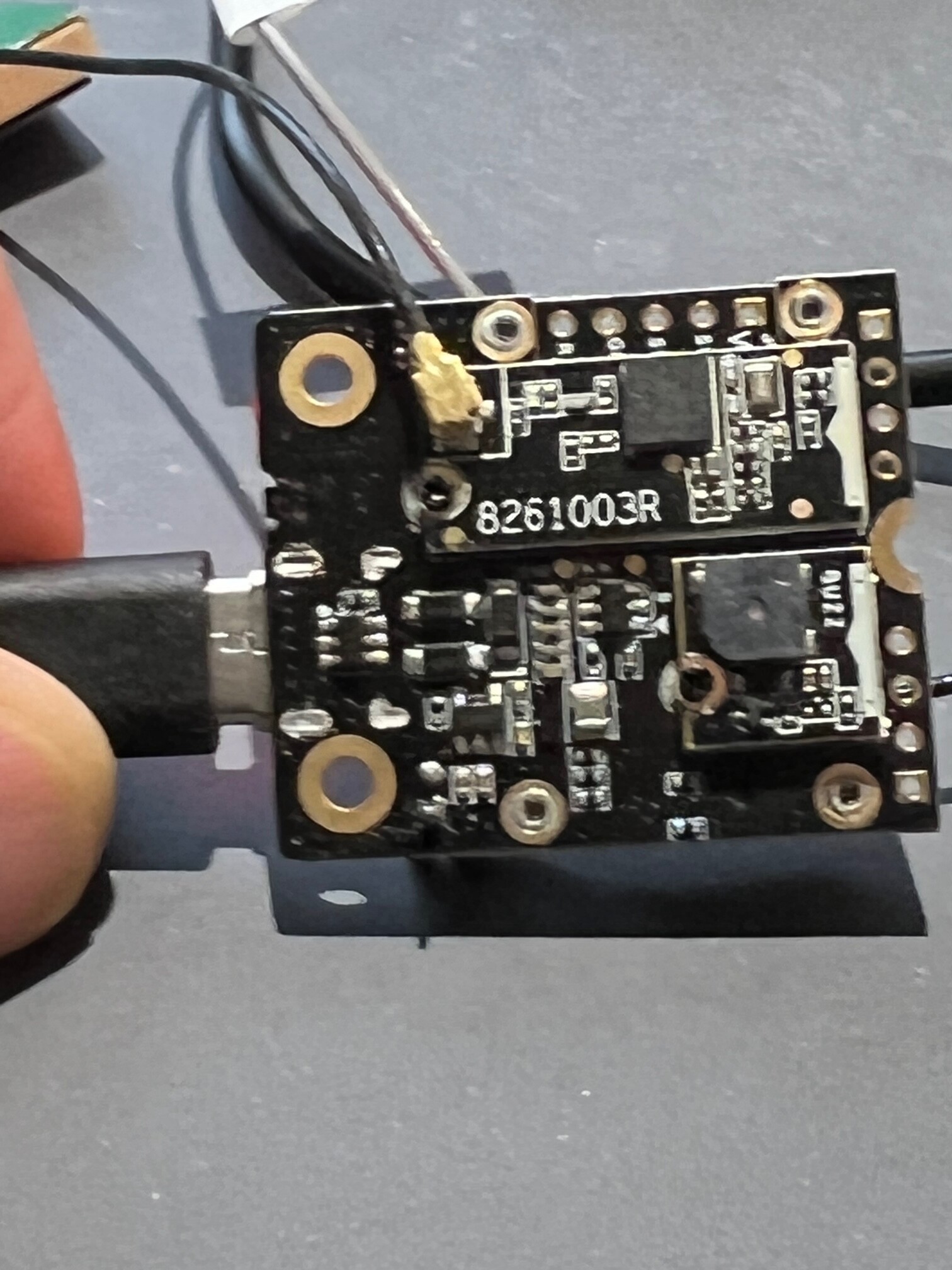
Hello, my name is Arienne,
I am new to the forum, and I am also new to the use of the RAK for those I send questions I beg you to help me please
Hi,
Looking at the device documentation I found this:
- Fast location fix.
- 29 s from cold start to first fix.
- 1 s from hot start
The 29s correlates well with what you say above. But it implies there is a warm start option, which presumably draws less current than fully on. Do you know how I can select/deselect that mode.
Thanks
Alan
The warm start requires the GNSS chip to be kept powered up. So far I didn’t find out how to put the RAK1910 into a mode that supports that. The RAK12500 library has functions for power saving modes, but in my tests it was rather disappointing, power consumption didn’t lower as much as expected. Don’t have values recorded, I gave up on that option quite fast.
My experiments with the 12500 were quite successful. When it was on it was drawing about 50mA, When I turned it off that dropped to 5mA for the entire board. I set the timer so that it woke up a few seconds before the main loop activated.
Will the GNSS library work with the 1910?
5mA sleep current is quite high. My tracker firmware gets down to 50uA in sleep mode 
Unfortunately the Sparkfun GNSS library for the RAK12500 does not support the RAK1910. In our examples we use TinyGPS.
My own tracker firmware for RAK1910: RAK4631-Kit-2-RAK1910-RAK1904-RAK1906
And this one is for RAK12500: RAK4631-Kit-2-RAK12500-RAK1906
@ArienneGervais Welcome to the forum.
Please do not hijack existing topics.
If you have a question, please open a new topic and ask your question there.
bonjour, c’est d’accord merci
Hi @beegee
I assumed the 5mA was because the GPS was in standby and I’m OK with that . How can I find out how to put the 1910 in warm standby mode so that will get a fix in a few seconds?
Thanks
Alan
Hi @Alangward
I never tried that. A good point to start searching might be the u-blox MAX-7 data sheet => https://www.u-blox.com/sites/default/files/products/documents/MAX-7_DataSheet_UBX-13004068.pdf
Hi @beegee
I had already discovered that document. I have also downloaded
u-blox 7 Receiver Description Including Protocol Specification V14.
I’m a little worried that this device appears to be ‘end-of-life’ on the u-blox web-site.
So I’m wondering how long you will be able to maintain supplies of the 1910. If our design is critically dependent on it we may run into problems in the future.
Anyway, I see it supports the UBX protocol as well as NMEA so I intend to investigate whether this gives us more control. I’ll let you know how I get on.
Thanks
Alan
I am thinking about a hardware change on the RAK12500. Having the RX/TX disconnected and a solder jumper for people who needs serial communication. But that is of course nothing that will be available fast.
That would be a good move from our point of view - future proof our solution.
Thanks
Alan
Hi,
I have received and assembled this base board with the RAK 18001 buzzer and the RAK12500 GPS. Everything works fine except that I cannot get the buzzer to work - I assume I am using the wrong pin - I have tried changing it with no improvement.
Thanks
Alan
Hi Alan,
Which Slot are you using for the RAK18001? Here is an overview for the IO to be used depending on the Slot number: RAK18001 WisBlock Buzzer Module Datasheet | RAKwireless Documentation Center
One thing we found about the Tone() function in Arduino. It can happen that the IO is staying on HIGH level after the tone was played. You need to use digitalWrite(IO, LOW) after finishing to play a tone.
Hi Brent,
That data sheet refers to the 5005 base board which has the slots marked. I am now using a 19003 base board that does not have the slots marked. I experimented with PIN numbers but cannot find one that works.
Thanks Alan
Hi Alan,
Yes, the silk screen was incomplete, we correct this in the next production batch.
Here is the information for the slots:
Slot Names
And here is the information about the sensor slot pin assignment"
Slot Connector
Even the slots are marked as A and B, we used WB_IO3, 4, 5 and 6 to keep the IO1 and IO2 free for other uses.
Hi Bernd,
There seems to be a problem with the buzzer module on the 19003 base board.
I found that if I used WB_I05 (rather than WB_I03 that I had been using on the 5005) with my existing application then the buzzer worked as expected once and then the device crashed and restarted.
So I thought I’d try it with the buzzer demonstration sketch that plays a tune - all I got was a series of clicks rather than notes. And I could not reflash the device from PIO without double clicking the reset button.
Note that I also have the GPS ZOE-M8Q installed on slot B.
Thanks
Alan
Hi Allan,
Slot A uses WB_IO3 and WB_IO4 so if the buzzer is in Slot A you should use WB_IO3
WB_IO5 is connected to the GNSS module and is the 1PPS output of the ZOE-M8Q. so it should not be setup as output. The reason for the crash is most likely that the 1PPS signal from the GNSS module and the PWM signal from the RAK4631 were fighting against each other.
Hi Bernd,
I was originally using WB_I03 as that as how I have it set for the 5005 base board. That does not work. The only way to get any sound from it is to use WB_I05.
I’ll try and send you a photo of my set up to confirm the physical placement of the components
Alan