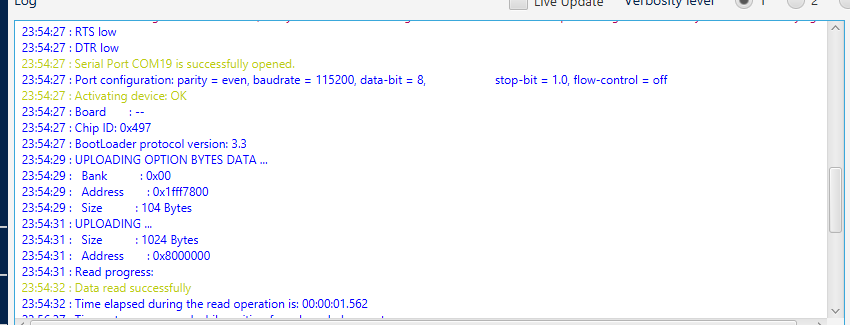
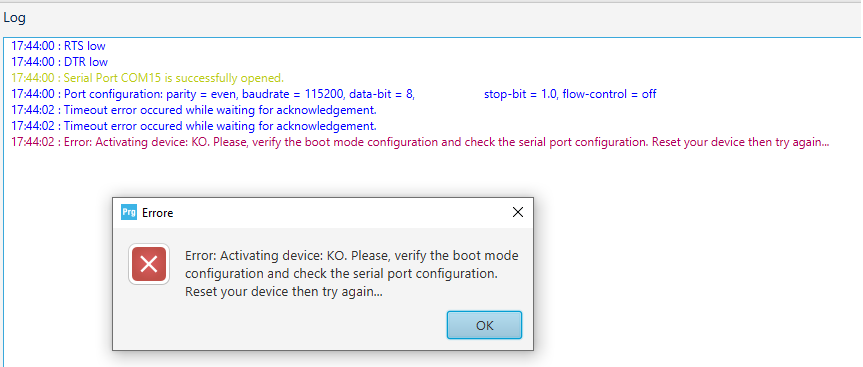
The STM32CubeProgrammer wasn’t able to detect the RAK3172.
Few things we can look at.
Can you confirm if the COM port is correct?
Double check if the wires are ok. If you have multimeter, please check the continuity from the pin of the RAK3172 board to the pin of the USB-SERIAL converter that you use. Broken jumper wire is very common. I still experience it myself.
Can you check if there is a steady 3.3V voltage on the supply lines - VDD and GND?
When you plug in the board with BOOT already shorted to ground but still can’t be detected, can you short RST to GND pin of RAK3172 breakout board momentarily then try to click connect button again? It will reset the board and hopefully you can connect now.
Can you try a lower baud rate? 57600, 19200 then 9600.
Is it possible you can try a different USB-Serial converter board?
Is it possible to try to a different USB port, USB cable/hub (if you use one) or even PC?
I hope after checking these items we can make you RAK3172 work again
I am not sure what happened to your board but it seems to be damaged if you already followed the guides I shared in my previous post but still cant be detected - RAK 3272S reset problem - #5 by rami
Hi Carl,
i already followed the guide that you shared with me but i still cant connect to the stmCubeProgrammer.
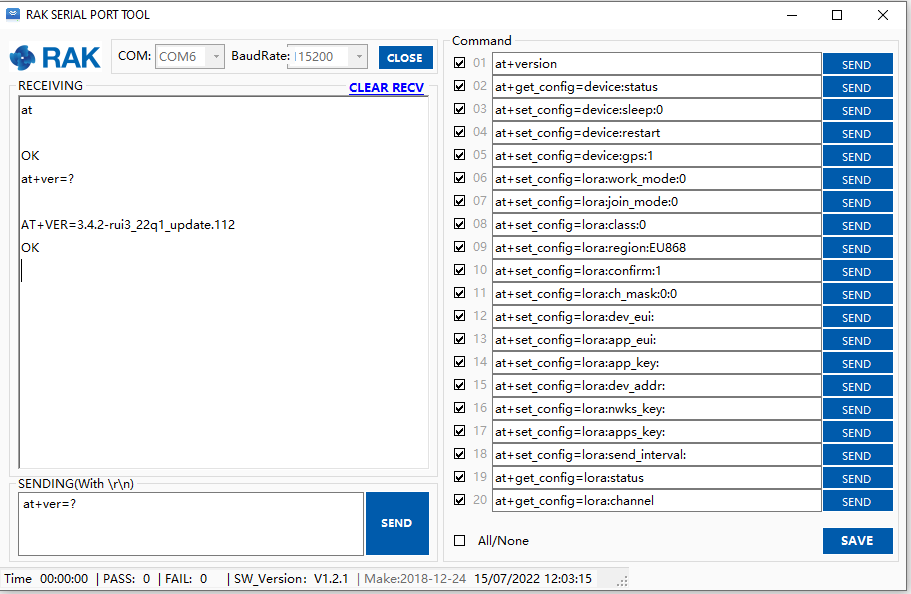
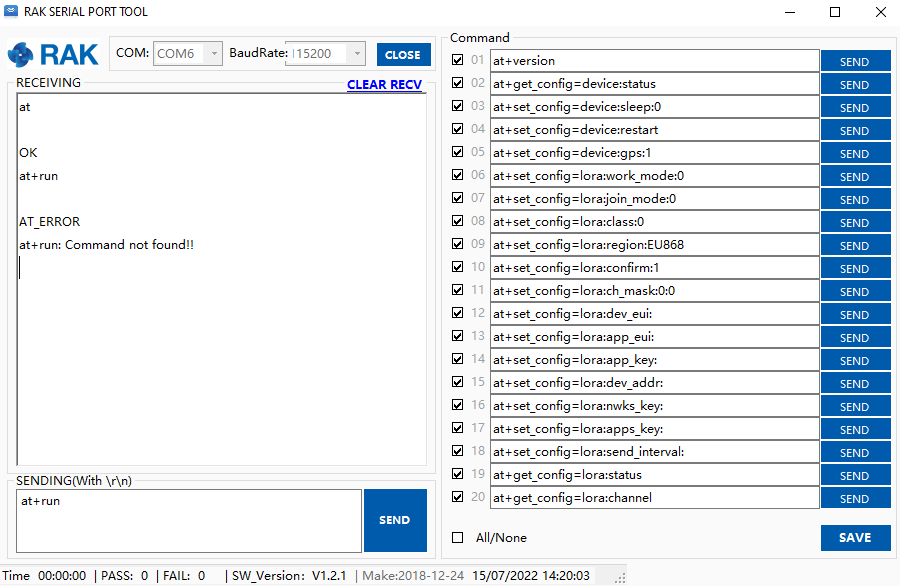
if you assume that my board its damaged it should not communicate with RAK SerialPort Tool
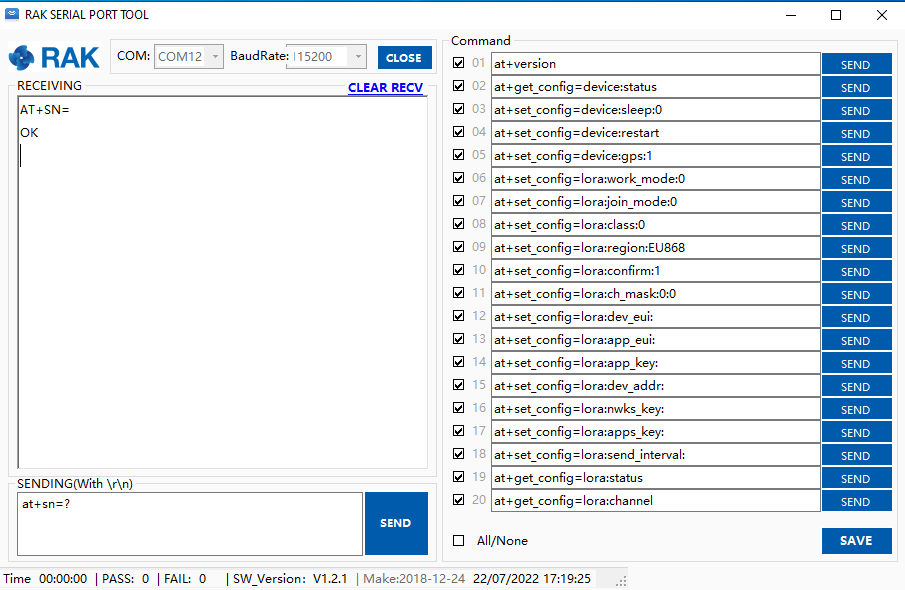
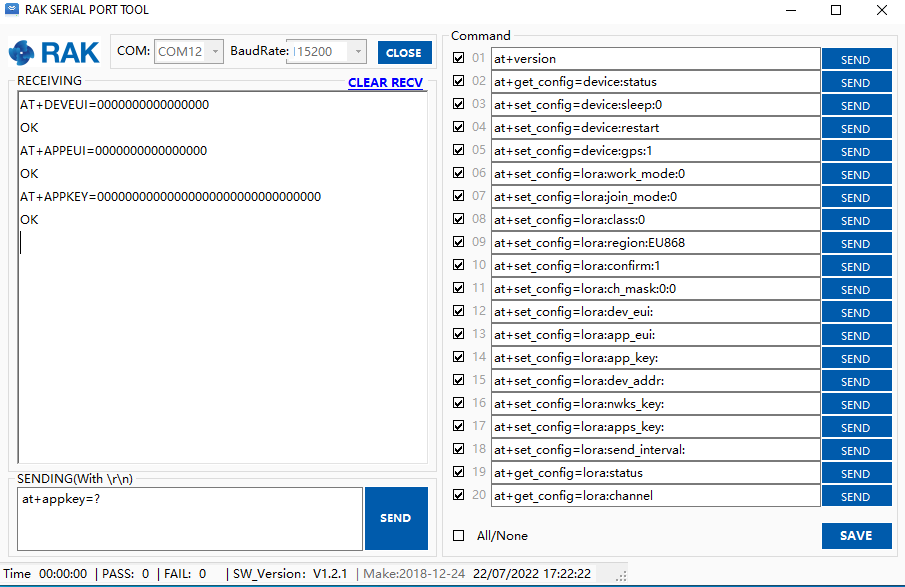
some of the AT commands give a feedback.(correct me if i’m wrong).
by the way its not the only board that have this problem ive got 23 RAK 3172 and 2 RAK3272 and they all give me the same problem.
its impossible that all the 25 modules are broken or damaged.
I see. You are correct. That can’t be the case for 25 modules
Hmm. Let’s troubleshoot more.
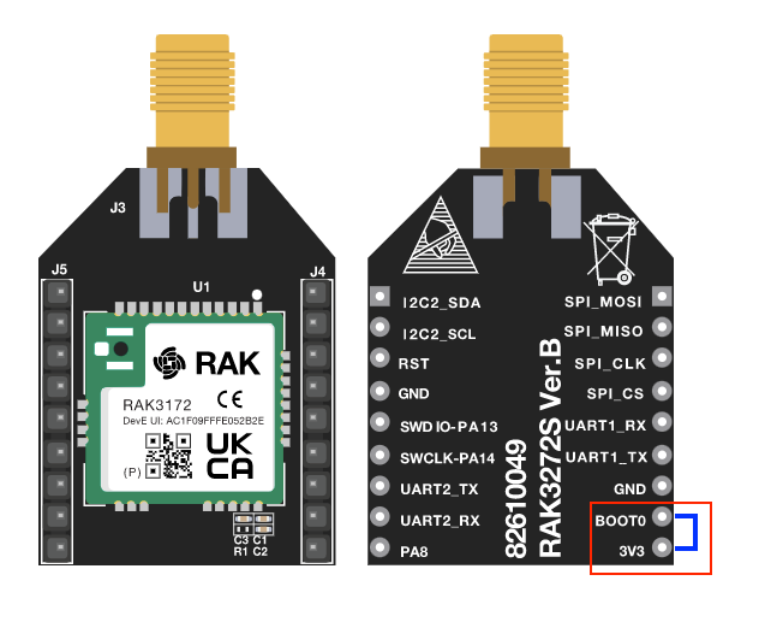
I see that your connections are correct in the image.
If all are happening in 25 modules, there is one problematic part that causes this problem. I already mentioned it above like the jumper wires, USB-Serial converter, USB port, PC driver, etc. But we could still be missing something in your current setup.
It will only be useable if the device is in boot mode. Your devices seems to be in ok condition so there is no need to do that. I see the OK reply on at
Hi Carl,
the problem arises on the AT commands based on the firmware version.
with the STM cubeprgrammer . seems like the RAK 3272S do not respond in time and i cant connect via URAT or ST link.
The AT commands has no effect or relation on the STM32CubeProgrammer connectivity. If you have specific AT command issues or errors, you give me more details then I will help you with it.
Regarding, STM32CubeProgrammer, it is very strange situation that your device has a working AT command but can’t connect to STM32CubeProgrammer via UART even if BOOT pin is correctly configured.
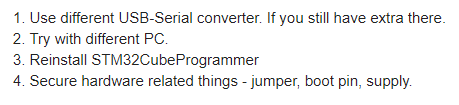
Is this only for one device or for all? If only for one, we can assume that the UART bootloader of STM32 is damaged (But that should be a very rare scenario. Probably caused by ESD?). On the other hand, if it is for all modules that you have there, it can be a systemic issue that can arise from other aspect. I can only thing of these 4 four things.
For the RAK3272 Breakout Board, you need to connect the boot pin to 3.3V as shown below. Doing this will make the STM32WL to start on UART bootloader section of the chip instead of the application code.