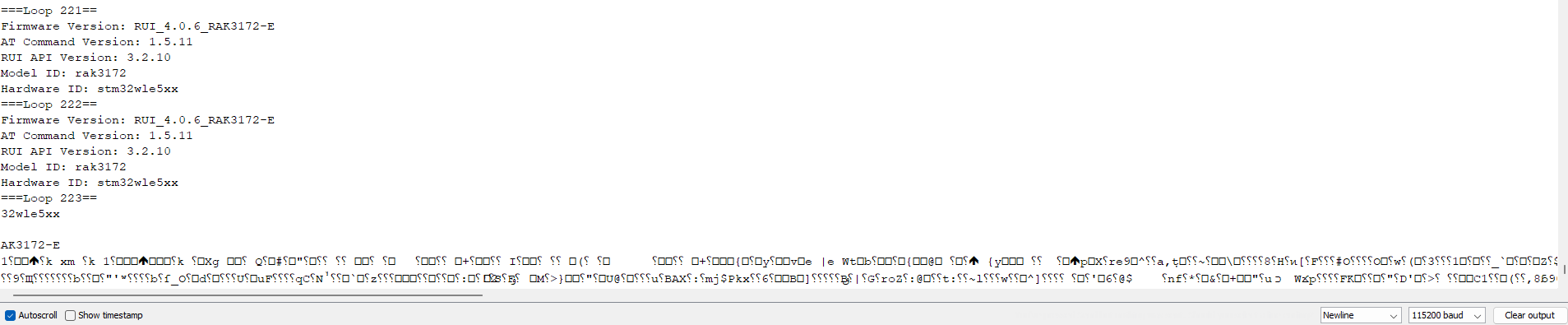
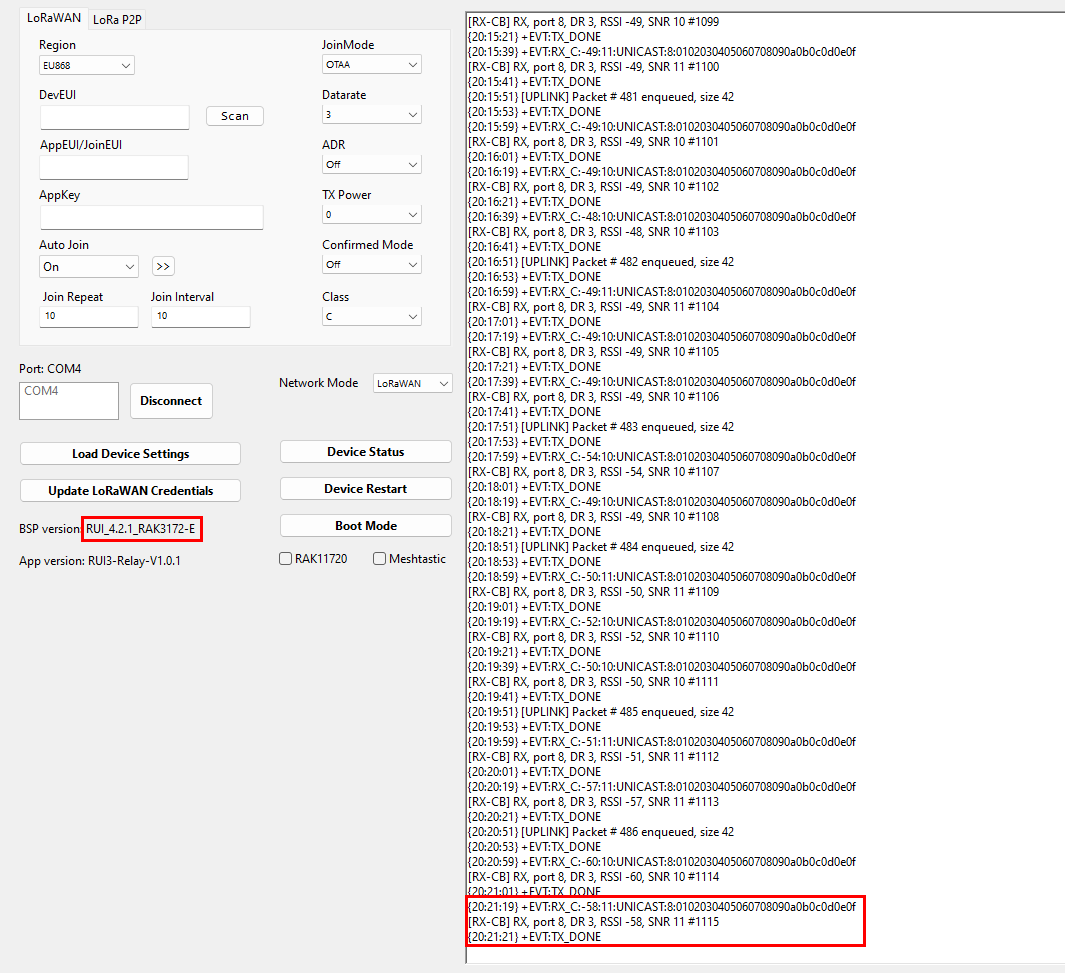
I have a RAK3172 that I used to connect to the laptop over USB-TTL. Previously, when I open WisTool Box, the board would be detected and communicable from the first time and the times following. It would work fine with my code, sending and receiving to multiple nodes for days.
Now, The same RAK3172 will not operate or become identified on WisTool Box unless it is externally powered. I checked the USB-TTL and it outputs 3.3V no problem. I tried different adaptors and the RAK3172 acts the same to all. I switched to using a power supply with a stable 3.3V to power up the RAK3172 (with a common GND between the USB-TTL, the RAK board, and the power supply). With the external power supply, the RAK3172 will ONLY SOMETIMES be detected on WisToolBox, and other times it will just drop and not be identified again until I switch off and on the power supply.
I bought new RAK3172 board and it does the same.
Even when I can successfully use the RAK3172 (externally powered) for my code and it sends and receives to the node, it will only last 5 mins before I lose it again and I will need to restart the RAK3172 and my project.
Your assistance is greatly appreciated as it is a business sensitive matter.
RAK3172 is receiving 3.3V from the USB-TTL adaptor. It did connect once, however, the instability issue remains. I cannot rely on the RAK for more than 24 hours before I have to disconnect/reconnect the USB for it to find whether it will be immediately recognised or will I have to fumble around until it does.
I have tried a serial monitor beside the WisTool and the same issue is repeatable there. Could it be because of the COM port being open for an extended period of time?
Large battery (3200mAh) and large solar panel with good exposure to the sun/sky.
Low power application that keeps the device in low power mode when not reading sensors or sending data.
For devices that have a higher consumption (e.g. particulate matter sensors), I usually use our medium Unify enclosure with solar panel.
If that is not enough, I use an external solar panel and larger batteries
Regarding this point, the FW used is RUI_4.1.0_RAK3172-E.
Continuing on the thread, I repeated the test again by connecting the RAK setup to my laptop using the USB-TTL adaptor and access the chip info using WisToolBox. I closed WisToolBox and left the adaptor and RAK connected to the laptop and returned after 1 hour to reconnect to WisToolBox, but the app could not recognize the RAK again. Trying sending AT commands over serial terminal was a failure too (sending “AT+VER=?” with baud 115200). The voltage across the RAK was 3.3V.
Can you share with me what controllers/microcomputers have you tested with the RAK3172 breakout board where the RAK was operating for days?
Culprit found: Windows did an automatic update where it enabled USB power self-suspend, Normal function was restored when the feature was disabled again. We have been communicating with the RAK3172 over USB-TTL for days and there has been no issues.
Thank you Bernd for the support. Much appreciated.