The Keil environment is use if you want to compile the firmware from the C files.
You need only upload the latest firmware (bin file) and configure the node for operation.
Follow the Quick Start Guide from the link below:
All the instructions are there. There are all the proper links to the tools you need to flash the firmware, links to the firmware files, etc. Just make sure you get the latest bin file for the firmware.
The quick start guide explains what @velev said, but in greater detail.
I believe you should be able to do it on the second try
Let us know how it goes.
Please follow through step by step. Re-flash the firmware if you have flashed another bin, and comtinue with the guide. Let me know if you get stuck further down.
@zulkifli1962
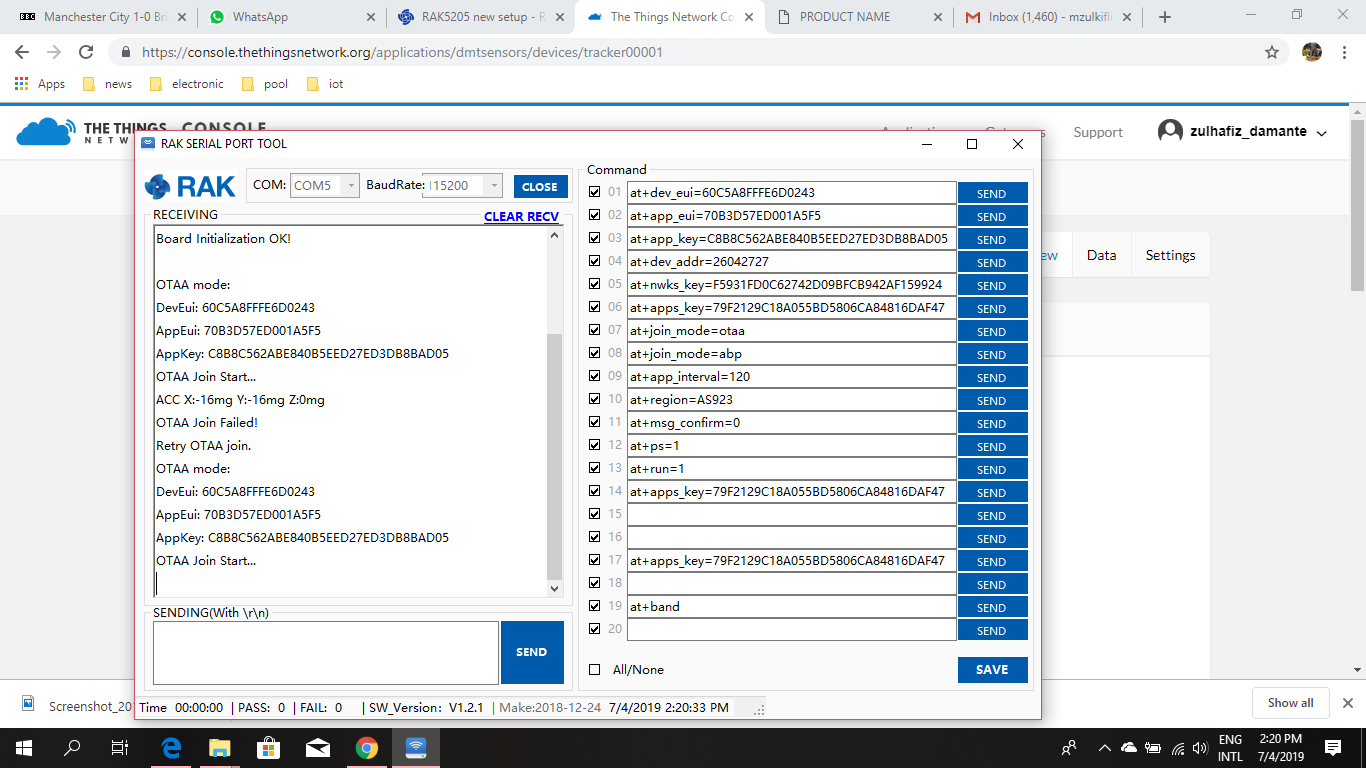
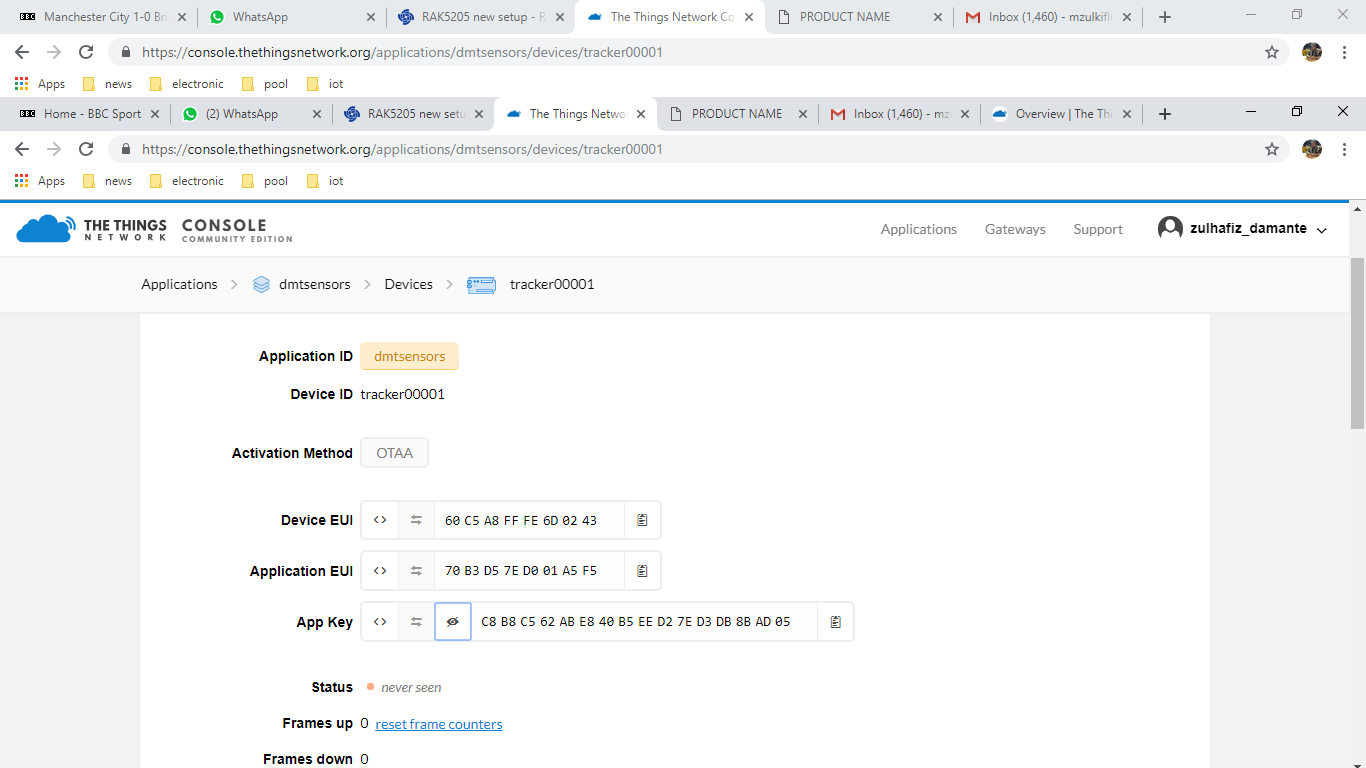
In few words , you have to create application in TTN. Then register device under this application. TTN will generate Device EUI, Application EUI and App key. After that you have to connect RAK5205 with RAK serial port tool and config this keys with AT commands. Don’t forget to set the proper region config depending on your location.
Regards
I played around with the Serial tool and send a few commands. It just doesn’t give OK response. However shaking the device will give Accelerator data x,y,z. Is this normal?
After a few time of pulling the usb out/in it now seem to giving back data that I have set earlier. And it did try to OTAA join start but fail. What could be the possible reason.?
Please double check that the keys given in the serial tool are the same in the ttn. Keep in mind that configurable parameters must be set after the device initialize and before start joining. Pls give screens from serial tool and ttn device page so we can help you better.
Regards.
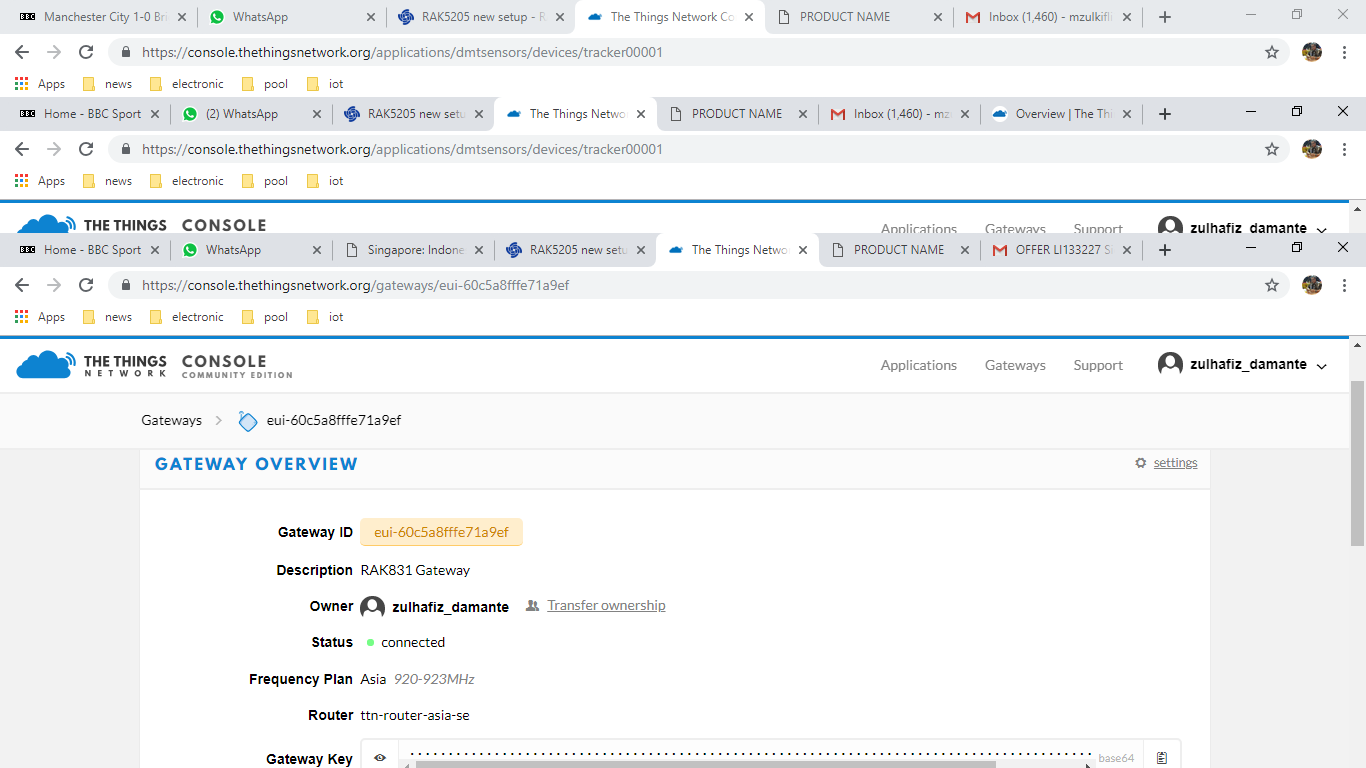
Did you set up the correct frequency plan for the gateway ?
The node EUI and Key setup seems ok, it should be working? Interesting, we might need more information. @velev care to make a suggestion as to what might be going wrong?
Hi @zulkifli1962
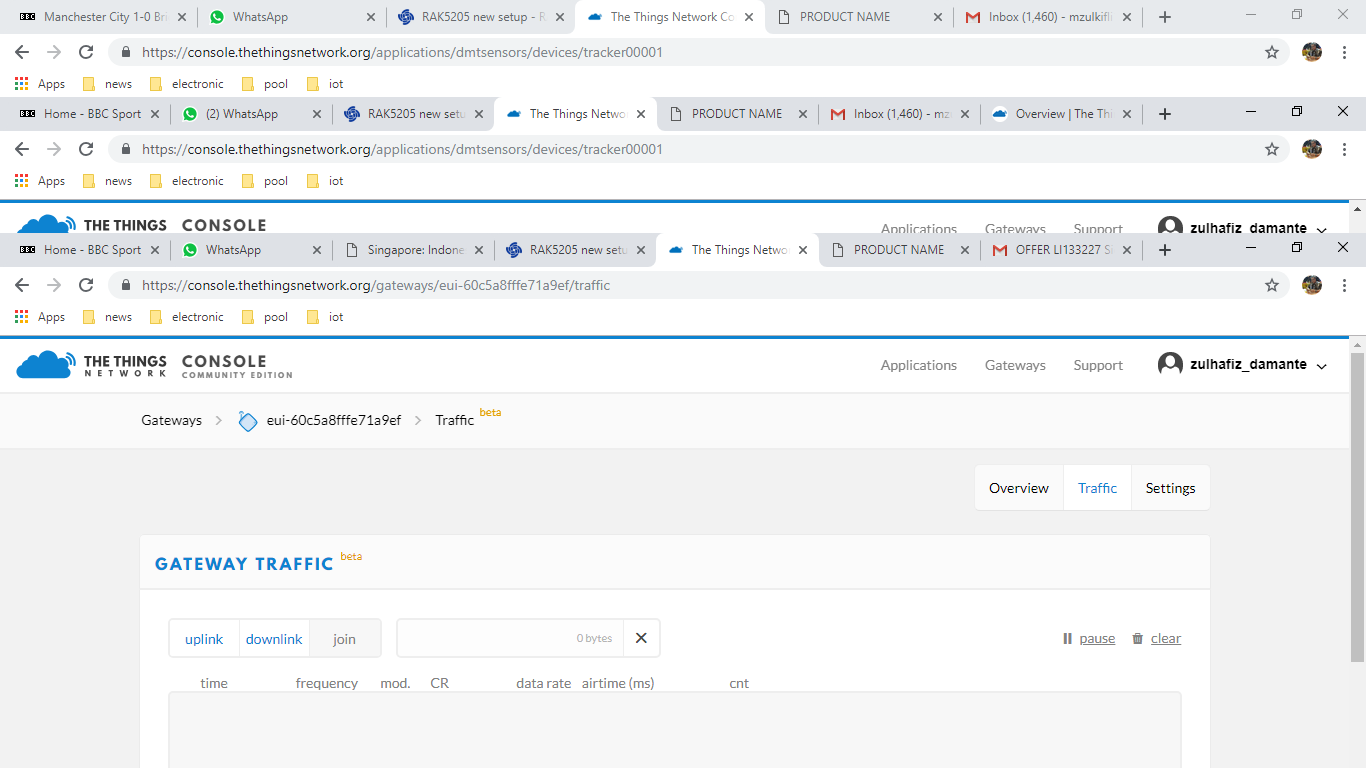
Sorry for the question but are you sure that your gateway is up and running? Pls give screenshots from gateway raw data (traffic) from ttn so we can see the join packets from 5205. Or better raw data from the gateway itself .
Regards
ps do you have another LoRa device using the gateway?
Hi All, I am still stuck. Has it got to do with the firmware as it mention its for V2.x.1.8:Modify the format of the sent data to LPP for cayenne. Just asking.
What do you mean only one device. Is it the RAK811 or another one. Is there a join request in the raw data in the Gateway tab in TTN?
The payload shouldn’t matter for TTN as it should receive it now matter what. The gateway will receive the data as long as there is a node sending it.
Do you see the quin request in the gateway traffic or there is simply nothing ?
Any chance you forgot to set he band of the RAK5205 to 923MHz:
at+region=AS923
It is probably something very small we are missing we just have to find it
Hi Hobo,
Its RAK811 only connecting to the gateway. Yes there is a JOIN tab at at the gateway traffic folder. Nothing happened when I press the JOIN tab. There is simply nothing at the gate traffic. I have already set to AS923.
As for now I am still lurking around for a possible mistake that I could have made.