I bought a couple of sets of RAK4631 + RAK19010 + RAK5802 and I can say that they are working unreliably.
When I look at posts in this forum I can see that this is a repeated problem, for example:
The common denominator is that when a RAK5802 is connected to a RAK190XX board the RS485 sometimes work and sometimes it doesn’t.
To make it work I need to physically press with my fingers the area above the connector on the RAK5802.
This issue can be easily tested and reproduced using 2 sets of RAK4631 + RAK19010 + RAK5802.
Simply connect them together as the getting started page suggests and run RS485 sender example on one and RS485 receiver on the other.
It might work right away and if so, wait a couple of hours. It never keeps working over night.
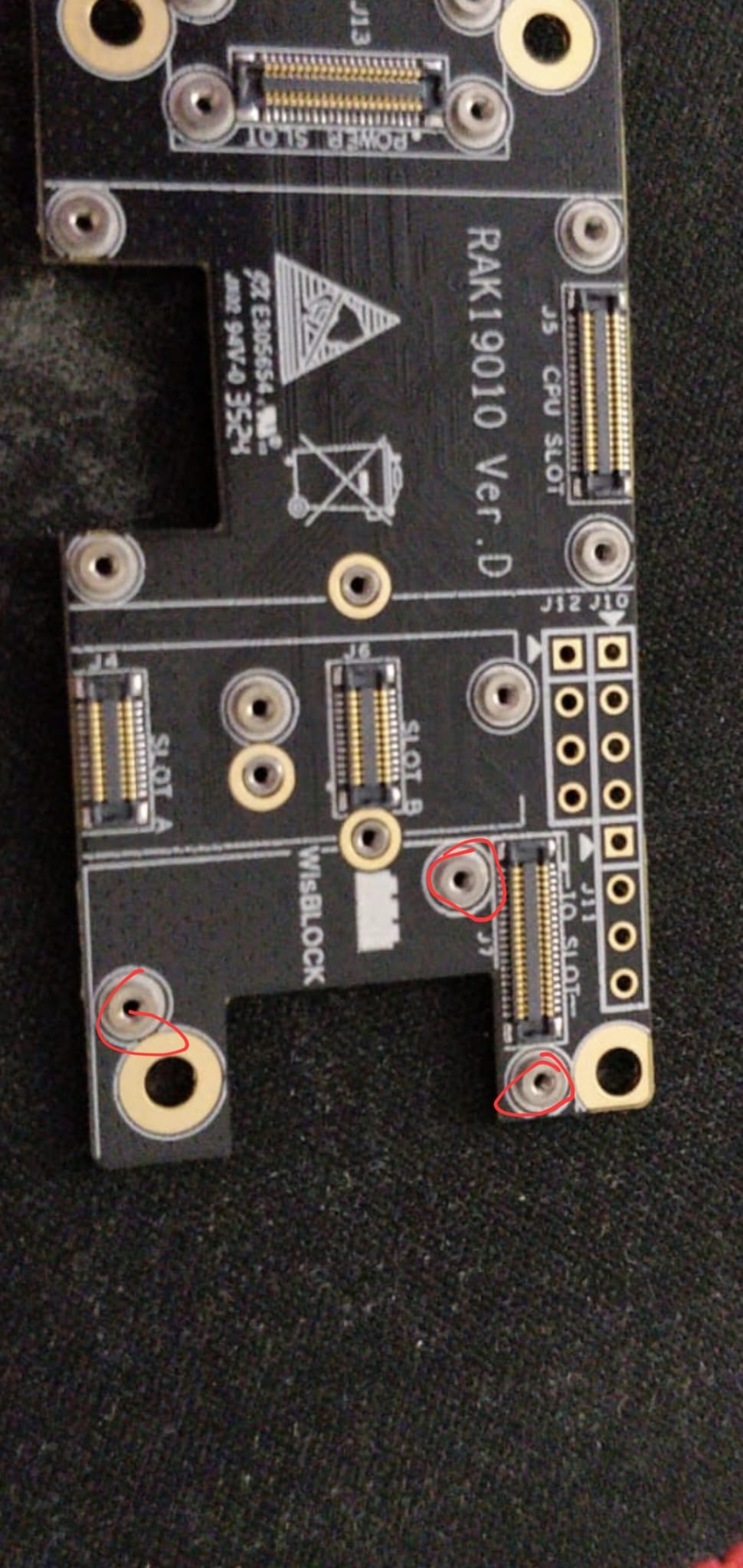
This is a serious issue for me and I can’t really tell if it is a problem on the RAK19010 IO connector side or the RAK5802 connector side. Maybe the problem is with the raisers for the screws near the RAK19010 IO connector ?
Like I said, posts on this forum prove this is a repeated problem withe RAK19010 + RAK5802.
Why is it working with older main boards ? (RAK5005)
Does it work with other main boards that support power modules ? (if so I will need to switch main board)
Maybe they are a few microns too high ?
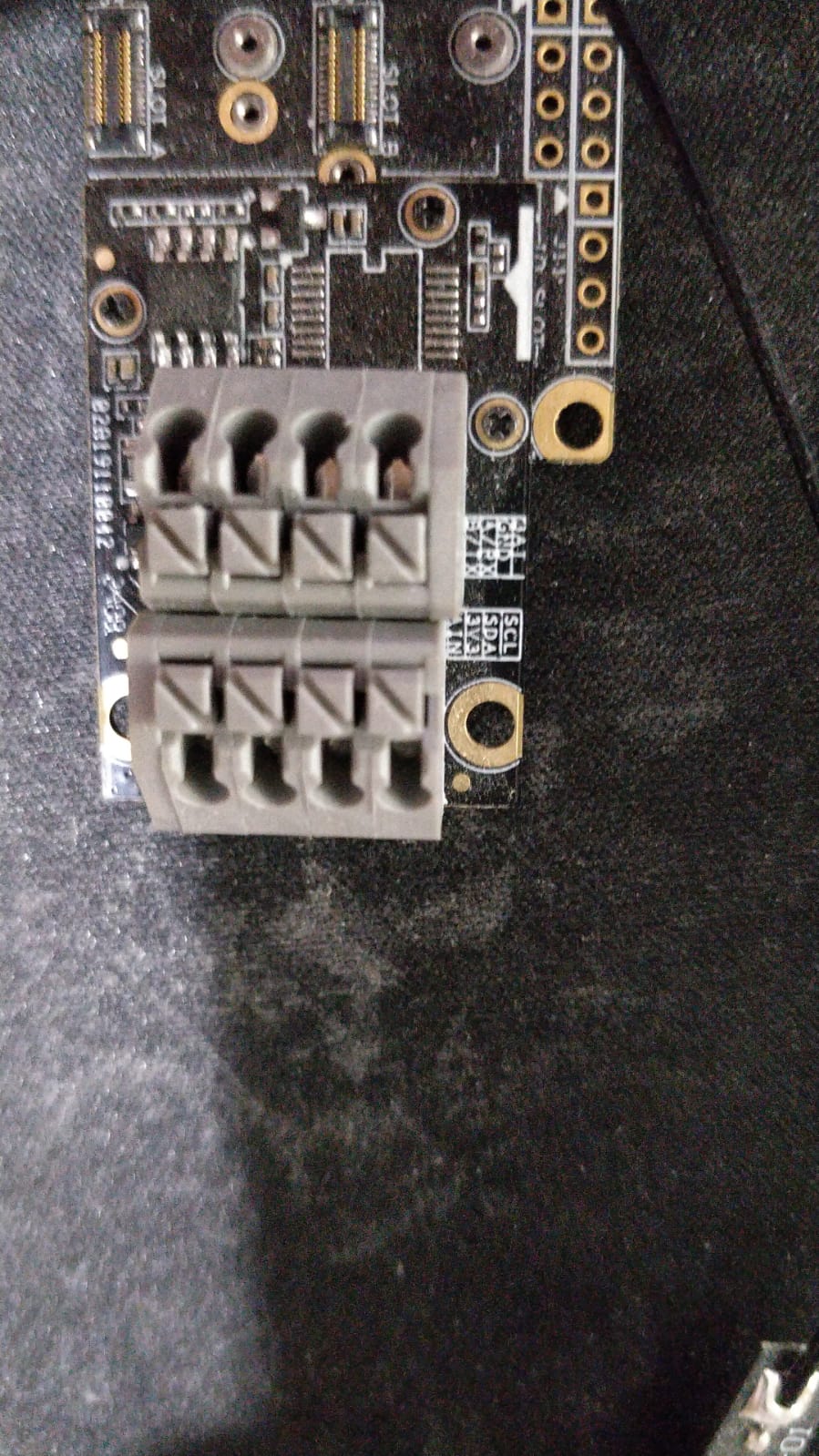
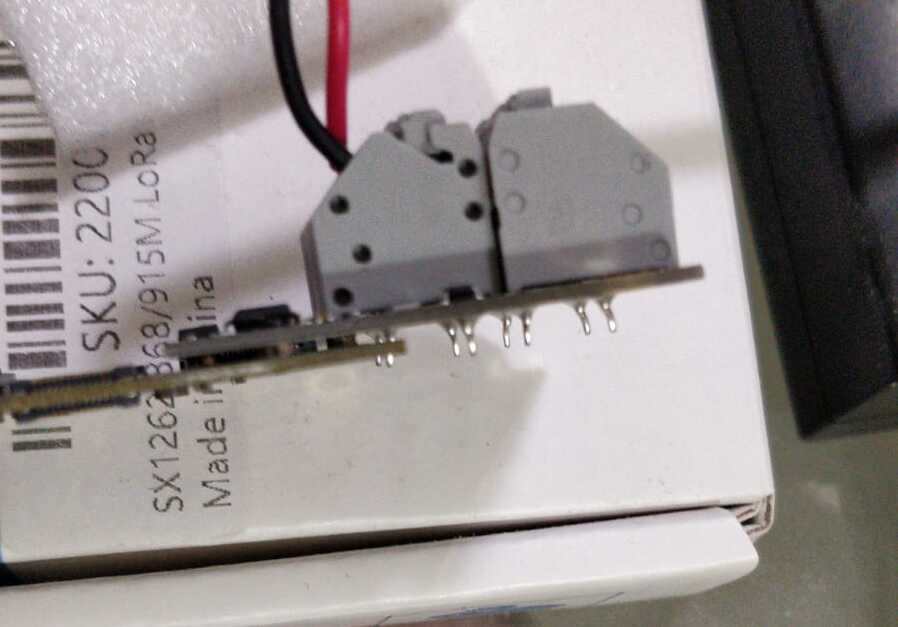
When I press the RAK5802 above this connector with my finger it seems to work. As if there is a connector problem.
I ordered 1 set of RAK4631 + RAK19010 + RAK5802 4 months ago and 6 sets a few weeks ago.
All show the same behavior.
The first time I thought it is a fluke, but now I start to believe (after browsing through the forum) that it is a shared problem that others experience as well.
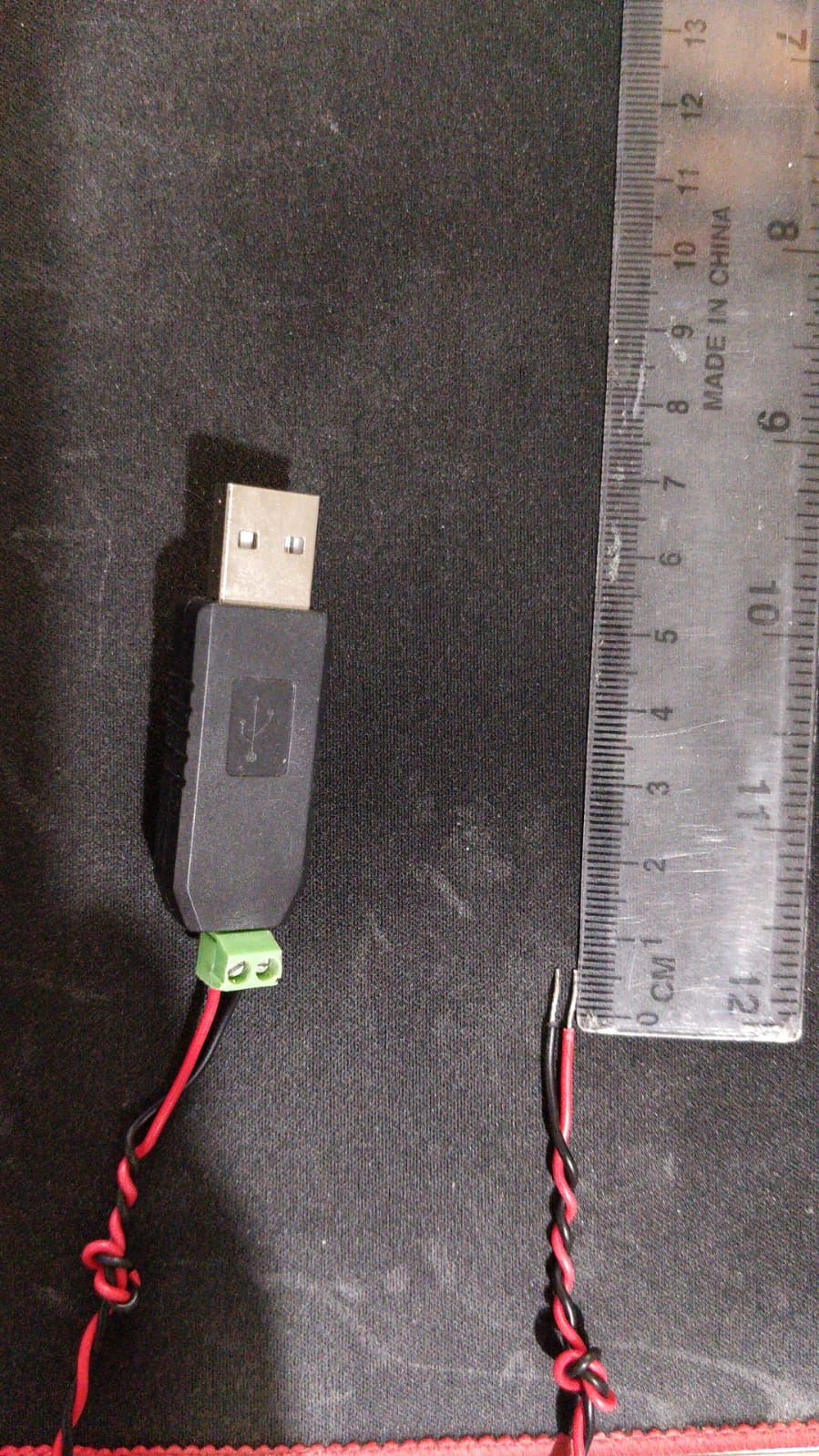
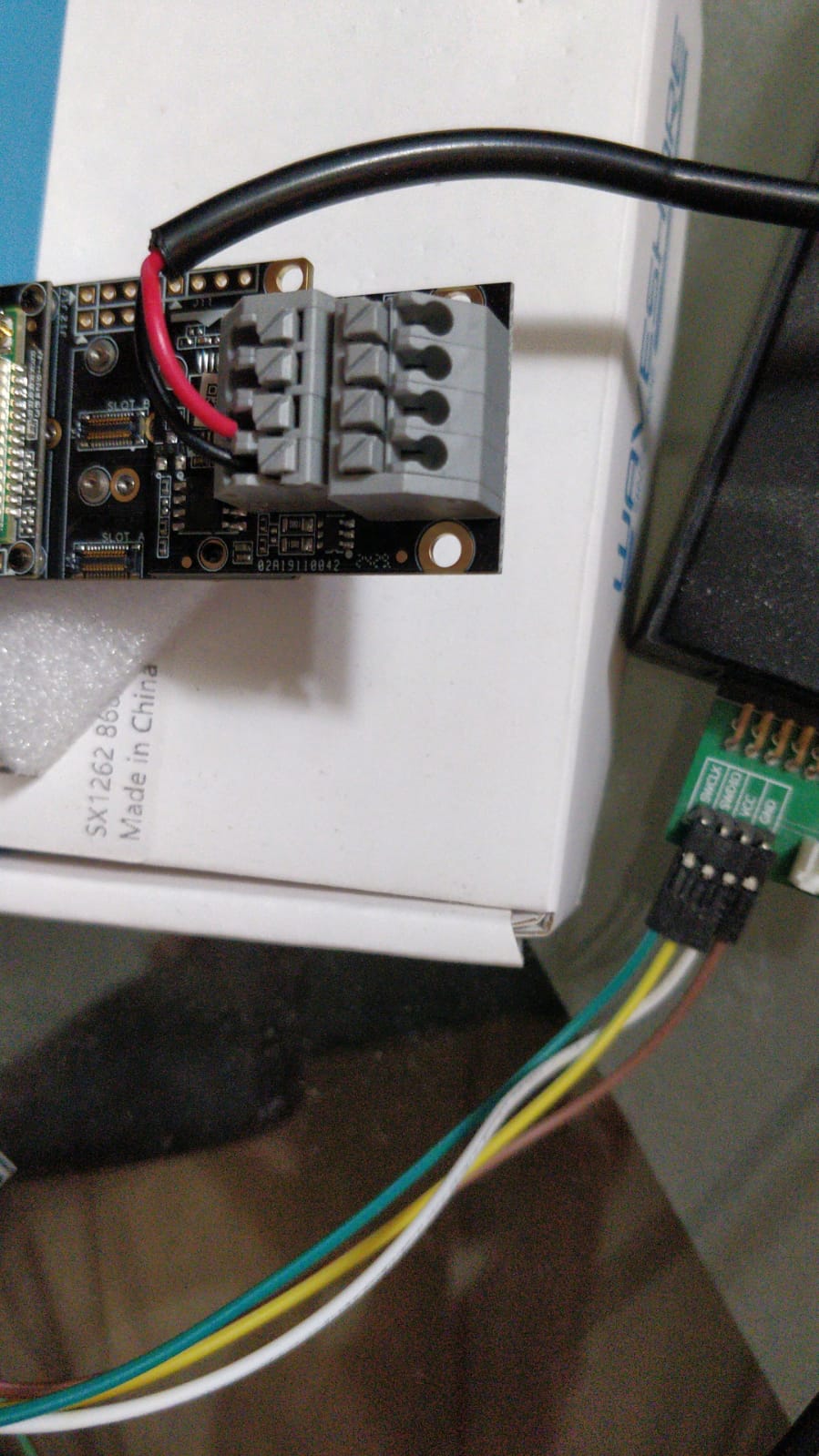
Did you double check that the wires are placed well in the connector.
Personally I don’t like this “fast-connect” solution.
Make sure the wire insulation is removed long enough (~ 10mm) and the wires are complete inside the connector.
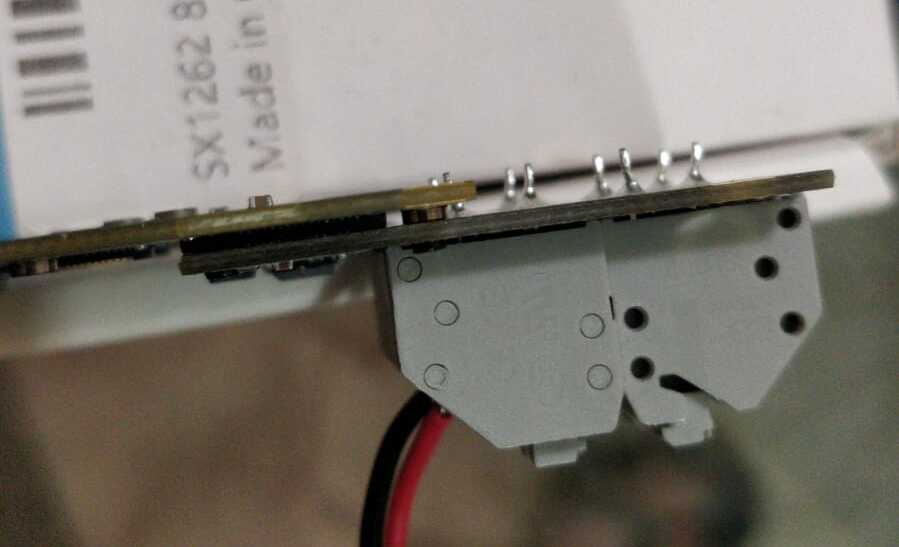
Can you take a close picture of the connector on the bottom of the module (the one that goes into the Base Board).
There is no gap between the RAK5802 board and the RAK19010 board … the connectors are connected as good as possible (I mean as little gap as the screw raisers and connectors force us to have).