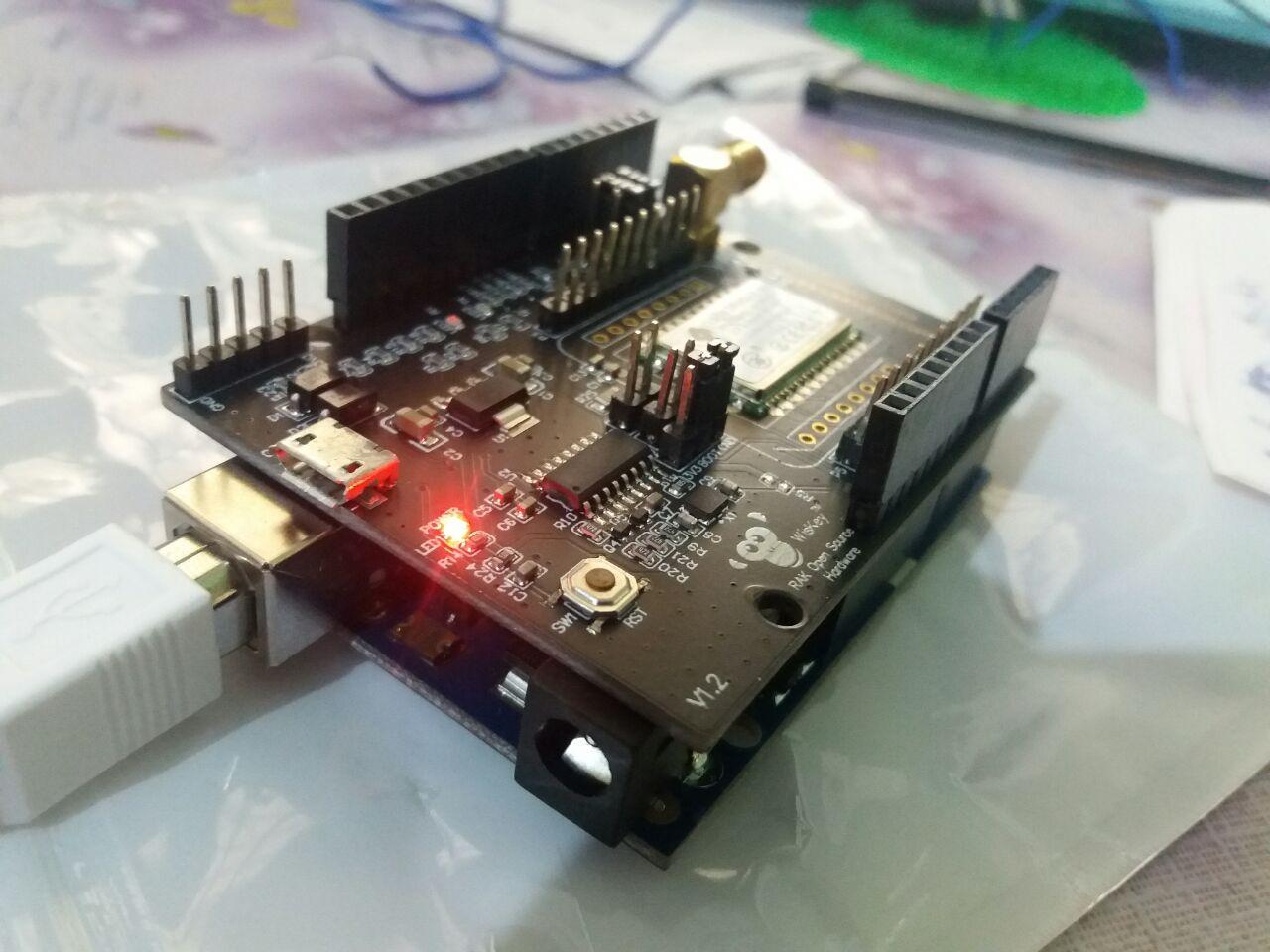
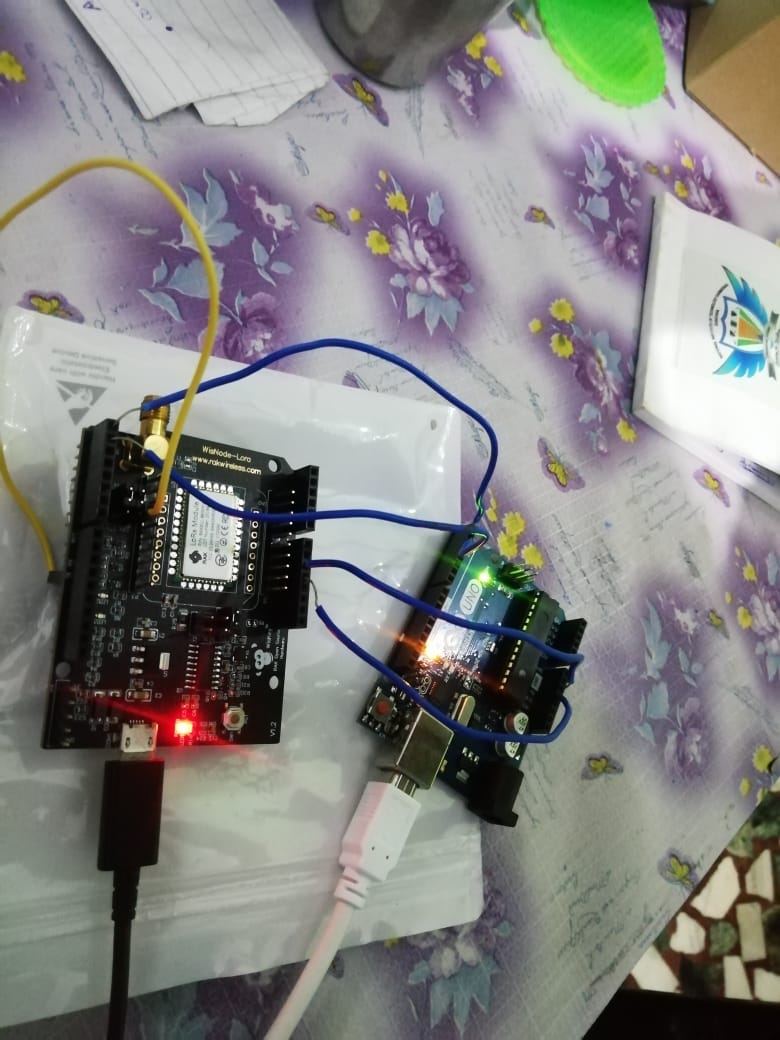
I’m using RAK811 module connected to a host microcontroller via AT commands.
PA9/USART1_TX(PIN 6) and PA10/USART1_RX(PIN 10)
My host microcontroller is capable to send AT commands maximum at 9600bps.
In earlier version V2.0.3.4, I have changed baud rate to 9600bps by this command and worked.
at+uart=9600,8,0,0,0
Now upgraded to the latest version V3.0.0.11.H
I want to change baud rate to 9600bps again for the host microcontroller is able to send LORA AT commands (e.g. Join, Send, Sleep…)
I have tried that command for the latest version;
at+set_config=device:uart:1:9600
and the response is;
OK,The UART1 baud rate switch to 3.
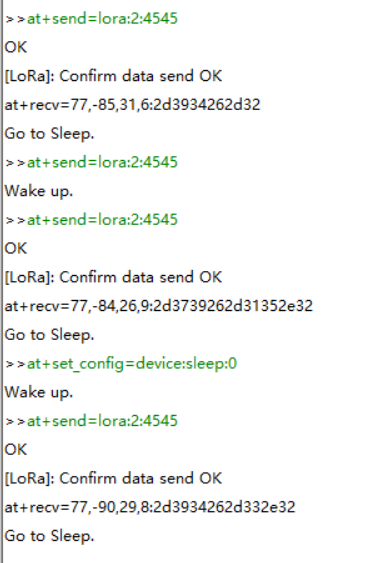
From my microcontroller or when test PC-USB on the Wisnode Lora Module, I can not send LORA AT commands at 9600bps.
Then I tried also that;
at+set_config=device:uart_mode:1:0
and the response is;
Current AT uart work mode:normal mode
But It doesn’t work at 9600bps, but it still works at 115200bps.
What should I do ?
Hi, @Fomi
My custom microcontroller board has a firmware update connector for RAK811 smd module.
After firmware updated, I want uart at 9600bps configurated as well to be save non-volatile on RAK811.
My host can never send to uart at 115200bps for runtime configuration.
Yes, I want to use V3.0.0.11.H default at 9600bps and What should I do ?
Thank you
I think the UART you are using may work in passthrough mode now.
You can use “+++” to change the UART to work in configuration mode firstly, and try again.
First "at+band=0 " is illegal instruction.
Don’t use Arduino board, directly connect to WisNode with micro USB, send instructions to see if there is a response.If no response,maybe you need modify uart mode to normal mode in @Fomi way.
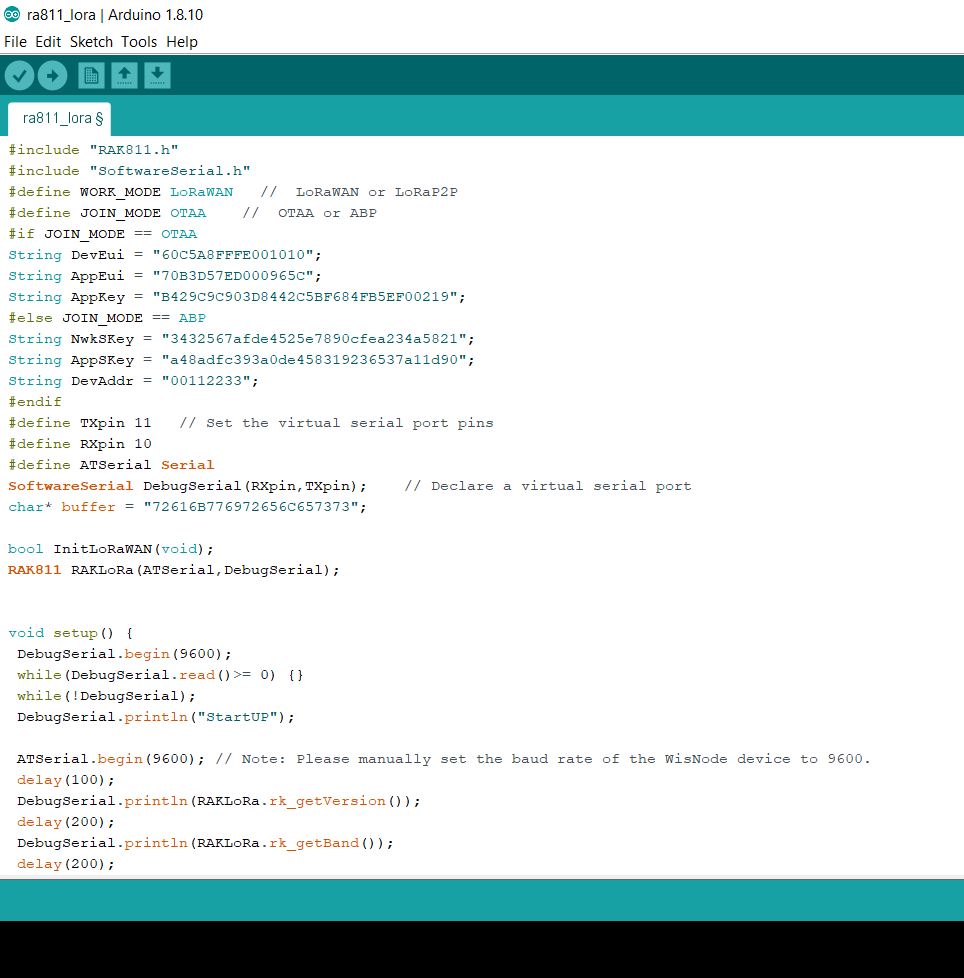
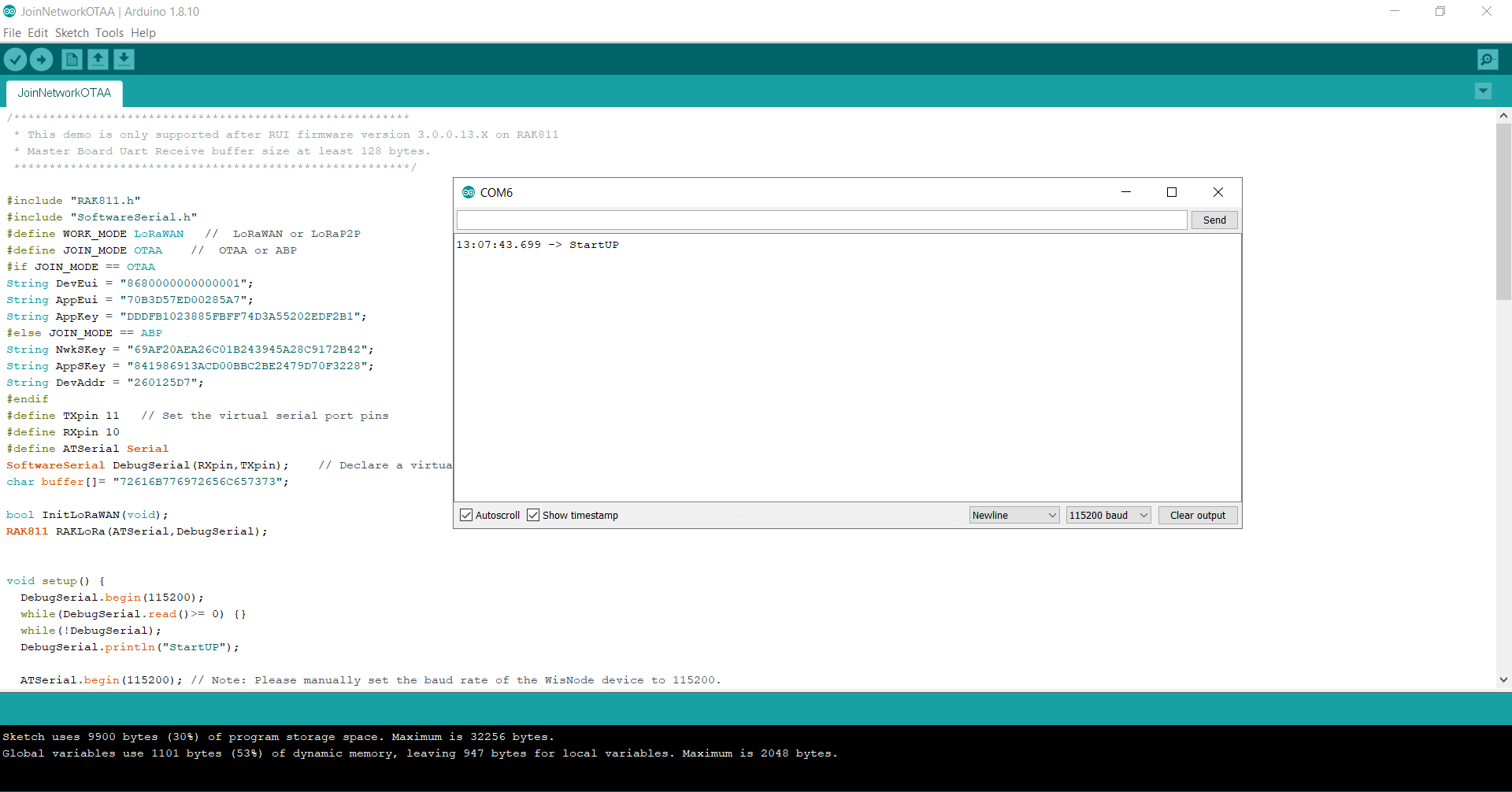
If it is normal with micro USB directly,I guess you maybe use USB of Arduino board to monitor response,this method is wrong.You need use SoftwareSerial DebugSerial to monitor module .
i was able to make a connection by connecting wisnode directly to the computer and passing the commands. i saw the data that i send in the thingsnetwork
then i changed the jumpers (to connect with arduino) and i was not able to upload the code to arduino .
and im stuck here.
till now i tried all my experiments without removing any resistors from the wisnode board.
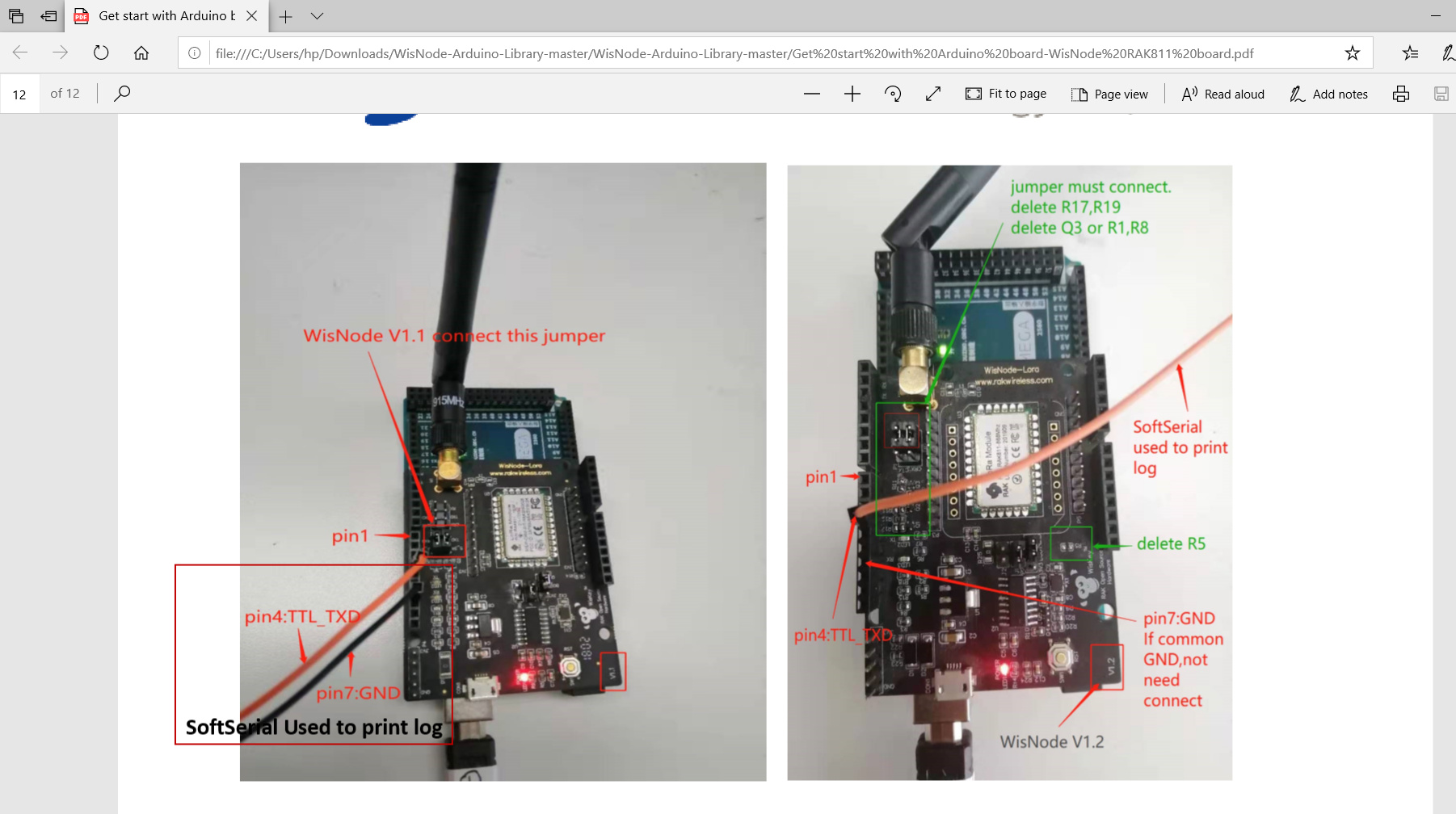
now im trying to connect wisnode directly over the arduino. so, for that which all components i should remove from the wisnode board.
i different instructions it says different components.